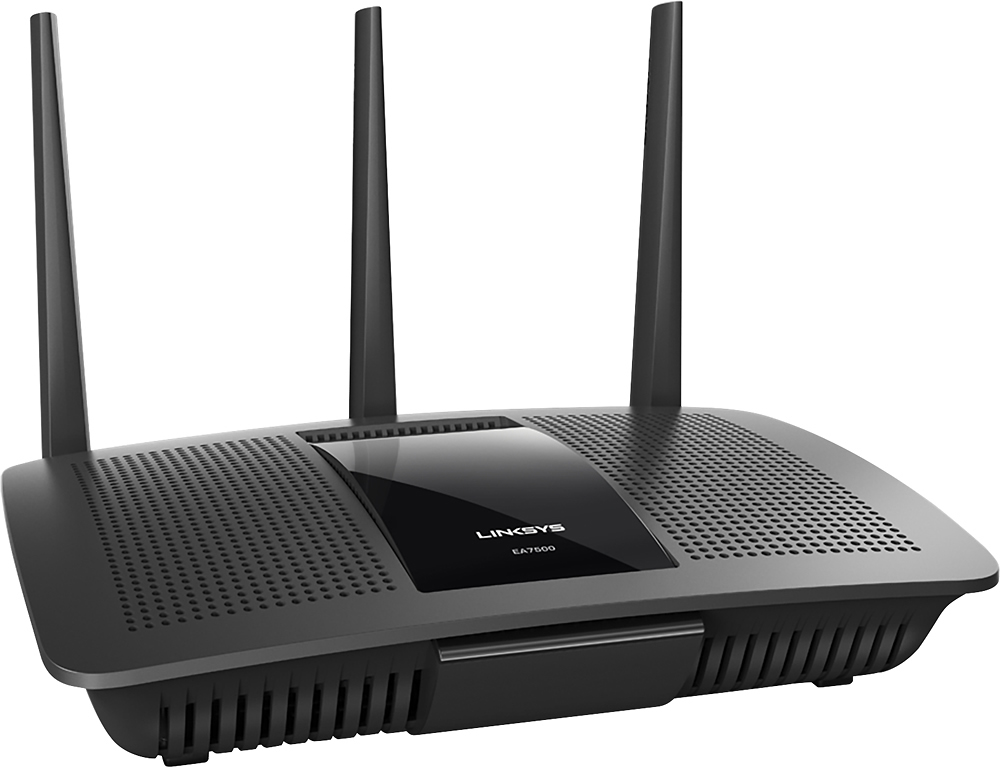
A:AnswerYou should and also if you set up the device prioritization within the router your smart tv and Firestick should get priority over other devices using your Internet connection.
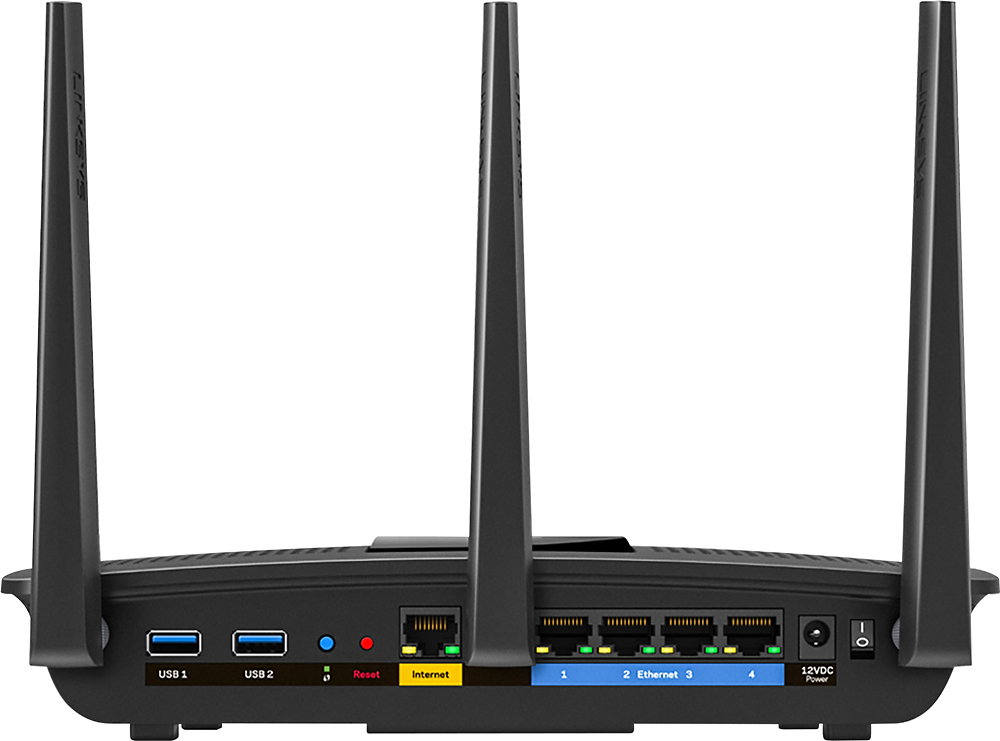
A:AnswerNo hardware switch for wifi, but it can be turned off in the web interface. You have to turn off both the 2.4 GHz and 5 GHz bands, and disable the guest network.
A:AnswerMine works, even without disabling the AT&T device. I have not gotten around to disablling it yet, but I will call them as the signal's power is split.
A:AnswerNo. All you need is an internet connection, which you will have with your Hughes Net. Once you follow instructions on hooking it up and power it up, it will connect to the internet for the final setup. During this process, it will ask you questions on how you want it configured such as WiFi name, password, etc. It then finishes the installation process and after that you are good to go.
A:AnswerYou should be able to. I did this with a new Time Warner modem that came with wireless. You can often navigate to your modem's setup by pointing your browser to 192.168.0.1
A:AnswerAll Linksys literature only says "dual-core." However, according to some other trustworthy sites, it is a dual-core 1.4 GHz Qualcomm processor.
A:AnswerThis router can be set up as a wireless bridge or wireless repeater. No way to say with certainty that it would connect to your phone's hotspot, since you provide no details regarding your phone, but I can say that I have seen no reason this router would not be able to do so.
A:AnswerHi, ladieraven. It is best that you get in touch with our Support Team at [email protected] so that your challenges with the Linksys EA6400 router will be addressed accordingly.