A:AnswerHi Rickyweed. The Linksys MR8300 router is designed to last long. For more details about this device, you can check this link: https://www.linksys.com/us/wireless-routers/mesh-routers/linksys-mr8300-mesh-wifi-router-ac2200-mu-mimo/p/p-mr8300/.
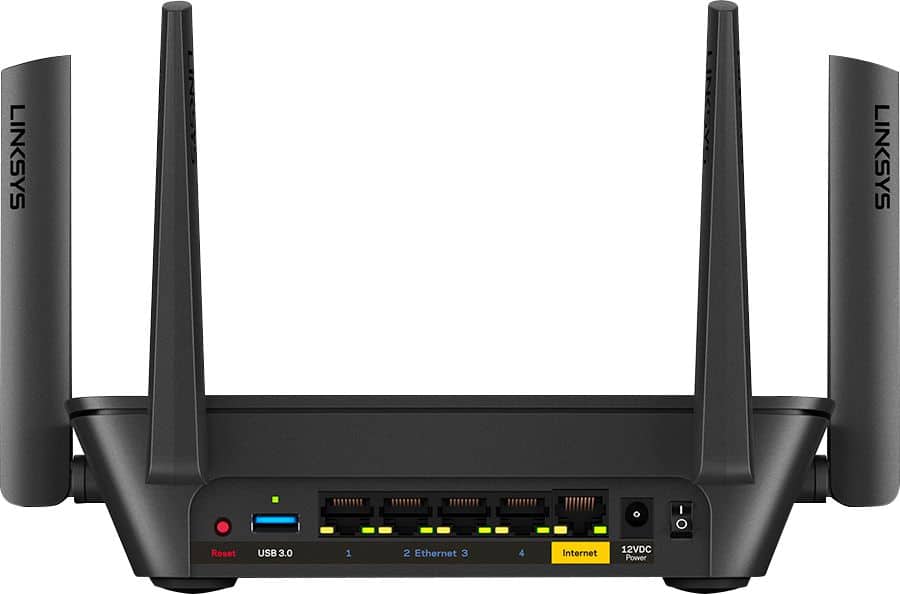
A:AnswerHi AmyM. The Linksys MR8300 needs to be connected to a modem from an Internet Service Provider, for it to work. It does not have a SIM card slot.
A:AnswerHi there. The Linksys MR8300 Mesh WiFi Router is compatible with major ISPs including Spectrum. You can keep the Spectrum modem and install the Linksys MR8300 as your primary router.
A:AnswerHi, Butterfly. Our routers are designed to work with most cable ISPs so long as their modems offer Ethernet connection. You may need to have a modem first as a requirement.
A:AnswerHi, BJ. Our routers are designed to work with most cable ISPs as long as there modems offer Ethernet connections. Please get in touch at [email protected] for more details.
A:AnswerYes - it should be no problem. This is exactly what we did along with purchasing a modem to replace the Comcast tower unit which combines the router and modem. No issues at all to set up and nice to be saving the monthly fee for renting. Btw - I have found better coverage across house than we had before as well.
A:AnswerI also bought it to use with Verizon internet and when I spoke with the Best Buy representative he said it will work with Verizon but my requirement was 300 MG speed and he said it will work with this speed but I’m not sure about yours.