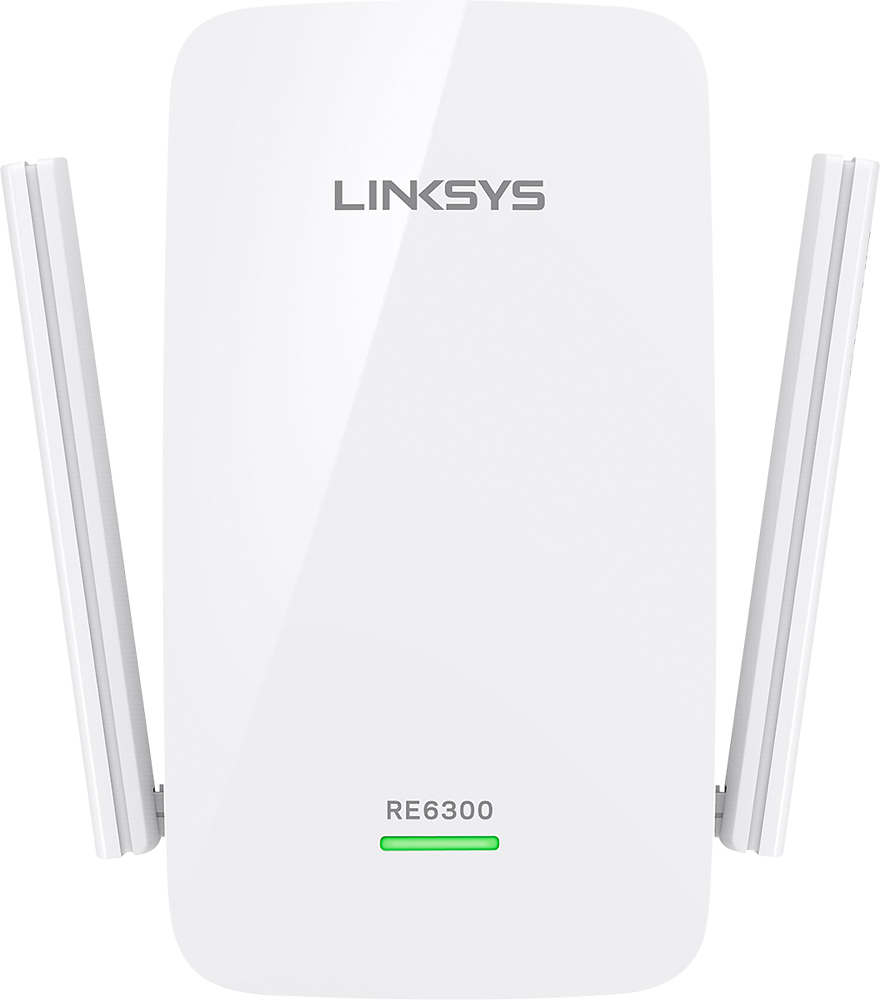
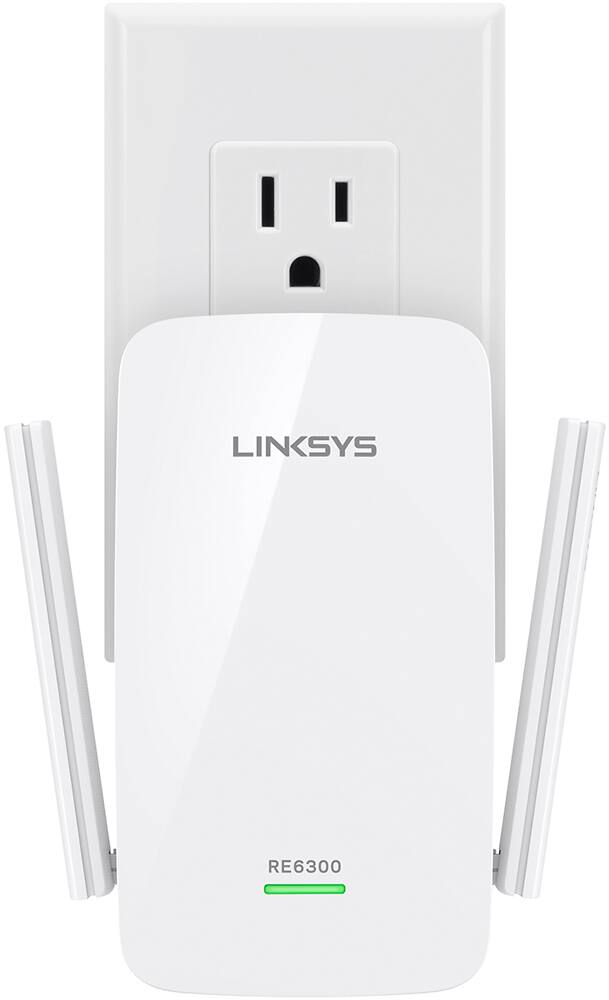
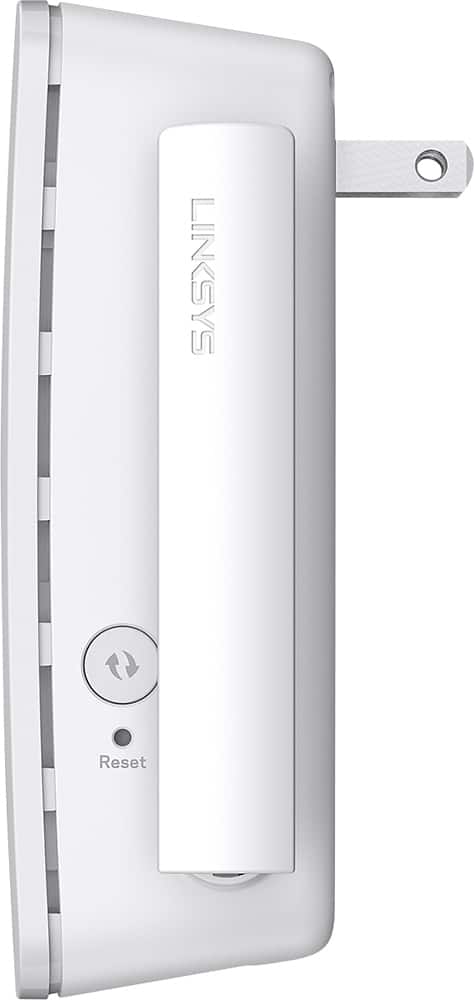
A:AnswerIt repeats the signal and extends the router it is attached to via Wi-Fi. If you can do a or b with old routers, than yes. It will allow you to do it. Ie watch movies. Play games. Surf the internet.
A:AnswerHi, Candice. The Linksys RE6300 Range Extender has an operating temperature of 32 to 104° F (0 to 40°C). We recommend placing the extender in an area with better ventilation to cool down the extender. Should you need assistance, you can reach out to us at LinksysCares@linksys.com with the link to this post for our reference.
A:AnswerHi. Depending on the distance of the far room and the thickness of the walls. The Linksys RE6300 range extender can extend your existing WiFi coverage up to up to 6,500 sq. ft, eliminating dead zones.
A:AnswerHi, Novice. The Linksys RE6300 Range Extender can extend the range of any wireless router up to 6,500 sq. ft., including your service provider's router.
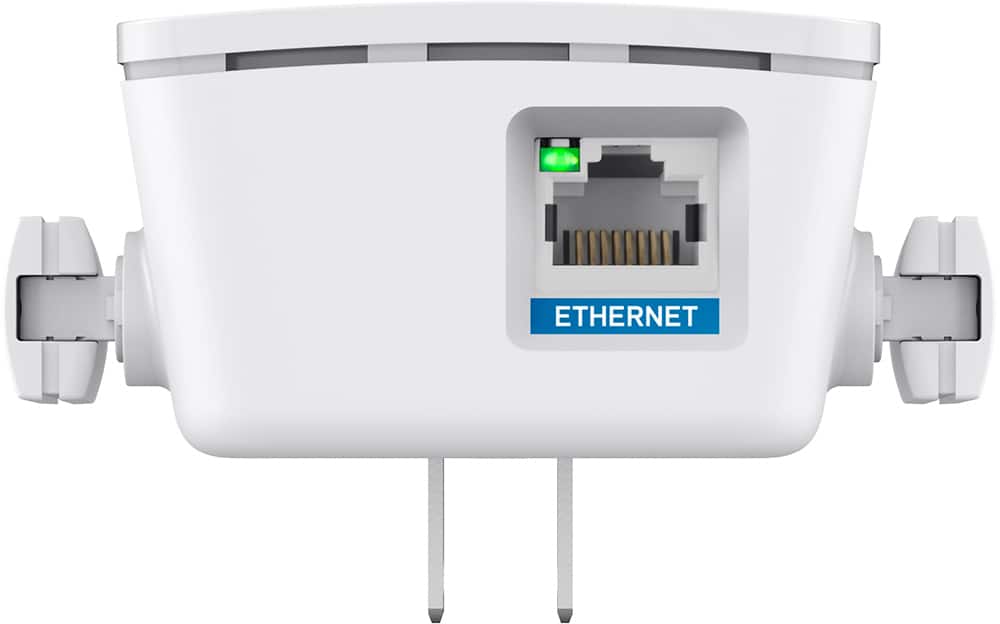
A:AnswerHi, Trey. You can follow these steps to setup the extender via Ethernet: https://www.linksys.com/us/support-article?articleNum=187985
Feel free to drop us a question at LinksysCares@linksys.com if needed.
A:AnswerYes, Steph. The Linksys RE6300 range extender should be the perfect solution of your network requirements as this is a plug-in device that can easily increase the range of your home WiFi. For more details, please click here, https://www.linksys.com/us/support-article?articleNum=178005.
A:AnswerHi, thomas. It may work with a power strip, thus we must make sure that it meets the power requirement which is 100V to 240V, 0.5A, 50/60 Hz (Power Supply Rating, internal AC / DC).
A:AnswerHi dschwartz7. The Linksys Range Extender RE6300 may work, as long as you have an active Wi-Fi connection, and the SSID and password of your Wi-Fi device.
A:AnswerYes this booster unit will have your wifi name i.e. HOME-8501 but it will be a separate listing i.e. HOME-8501.ext. You need to change your automatic wifi selection to HOME-8501.ext in order to connect to the extender. At first I was going to return the extender as I was only getting 1 bar wifi strength indication. Once I changed over to the .ext setting I was getting 5 bars.