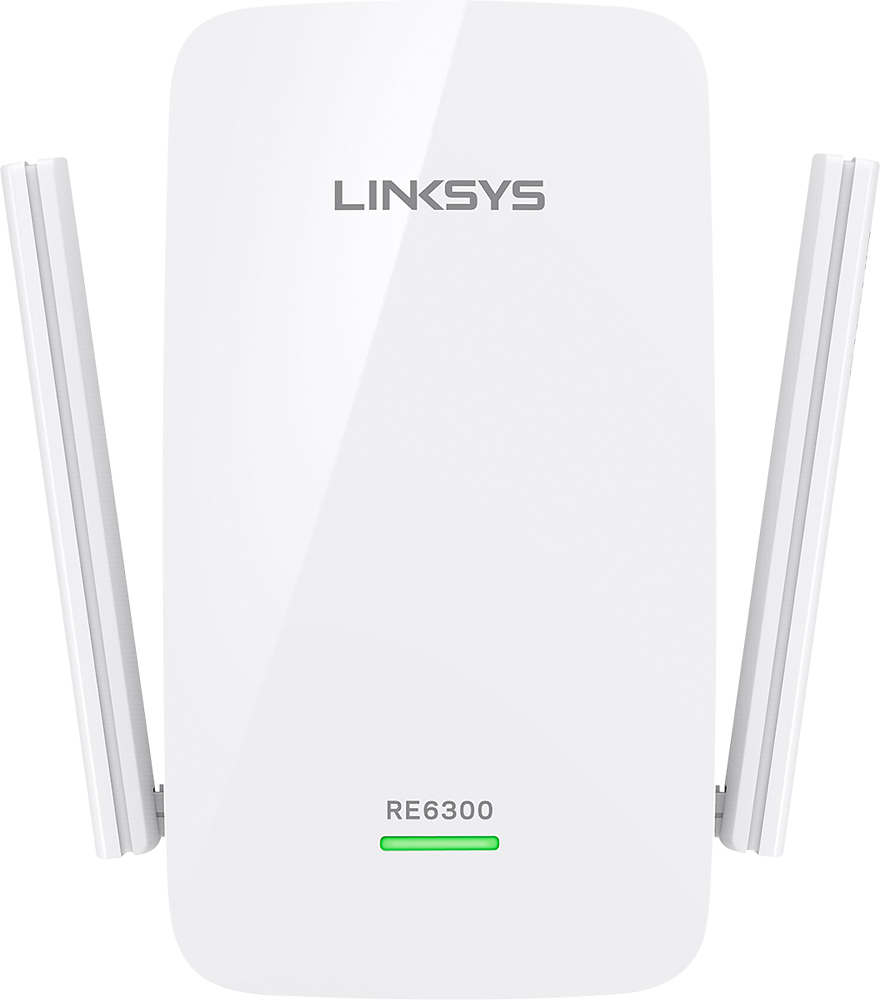
A:AnswerHi, suzyq. You can follow the instructions on this link to properly position the antennas of the Linksys extender: https://www.linksys.com/us/support-article/?articleNum=156249.
A:AnswerHi, Sadie. For us to better sort things out and assist accordingly your inquiries, email us at LinksysCares@linksys.com along with your contact details and the link to this post for reference.
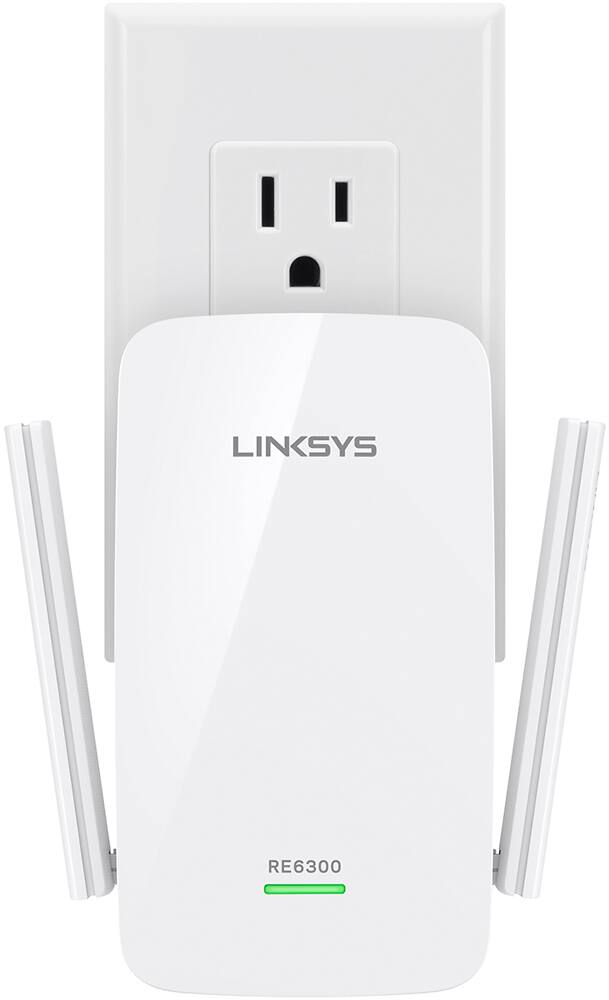
A:AnswerIf you need additional coverage, Maria, then this extender will surely help. You can place it halfway between the router and the area that you want to cover, just make sure that it gets at least 3 WiFi bars from the router.
A:Answer1. Reset if you already got connected and follow the instructions which came with box.
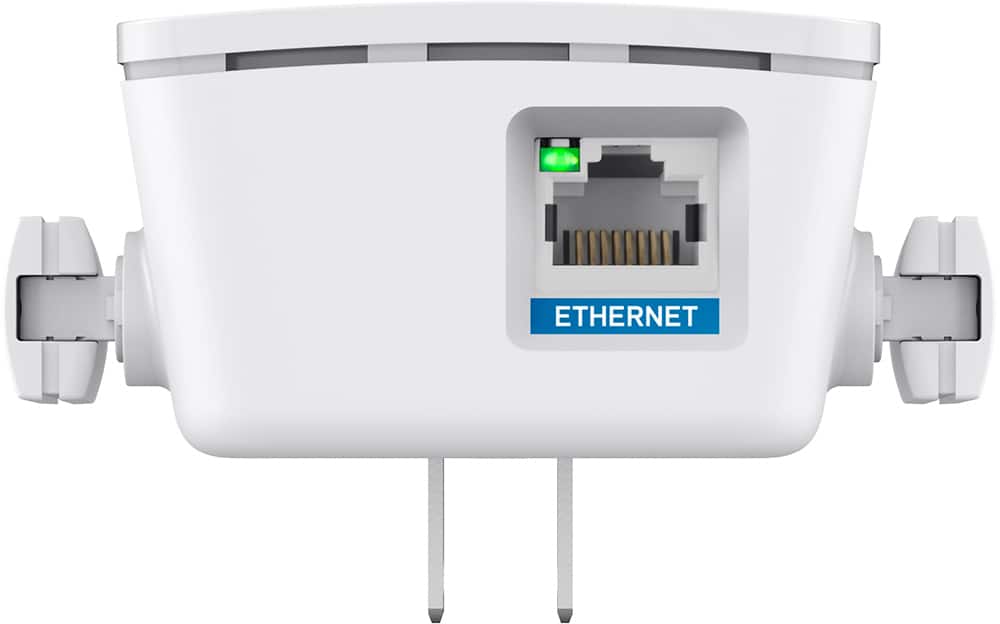
2. if connecting as new setup, try connecting with ethernet cable. You should be able to see its name in wifi networks and then follow instructions
4. Last option is to call customer service.
A:AnswerSo this extends the current wi fi in the spot. I have the router/modem, and this device adds to that, linking halfway in between the far and the router. IF you have a wifi, this should work.
A:AnswerYes it does. Only thing I do recommend is periodically unplugging and replugging. It helps clear the cache of memory stored on the device. Gaming is very heavy on data download. But works great.
A:AnswerHi, Mike775. As long as the range extender is placed on a spot where there are less physical obstructions and gets an optimal signal from the main network, it should work fine in the kennel building.
A:AnswerHi, daviaa10. For better assistance and recommendations, please drop us an email at LinksysCares@linksys.com with your contact details and the link to this post for our reference. Let's continue from there.
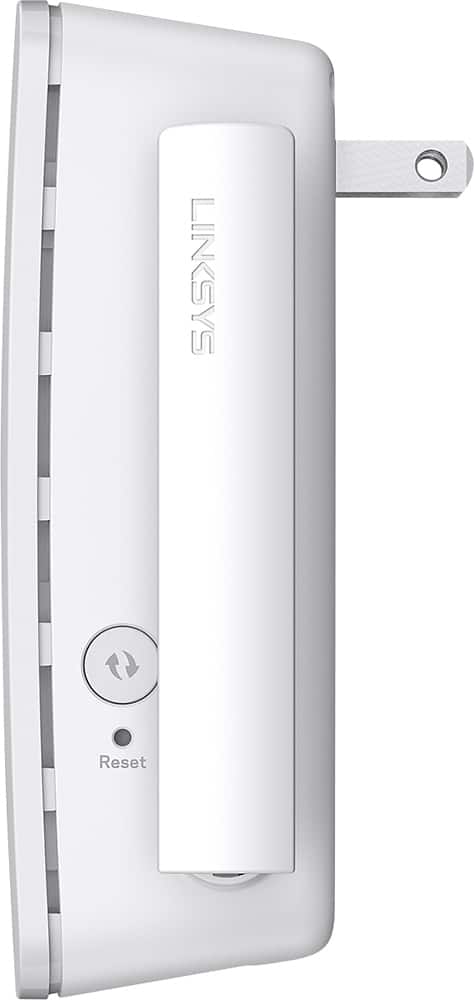
A:AnswerHi there. To reset the Linksys RE6300, press and hold its Reset button for 10 seconds. Once done, you can then reconfigure it with your new router's settings.