A:AnswerIt will only boost the wifi coming from your router. It may help because it is taking some devices off the router. Only way to increase the speed is with a wifi access point. It provides its own wifi instead of boosting the existing wifi
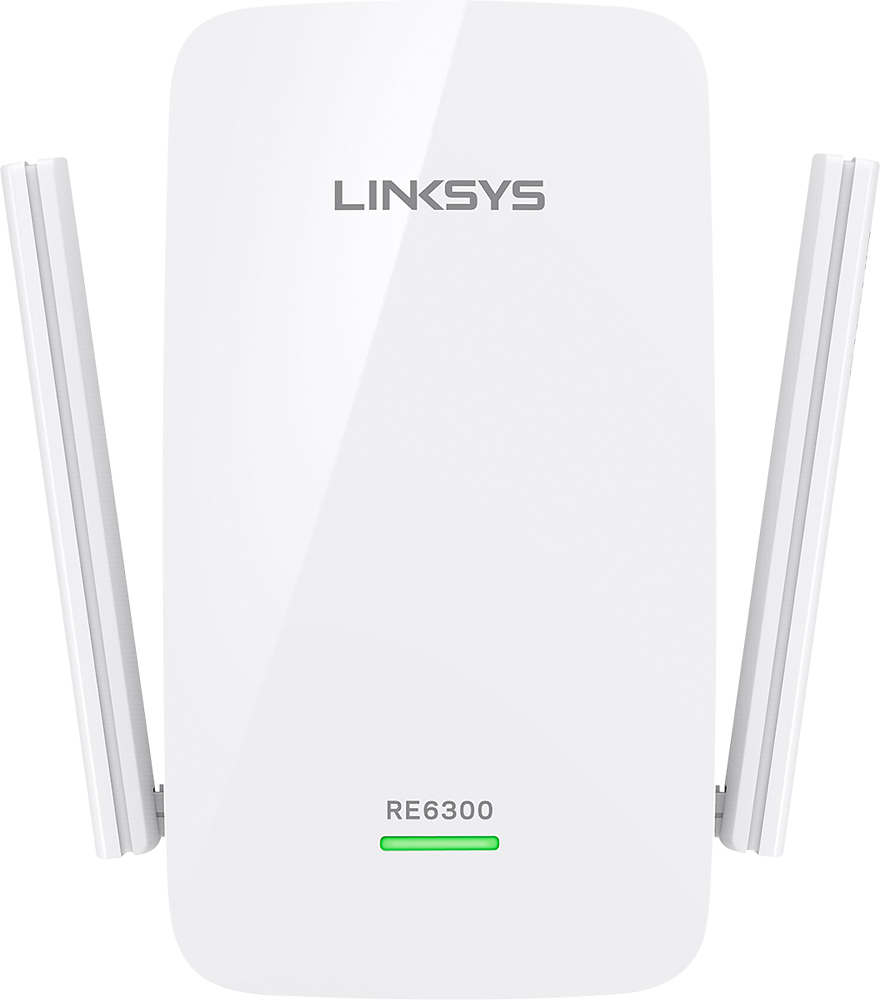
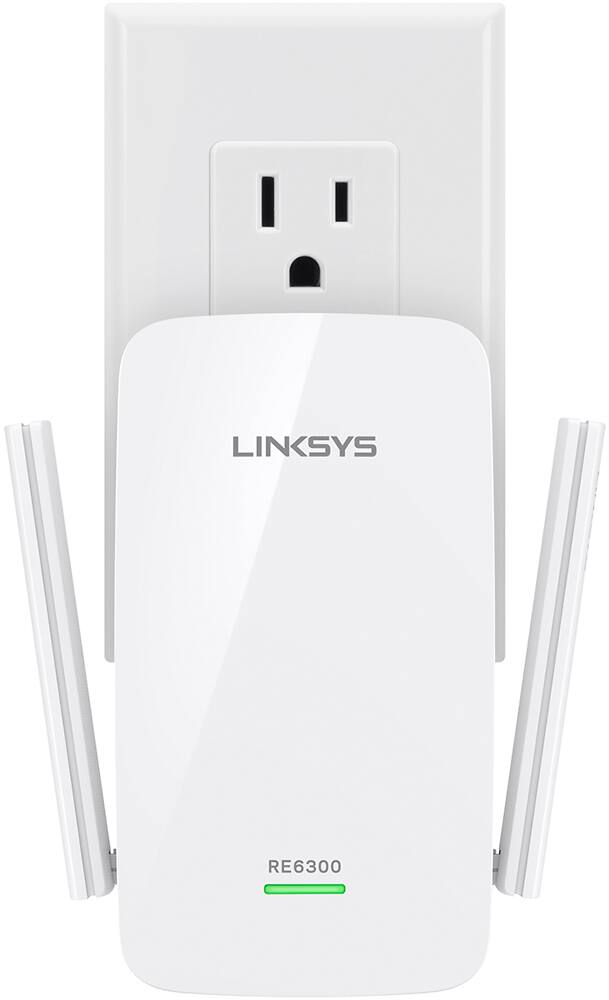
A:AnswerHi, Stewie20121. The Linksys RE6300 features data transfer speeds up to N300 (2.4 GHz) + AC433 (5 GHz) Mbps and, eliminate dead zones and boost WiFi up to 6,500 Sq. Ft.
A:AnswerHi. We do not recommend connecting the range extender to another range extender. The RE6300 works best when connected to your main router.
Also, the range extender works best when placed between where you want to extend the signal and your main router to maximize its range.
A:AnswerHi, ray. You may check this link to learn more about the Linksys warranty: https://www.linksys.com/us/support-article?articleNum=135959. For further questions, feel free to reach out to us at LinksysCares@linksys.com with the link to this post for our reference.
A:AnswerHi, Rdaler. Adding a range extender on your network would be essential to optimize and expand the wireless coverage of your network. It will also eliminate dead spots at your home network.
A:AnswerHi, Diane. Acquiring a range extender will really help to boost the Wi-Fi signal on such poor connection area no matter what the router model is. As long as the router is equipped with the latest firmware, it should work fine with the RE6300 unit. Please reach out to us at LinksysCares@linksys.com so we can be of assistance or if you have further inquiries.
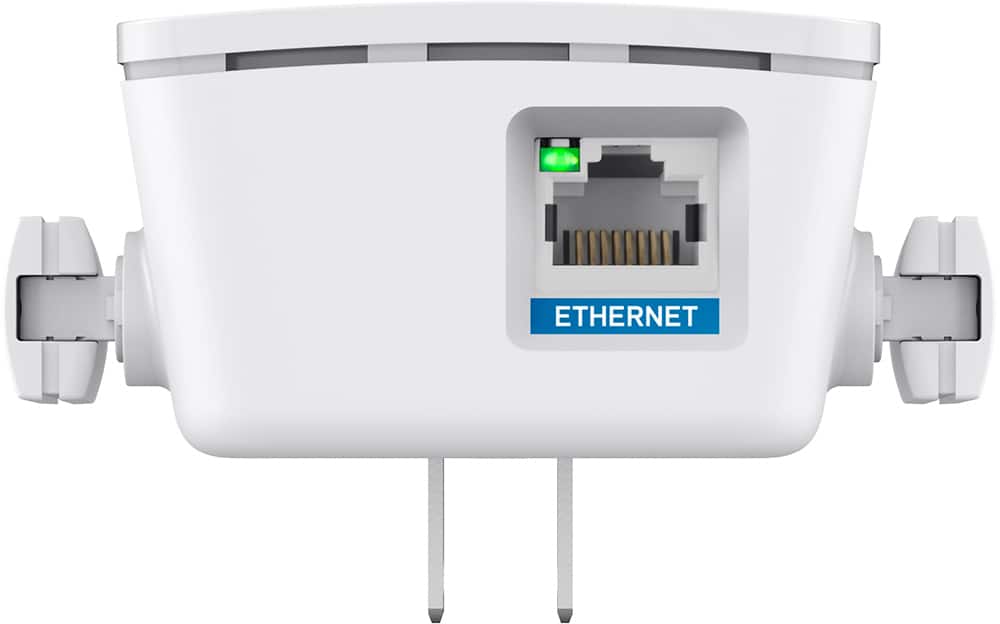
A:AnswerHi there. This Linksys device is intended to wirelessly connect and extend your home network. However, using a wired connection is also an option just in case if that is the most convenient way for you to set them up. Click here to know more: https://www.linksys.com/us/support-article?articleNum=178004.
A:AnswerYes, nikki. It should be fine as long as there’s an active WiFi network. However, you can fully utilize the extender if you’ll connect it to the router instead.