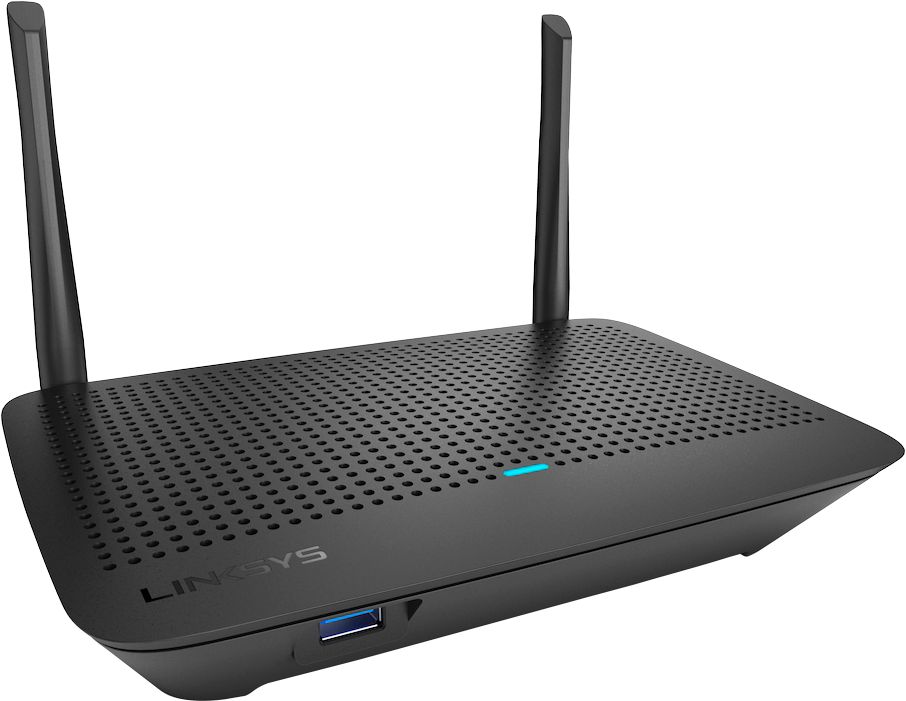
A:AnswerHi, star. You can separate the 2.4 and 5.0 GHz of the Linksys MR6350. However, this will defeat the Mesh technology feature. For more details, please get in touch at [email protected].
A:AnswerYes. The Linksys MR6350 is a Mesh router that allows you to use both 2.4 and 5.0 GHz simultaneously. Also, there are two ways to reset the router to factory defaults: hardware and software reset. For more details, please get in touch at [email protected].
A:AnswerThe answer is yes, but it depends.
It will work. Will it give you coverage through out the house? That depends. If the house is lath and plaster, probably not as there is too much metal in the walls for the signal to pass through. If it is newer construction with wall board, then probably, especially if you can place the router close to the center of the house. It will support 6 devices easily. I presume you are doing some of it wirelessly. One of the nice things the router can do is name both the 2.4Ghz and 5.0Ghz signals the same and then your device will get whichever signal is stronger.
A:AnswerYes, you will use their modem, but connect it to your router. If you have an all in one router/modem from Cox, then you will connect the Cox router to the Internet port on the Linksys. The problem you will have is deciding which router to have be the DHCP server. If you have no clue what I'm talking about, then you would be better off getting a multi-port switch and allow the Cox unit to provide the addressing and wireless signal.
A:AnswerHi, PaulW. A mobile device is a requirement to set up the router through the Linksys app. Click here to learn more, https://www.linksys.com/us/support-article?articleNum=317061.
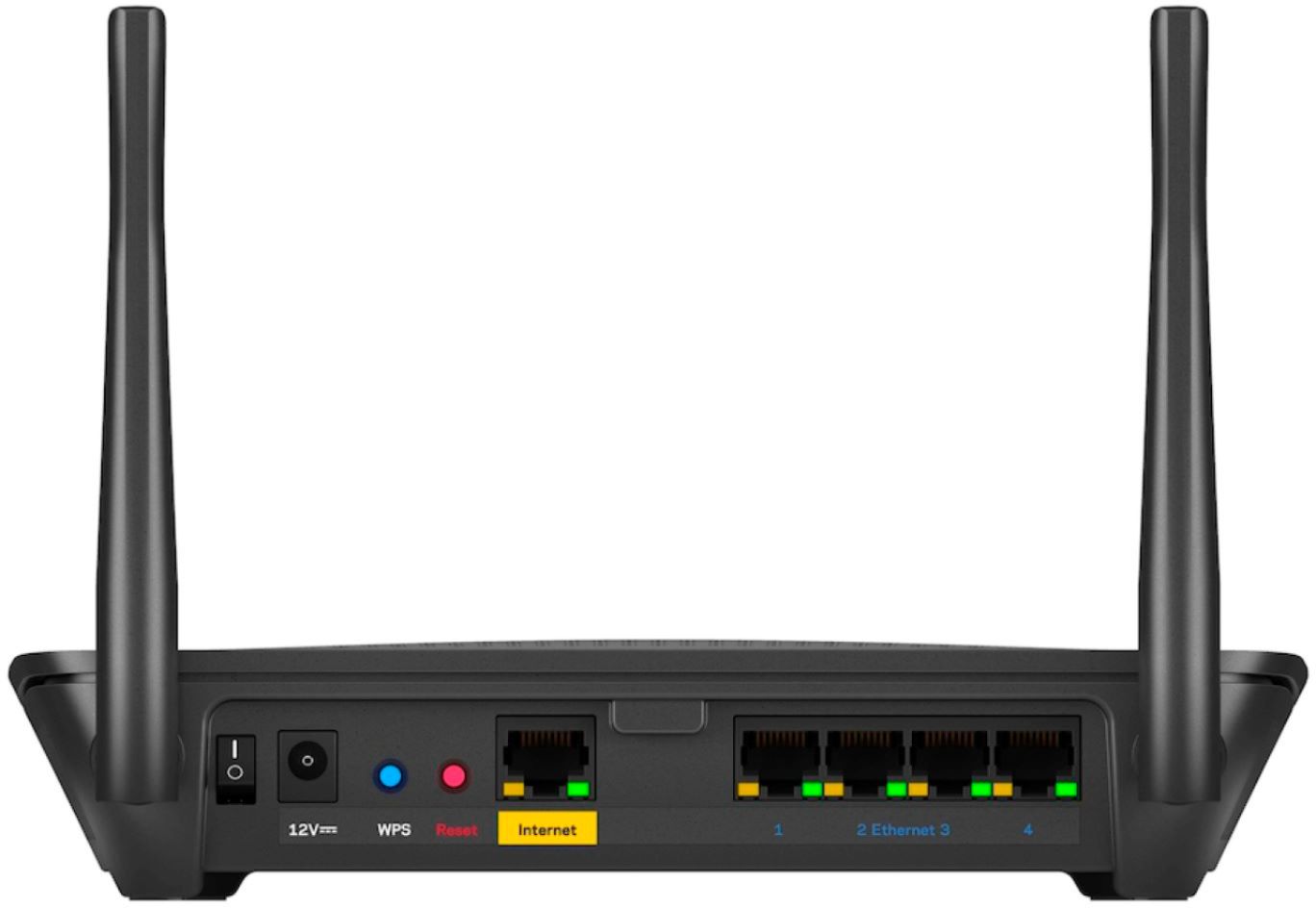
A:AnswerHi, Gigabit. The Linksys MR6350 Mesh WiFi 5 Router has four gigabit LAN ethernet ports and one fixed gigabit internet port. For more details, click here https://www.linksys.com/us/support-article/?articleNum=317060.
A:AnswerHi, Ed. Our routers will work with most modems, routers, and wired/wireless devices available in the market. To better assist forward, please drop an email at [email protected]. Let's continue from there.
A:AnswerNo and your TV will not have 5G. 5G is for newer smart phones.
If meaning the the 2.4Ghz and the 5Ghz band of frequencies, the the answer is yes.
For your TV problem, check the signal strength using a smart phone app next to the TV. TV's need a strong signal. Move the router closer if possible. If router is in another room, the distance and composition of the walls can degrade the signal. Try the 5Ghz band if your TV has that capability.. Choose a wireless channel on your router that has the least amount of use by your neighbors. Channel 6 is a good one to try. A smart phone app will help you with this. You can also find similar programs for laptop computers.
A:AnswerYour's is the same reason that I upgraded my router, to eliminate the guest option. On my router, the guest was already disabled when I set it up. Setup was very easy with the phone app. Managing it now is also very easy with that app. Good luck. Happy Holidays. BT
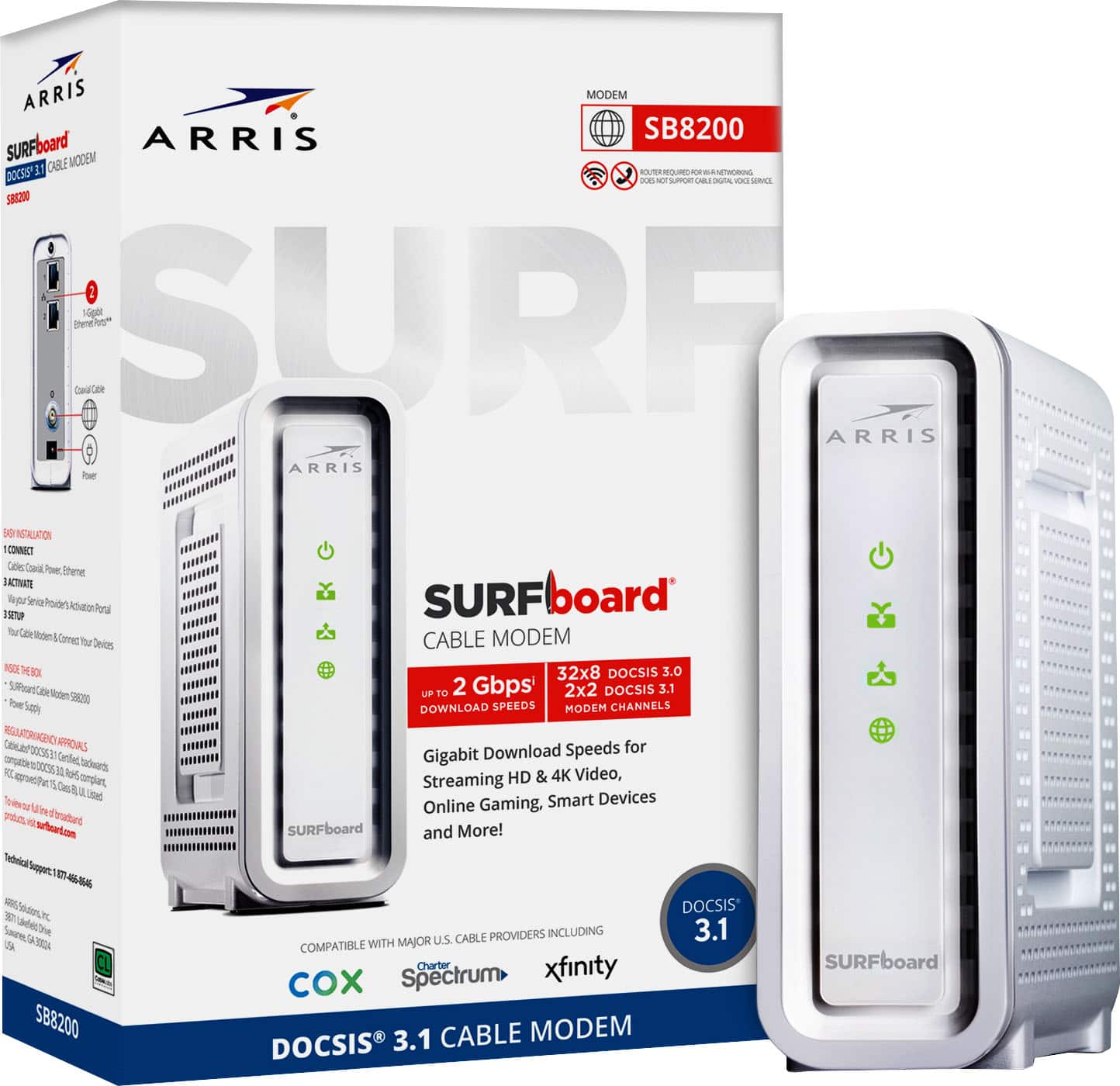
A:AnswerYes, you need to have a separate Internet provider connection in order for this router to work. I have a cable modem which I also bought from Best Buy that I use with xfinity service from Comcast. Having my own cable modem saves me from having to pay Comcast an extra $14 per month (plus tax) to use their modem.