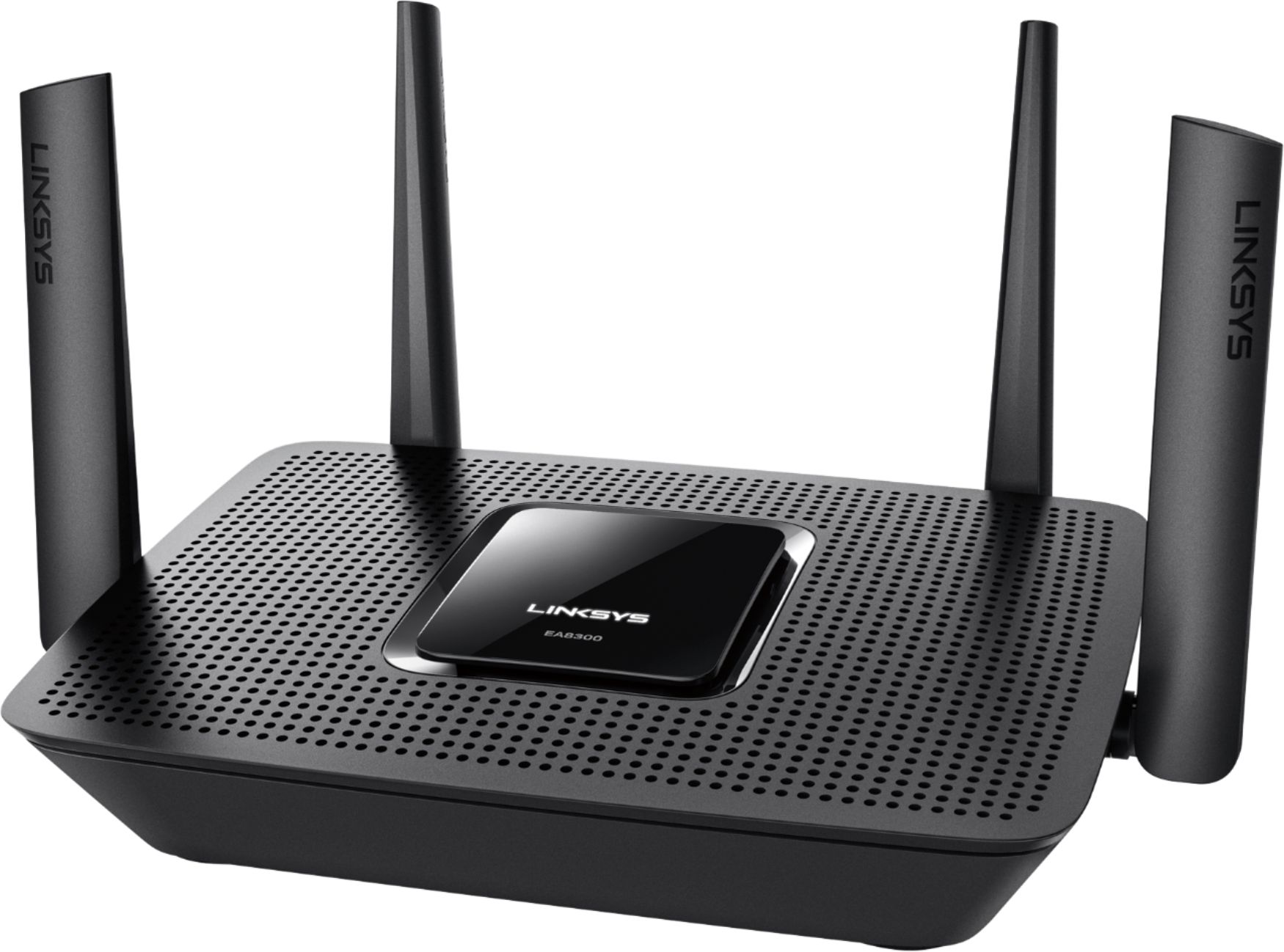
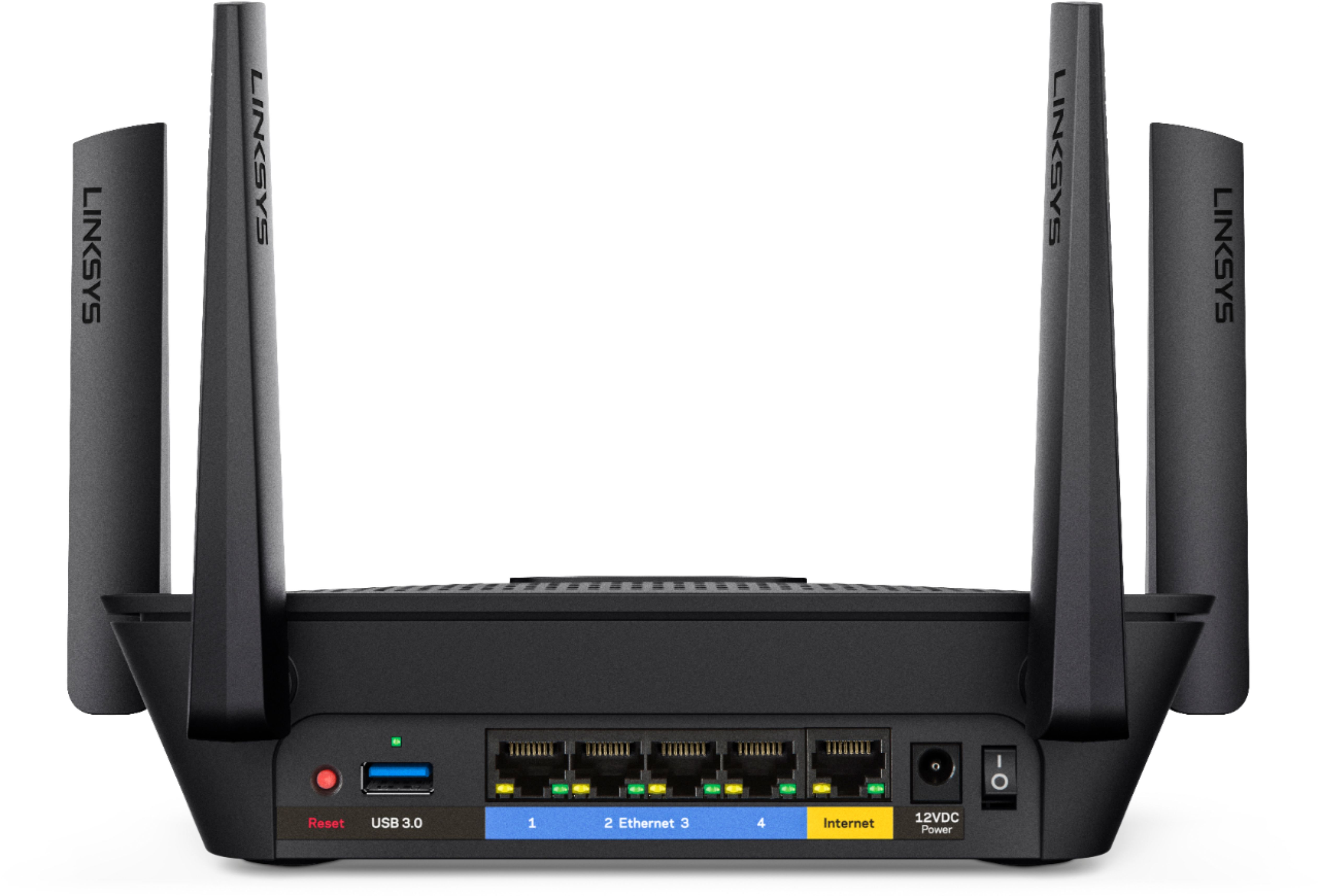
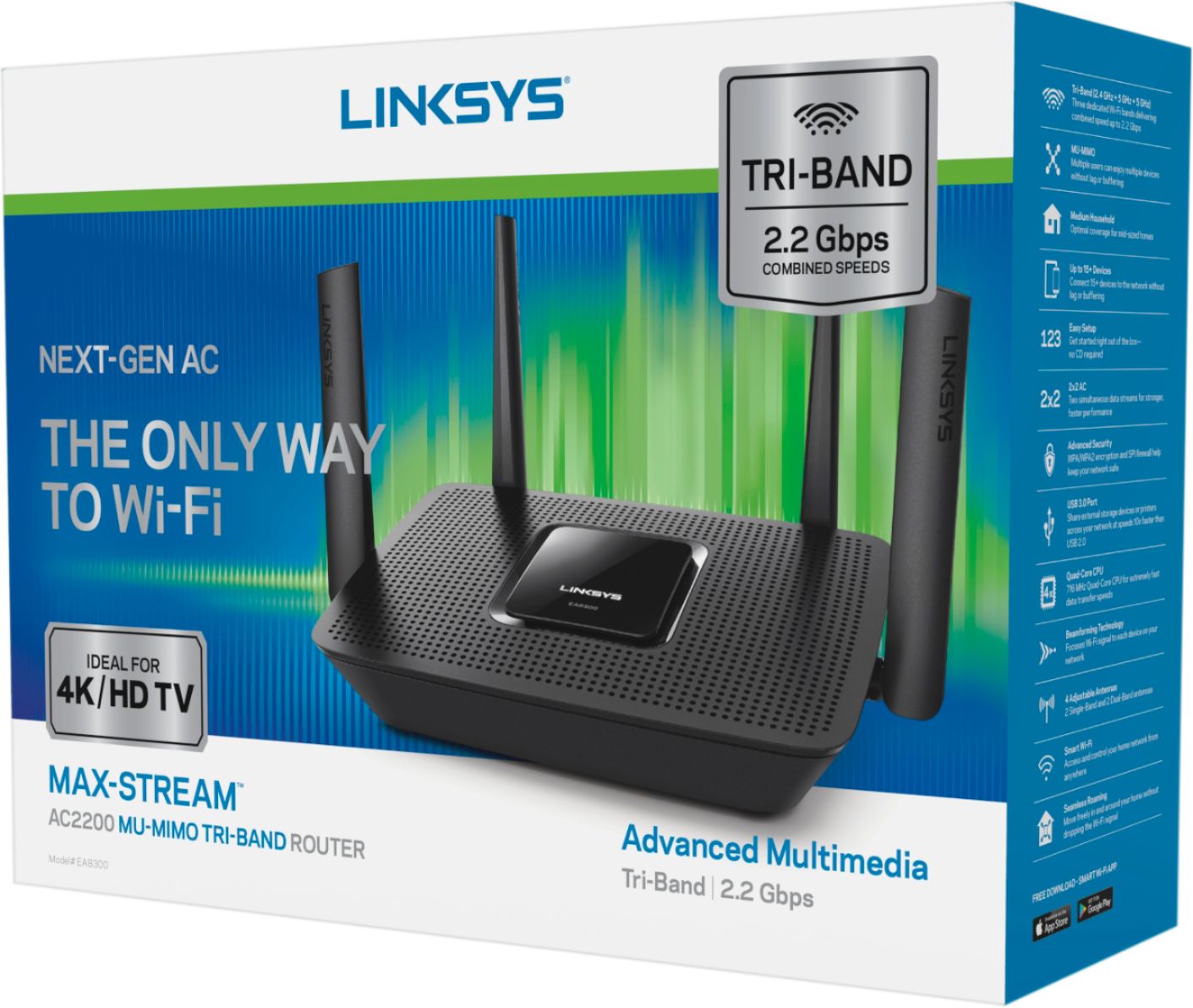
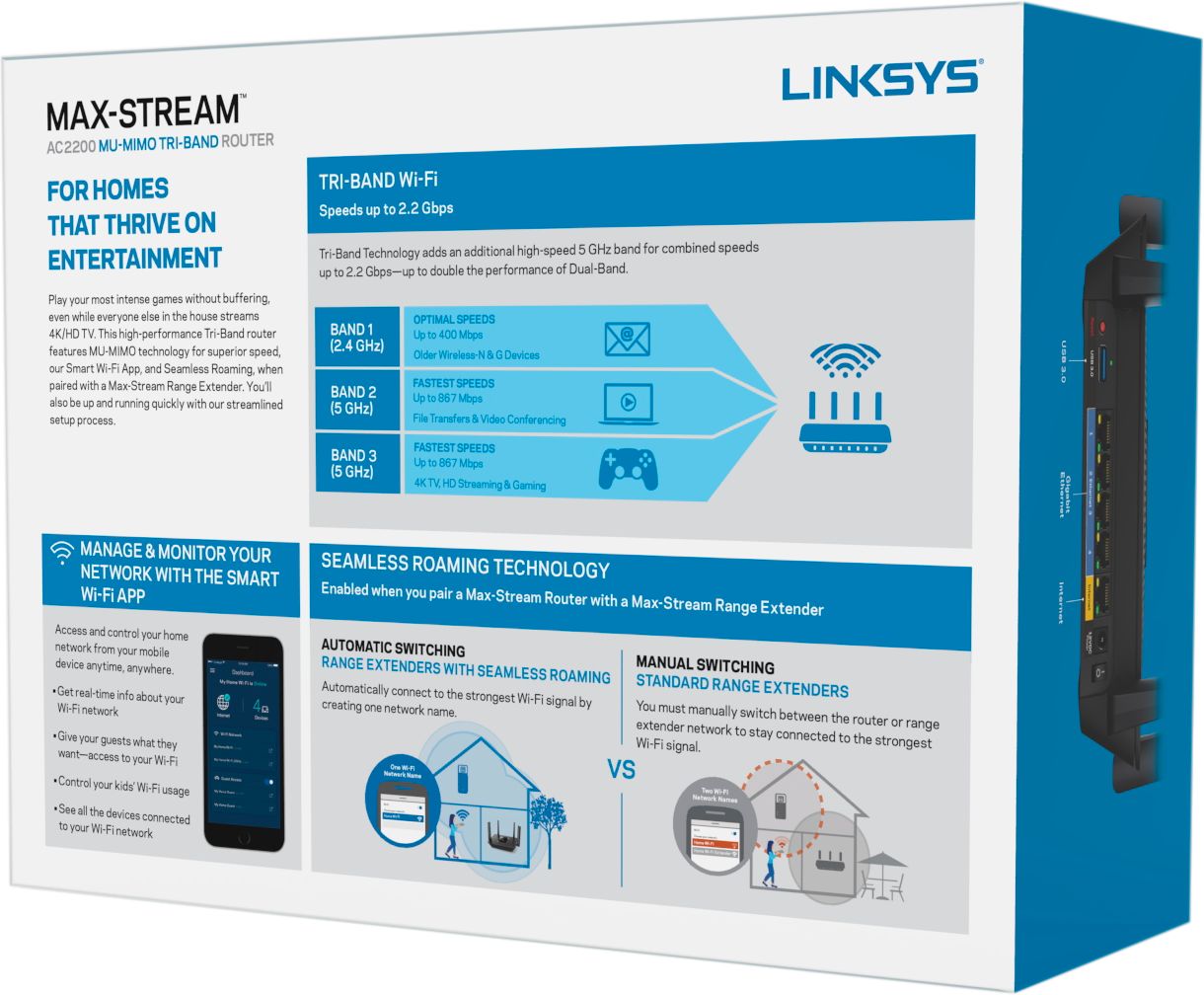
A:AnswerThis is not a modem, it is a stand alone router. It has no internet function until a modem is hooked to this device to route your signal to your peripheral devices by wire or wireless.
A:AnswerI too have Spectrum. I constantly got buffering on my smart TVs or a loss of picture quality, even with the TV sitting 18 inches from the router.
This modem has eliminated EVERY buffer/lag issue I usually had with Spectrum. I would highly encourage you to pick this up.
A:AnswerThe simple answer is that it might keep you private. But I would not suggest using a locally hosted vpn if you might accidentally download or host a torrent file. You might still get a nasty gram from and possible issues from your internet provider since your vpn is still local, even if your information is less susceptible to being hacked. 2 separate issues. Hope this helps.
A:AnswerFollowup: I had to set my older Linksys router to "Bridge Mode" by plugging it in, running a direct ethernet cable out to my laptop, and then entering the old router's ip address 192.168.1.1 (I had never changed the router default) in my browser's web address bar. This took me to a router setup screen that had the 'Bridge Mode' option at the bottom of the settings menu. This allowed a separate wifi access point with separate (original) router name/pw to be set up in my bedroom with full signal. Signal was ok with the new main router but is block home with master bedroom fairly far from center of house. Having the separate access point with full bars is nice.
A:AnswerThis router has a backup and restore function for router settings. However it's probably specific to Linksys routers, and perhaps even specific to this model of router. So if you're going from an old 8300 to a new 8300, then definitely yes. If you're coming from an older Linksys router, then maybe... not sure. If you're coming from a different brand of router, it's doubtful. My old router was a Medialink. I found that the backup file from that router was mostly plain text. So when setting up my new EA8300 I was able to open the backup file from my old router and copy/past into the setup screens for the 8300. This was very helpful.
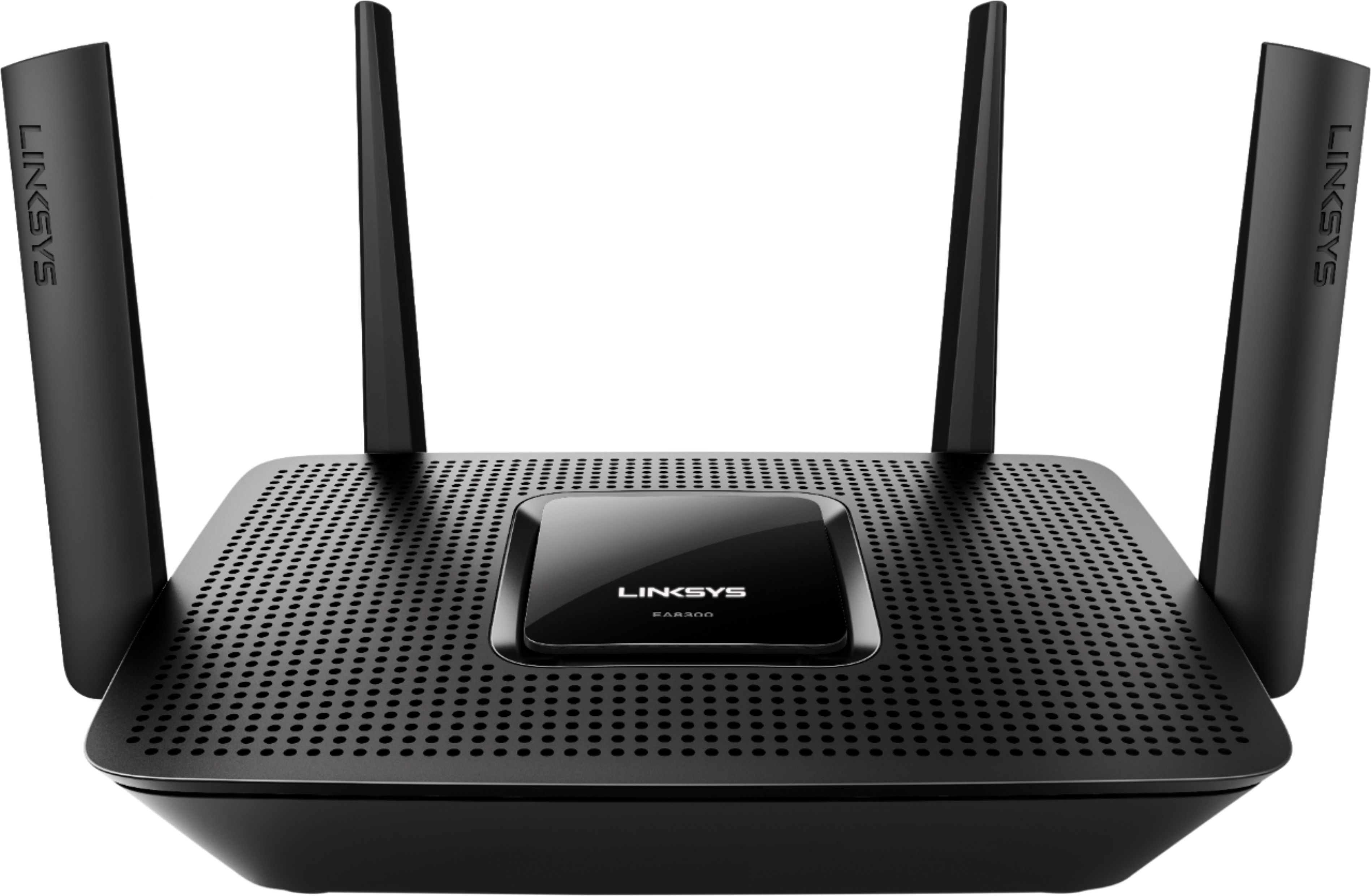
A:AnswerYes, our routers support major cable ISPs, SAH. The EA8300 also has data rates of up to 400 Mbps for its 2.4 GHz band and up to 867 Mbps for each 5 GHz band (5 GHz1 and 5 GHz2).
A:AnswerYes. This takes in an Ethernet wire for its WAN port so make sure that you have Ethernet selected from the Verizon FIOS ONT or Ethernet output from your Verizon cable modem.
A:AnswerThe Linksys - Max-Stream™ AC2200 Tri-Band Wi-Fi Router - Black is not a modem so your question doesn't make sense. This device goes downstream of your modem thus is compatible with all modems. There are some other variables but nothing a home user would find that would prevent the use as a in home network hub.