A:AnswerHi, KNewYork. The Linksys MR9600 should work fine with your device as the unit itself will help you connect the client devices to its supported network band. Thus, if you wish to create a different names on both 2.4-GHz network and 5.0-GHz network, then yes, it is possible if they're acting as the main or parent node. Just take note that Velop's mesh capability will be forfeited given that the child nodes copy the settings from the parent.
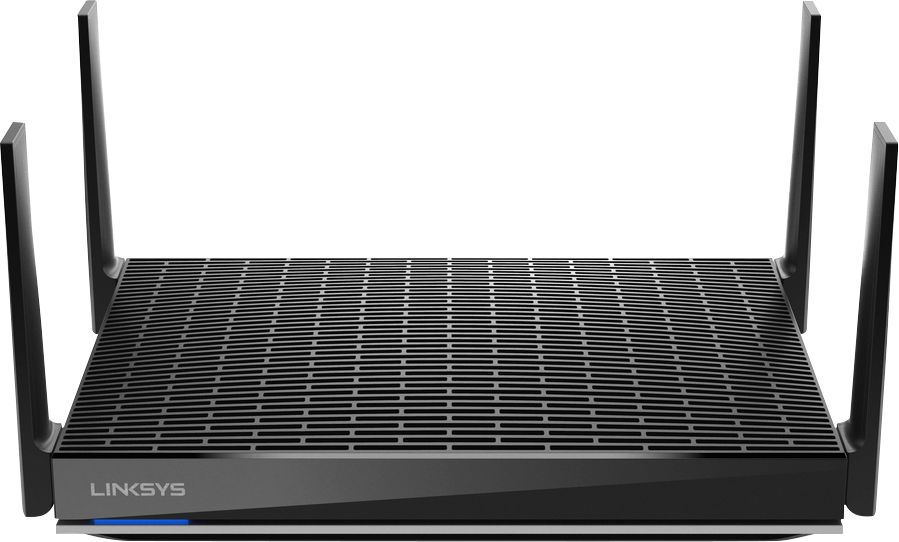
A:AnswerHi. Yes, you can connect two (2) Linksys MR9600 on the same network. Thus, if it only the two Linksys Mesh units that you have, then the other one should be added as a child node and the other as the main.
A:AnswerHi, ED. The Linksys MR9600 Mesh WiFi 6 Router works with most Internet Service Provider and requires a direct connection from a modem or gateway (modem/router).
A:AnswerHi, John. The Linksys Dual-Band Mesh WiFi 6 Router (MR9600) is ideal for large household and can provide a coverage up to 3000 square feet (supports 40+ devices).
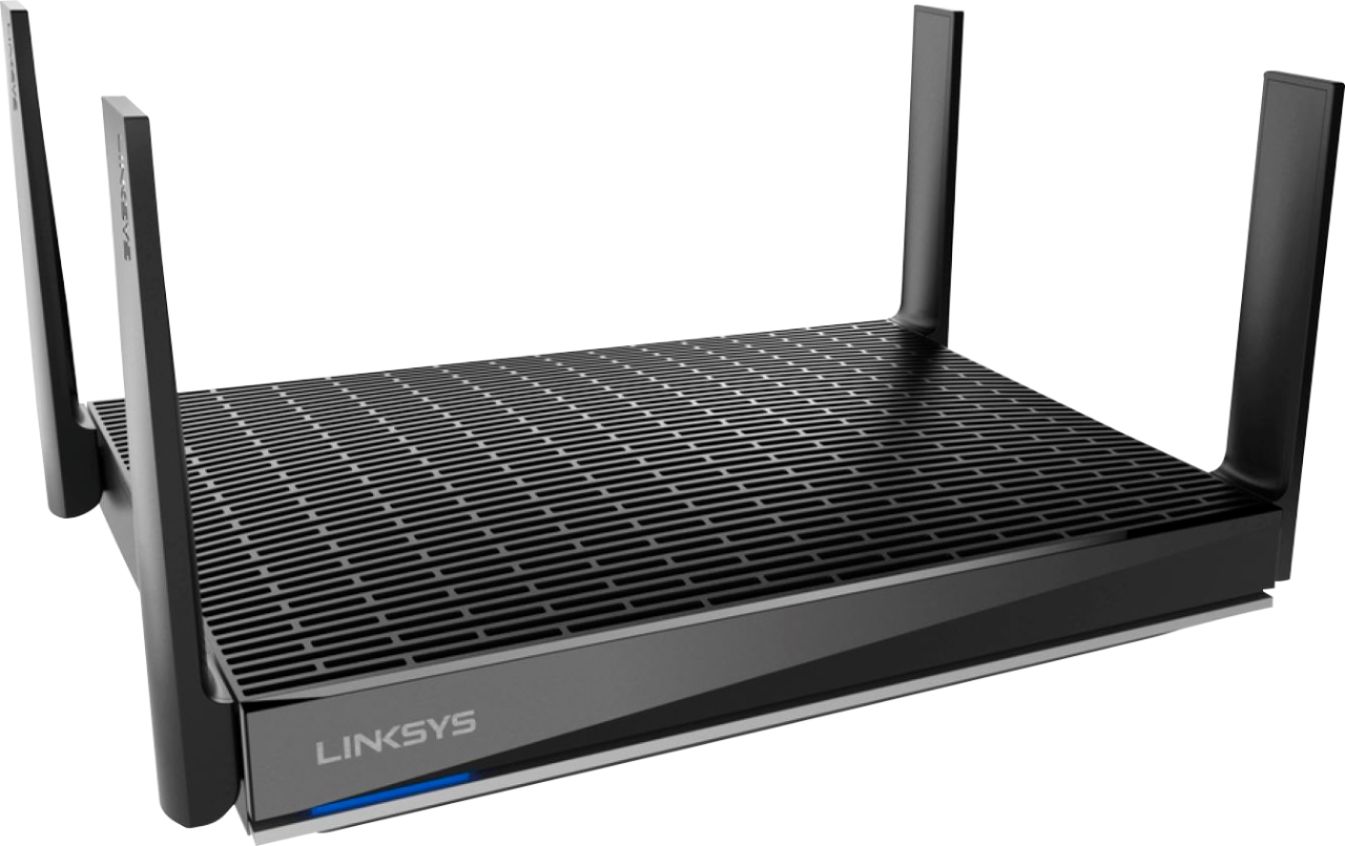
A:AnswerHi there. The Linksys MR9600 Max-Stream™ Dual-Band WiFi 6 Router is a plain router. You still need a modem provided by your Internet Service Provider to use this.
A:AnswerGo into the setup of the router through a web browser (not a browser on the phone), should be 192.168.1.1. From there (under wifi settings) you can separate your wifi into a 2.4 and 5 ghz network.
A:AnswerI have Xfinity and it works great. I purchased this to replace my Xfinity router that was constantly dropping connections. Since changing to this rounder, my service works great- no more dropped connectivity.
A:AnswerYes, it is. Our routers will work with most cable ISPs as long as their modems offer Ethernet connection. For more details, please get in touch at [email protected] or refer to this link, https://www.linksys.com/us/support-article?articleNum=317090.
A:AnswerHi, donfranko. The Linksys MR9600 can be set up in Bridge mode and allow you to extend your existing network. However, in bridge mode, the Parental Controls, Device Prioritization and other advanced features are not supported.
A:AnswerThey are compatible; I actually added 2 wifi 6 Velops on my MR9600 network. It is a 6000 sqft home and we now have wifi inside and outside the home! The main difference is that the Velop as you stated is tri-band meaning 2.4 x 1 and 5 x 2 bands where the MR9600 is 2.4 x 1 and 5 x 1. While you may think tri is better because it is more in this cause it cuts the max throughput you can get on the 5ghz bands in favor of optimizing your devices (this in fact may be better for your environment depending on what you are trying to accomplish and how many device are connecting). The one 5ghz band on the MR9600 is marketed as being able to stream 8K because that one band is getting all the throughput. Not necessarily a feature a lot of people are going to be looking for right now.
A:AnswerI’m sure it will I have fiber and have a Ethernet connection that brings the service inside so that line plugs directly to the AX6000 for my service. If you have a coax line that brings your internet service to a modem then you will need a Ethernet line from your modem to the AX6000. Hope that helps