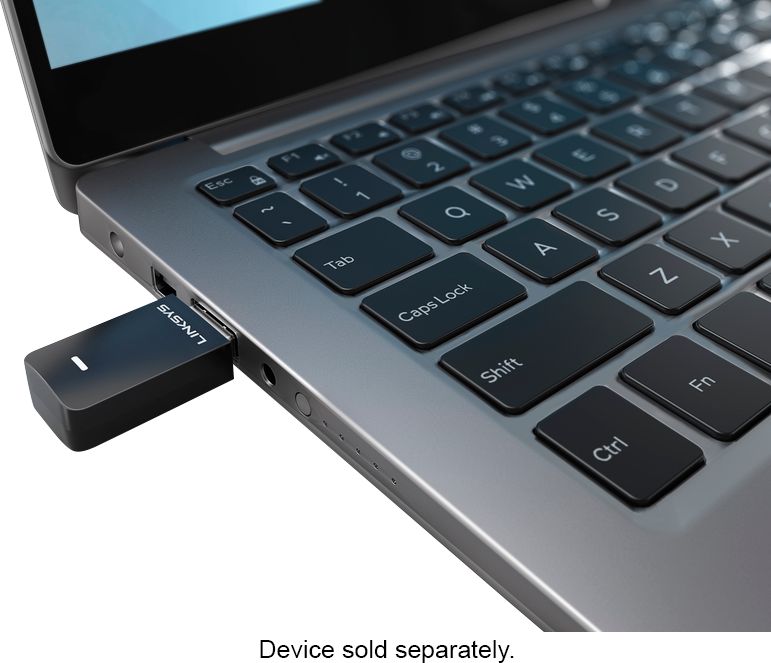
A:AnswerLooked at the Sweetwater site. Looks like the USB on this turntable is designed for hard wire connection to a computer so you can record music digitally. I doubt the turntable is designed to interact with a wireless card.
A:AnswerHi, Jim. Our Linksys WUSB6100M is only compatible to work with computers running on Windows 7, Windows 8.1 and Windows 10 operating systems, to upgrades the old Wi-Fi technology to the latest Wi-Fi standard.
A:AnswerHi. No. The Linksys WUSB6100M Max-Stream USB Adapter is only compatible with Windows® 7, Windows® 8.1 and Windows® 10, or Windows®-based notebook computer.
A:AnswerNo, Andy. The Linksys WUSB6100M is compatible with Windows® 7, Windows® 8.1 and Windows® 10. Click here to learn more: https://www.linksys.com/us/support-article?articleNum=194731.
A:AnswerHello, TomD. The Linksys WUSB6100M may help you with the trouble as it is a selectable dual-band adapter that upgrades your old Wi-Fi technology to the latest Wi-Fi standard. In case have future concern, you may reach out to us over email at [email protected] with your contact info and the link of this post, for reference.
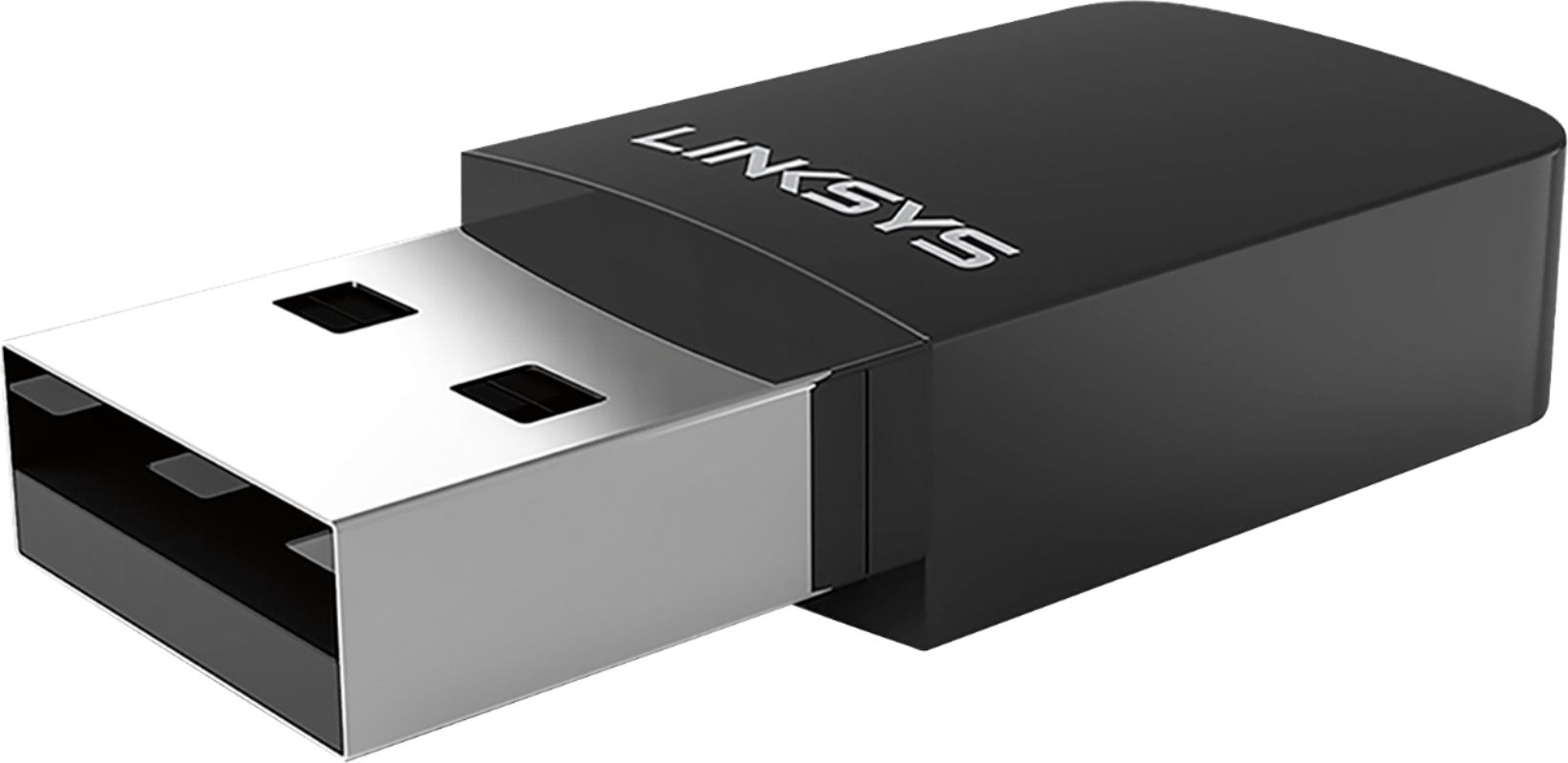
A:AnswerHello, Jann. You don’t need to use the setup CD or download the driver when installing the Linksys WUSB6100M. However, you may check out this link for the setup process: https://www.linksys.com/us/support-article/?articleNum=194735.
A:AnswerNo, Hb. The Linksys WUSB6100M wireless adapter is not compatible with security systems. It will only work with Windows computers running with Windows 7, Windows 8.1 and Windows 10.
A:AnswerHi. If your computer is using Windows 7, Windows 8.1 and Windows 10 and, has a USB 2.0 port then, the Wi-Fi Micro USB Adapter (WUSB6100M) should work with your computer.
A:AnswerI have purchased two of these over the last few years and never had to download any software for them, you just plug them in and they find the available Wi-Fi right away.