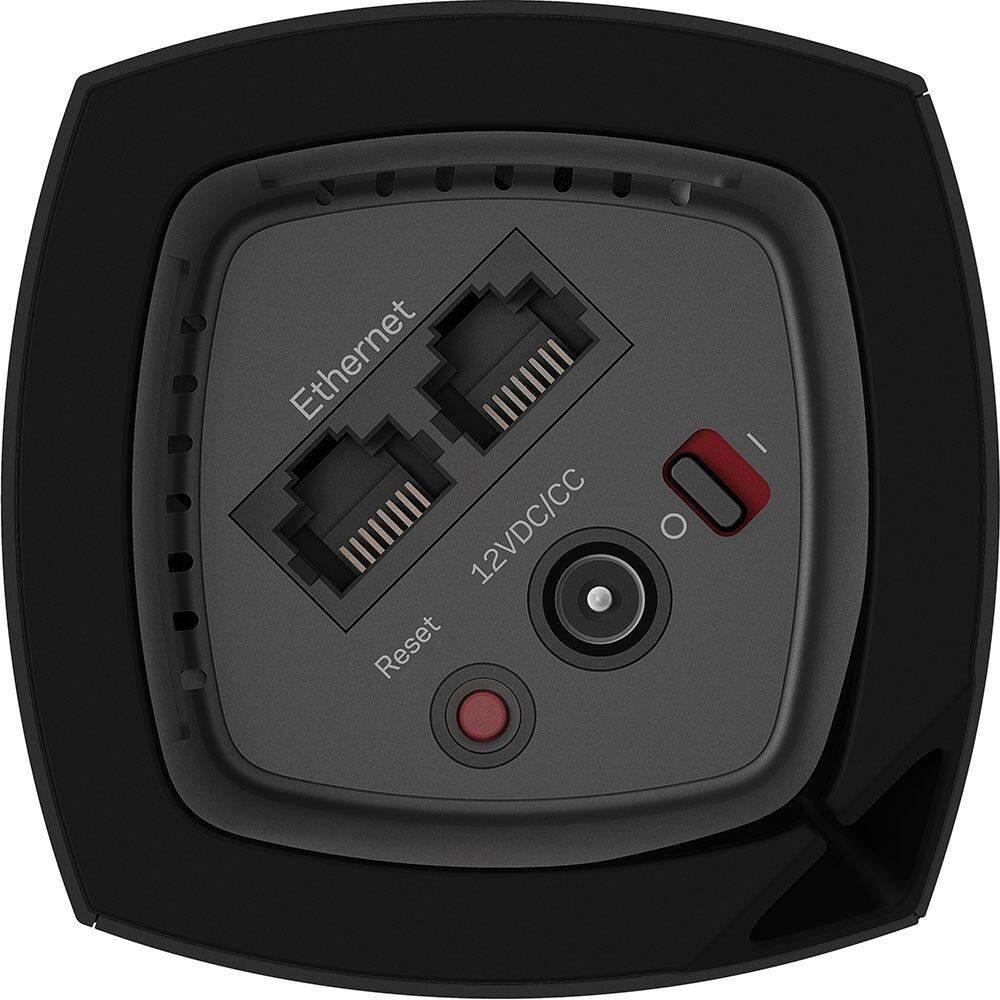
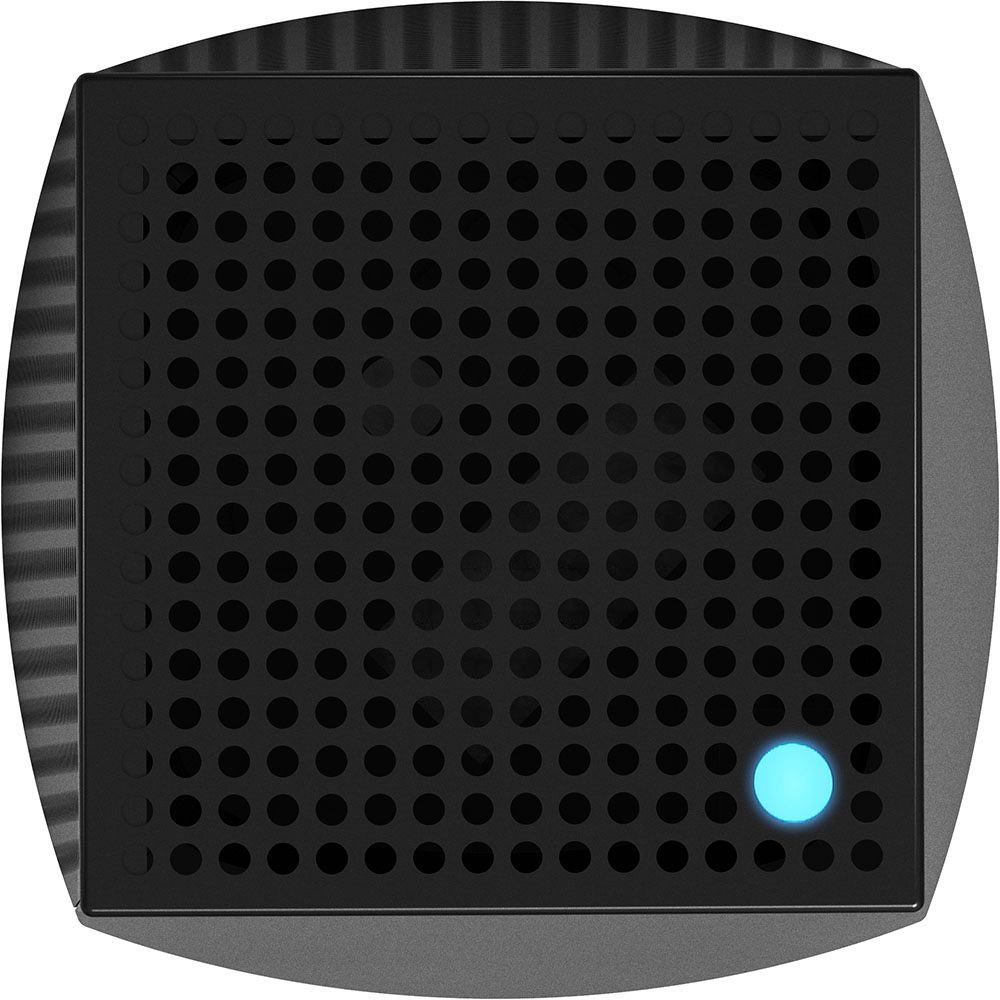
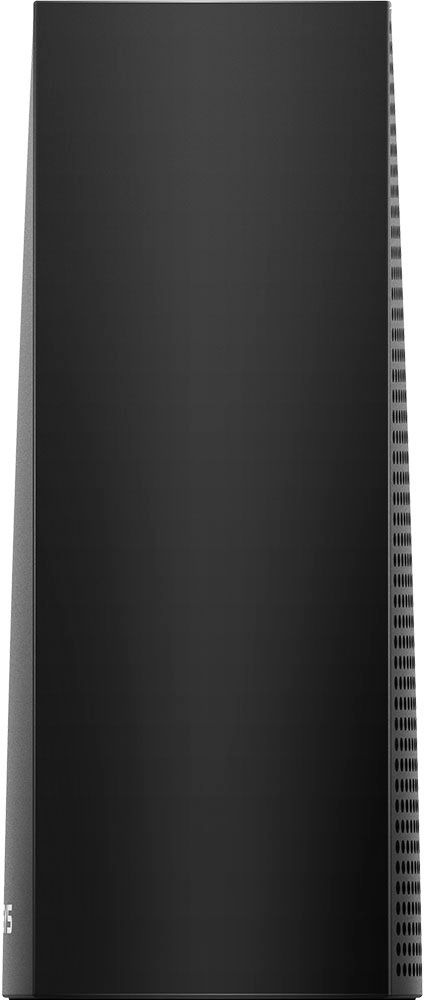
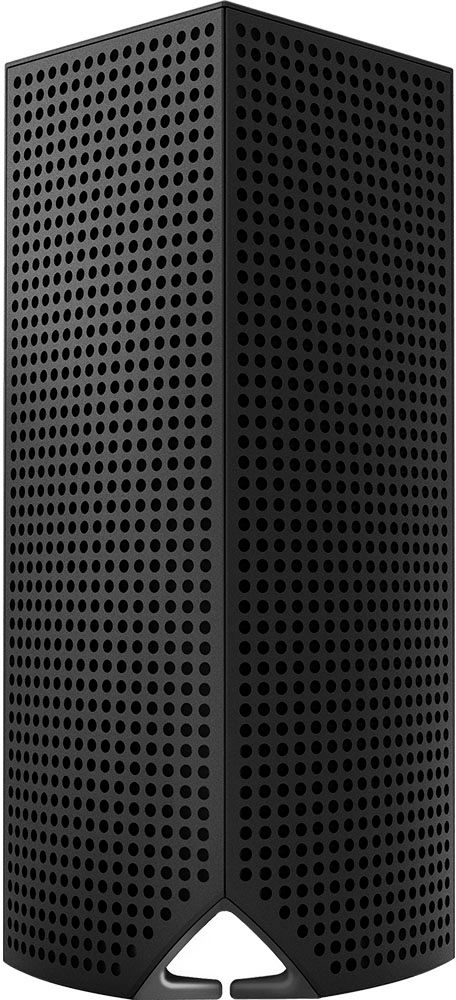
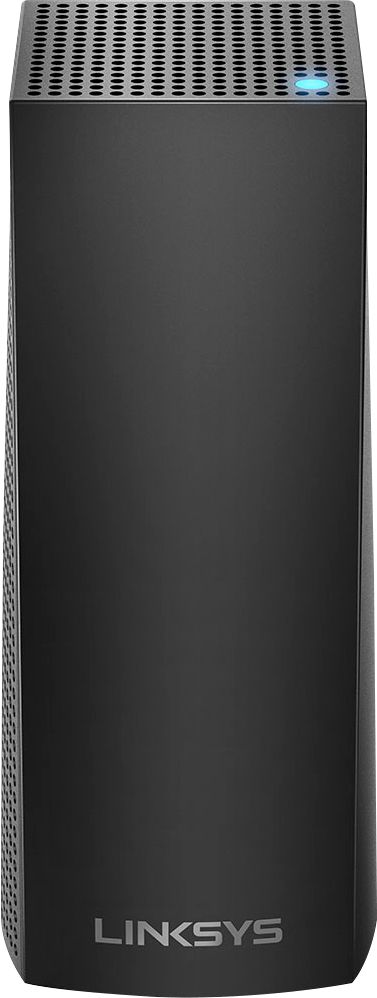
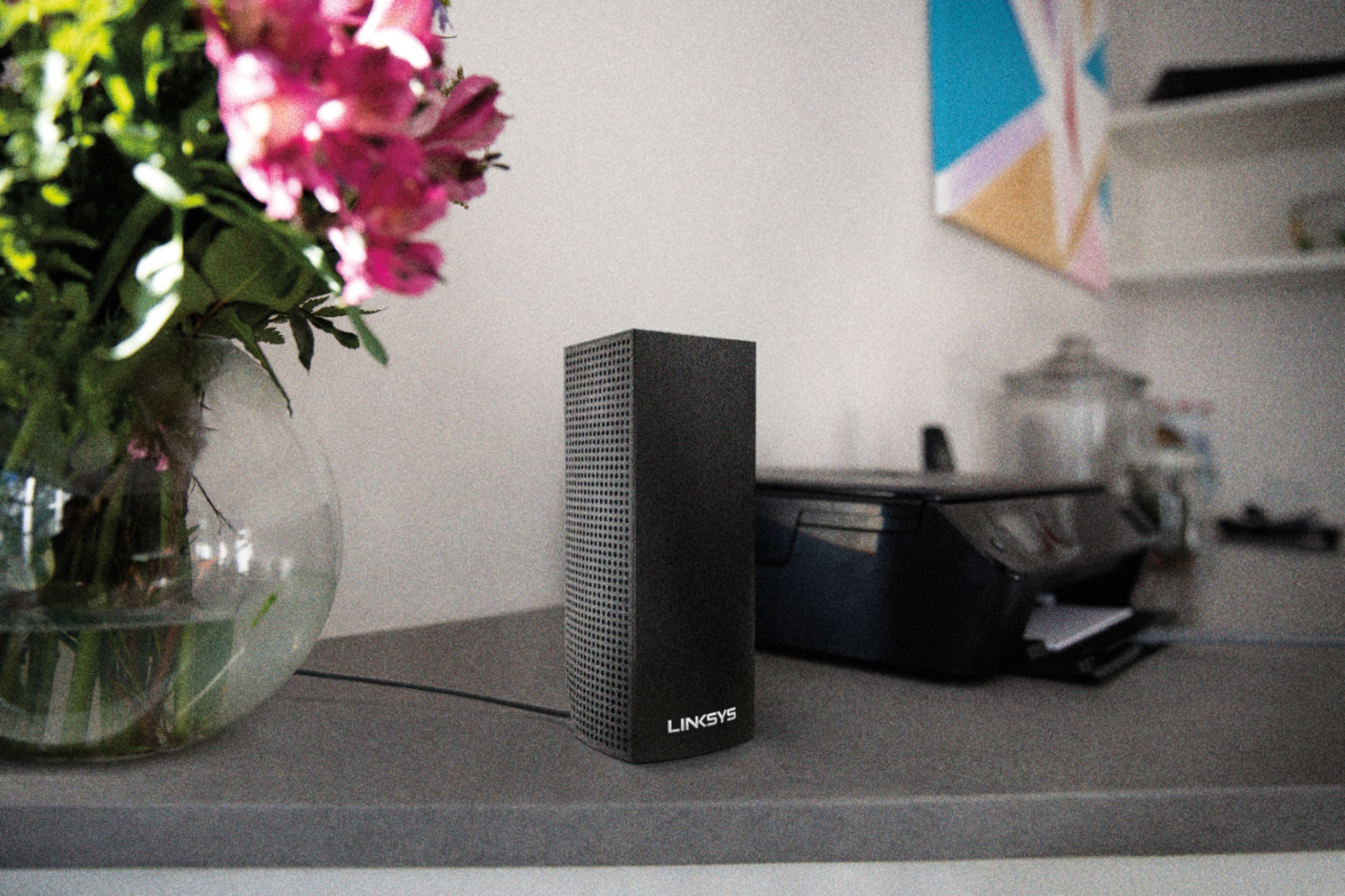
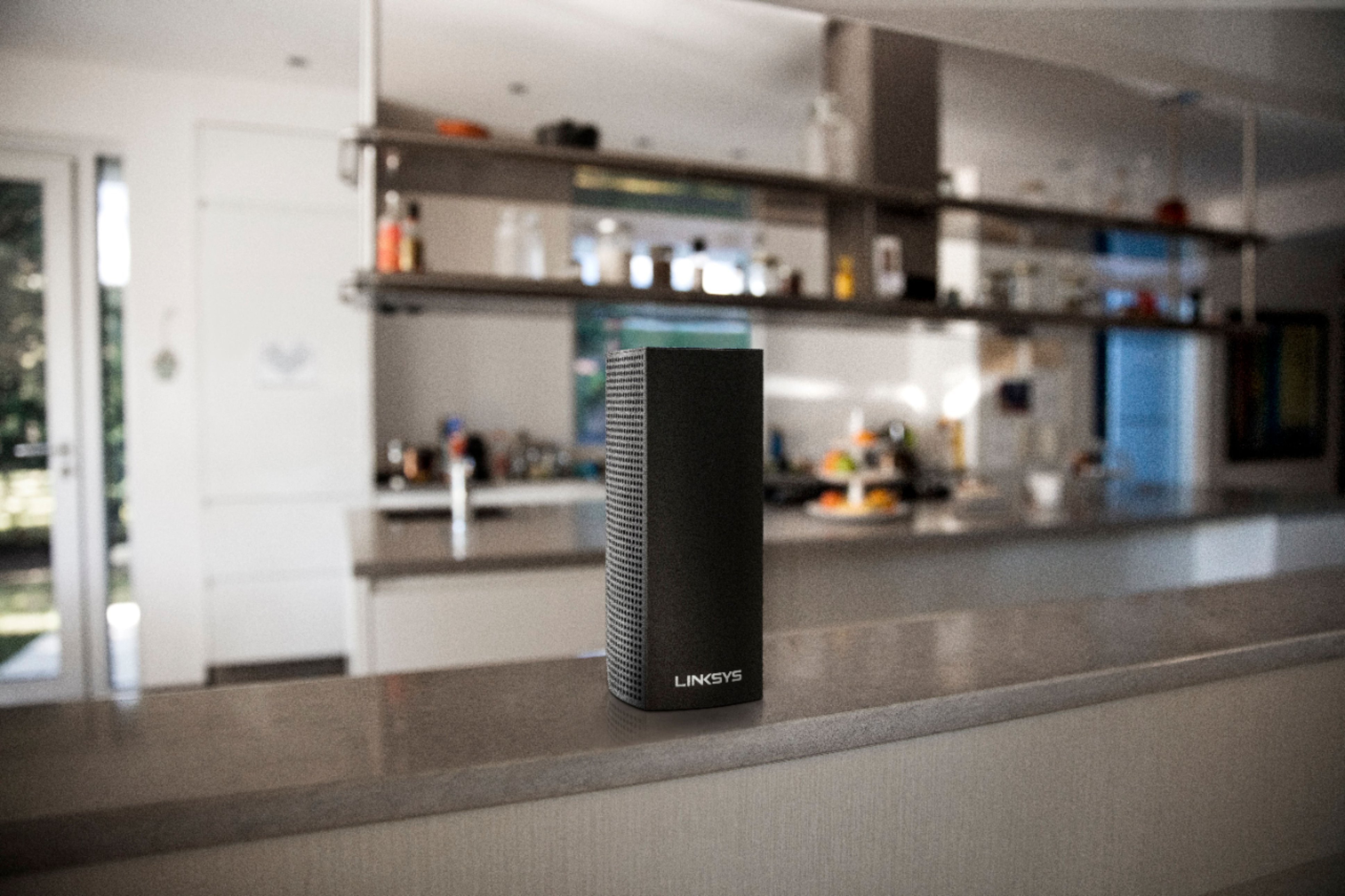
A:AnswerI have both systems. I think the Velop system is better overall and offers faster speeds. The setup with the Orbi is easier but still not exactly easy. The Orbi has 4 Ethernet ports on each module and USB ports. The Linksys only has two ports on each node and no USB. The Linksys has a smaller footprint and is a little nicer looking in my opinion.
A:AnswerThe Model numbers can be confusing but here is what I have determined the WHW0301 is a single node in a box. the WHW0302 is two nodes in a box and the WHW0303 is three nodes in a box and are all are the same AC2200 Tri-Band. The similar model number layout for the Duel-Band nodes WHW0101, WHW0102,and WHW0103. So the First two numbers define if its Tri-Band or Duel band and the last two numbers only describe the quantity in a retail box. So if you are adding to a try band system simply look for the WHW03 or to add to duel band look for WHW01.
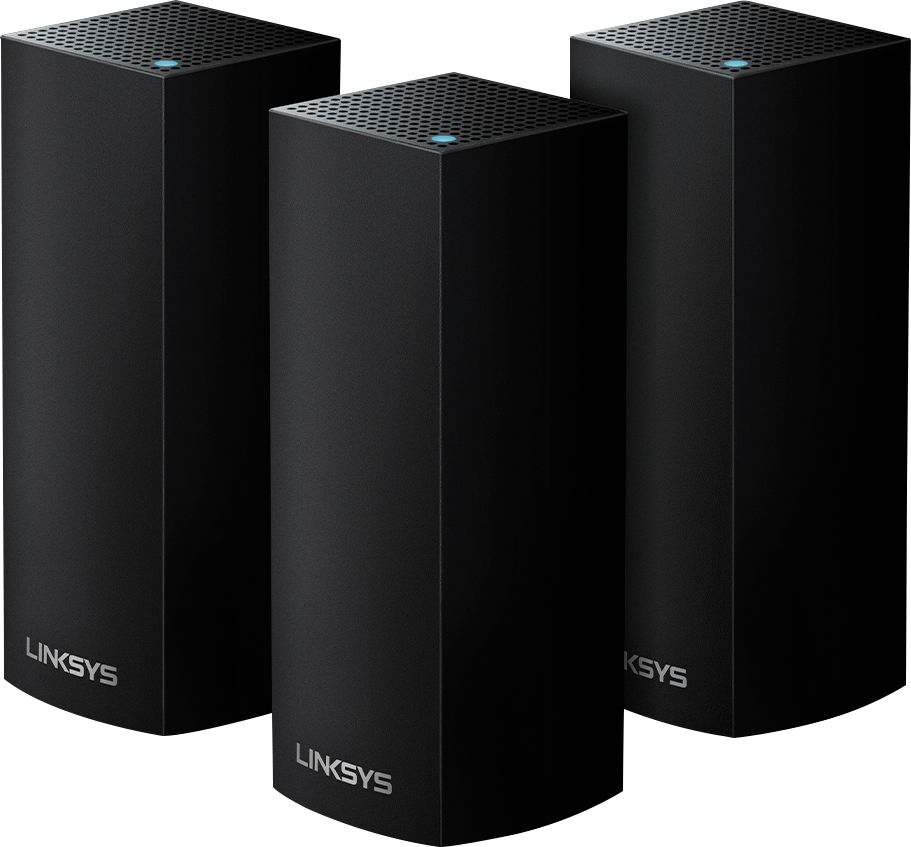
A:AnswerWhen I bought mine it was the complete opposite, the white one was $70 less than the black system. I lucked out by waiting until the day the black system went on sale. As far as I know, by doing spec comparison, they are identical except for the color. Costco was offering the 4 pc white unit at a good price, I was willing to pay more for the black, so happy I stayed with the black system. Aesthetically more pleasing.
A:AnswerI have had the device for about 6 months and it can handle the network traffic of multiple ipads, laptops and gaming systems. In addition, streaming Netflix or amazon. The only issue that I have had with the product is that the parental control feature does not work
A:AnswerIf you are using DSL Velop will connect behind the modem and become the router. follow instructions on Velop system set up and tell it you have a modem and it will get you set up so there is not a conflict of both trying to assign IP addresses. I do have a switch connected to the base pod so I can have my desktop and few other items 'hardwired' and leave wifi for other electronics. I only have 1.5 Mbps DSL max but not getting but Mbps, with CL and this is my slowness... not the Velop system. I do like reliability of signal within my network (run 3 cameras 24/7) and signal for recording these to HD if good, even if no internet. Our CL is very slow/intermittent for us.
A:AnswerAny error message during the setup? My setup went smooth as silk. It took a couple of minutes for the base to reconcile with the module. Make sure the arlo base can reach all cameras.
A:AnswerYes, you can set your ip range, but are limited to 150 devices (I believe). You can also reserve IP addresses for your devices by MAC address. Something I do to keep devices like printers, NAS and such on the same IP and made available externally using port forwarding.

A:AnswerOnly the initial satellite is wired. All other satellites are simply plugged into the wall. I only used a Cat 5 cable to connect the initial satellite to my cable modem. Once installed I measured download and upload speeds from every corner of the house and found to my amazement no matter where I was I pegged the rated cable service speed of 65 mb at every corner and floor of the house. The result is that every device and computer responds instantly, no matter where you are. And the days of a movie buffering to the visual of a spinning ball are over!
A:AnswerYes. Once you connect your first Node, (Parent Node) the other two get connected as Child nodes. And each has an Ethernet connection to them. I have my main one in my living room connected to the modem. The output of it goes into a 8 port Ethernet switch that feeds all my entertainment system. (TV, PlayStation, Xbox, AppleTV & FireTV) My second Node is in my wife’s office and feeds her iMac and printer via Ethernet. And my third node is in my guest bedroom on the far end of the house and it feeds another smart TV, FireTV & MacMini. Setting up as many wired devices to the nodes frees up a lot on the WiFi and it all works smoothly and fast
A:Answerthat type of structure affects all wifi, however with this system you get nodes that you can locate each in a different area so as to "mesh" the signal together to get better coverage. So each node in an area that will "see" the other node or nodes to get coverage in more rooms.
A:AnswerI bought the box with 3 units. Each is exactly the same. One is attached to my existing router with an ethernet cable and the other 2 have to be in range of another one. So by putting one farther out from the first and the third farther from the second you can extend your range. My problem wasn't distance, but having to get the signal through concrete and rebar walls and floors and it seems to have helped a lot. Now I can install security cameras where I couldn't get a signal before. But my application may be different from yours. When I explained what I wanted to do this is the system recommended by the guy in the store and he seemed quite knowledgeable.