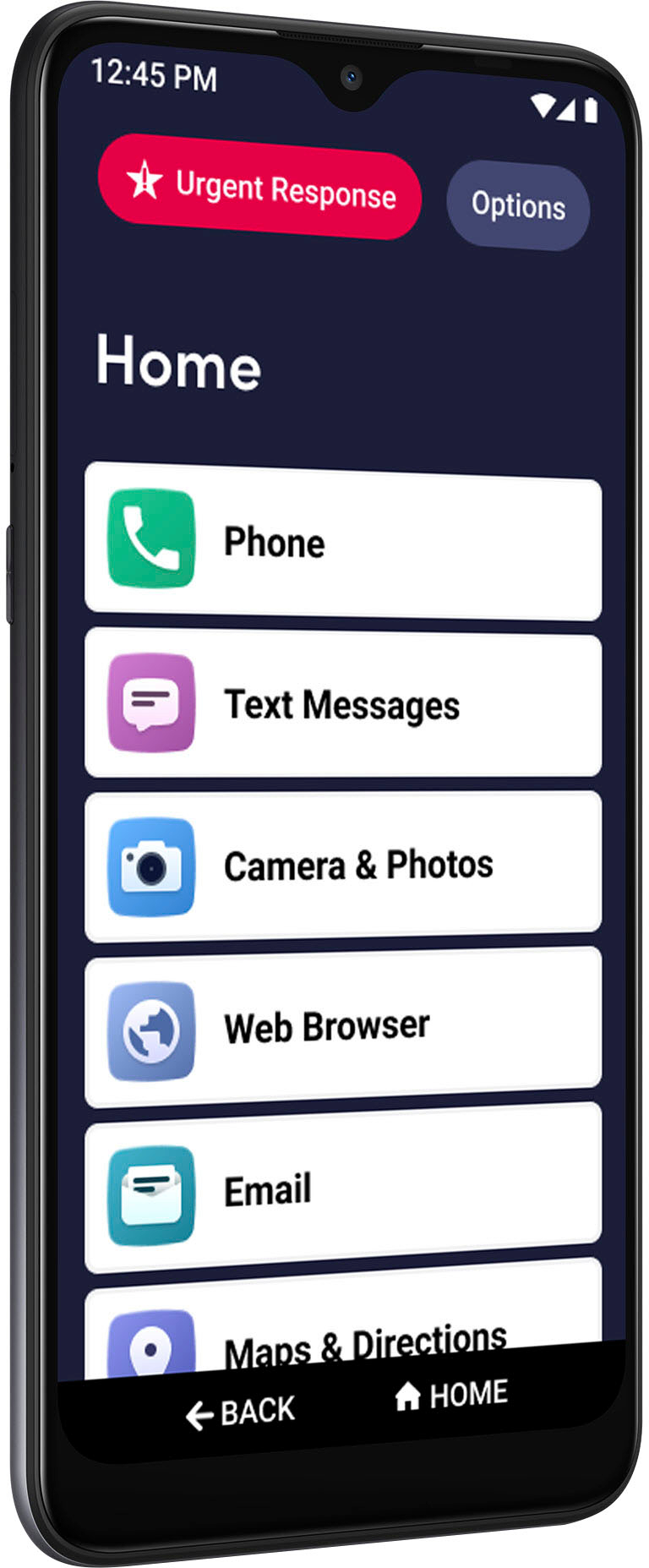
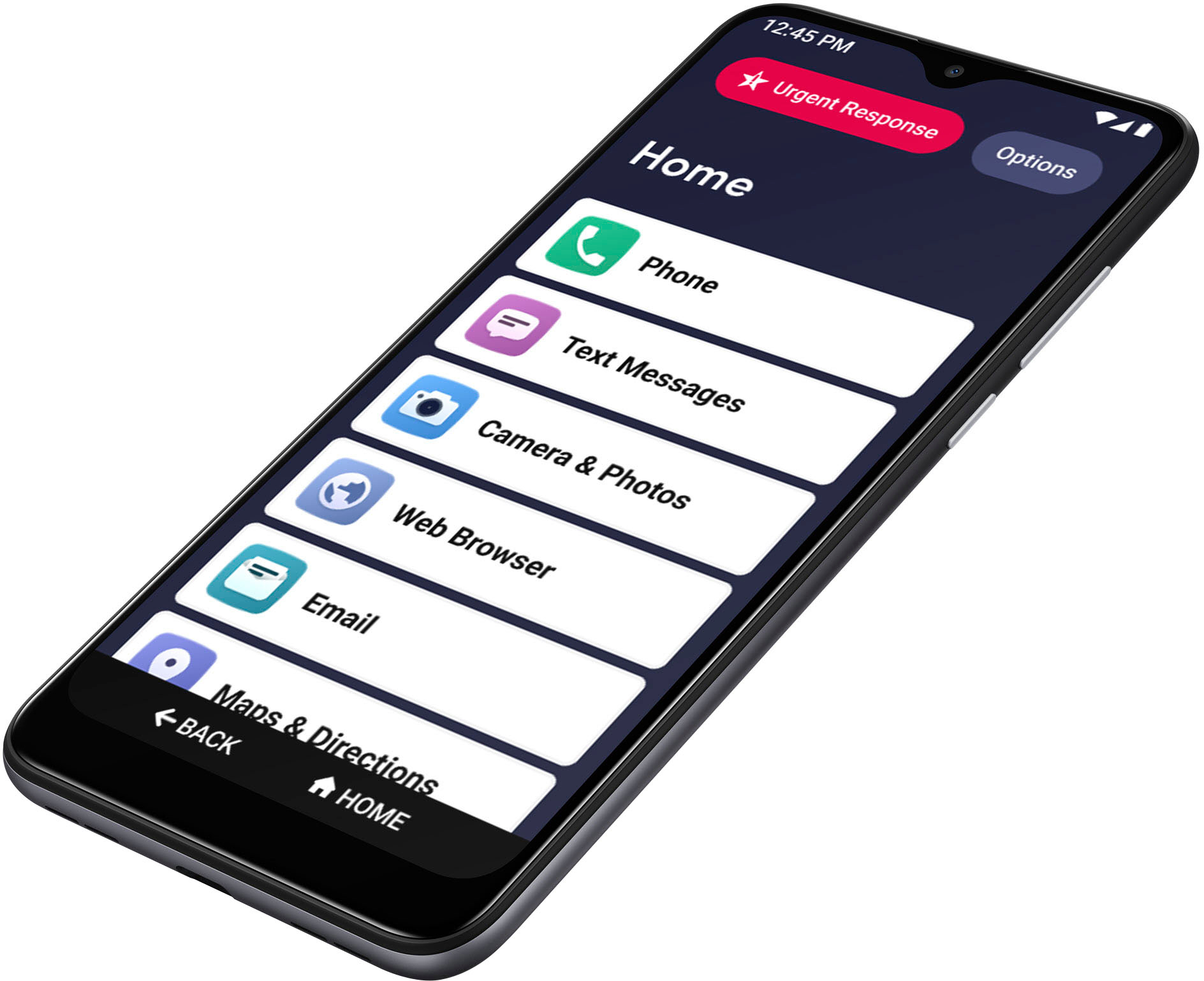
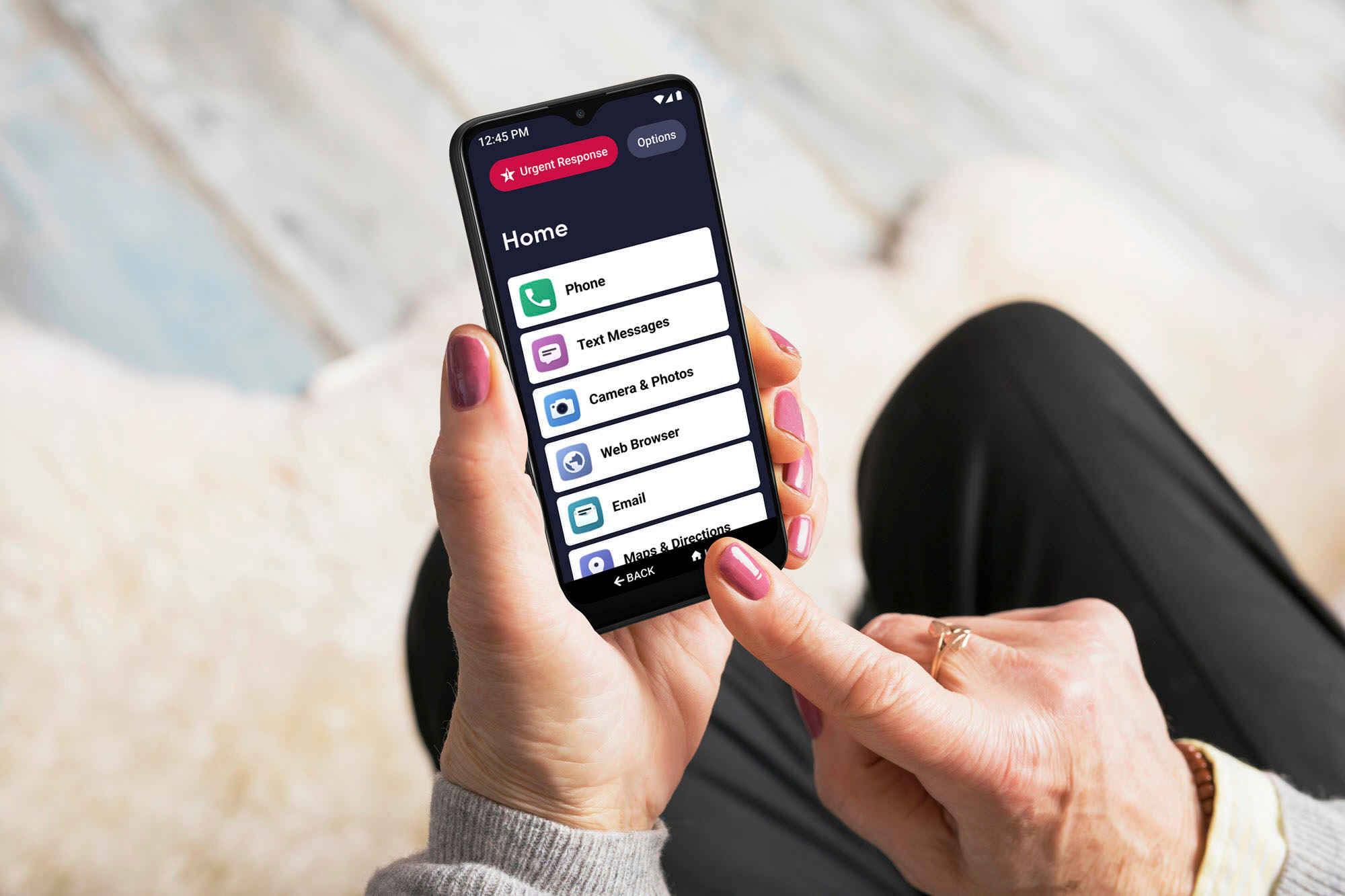
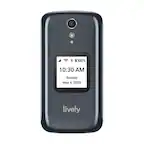
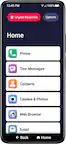
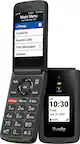
A:AnswerThank you for your question. The Jitterbug Smart 3 phone has the Google Play store which allows you to download apps to the phone. We suggest you check with the manufacture of the camera for the specific software requirements of the phone.
A:AnswerLively phones work within the United States. Now, that being said... Lively phones are NOT guaranteed to work anywhere outside of the United States. But you are able to call anyone with the country code 1 (US and Canada mainly) without international calling charges. But keep in mind, that calling anyone OUTSIDE of the #1 country code is subject to additional fees. Please call Customer Care at Lively for additional info.
A:AnswerThis is a great question! At this time, The Smart3 only has the option to use the SD card for portable storage (Photos/Images, Documents). You are able to purchase a MicroSd card from the store of your choice.
A:AnswerGreat question! We are so glad you asked. Lively phones were specifically designed to work on the Lively network which is powered by the nation’s largest and most reliable wireless network. All Jitterbug cell phones are unlocked per nationwide standards, but we cannot control which carriers choose to accept or activate our phones, nor do we guarantee our phones are compatible with other networks. We apologize for any inconvenience this may have caused.
A:AnswerGreat question! If the number you are calling is not already listed on the contacts of your Jitterbug Smart3 phone, then you will have the ability to dial the number from the dial pad.
A:AnswerGreat question! The Jitterbug Smart3 phone is 4G LTE capable and also supports VoLTE. If you haven't done so already, please visit us online and view a variety of affordable plans or you can contact our friendly Customer Service.
A:AnswerGreat question! The Jitterbug Smart3 phone does not have an app to block incoming calls but does have the feature to block number. For additional support, please contact our friendly Customer Service.
A:AnswerHello, great question. The Jitterbug Smart3, can pair with most cars and you can find the instructions on page 115 of the user guide which can be found on our website. Once paired, you can get directions by downloading WAZE via the Google Play Store, or via the Google Maps app that is preinstalled.
A:AnswerHello, great question. On the Jitterbug Smart3, to create a new message you will need to go to the Text Messaging app. However, if you receive a new message, there will be a notice of the message on the top left of the home screen. From the top, drag down and this will open your notifications. If you have a Text or other message, you can tap on it to open. You will see the message and you can reply to it. If you need any further assistance, please contact our friendly Customer Service from 5am to 6pm Pacific time.
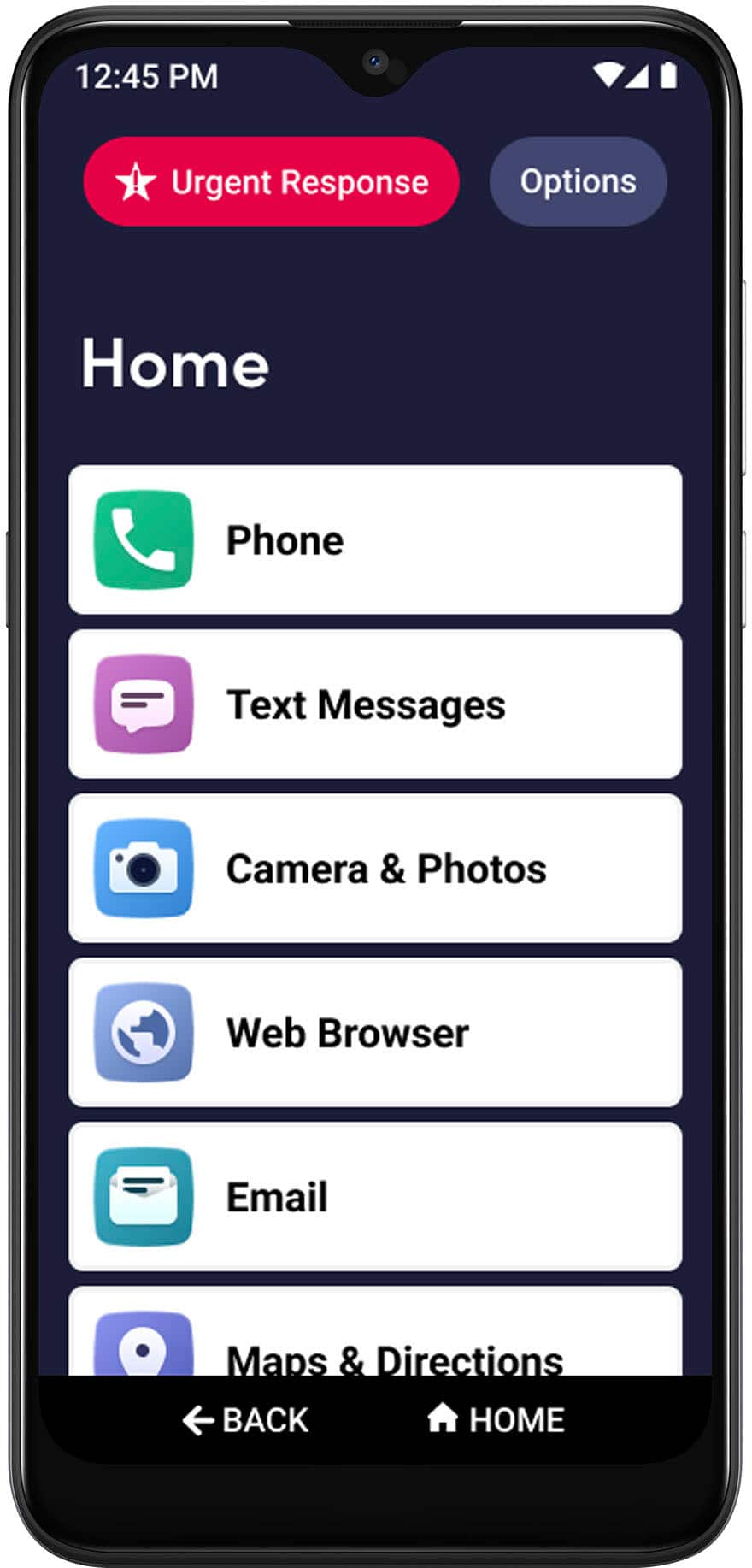
A:AnswerHello, great question. You can transfer your home number to your Jitterbug Smart3. If you have not already done so, please contact our friendly Customer Service from 5am to 6pm Pacific time for assistance.
A:AnswerGreat question. Lively phones were specifically designed to work on the Lively network which is powered by the nation’s largest and most reliable wireless network. To enjoy exclusive features that are only available on the Lively network, activate with Lively by phone or on the Lively website. Lively has a variety of plans so you can choose the one that works best for you.
A:AnswerLast year, we offered discounts around the holidays, reducing the cost. But the Flip 2 is always a retail value of $99.99, and the Smart 3s are valued at $149.99 plus tax.
A:AnswerHello, this issue can stem from a variety of reasons if you have downloaded applications to your phone these could be notification alerts that can be turned off. Please contact us for further assistance, we look forward to helping you resolve this issue.
A:AnswerGreat question! We do not offer payment plans for our Jitterbug phones at this time and it would be a one time purchase for the phone on the day of activation.