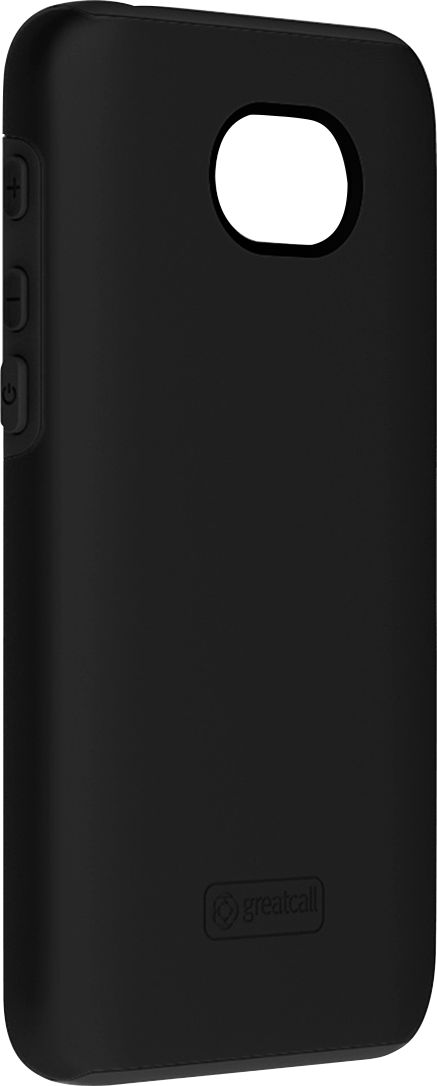
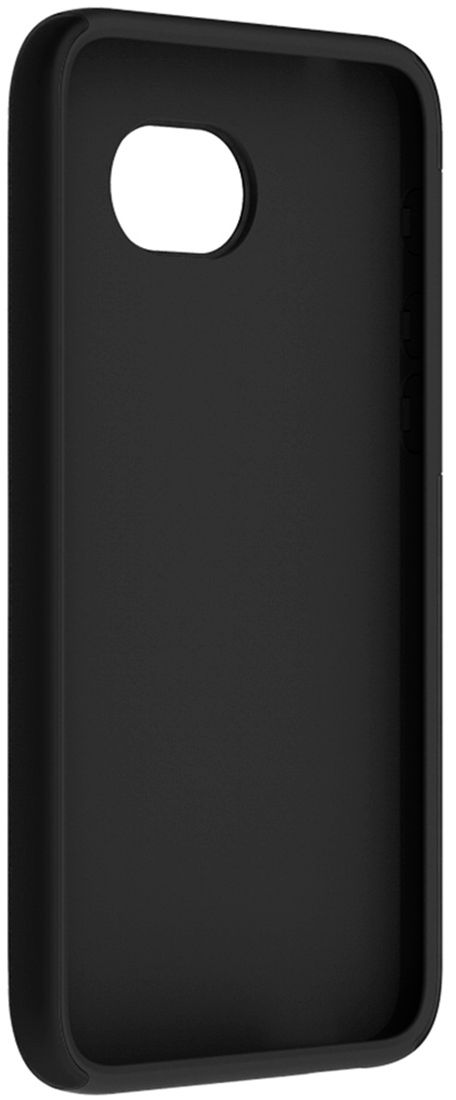
A:AnswerNo, it does not cover any keys. The on/off key and the volume keys are always open and exposed. It is a perfect fit but it is a tight fit. When you are placing the cover on the phone it feels like you are going to break the phone but you are not. It has a tight rubber fit around the front screen so you have to work with it to get it to fit snugly around the phone facing. Please try fitting it again if it does not work the first time. It took me two tries but it does fit and works well. Just be patient. I really like mine. If you have problems with your hands or fingers like I do get someone to help you. I stand my phone on its side in my purse or put it in its on compartment in a purse so the on/off key and volume keys do not get pressed. That works well for me without any problems. Phone wallets are very nice too. They can help with this problem as well.
A:AnswerIf you have the Jitterbug Smart 2, this is the cover for it. I don't think Jitterbug has a smartphone bigger that this. It goes by screen size not actual phone dimension.