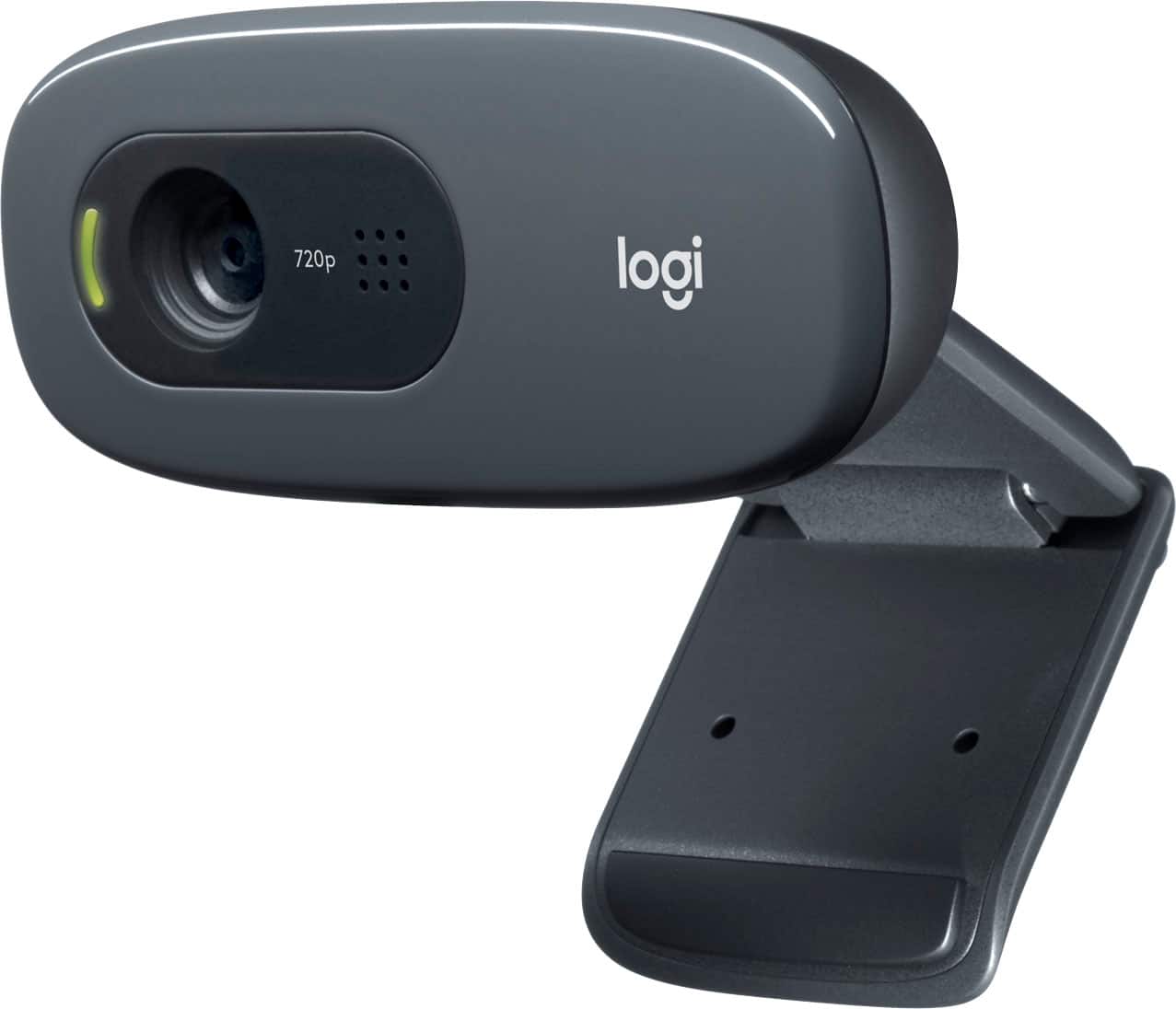
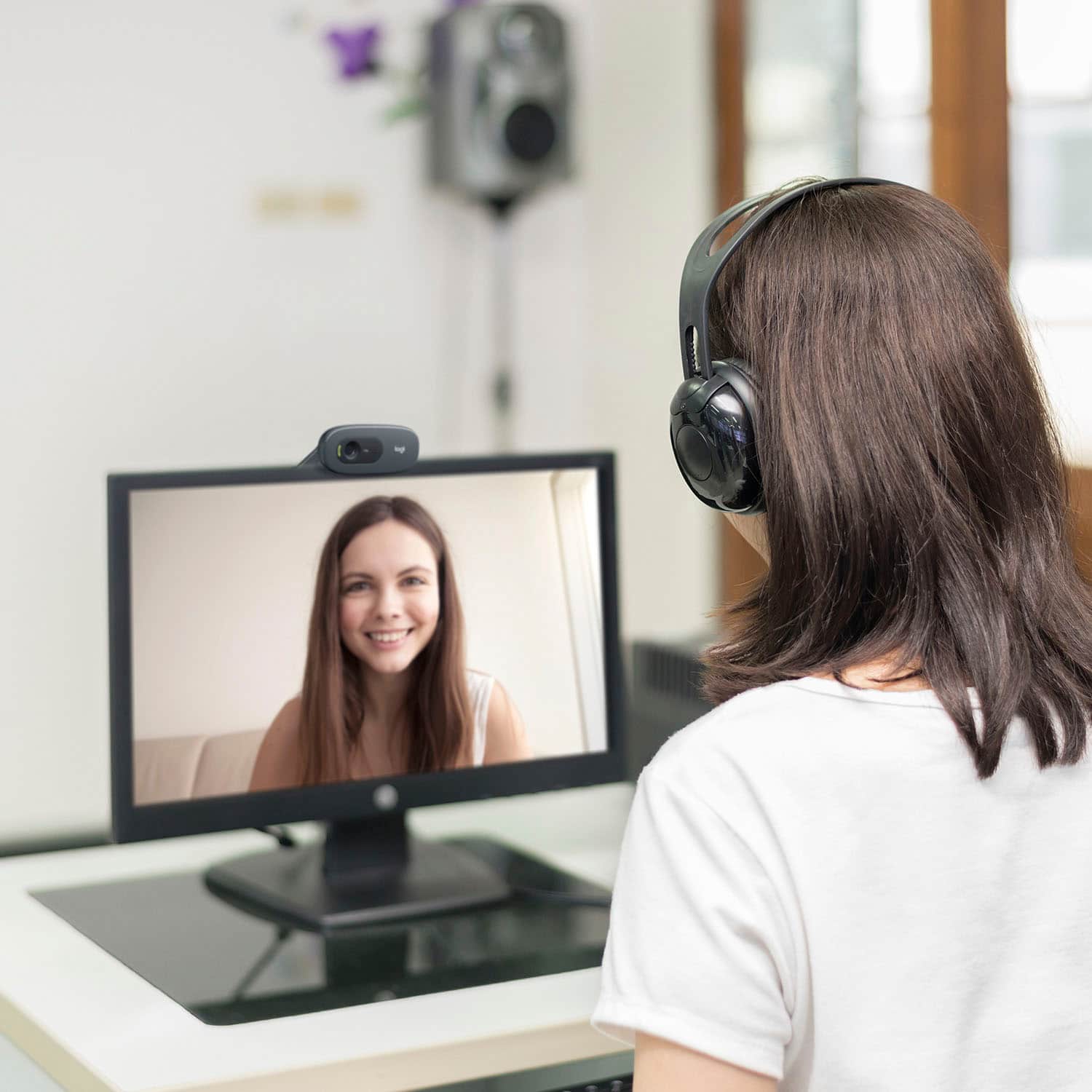
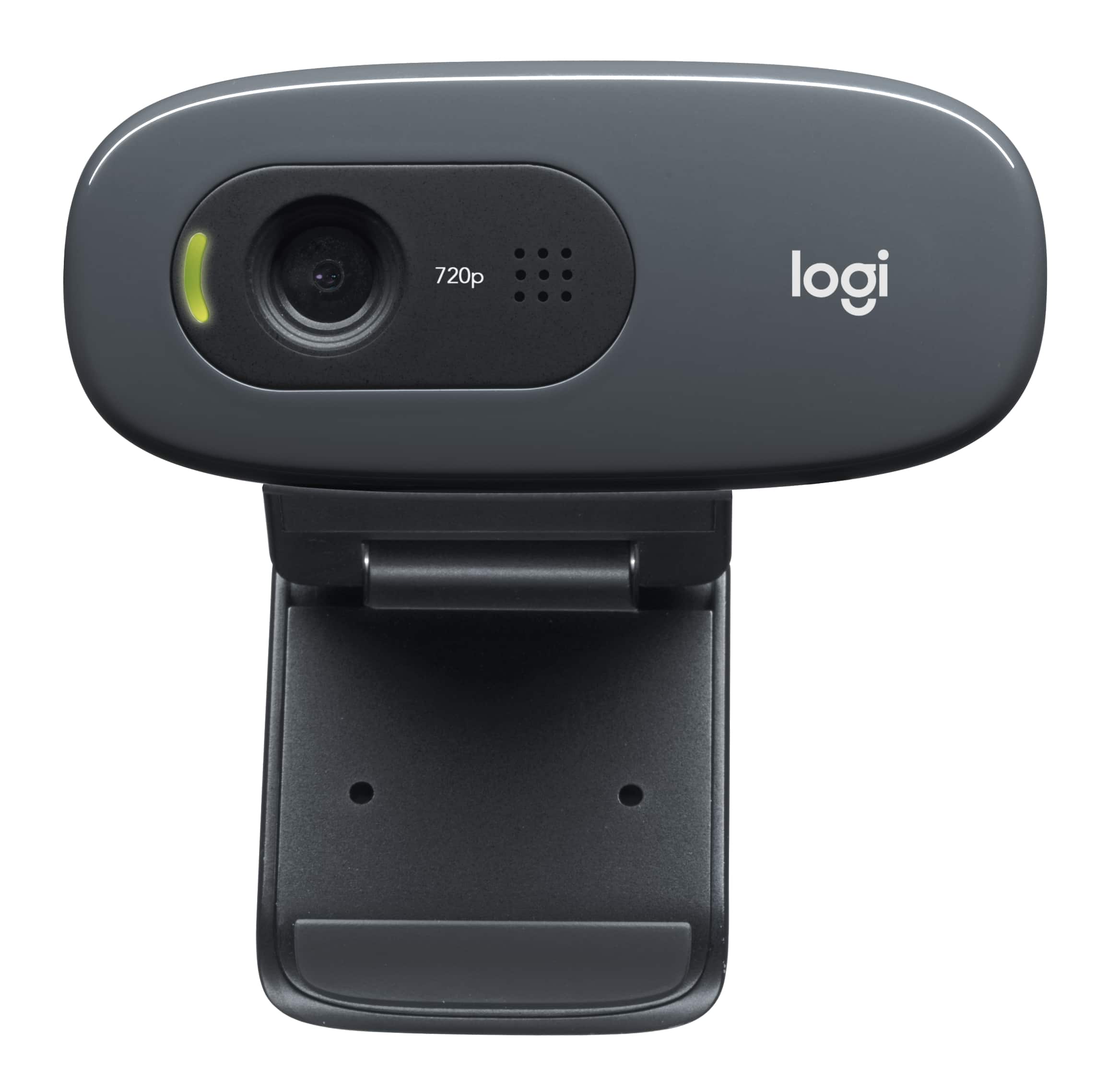
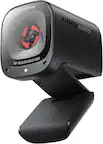
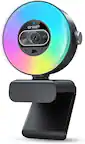
A:AnswerIt's 720. Good value and performance. I use for Zoom, and don't mind the lower res because of reduced bandwith in the Zoom sessions these days.
A:AnswerI have used it for Zoom but it worked in my google test set up and I do not see why it would be app specific.
I loved the camera quality, the cost is low the quality is high. The set up was "plug and play"
A:AnswerAmong the settings I can detect, color is not one of them. This is not to say the camera definitely can't, just that if it can, I haven't found it.
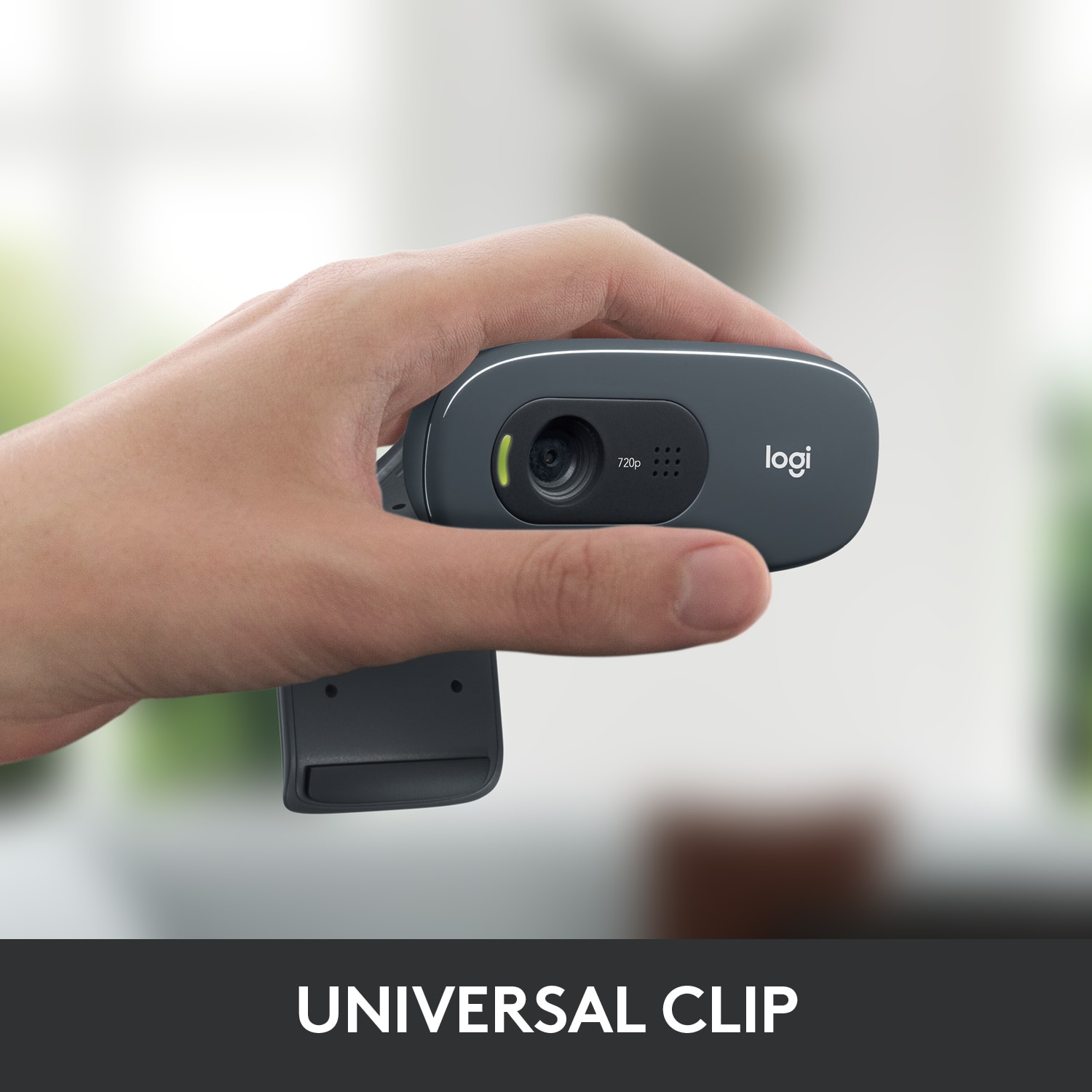
A:AnswerBoth power and data transfer are provided by a conventional USB cable. If your device does not have a conventional USB port available the camera is unlikely to function properly, if at all.
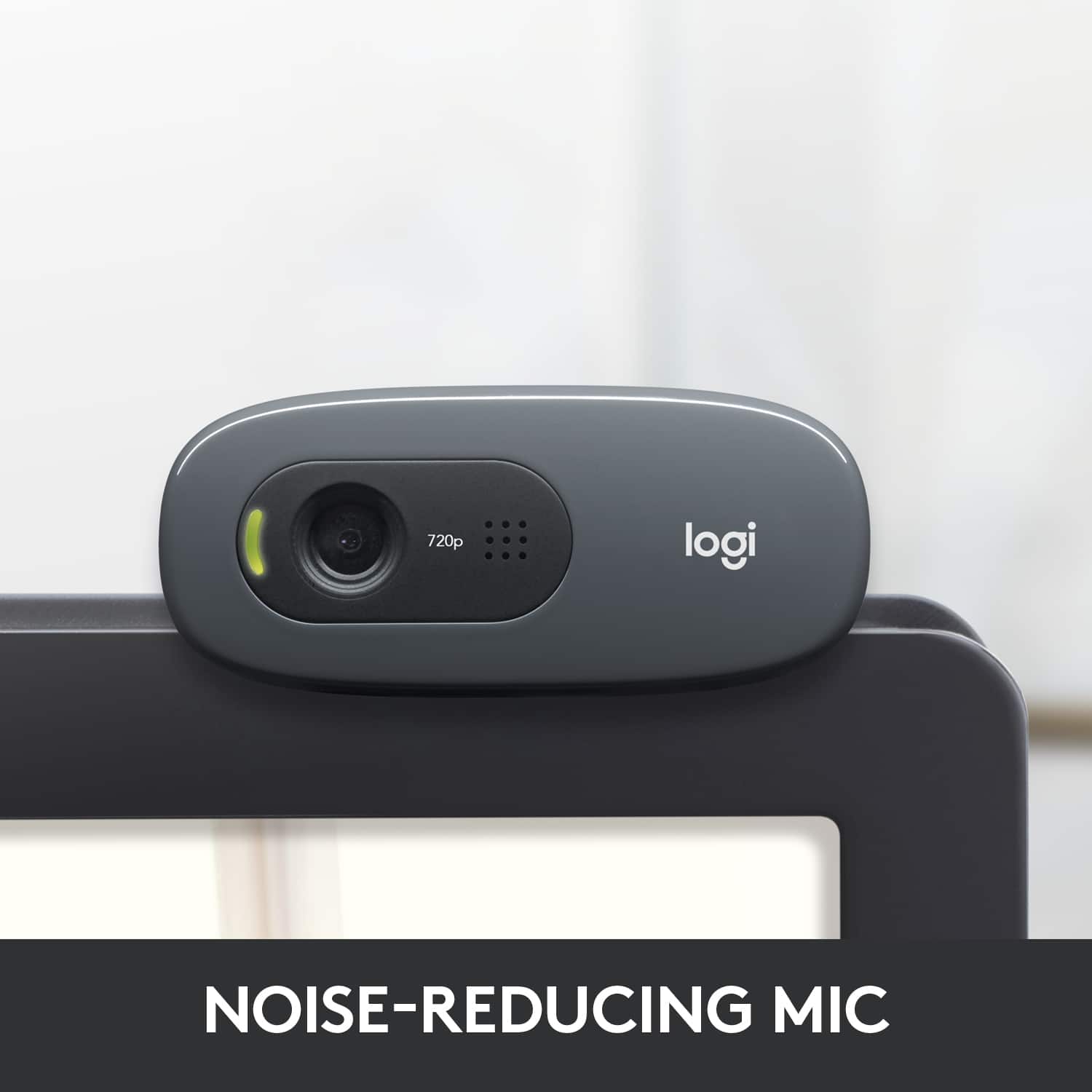
A:AnswerBuilt-in microphone with RightSound technology
Provides echo-free audio with or without a headset for clear videoconferencing or calls to friends
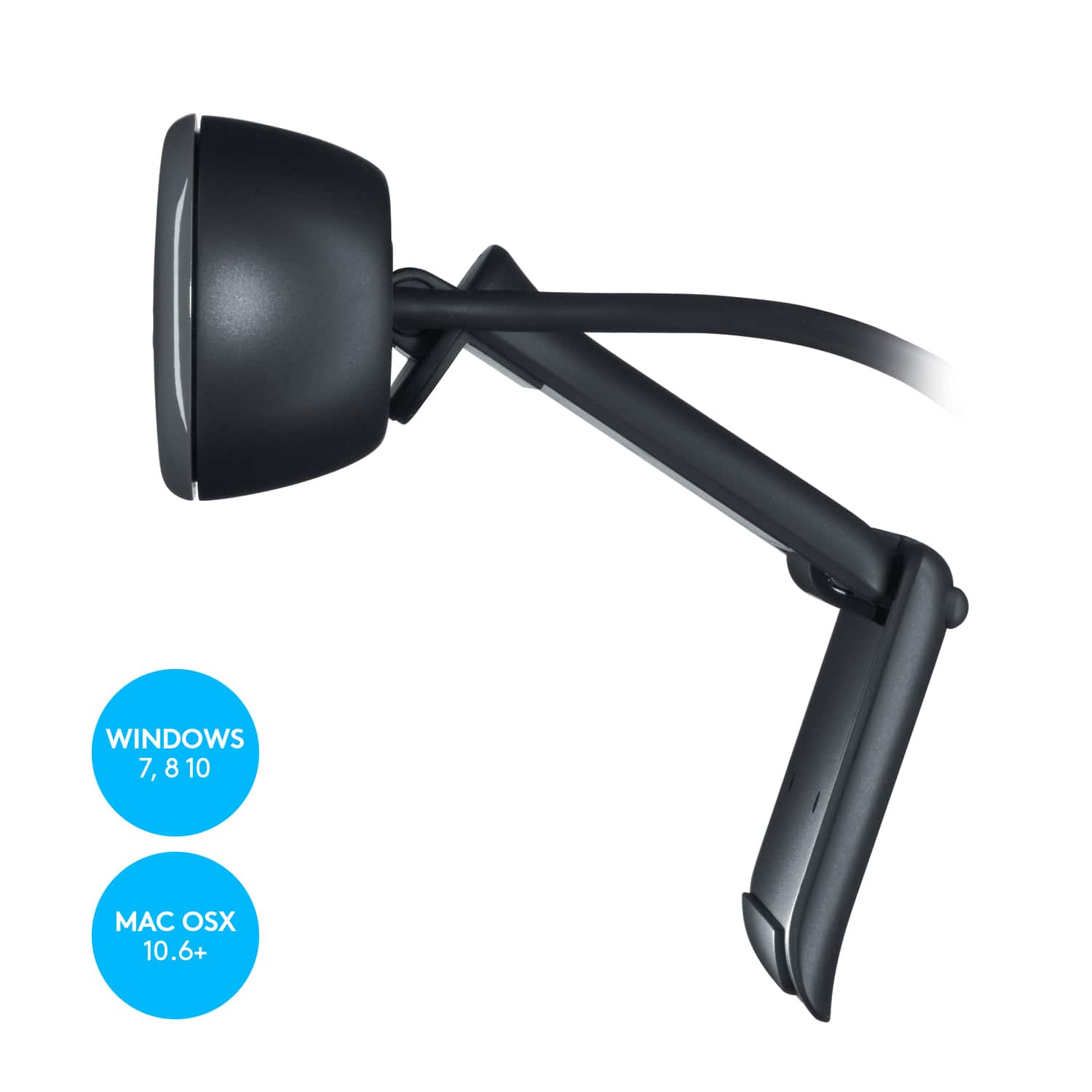
A:AnswerThe question is not so much the computer as the operating system. If you are running windows 10 and have and open USB port it is compatible. Camera is very good and will work with Zoom, Teams, Skype or most any messaging/video chat system.