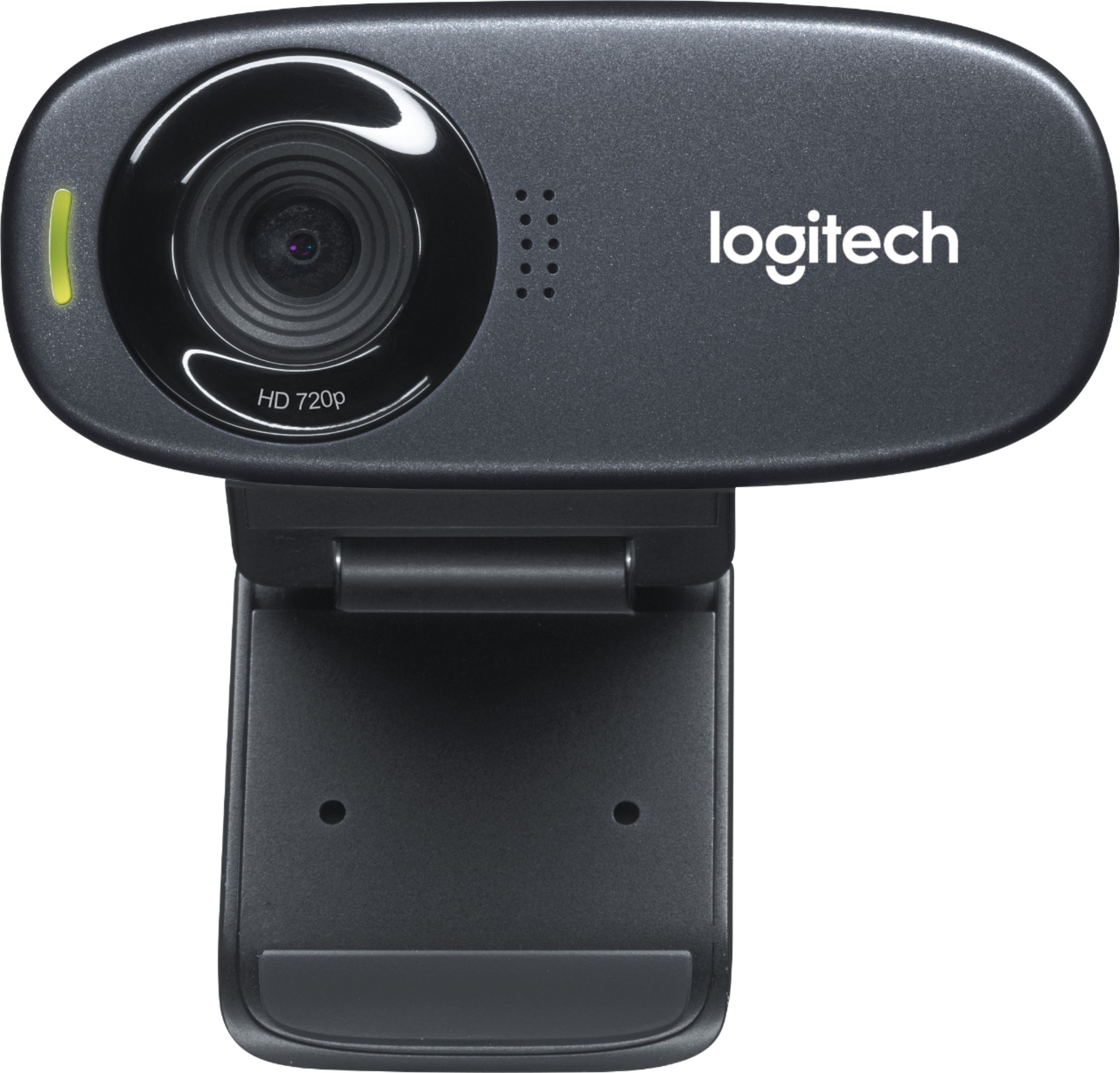
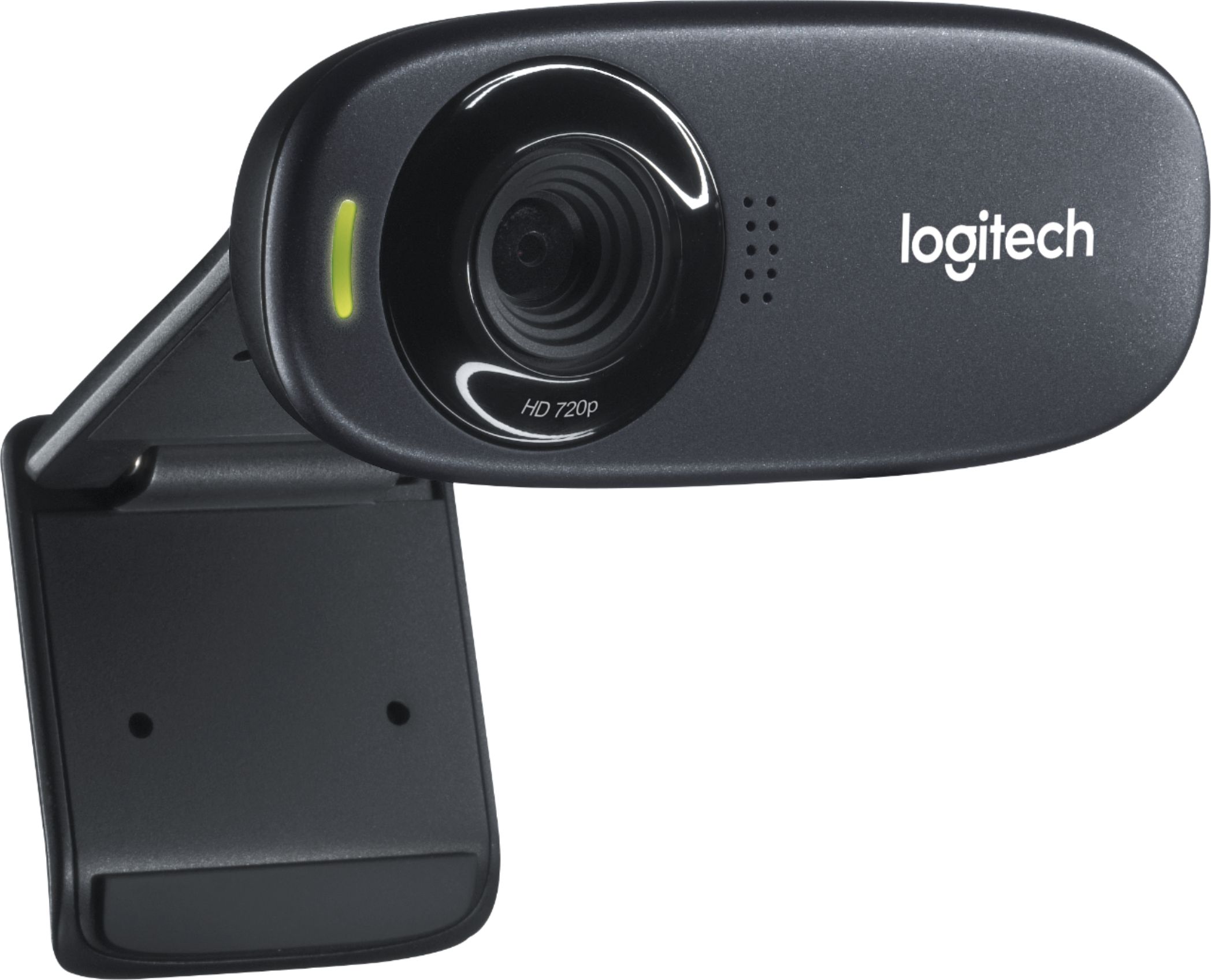
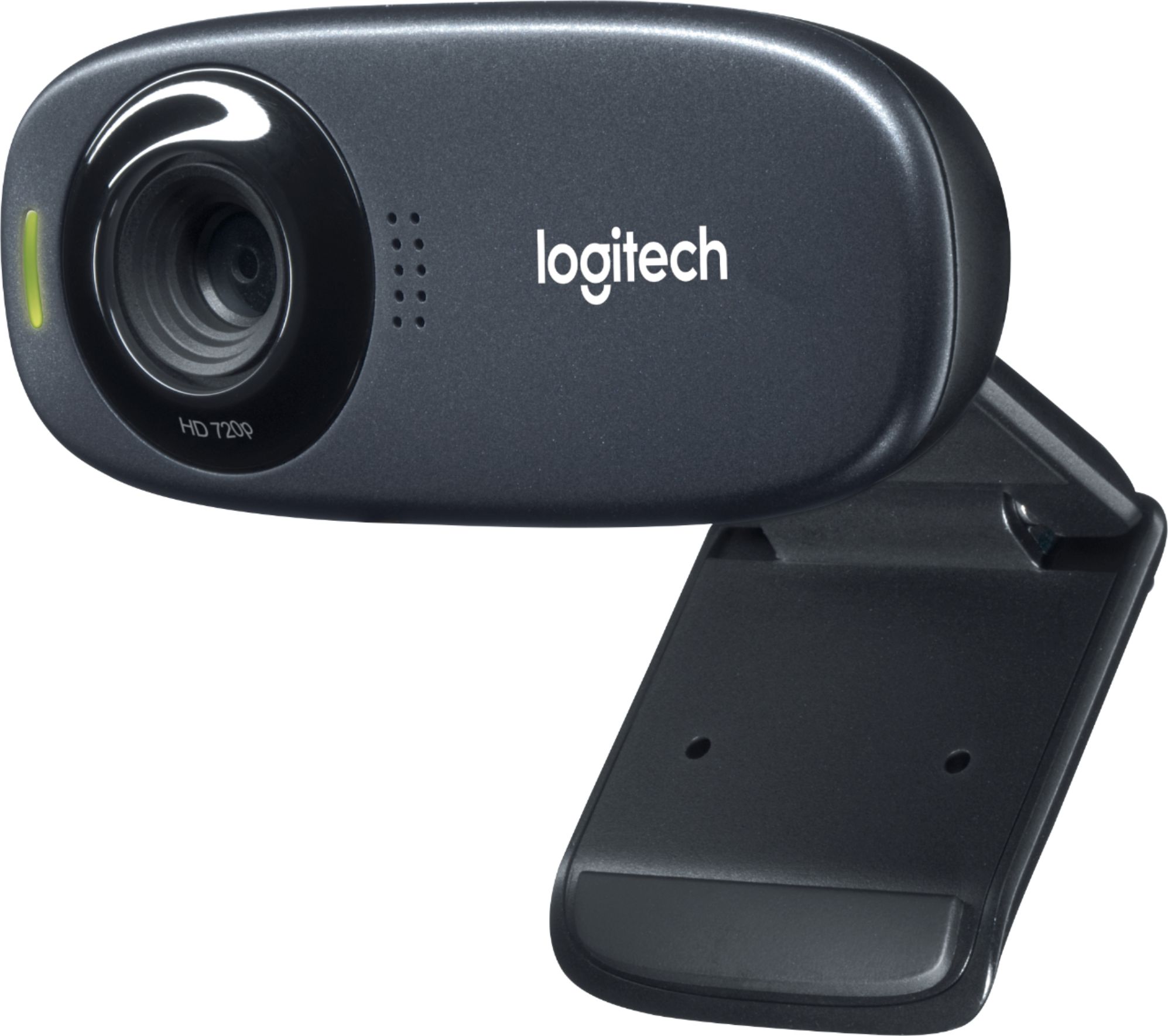
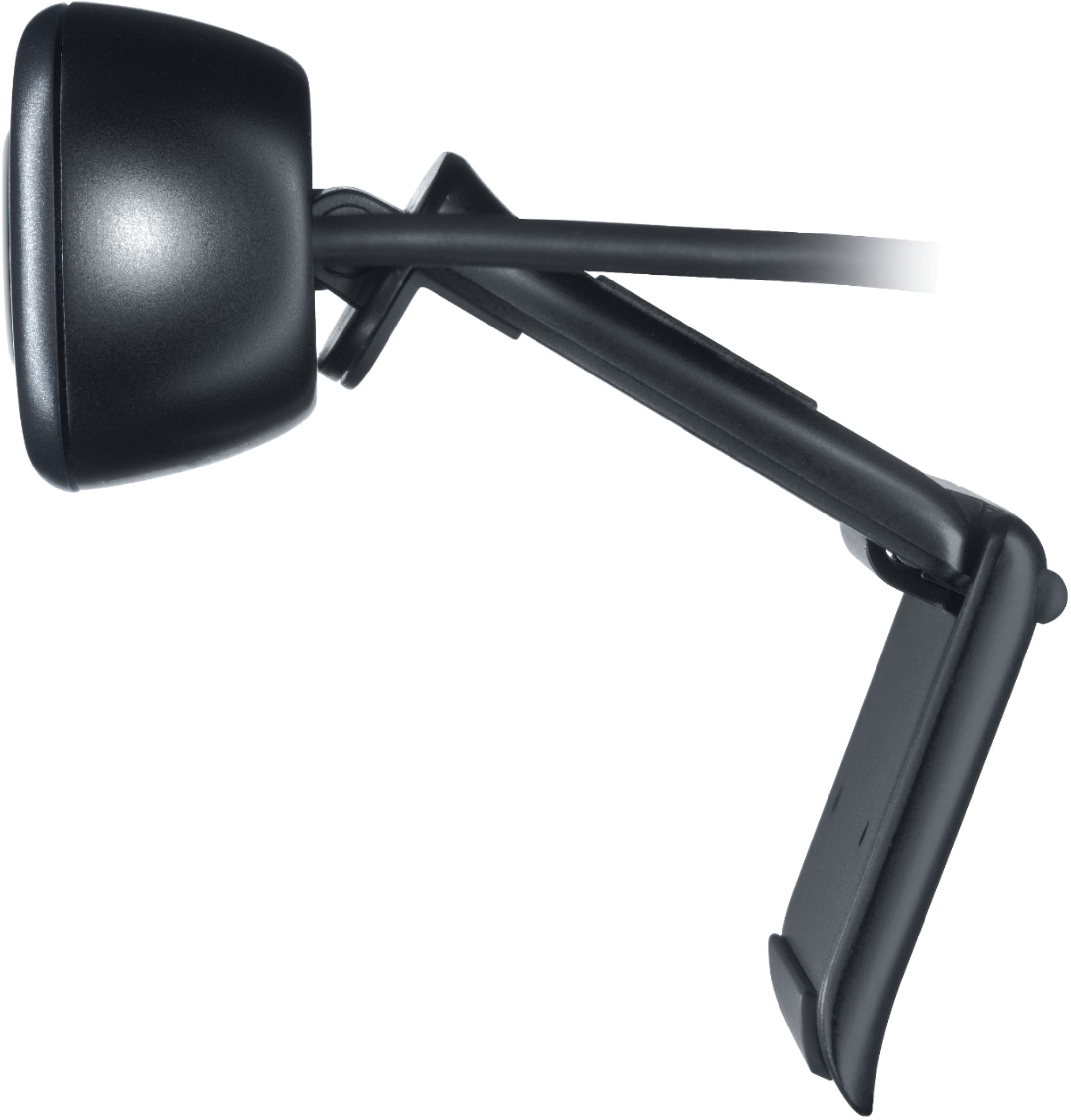
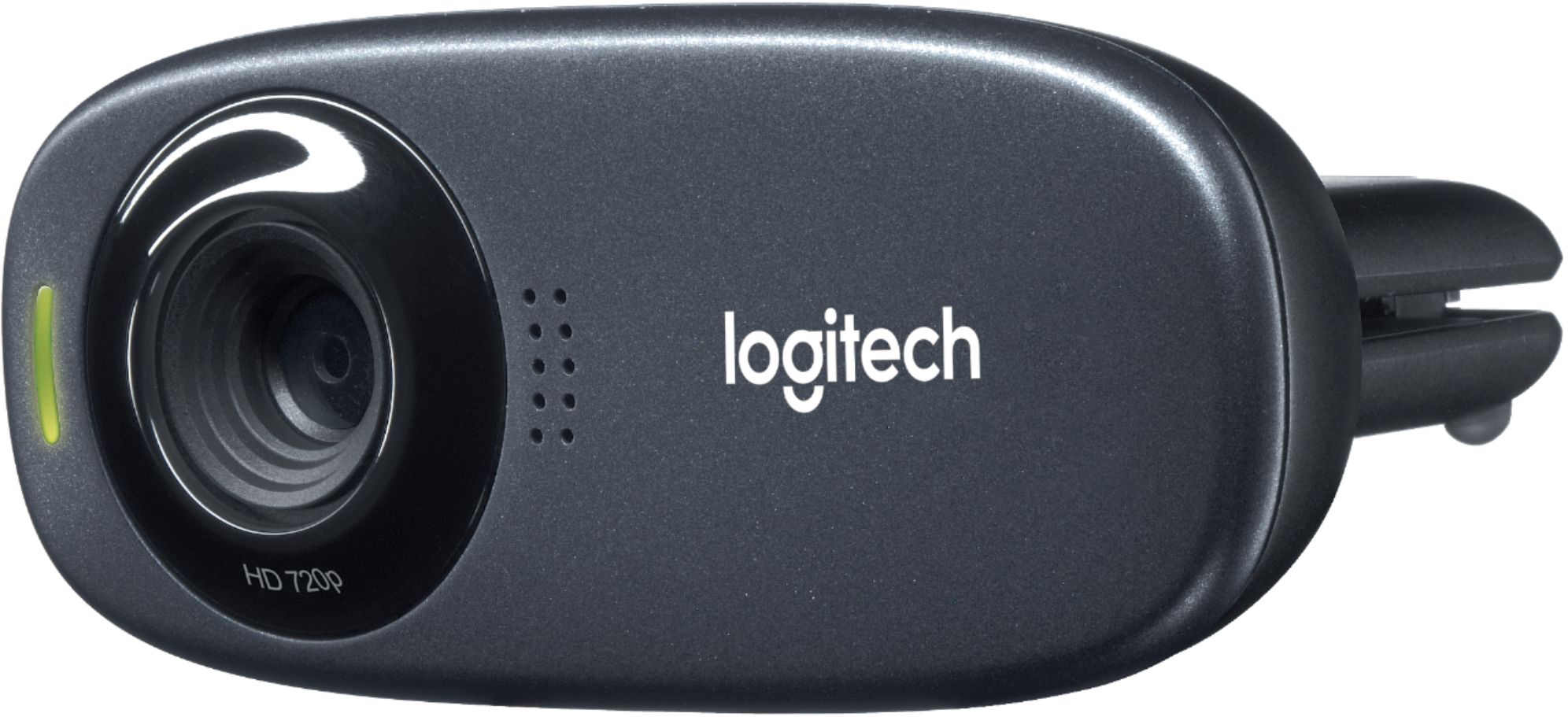
A:AnswerI just recently purchased this Webcam, and I am running windows 10. I just booted up my computer, and plugged the camera in. Windows 10 did the rest. I did not have to download any drivers which worked out just great. Hope this helps you.
A:AnswerI just tested this, and as the only microphone currently attached to my computer, I can confirm that it does indeed work to communicate with Cortana.
A:AnswerYou must connect the camera to your computer via the usb port. This device is Skype enabled; therefore you can download the Skype app. The app will walk you through the instructions for set-up.
A:AnswerAny of the WebCams currently on the market will work with your laptop. I would recommend the Logitech 310 on the cheaper side but still very nice does HD 720 P
A:AnswerIt probably won't work at all since the system requirements for the C310 Webcam are macOS 10.10 or later, Chrome OS, and Android v5.0 or above. You may find a hack on YouTube, but out of the box, it won't work. - Richard from Logitech