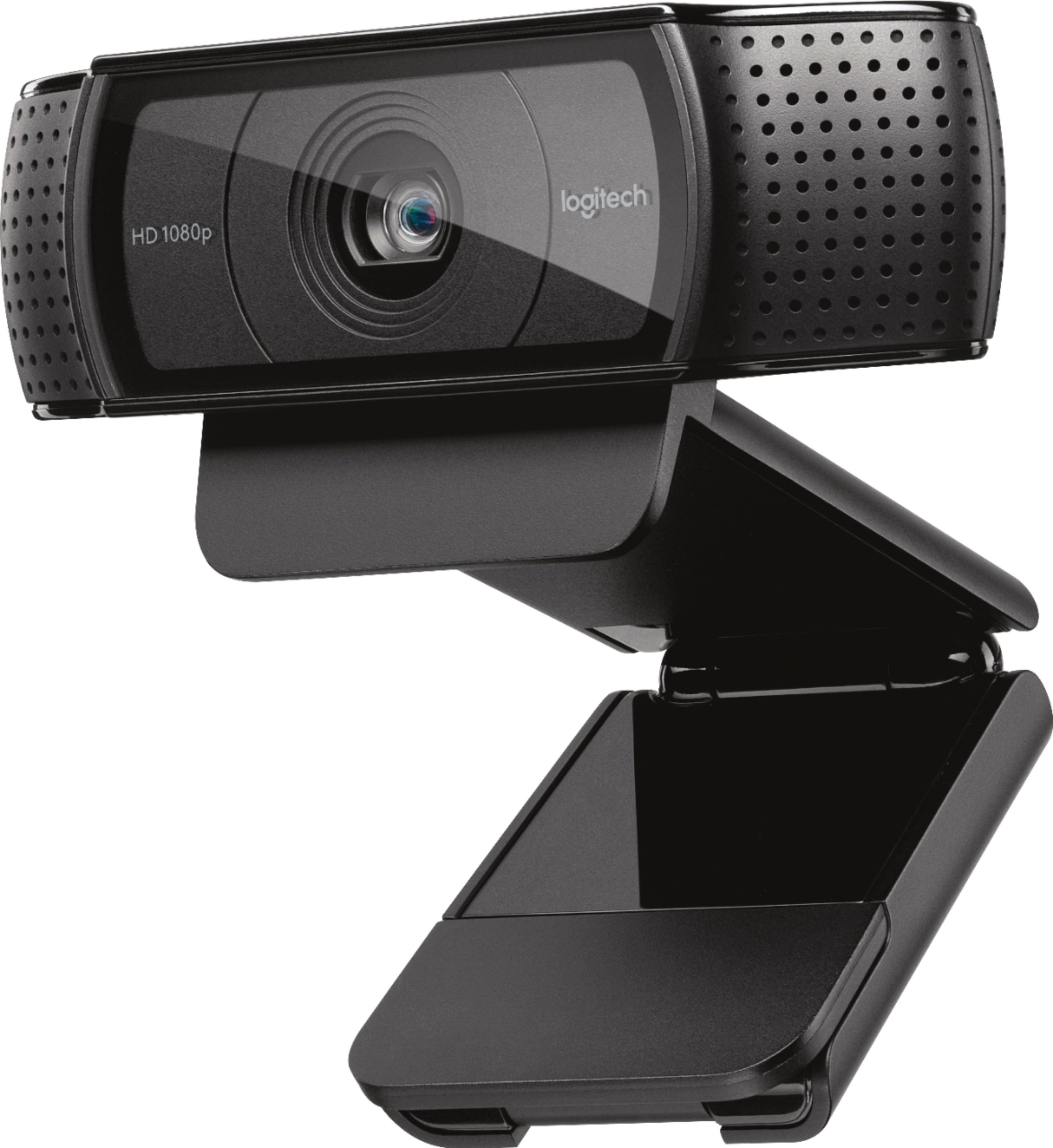
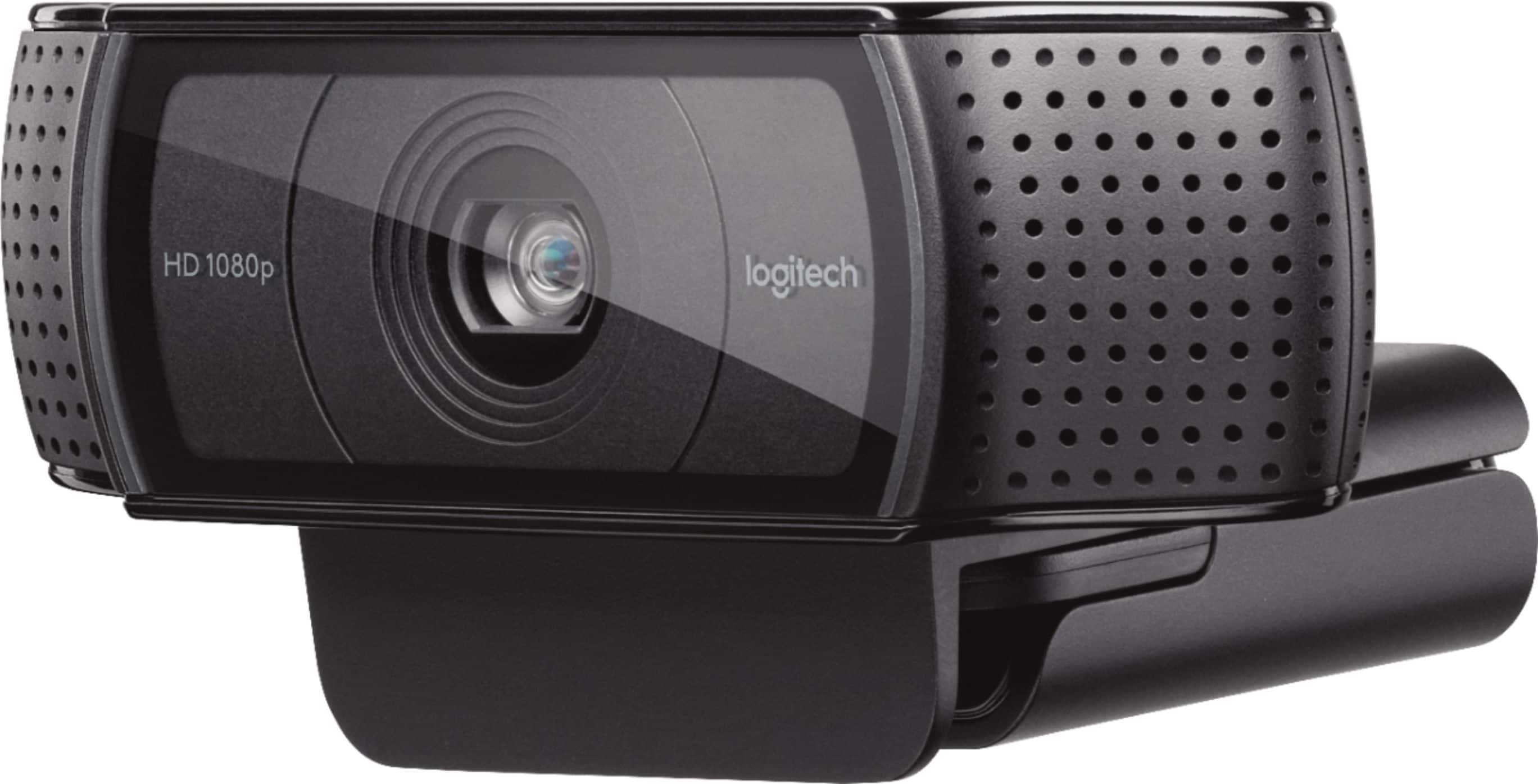
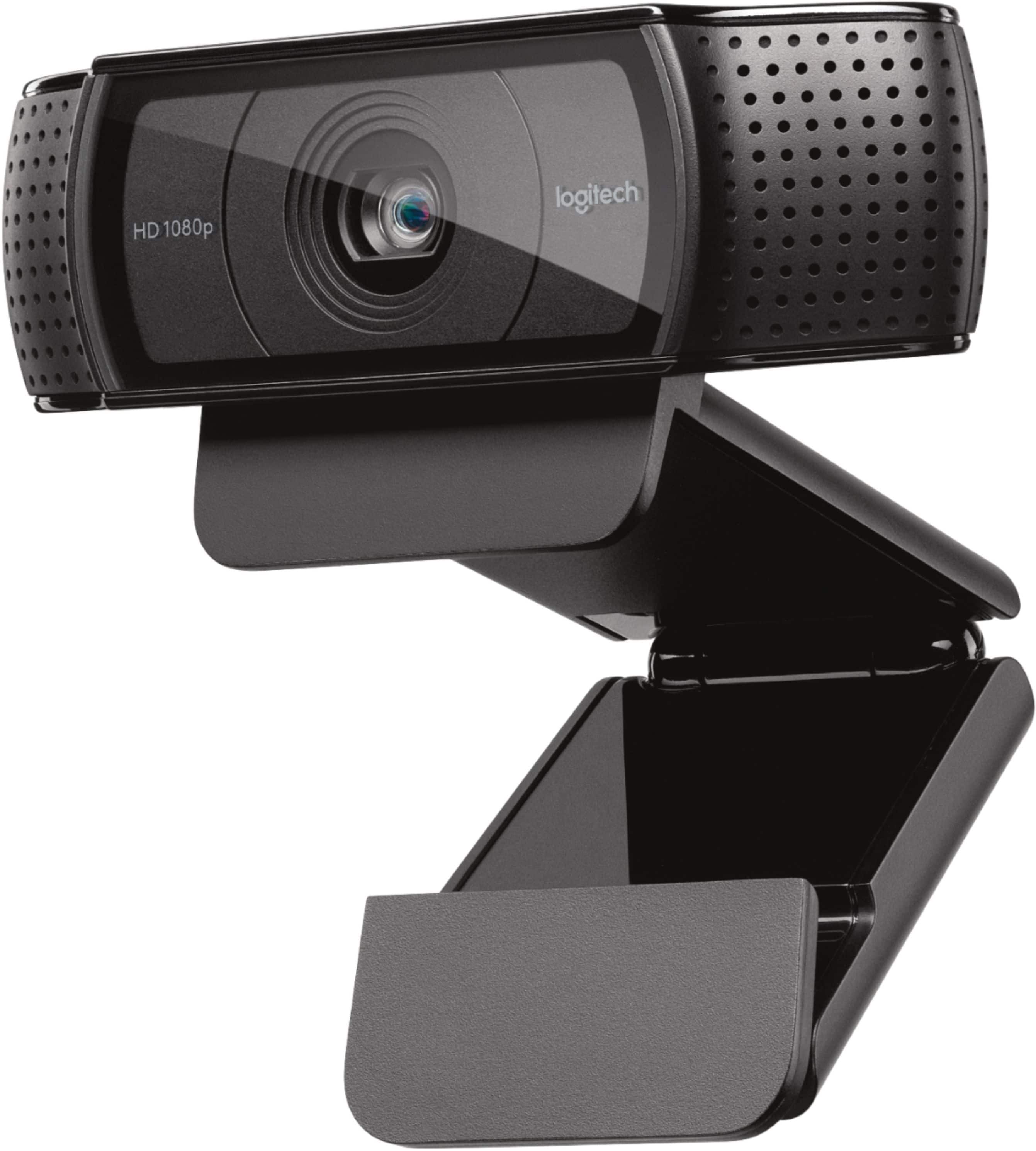
A:AnswerIt should work fine with your Mac.
You just need to be sure that you have the correct software (mostly free and either already loaded on your computer or downloadable for free). Please read my recent review for more information.
A:AnswerIt comes with everything you need. You can just rest it on the monitor. It has many folding options to rest it perfectly. You can also mount it to a camera tripod.
A:AnswerThe c920 came with a basic software package called "Logitech Webcam Software"
It allows for "Quick Capture" of Video or Pictures.
and it allows for "Webcam Gallery" for reviewing saved media.
Software also has a "Motion Detection" mode, records only when motion is detected.
Preferences and Webcam controller allow fine tuning. ie adjust resolution to 720 or 1080, Center objects in view, etc.
If you want to do any video editing, you WOULD need to obtain that type of software.
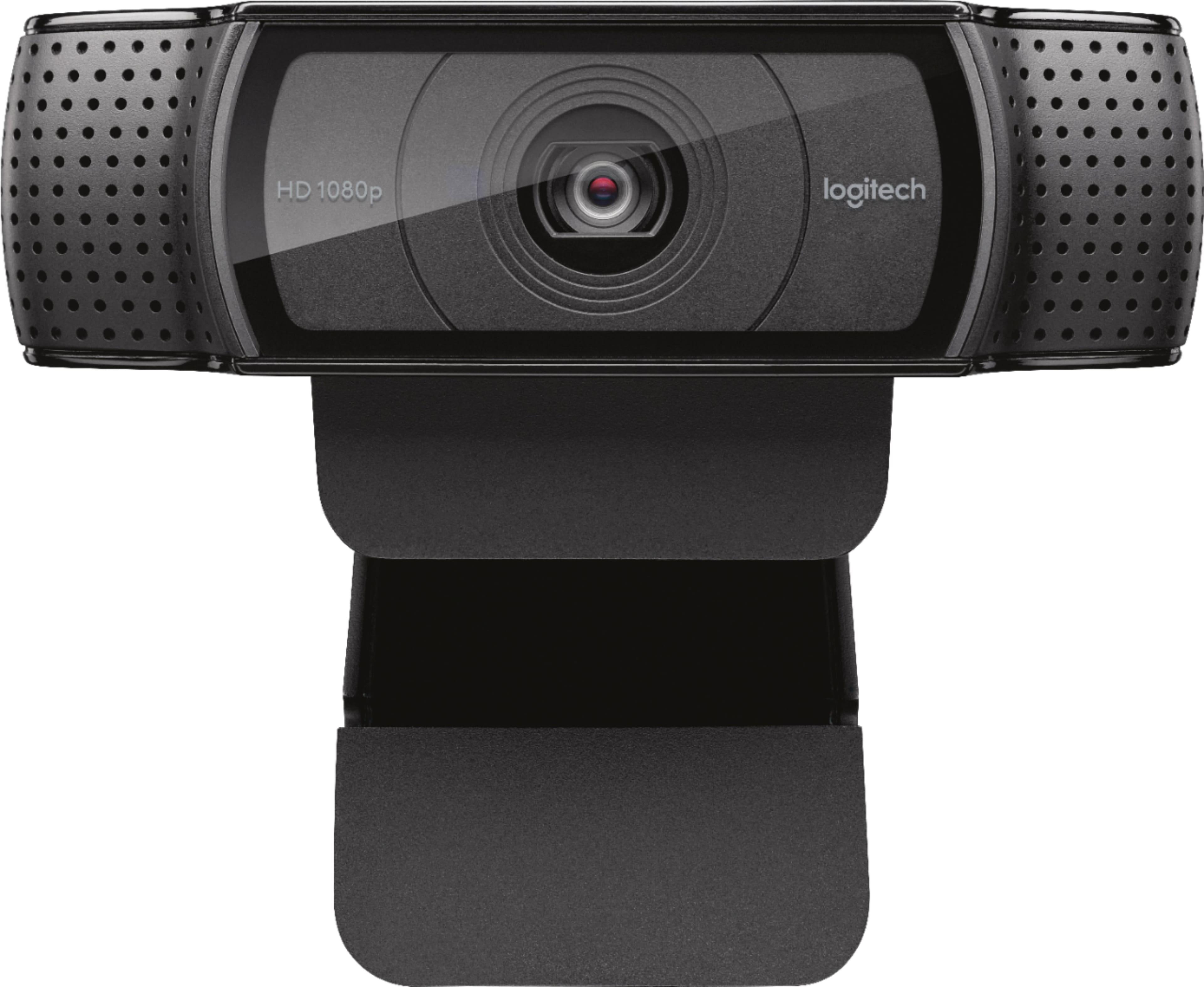
A:AnswerI have a desktop with Windows 10 and the Logitech c920, you can turn off the video and just have the audio. All you need to do is click the camera to turn it off.
A:AnswerUsed it last night for the first time to Skype over a 60 inch Vizio TV. The camera plugs into my laptop and the laptop connects via HDMI to the TV. Camera mounted on top of the TV with no problems at all. Works great for me.