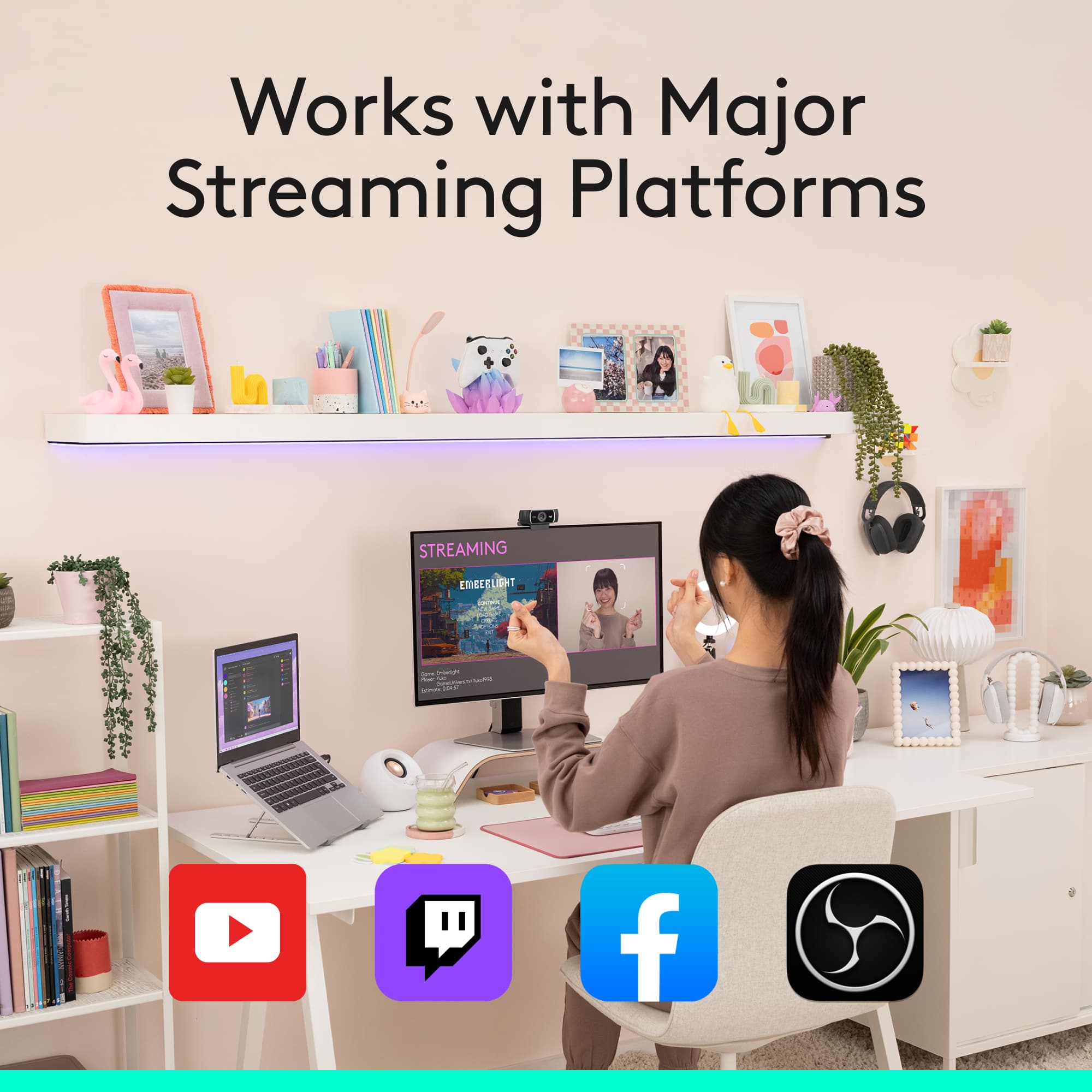
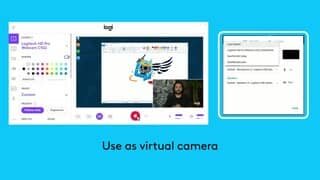
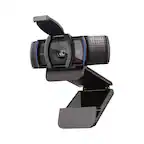
A:AnswerThe camera is just a camera, you can use OBS to both livestream and record. I use it for both and now my wife uses OBS studio to record her screen with this in the corner for online training.
You can also pick up third party software that works with this camera to remove the background for a green screen effect.
A:AnswerI was not able to get it to work with my MacBook Pro, so researched the Logitech support site for answers. Didn't find any solutions there, but did see comments by other Mac owners who indicated they had issues with the C922 not working with their Macs. Since I couldn't figure out how to get it to work with my Mac by any other means, I returned it for a refund.
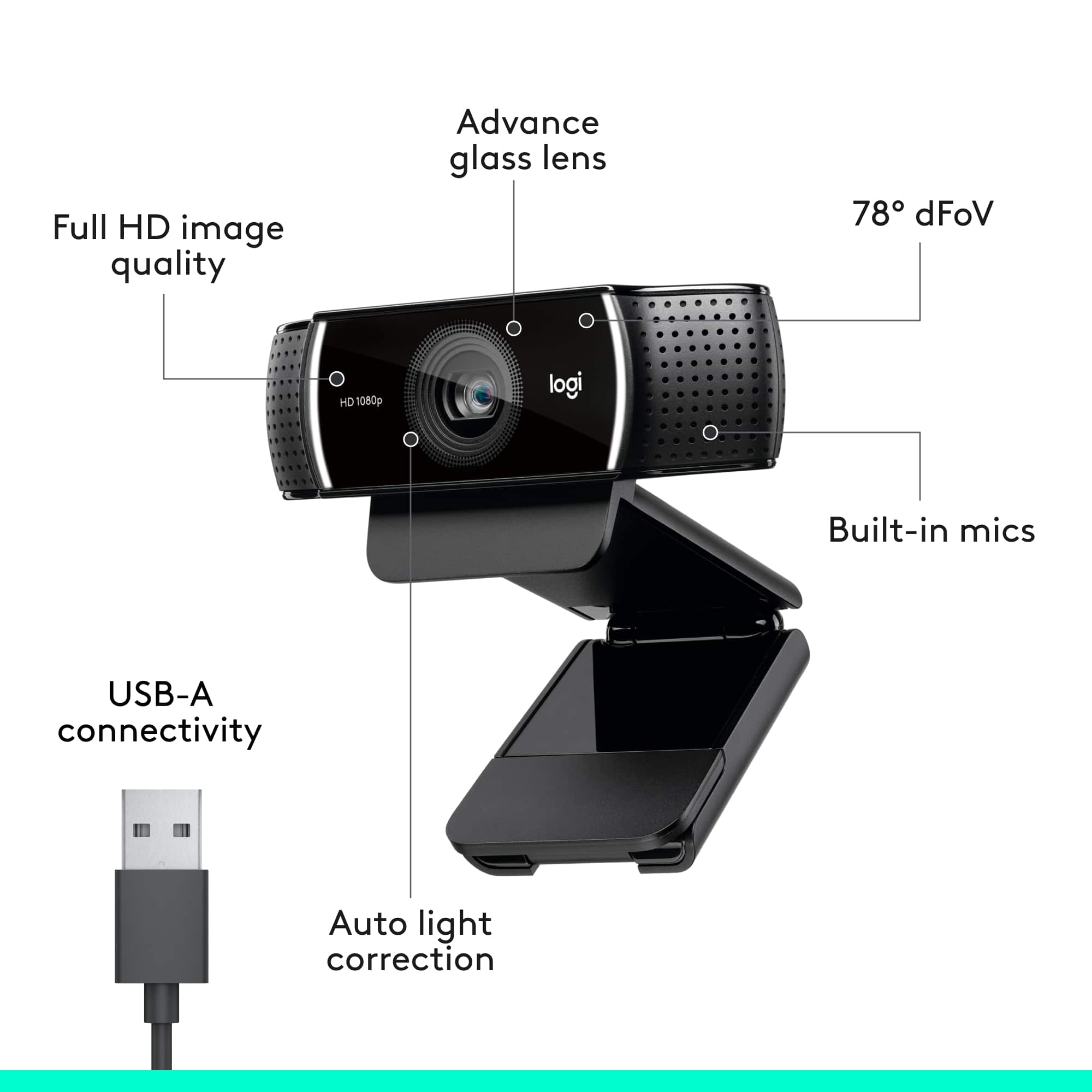
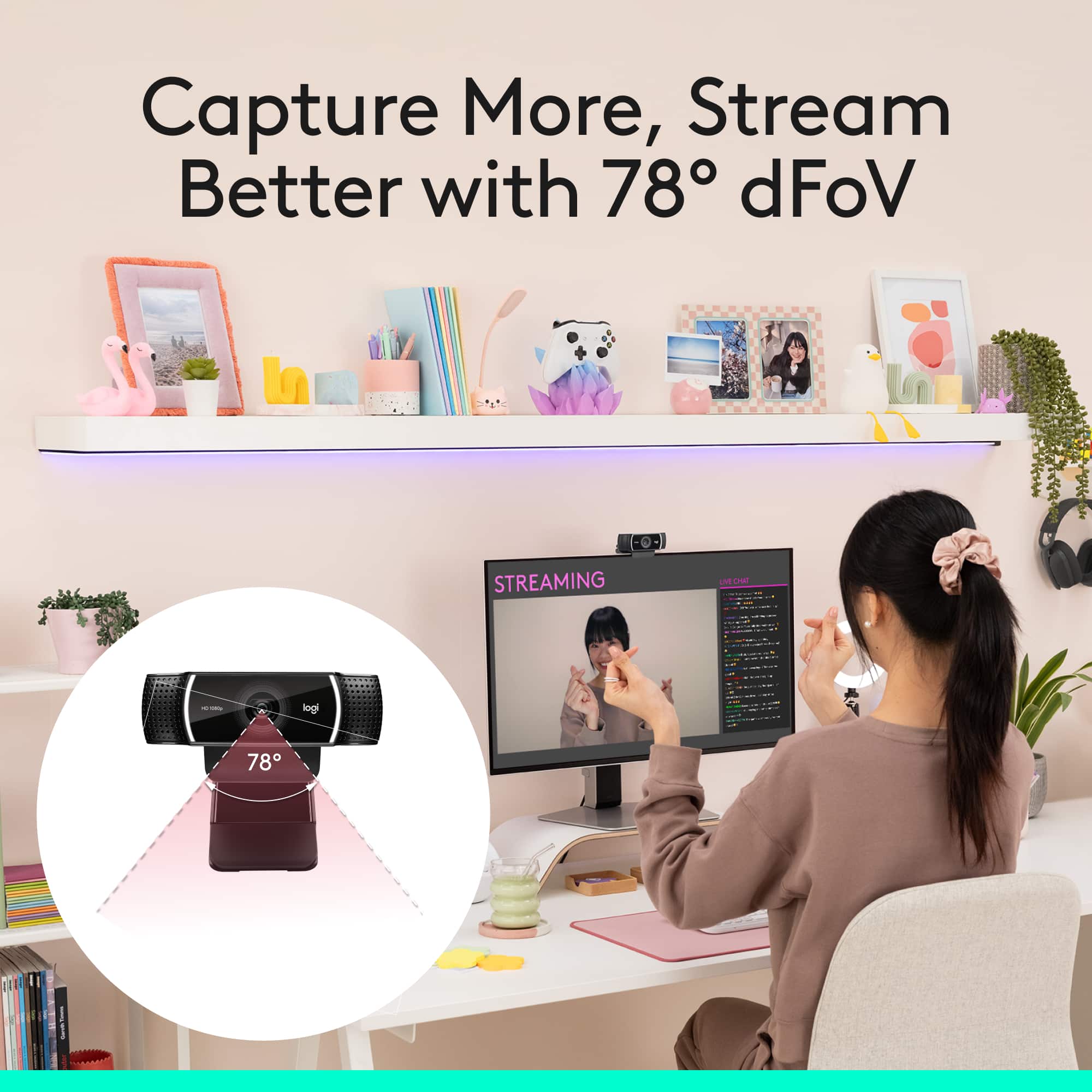
A:AnswerHello Reebee, The C922 has a diagonal field of view of 78° which can be adjusted using Logitech G Hub software. The C922 is ideally suited for a single person, maybe two, but isn't ideal for a conference room. - Richard from Logitech
A:AnswerHi, here are the lens specs for the C922 Pro Stream Webcam: The built-in lens found on the C922 provides f/2.8 aperture and 78-degree field of view.
A:AnswerHello Simon! Yes, the C922 Pro Stream Webcam will work with Xbox One. Simply connect your webcam to your console, download the Twitch App to enable streaming, and you'll be good to go!
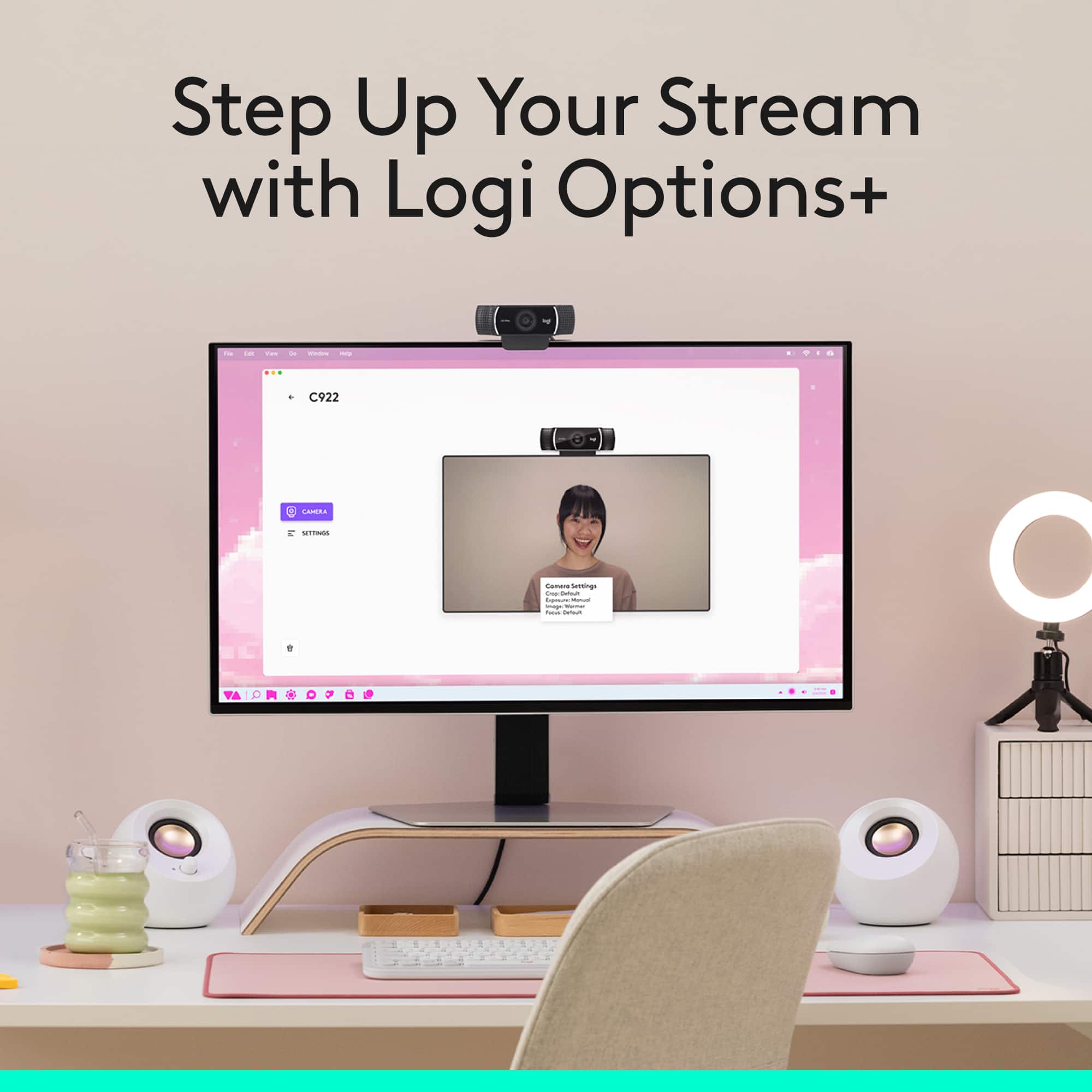
A:AnswerHello Candlepower! You'll be able to zoom in and out, left or right with the C922 Pro Stream Webcam no problem, but note that you should definitely be able to do the same with the C920S Pro HD Webcam as well. This is all done digitally with the use of the free Logitech Capture software, that can be downloaded here: https://www.logitech.com/en-ca/product/capture
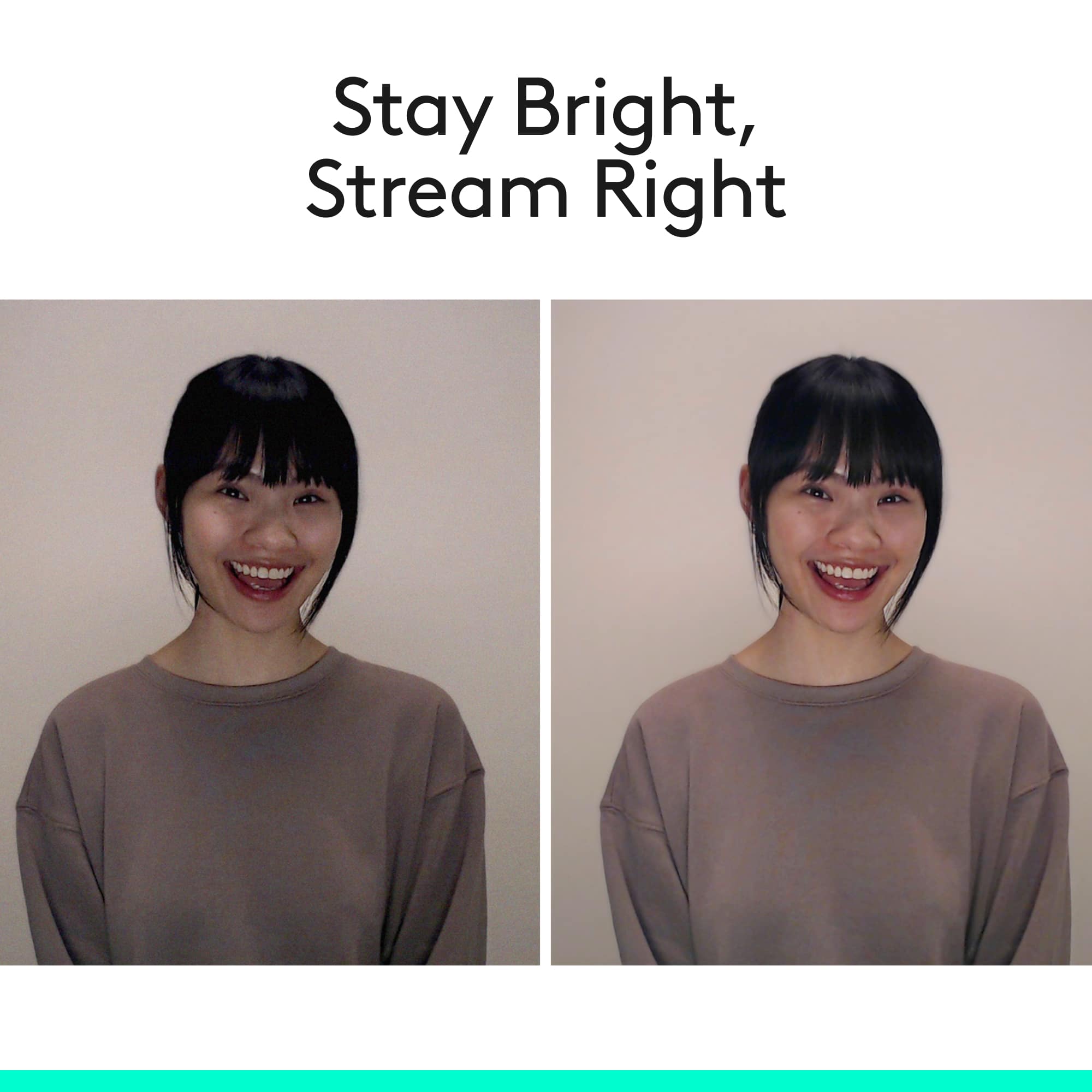
A:AnswerHello, the C922 does not have an included light, but you can adjust the ISO/brightness levels using our Logitech Capture software on your computer.
A:AnswerHello,
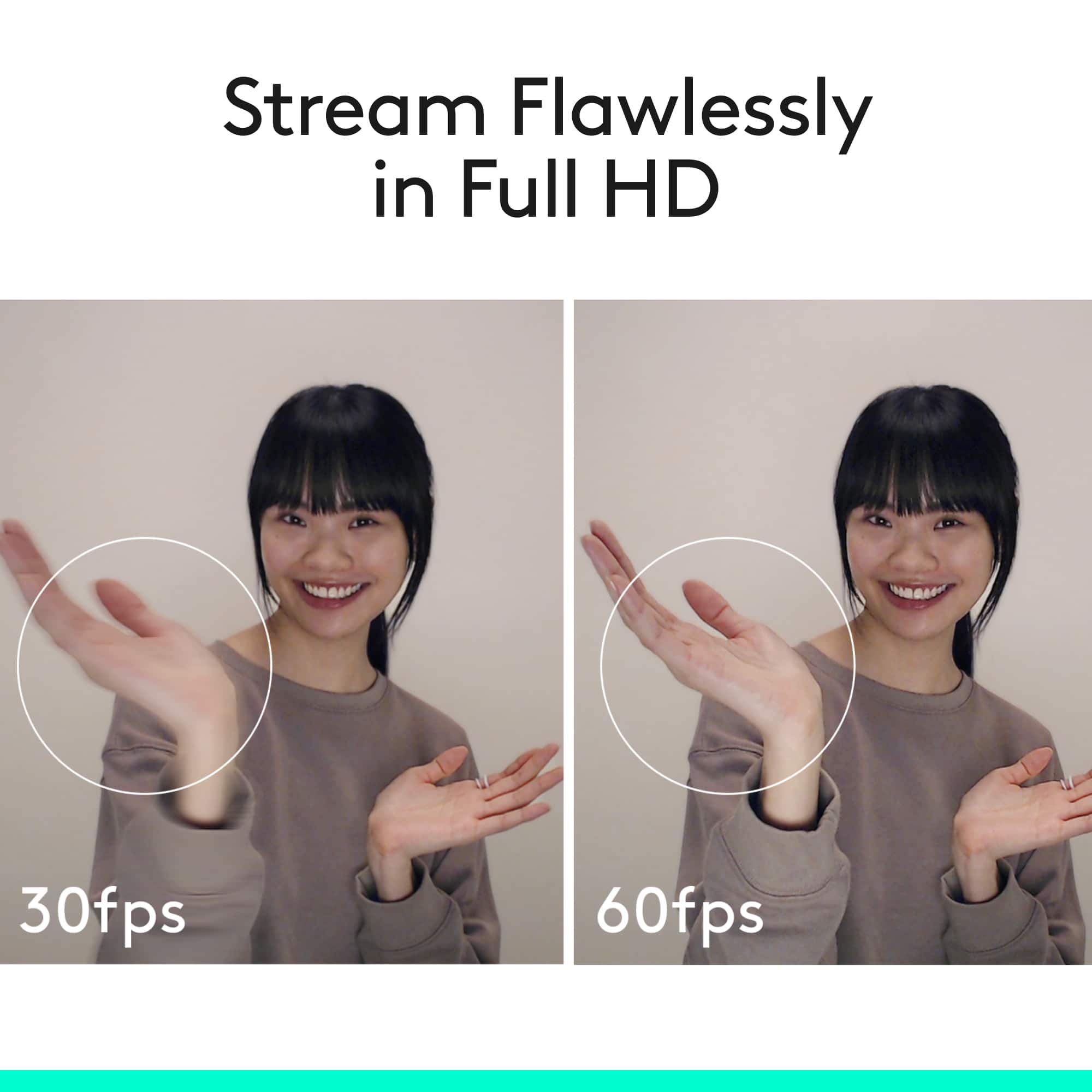
The Logitech C922 Webcam features a max resolution of 1080p/30 fps - 720p/ 60. Install Logitech Capture for customization, including setting your webcam’s field of view, aspect ratio, recording resolution and more. C922 works with many other programs that also have adjustments to the field of view. I have attached a link to the support page for C922 which includes Logitech software downloads, and further support.
Best regards,
John at Logitech
https://support.logi.com/hc/en-us/articles/360024156234
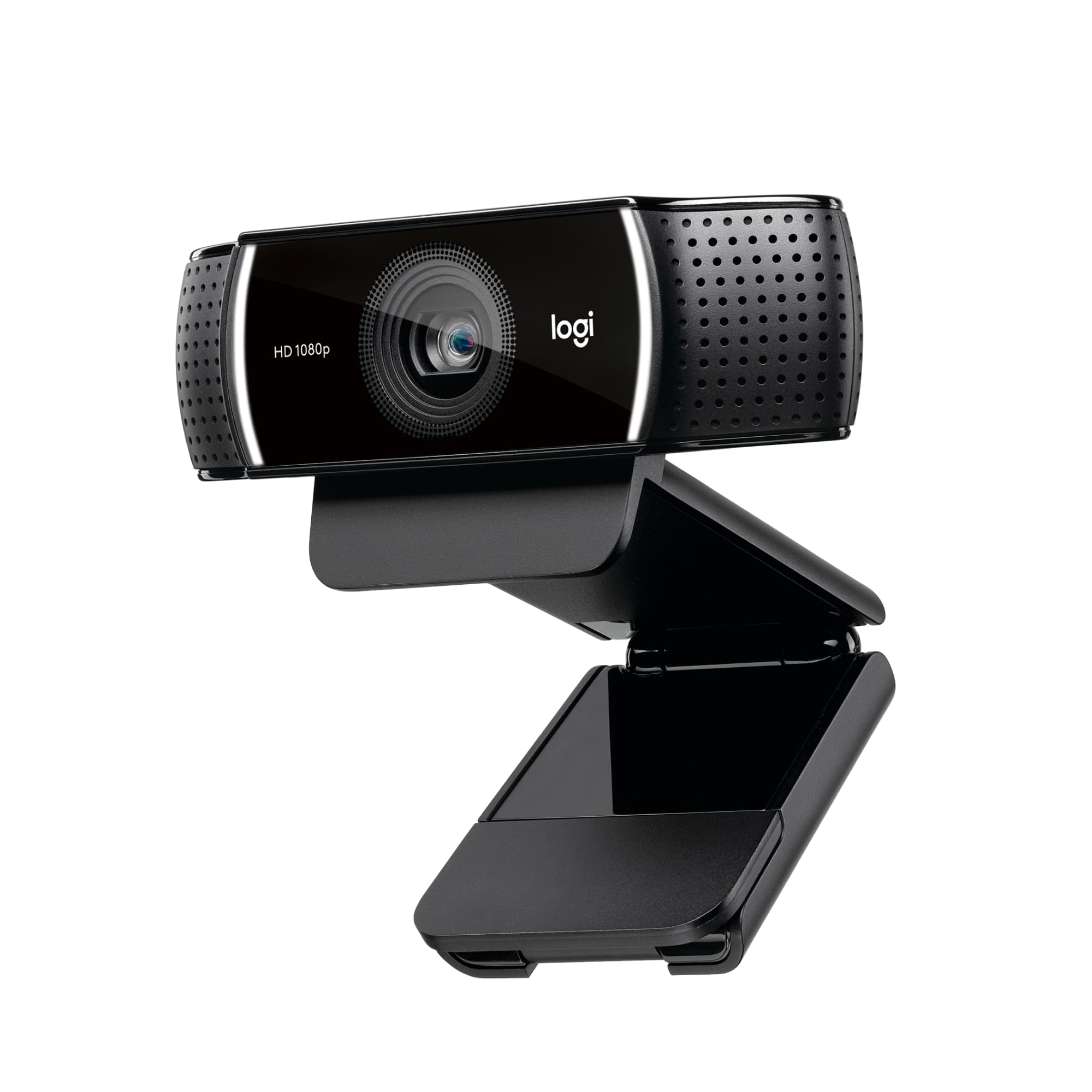
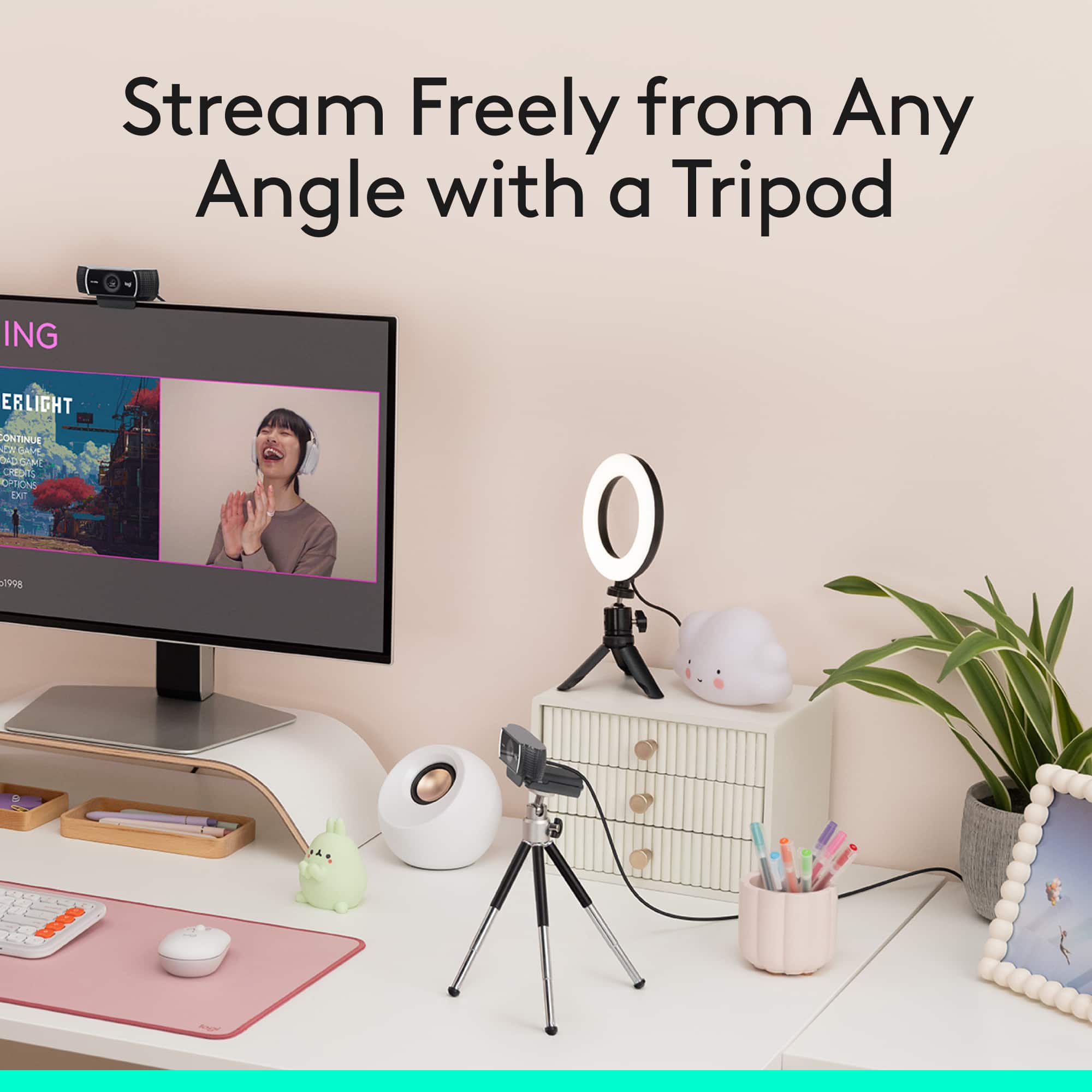
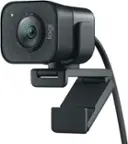
A:AnswerThe C922 Pro Stream Webcam does a built in clip to be able to mount it to the top of a monitor or laptop. It also comes with a tripod mount on the bottom to give you additional options.
A:AnswerWith the purchase of the C922 you get a free three months of XSplit, no need to pay unless you decide to purchase it after the three months. XSplit is a program that streamers will use to record games and broadcast to streaming websites like Twitch and YouTube.
A:AnswerYes, you can. You would have to adjust that setting in the app that you're using the webcam with (Zoom, Teams, etc.) and tell it to use the headset as the mic instead of the webcam mic.
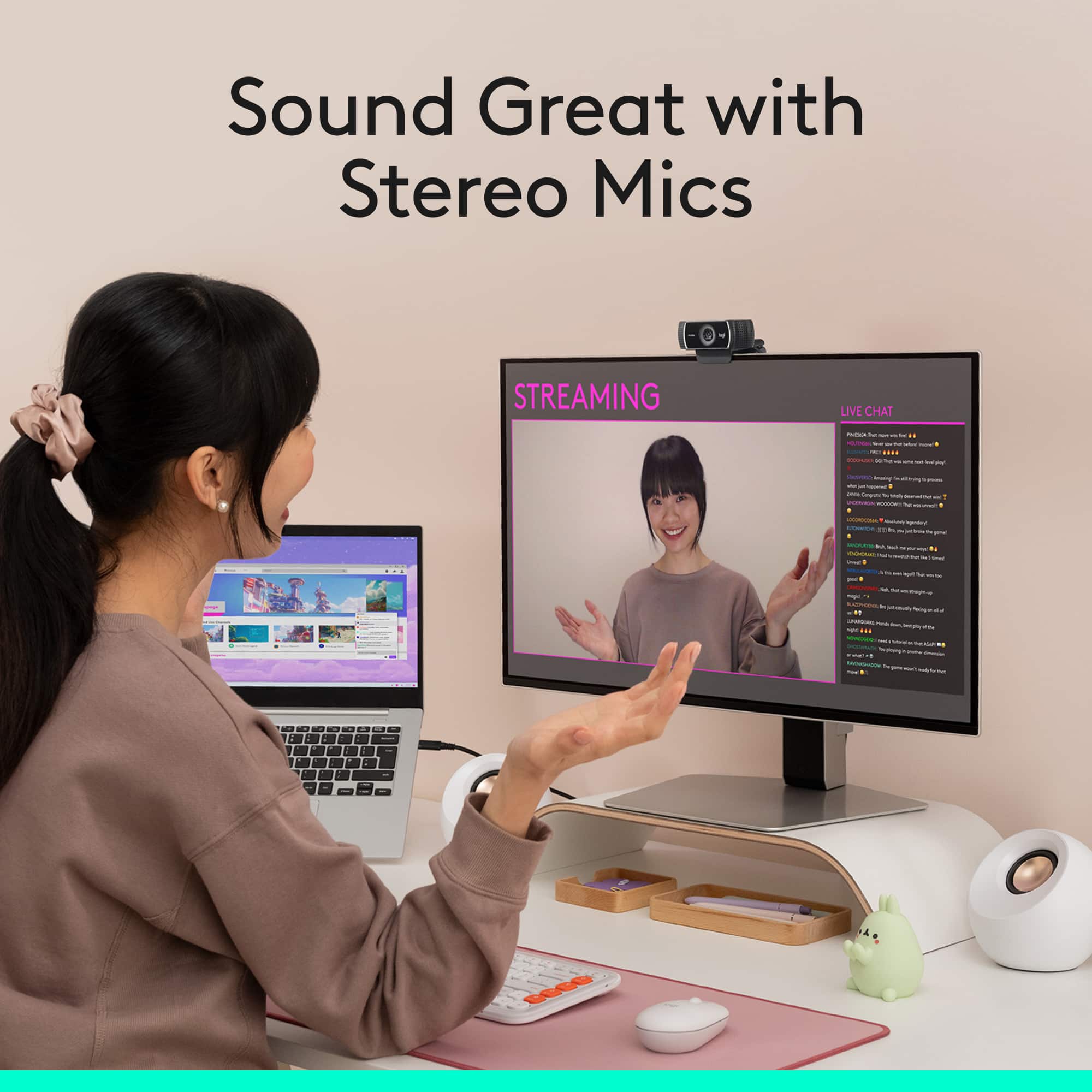
A:AnswerThe C615 is a more portable design, which can swivel with a 3' cable. The C922 is larger and more stationary, It has a 5' cable and more advanced capability using Logitech Capture software. It also has stereo mics and can be used at 720p at a faster 60 fps. The C922 is preferred for streaming. - Will. Logitech.
A:AnswerHello, unfortunately, the C922 Pro Stream Webcam does not come with a privacy cover. We also don't make any covers as an accessory for purchase. I apologize for the inconvenience. Have a great day.