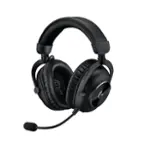
A:AnswerHello Gexx, If you're going to use two of these on the same PC, then I would suggest using the G PRO X Wired headset instead of the wireless, which would help avoid any RF interference having two LIGHTSPEED USB dongles plugged in. I would use the External USB sound card (DAC) to plug in both to your PC which will allow you to use Logitech's G Hub and customize your audio and voice communications. Here's a link to show you more about it: https://www.logitechg.com/en-us/products/gaming-audio/pro-x-gaming-headset-blue-voice-mic-tech.981-000817.html. - Richard from Logitech
A:AnswerHello! I would recommend reaching out to our support team here https://support.logi.com/hc/en-us/requests/new?ticket_form_id=360000621393 to file a warranty claim. The G Pro X Wireless headset has a two year limited hardware warranty. - Maggie from Logitech G
A:AnswerHello Eman! The G PRO X Wireless DTS Headphones:X 2.0 Gaming Headset only supports sound from one source at a time, so you won't be able to mix the sound like some other models do unfortunately. The Wired Pro X Headset combined with a separate MixAmp Pro TR module from Astro in example could work, or other headsets that have a MixAmp feature built in such as the Astro A20's or Astro A50's will offer this functionality.
A:AnswerIf you purchased insurance, which is a must for these products, I've noticed a severe lack in quality in headsets of almost any brand. If you want sound quality stick with the G935, this new one may be comfortable but the sound isn't as nearly as good with various tests. However if you do want comfort for ok sound then go with the Pro X wireless. Just remember when it comes to head sets you have to get insurance, that way when it does fail because it will, at least you're covered.
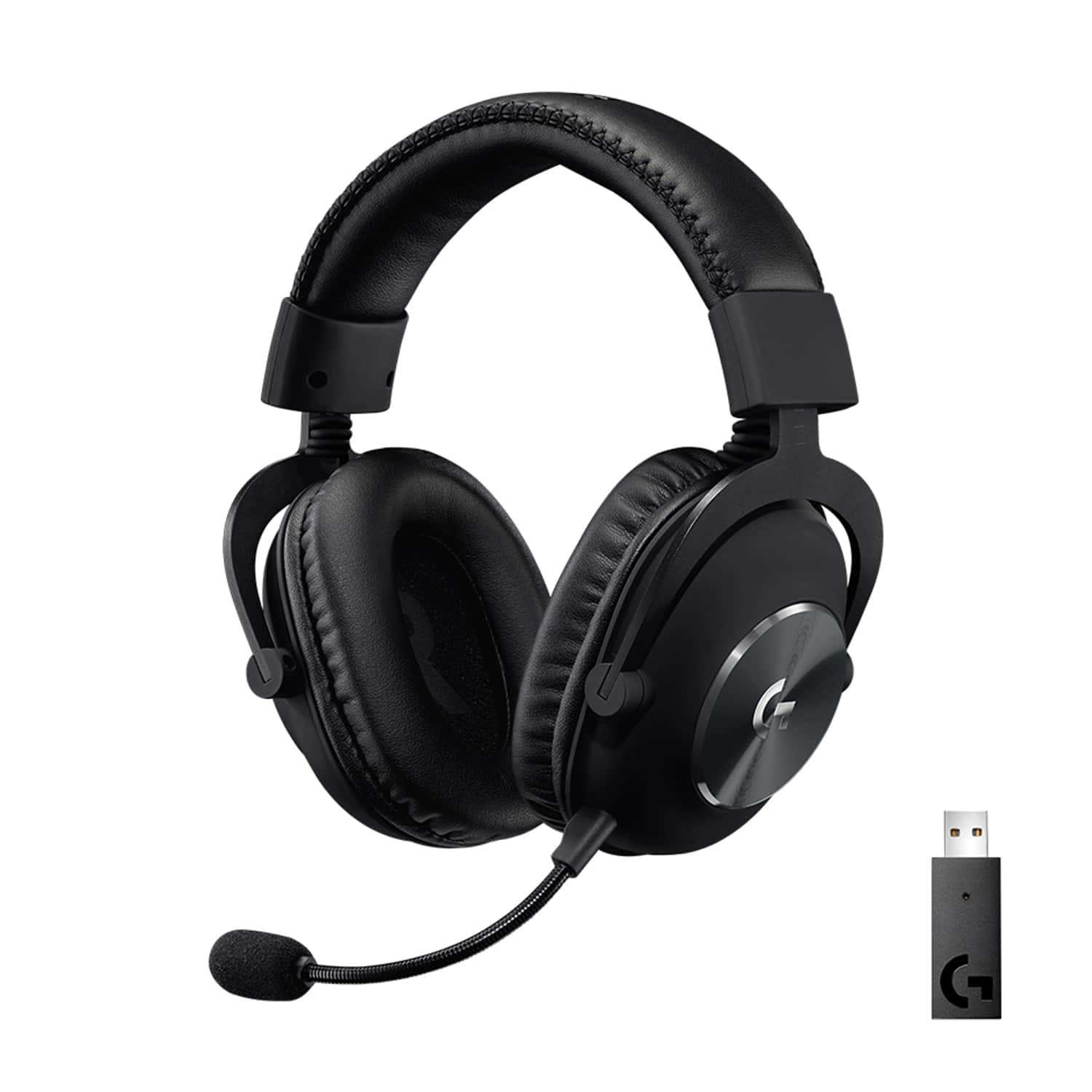
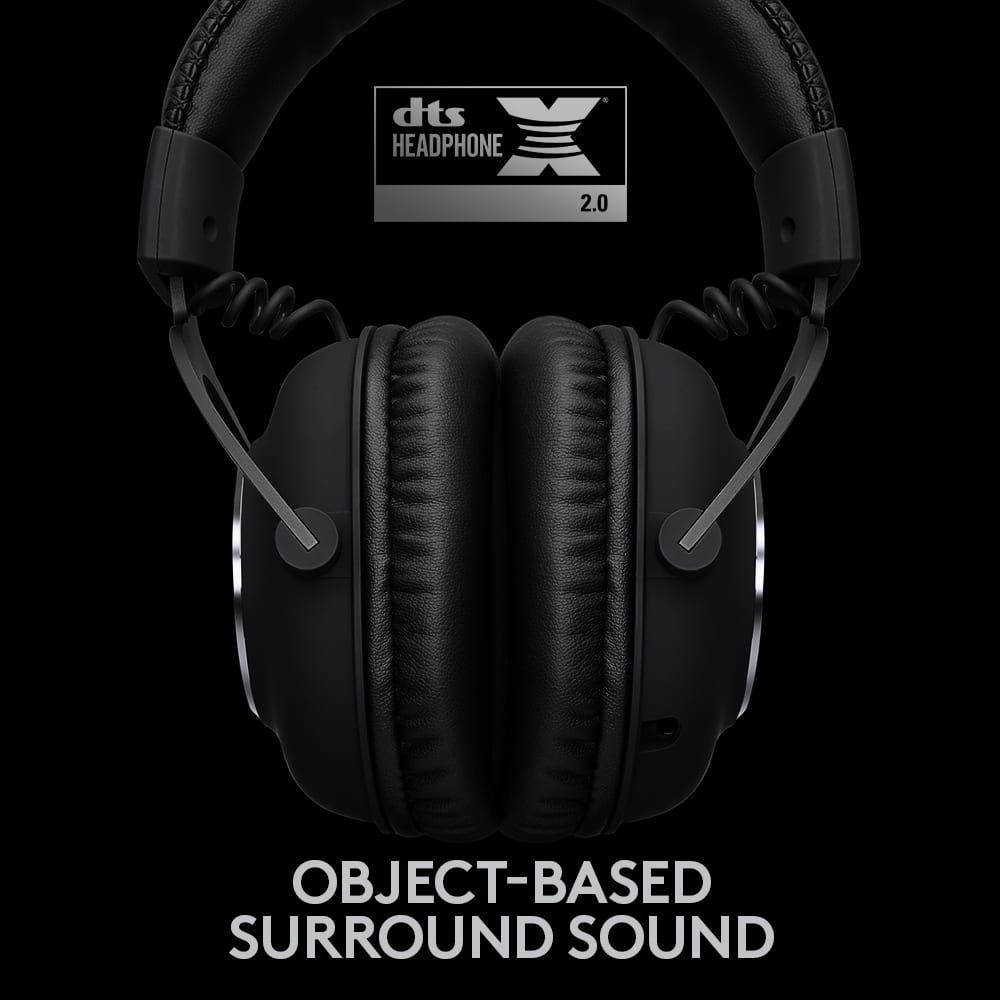
A:AnswerHello Jackson! The G Pro X Wireless DTS Headphone:X 2.0 Gaming Headset for Windows isn't compatible with Dolby Atmos no. It features DTS Headphone:X 2.0 as its 7.1 Surround Sound option. If you're looking for a Logitech G Headset compatible with Dolby Atmos, I'd check the brand new G435 LIGHTSPEED Headset: https://www.bestbuy.com/site/logitech-g435-lightspeed-wireless-bluetooth-dolby-atmos-gaming-headset-for-pc-ps4-ps5-mobile-with-built-in-mic-black/6478273.p?skuId=6478273
A:AnswerAvailability depends on the retailer and demand. It's best to check directly with the store for restocking updates or sign up for notifications on their website.
A:AnswerHello, if used on PS5 via the USB dongle you get get Stereo audio. To get surround sound audio and G Hub, you would have to use it on a computer.
A:AnswerThere is not a separate volume wheel, or source, for mic (or game chat if that's what you're asking) and game sound. The volume levels have to be adjusted within whatever program or programs you are using. There is not a separate channel for chat like some other headsets have.
A:AnswerHey, Dennis
I had some high-pitch static issues with the first one I had as well. Replacing the headset solved the problem. Since there's a 2-year warranty period, I would recommend exchanging it.
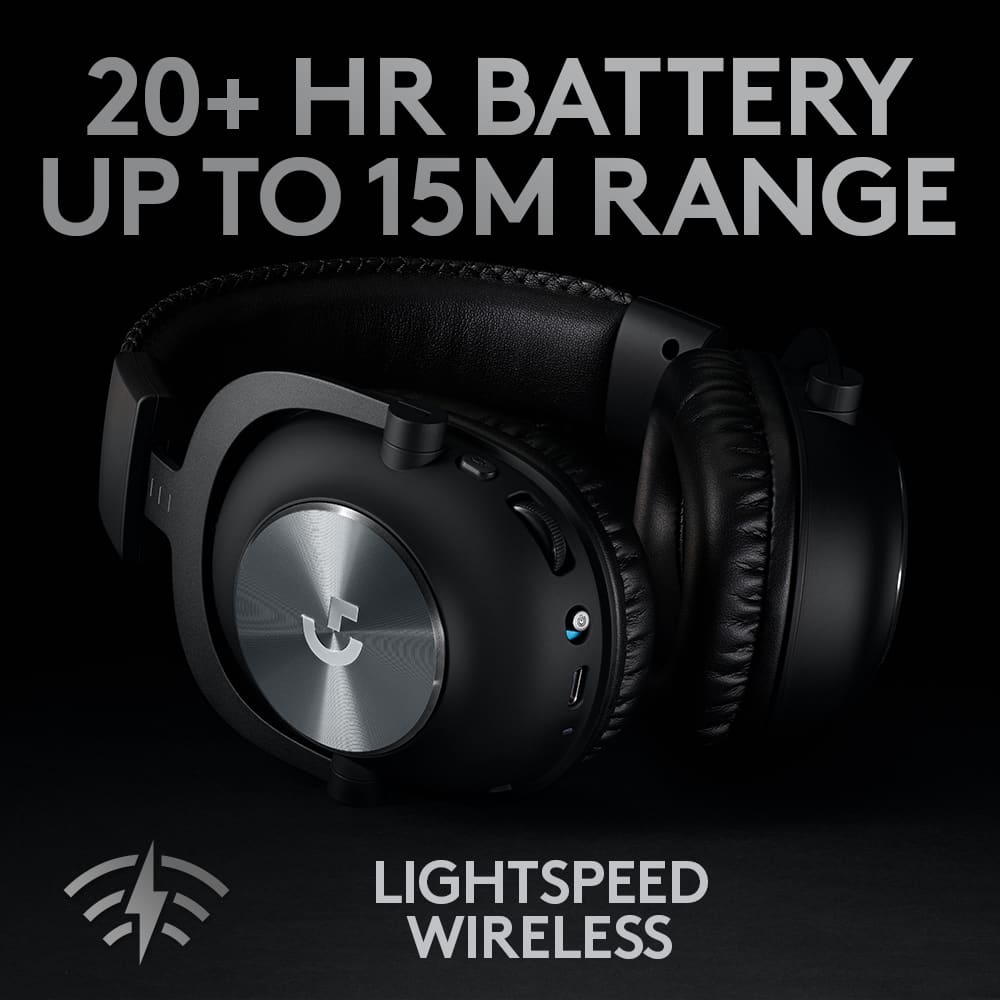
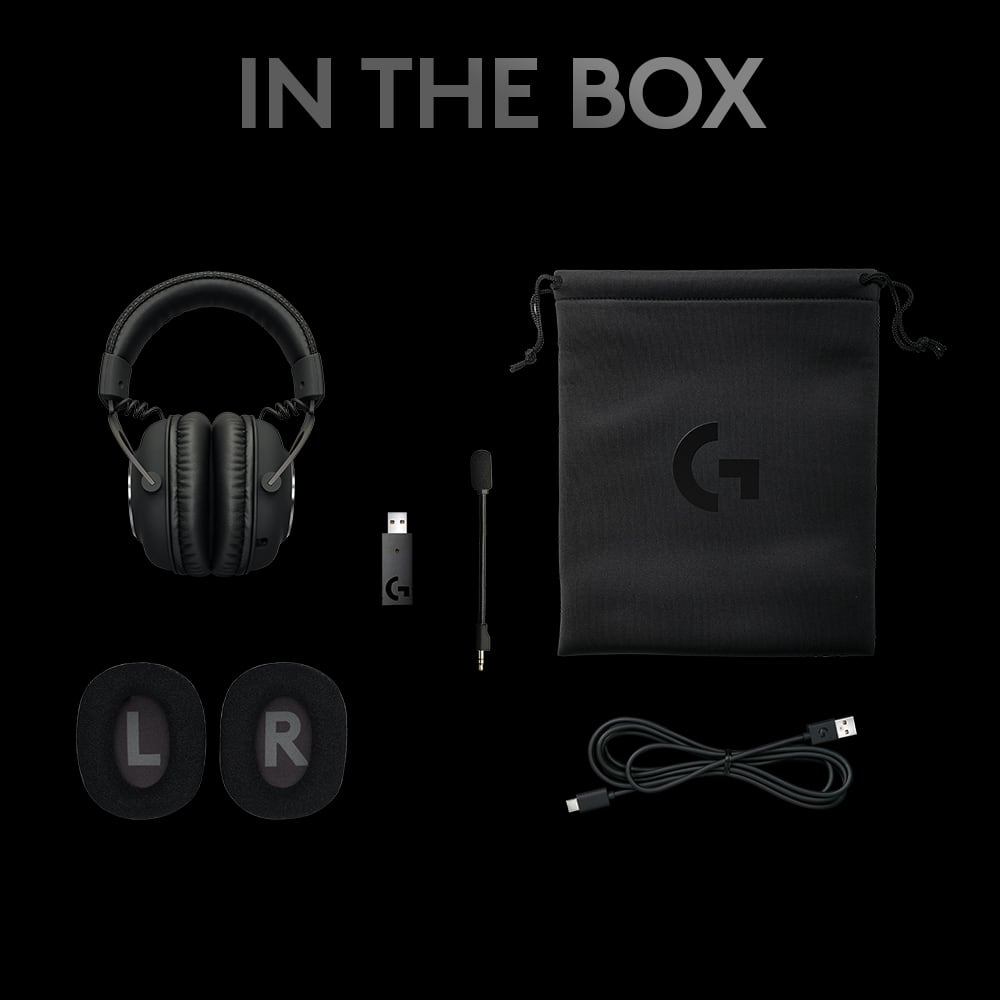
A:AnswerThis is a dongle-only headset.
Technically the headset communicates on a 2.4ghz bluetooth connection but you cannot pair it without the dongle plugged in