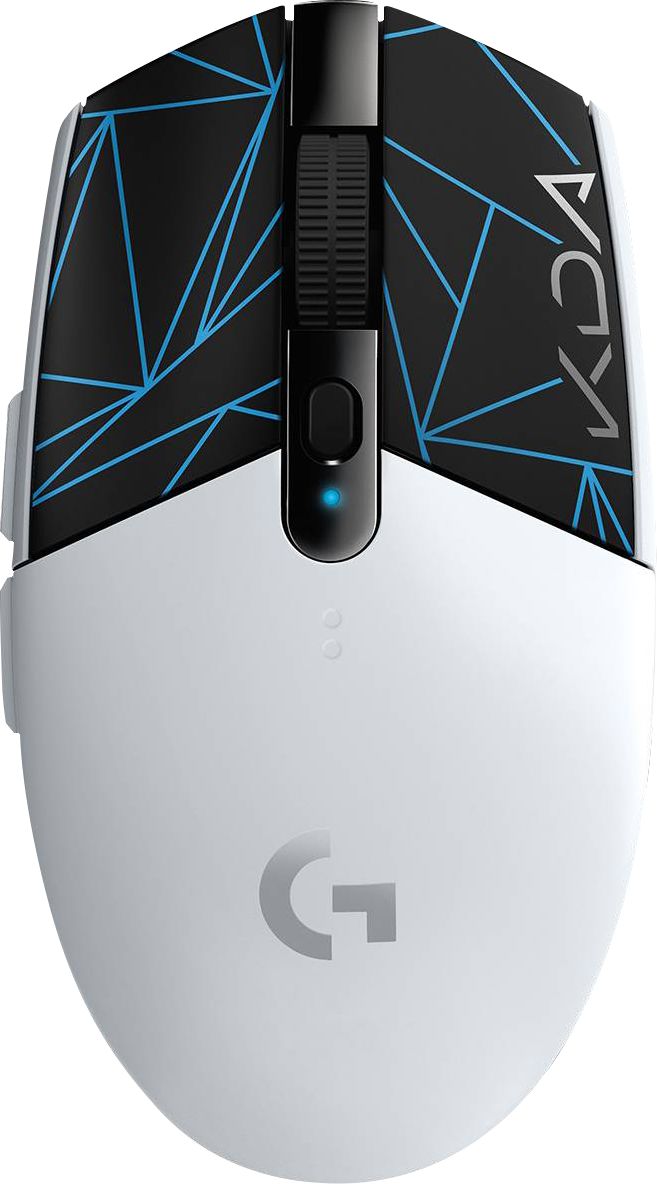
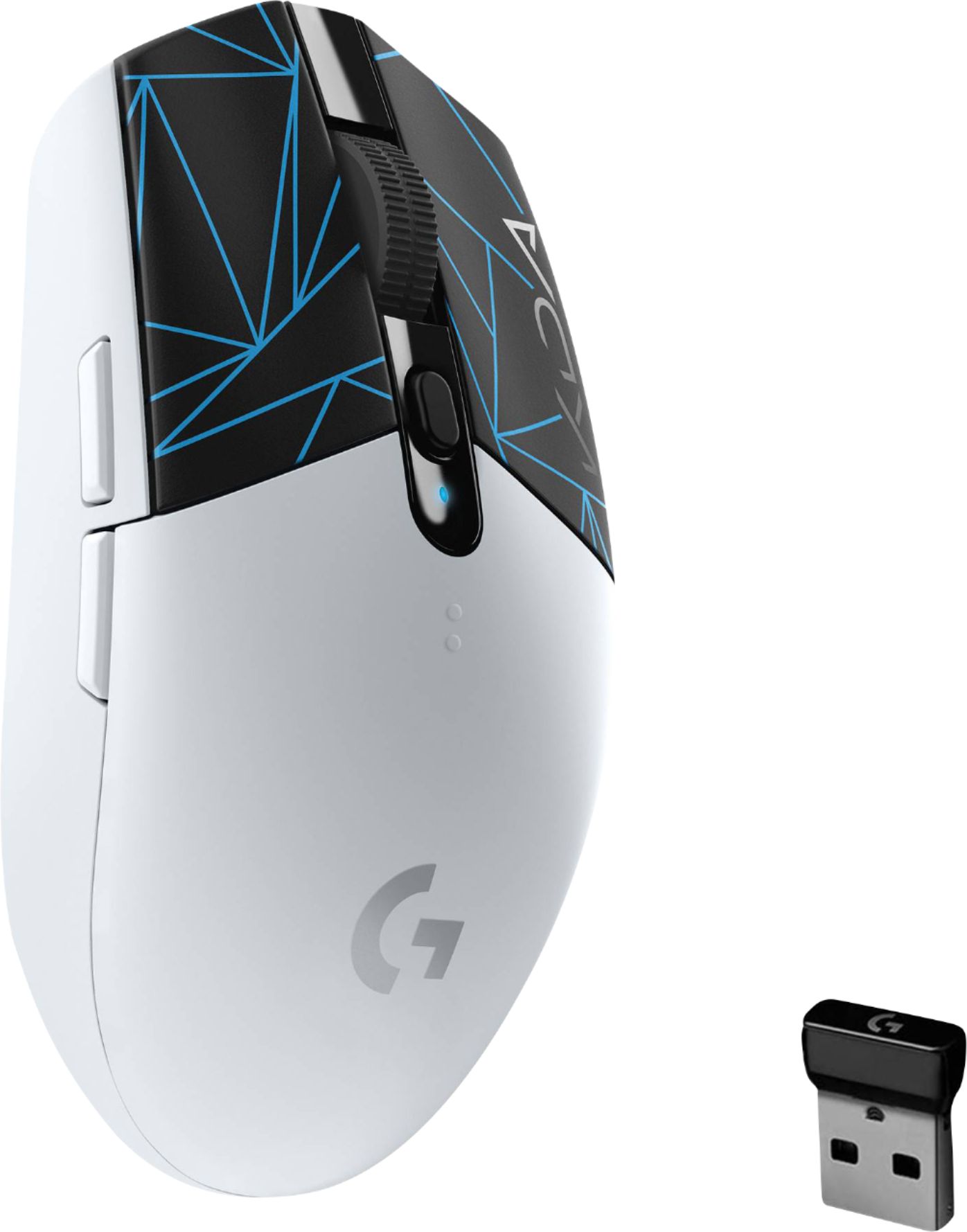
A:Answer Hello Fran, the G305 mouse is a great choice. To answer your questions, here you go. Battery life: up to 250 hours run-to-die on just one AA battery. Satisfaction: we absolutely love this mouse. It has been one of our best sellers and you won't regret your purchase. It also comes with a 2-Year Limited Hardware Warranty. Durability: With its simple design, you won't have to worry about the environment you are on. Just make sure the mouse pad you are using the mouse on is clear for the most part, and it'll work like a charm. Also, just like with most electronics, we recommend not dropping the mouse from a high altitude. We know accidents can happen and you're mouse will live through it, but just make sure you don't drop it all the time and you'll be golden. Have a great day.