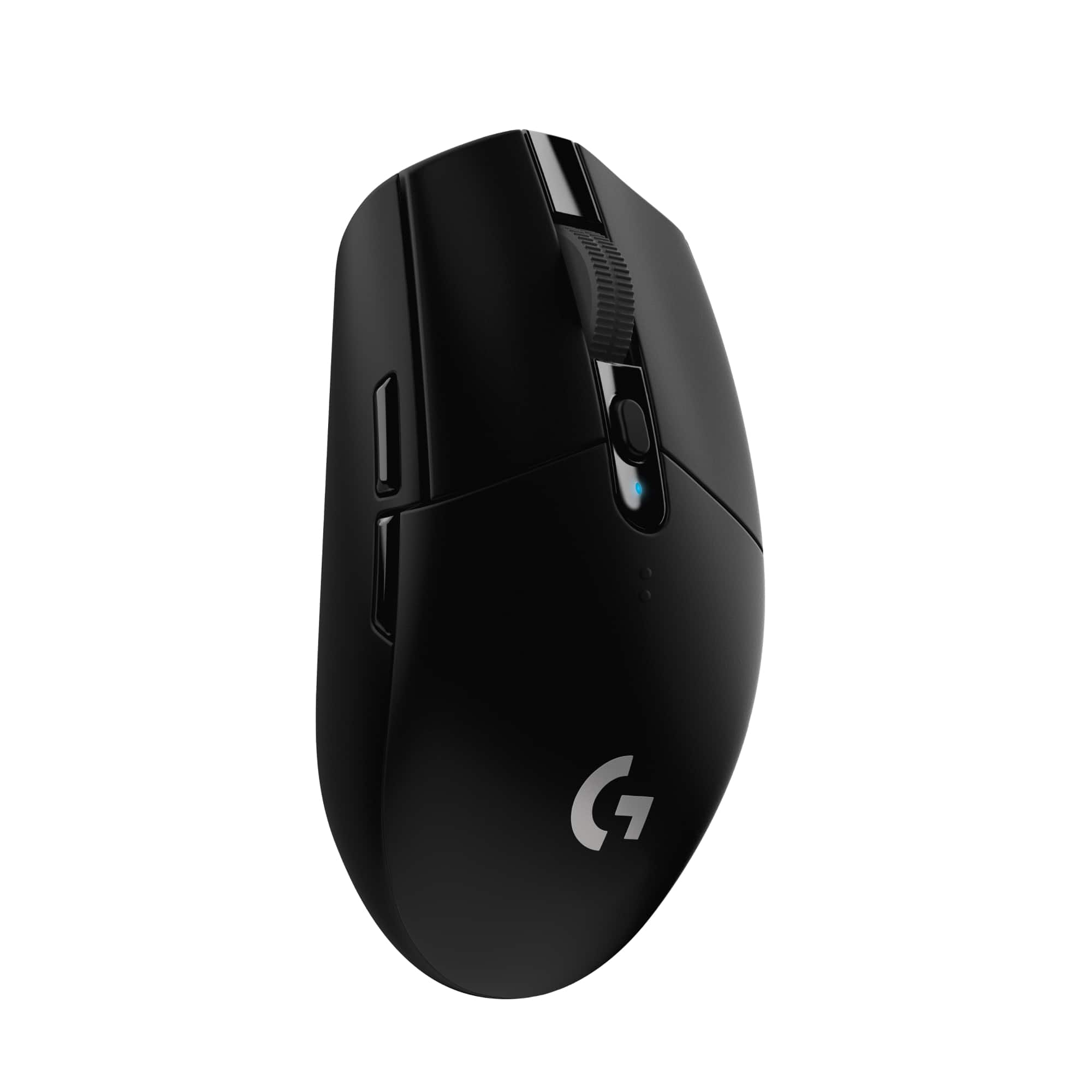
A:AnswerYou can actually personalize it from the app. Minimum being 400 and max being north 15k. I usually have 800, 1600, 2400, and 3600. You have plenty of options ;)
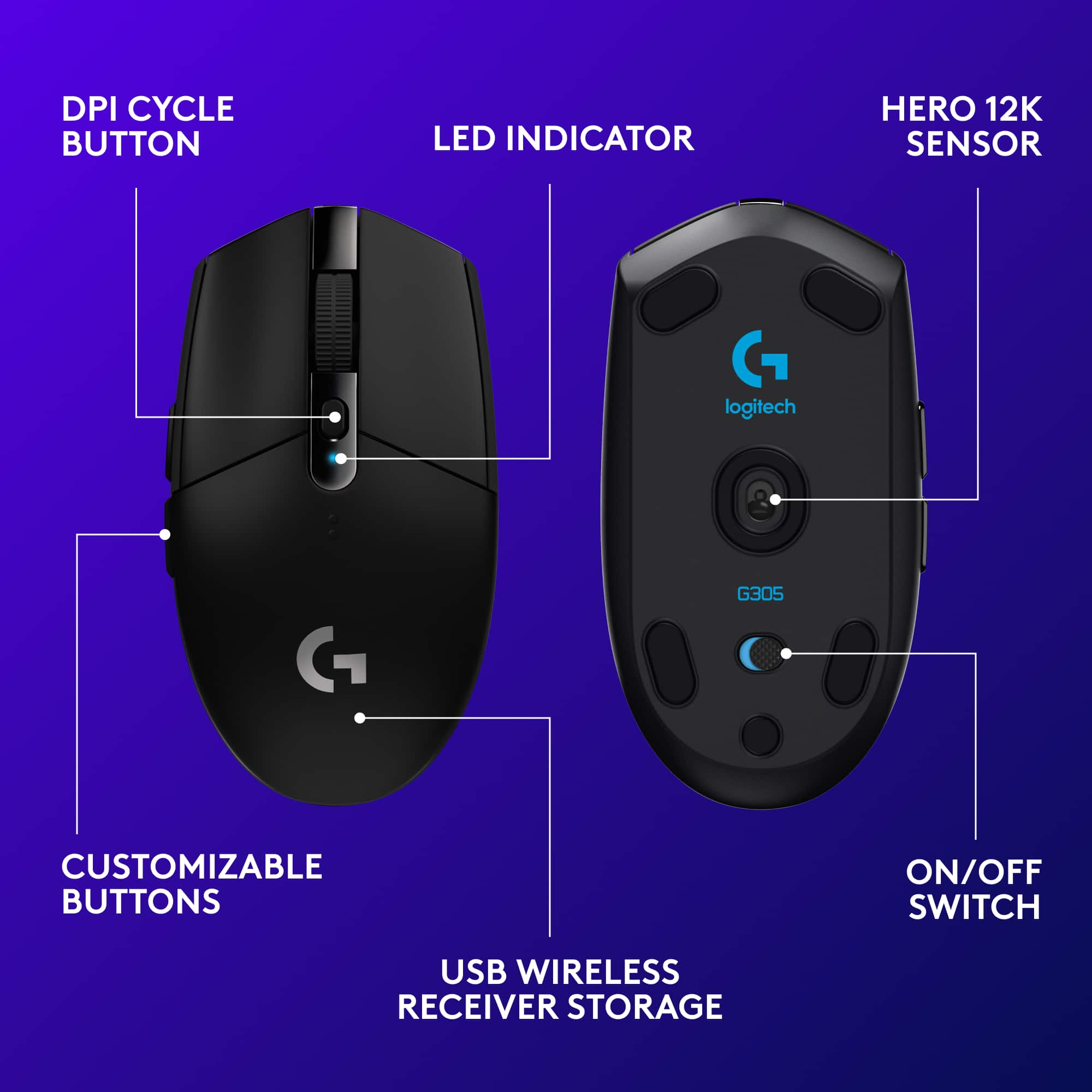
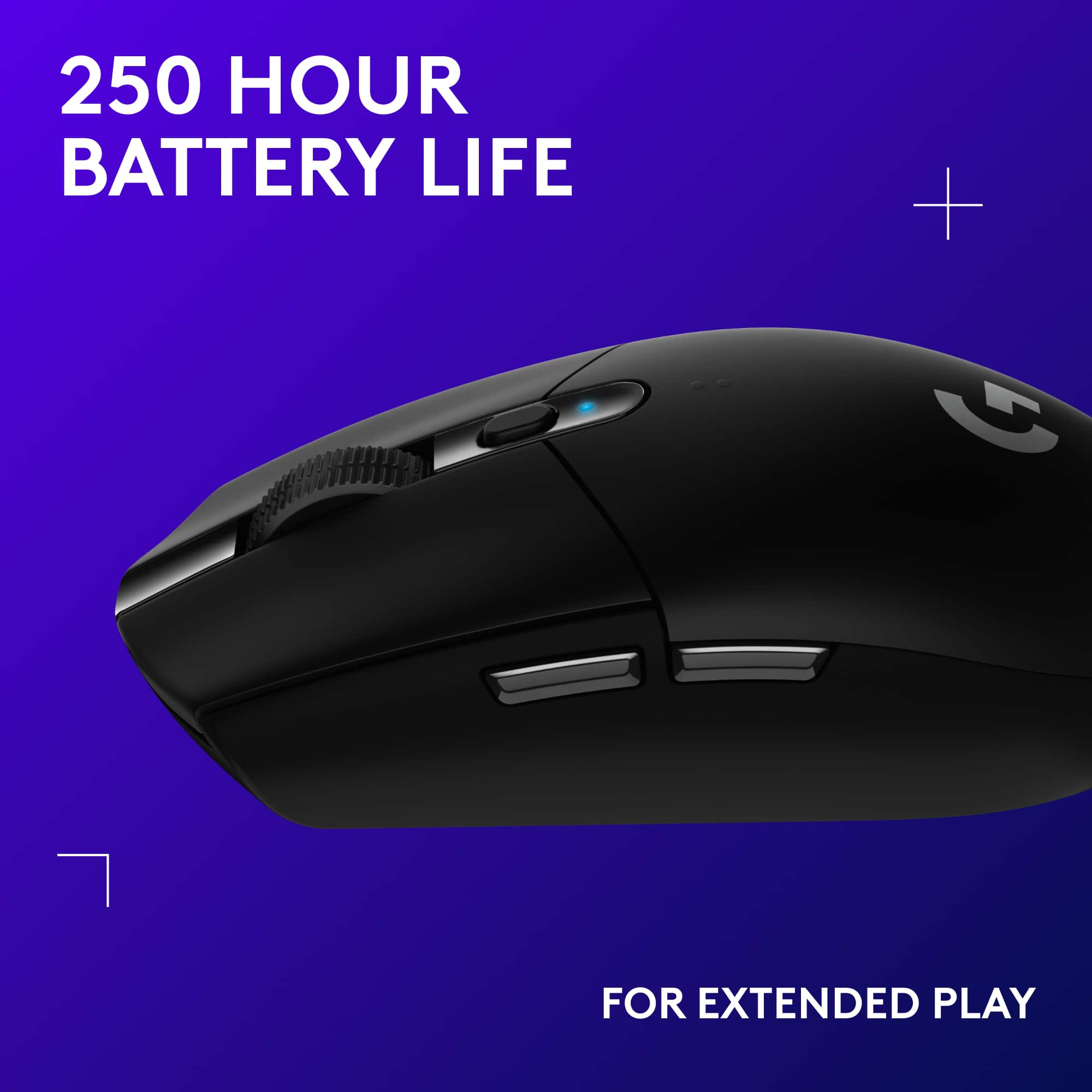
A:AnswerThere’s a small button behind the mouse wheel that controls DPI. When you click button it changes DPI speed. Blue is slowest, then white, then red and purple is fastest.
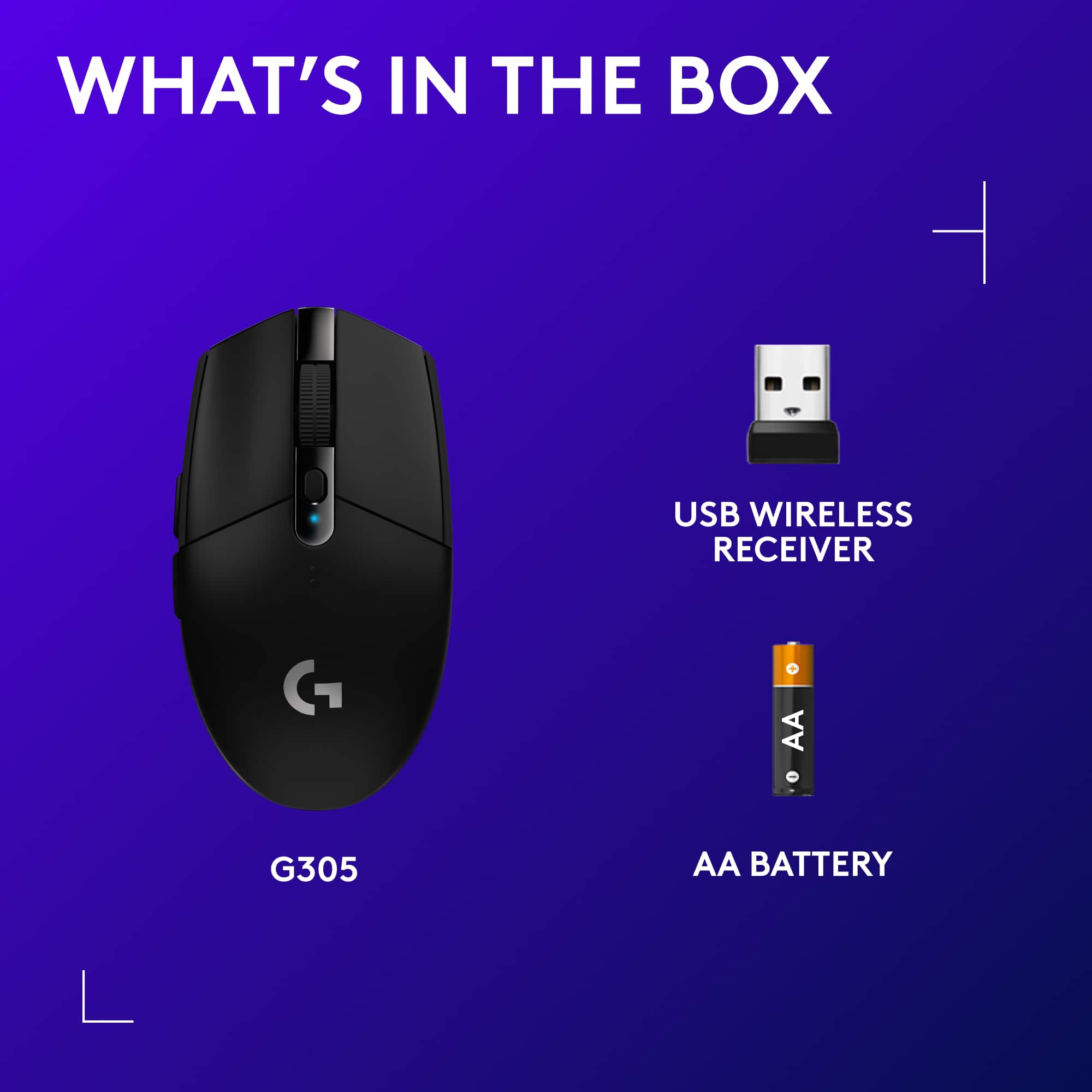
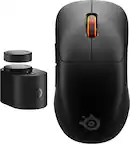
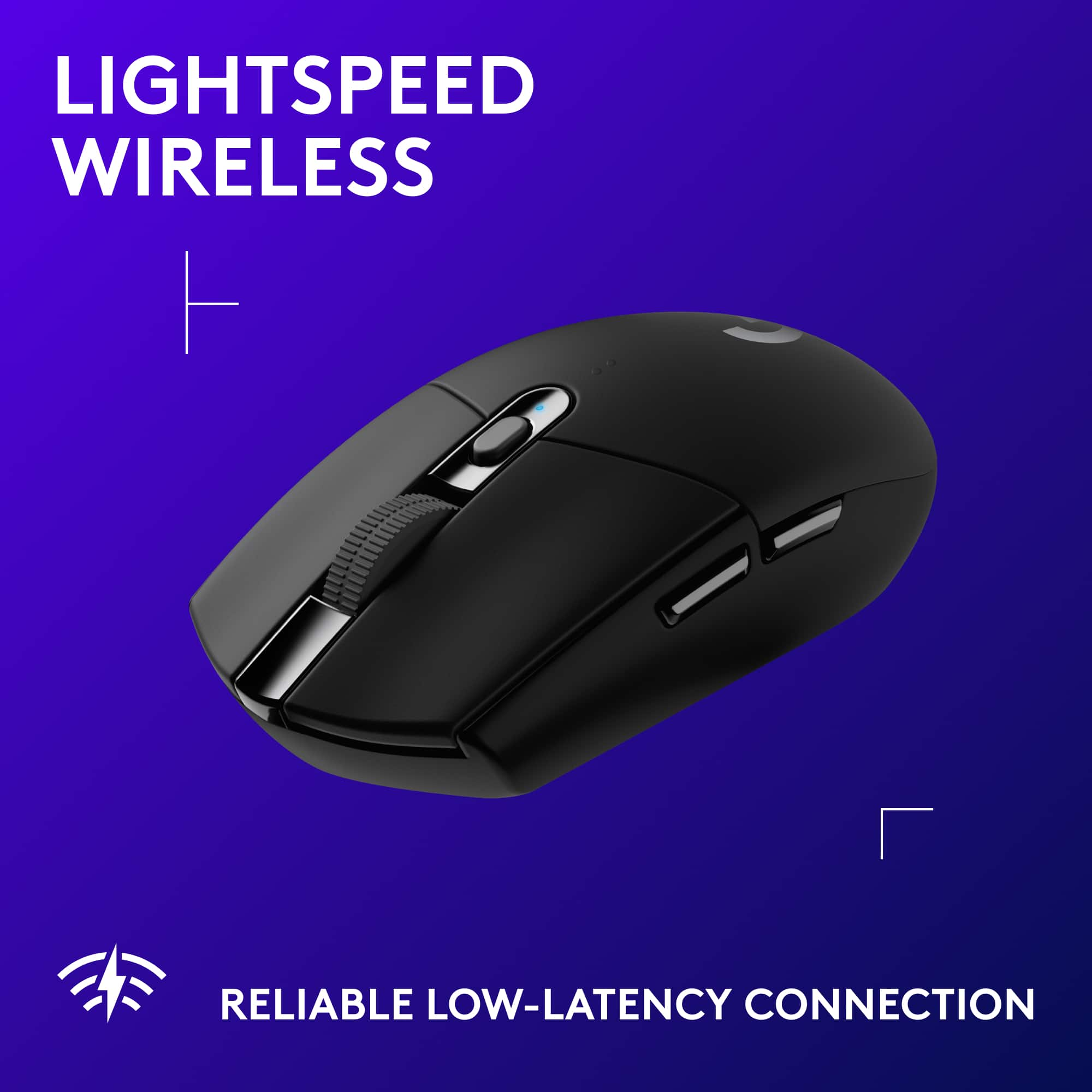
A:AnswerMouse is pure wireless. You can put the USB receiver into your PC directly, or into the dongle (which then connects to the PC) so that you can get extended range from your mouse to the wireless receiver

![Logitech G Hub G305 Desktop: Default Sensitivity (DPI) DP . mha 1 af yeur C - The screen was o buttans - pt - Quickly change the 5 spand. DPI SPEEDS en SHIEY SIO sen SPEROS 400 800 1600 3200 44S - the am sp..d emaa .. chenge a menually Cnk anywhare - h4 stiar -.. .... + - c .p..d. - CARSINi 5 SPEID a undertned. ai dewn a Of Sree buntan de qvickly neggie se anuthar spond white geming ASSION.THELTOTOURMOUSL 10 POWER MODE 7 (PERFORMANCE] REPORT RAIE IPA CONDI 400 800 1400 1200 Chaose A antan The mouan wur formaion - yeur computer 1000 100 218 125 20 1... 2000 1000 ... s0 1000 RESTORE DETAULI SETTINGS la dailuta CP p.ed. ding a .. tha shidar. to chenge the cutran ... T. the on SEE .. C Tha! OPTIMIZE YOUR PLAYSTYLE](https://pisces.bbystatic.com/image2/BestBuy_US/images/products/edcde68f-50f8-44a9-8db6-8ecee5a1e463.jpg)