A:Answer Hello Coffeebrake5G,
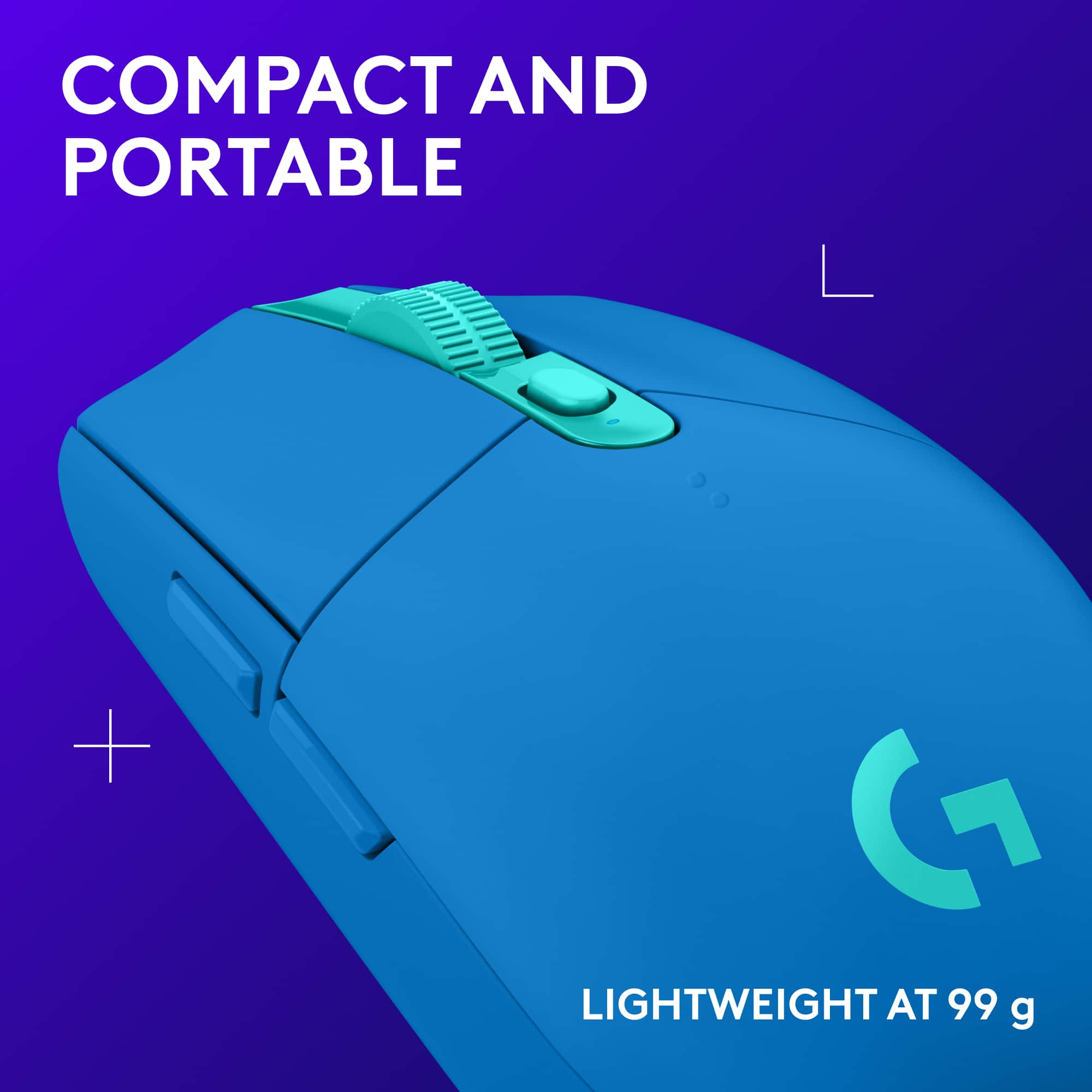
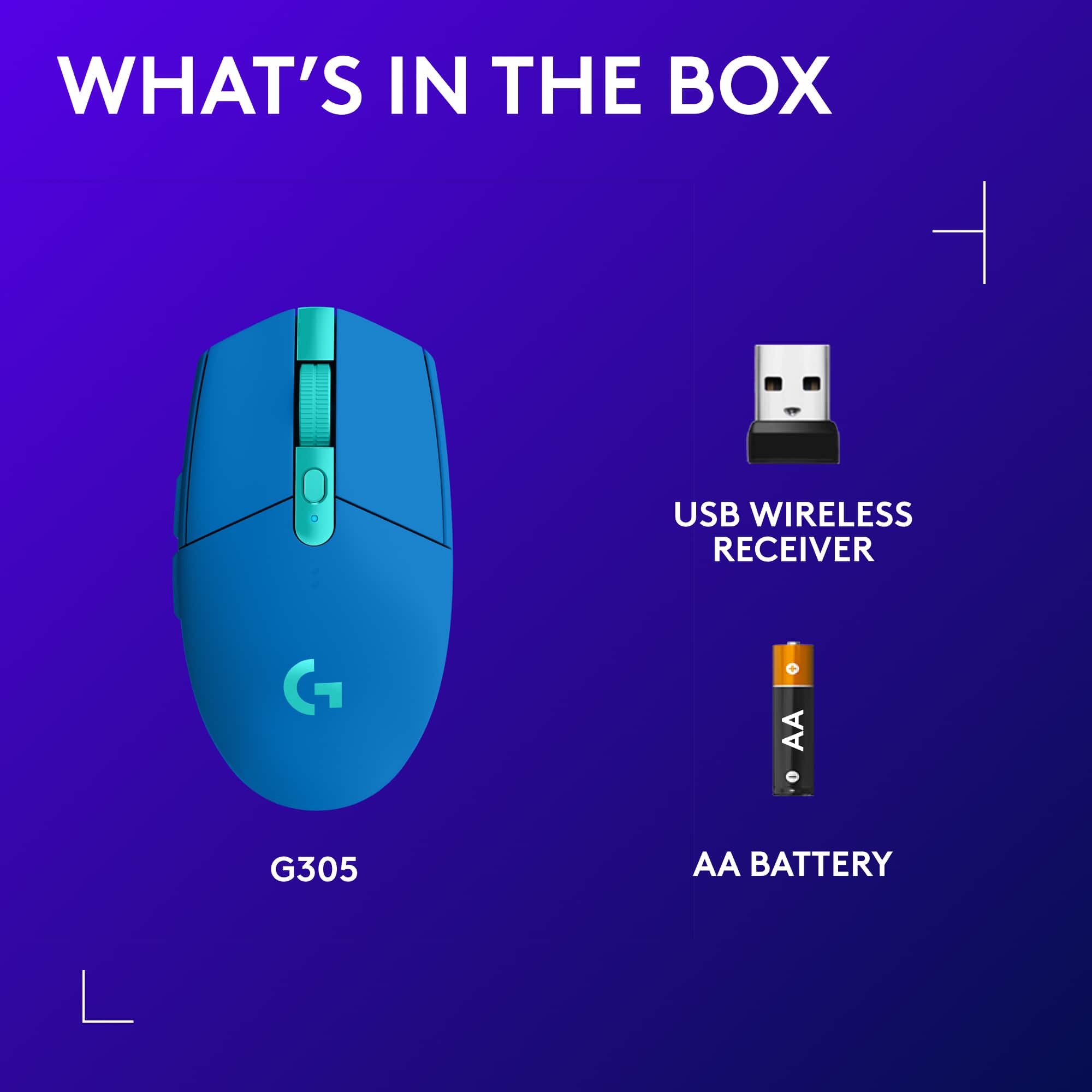
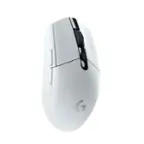
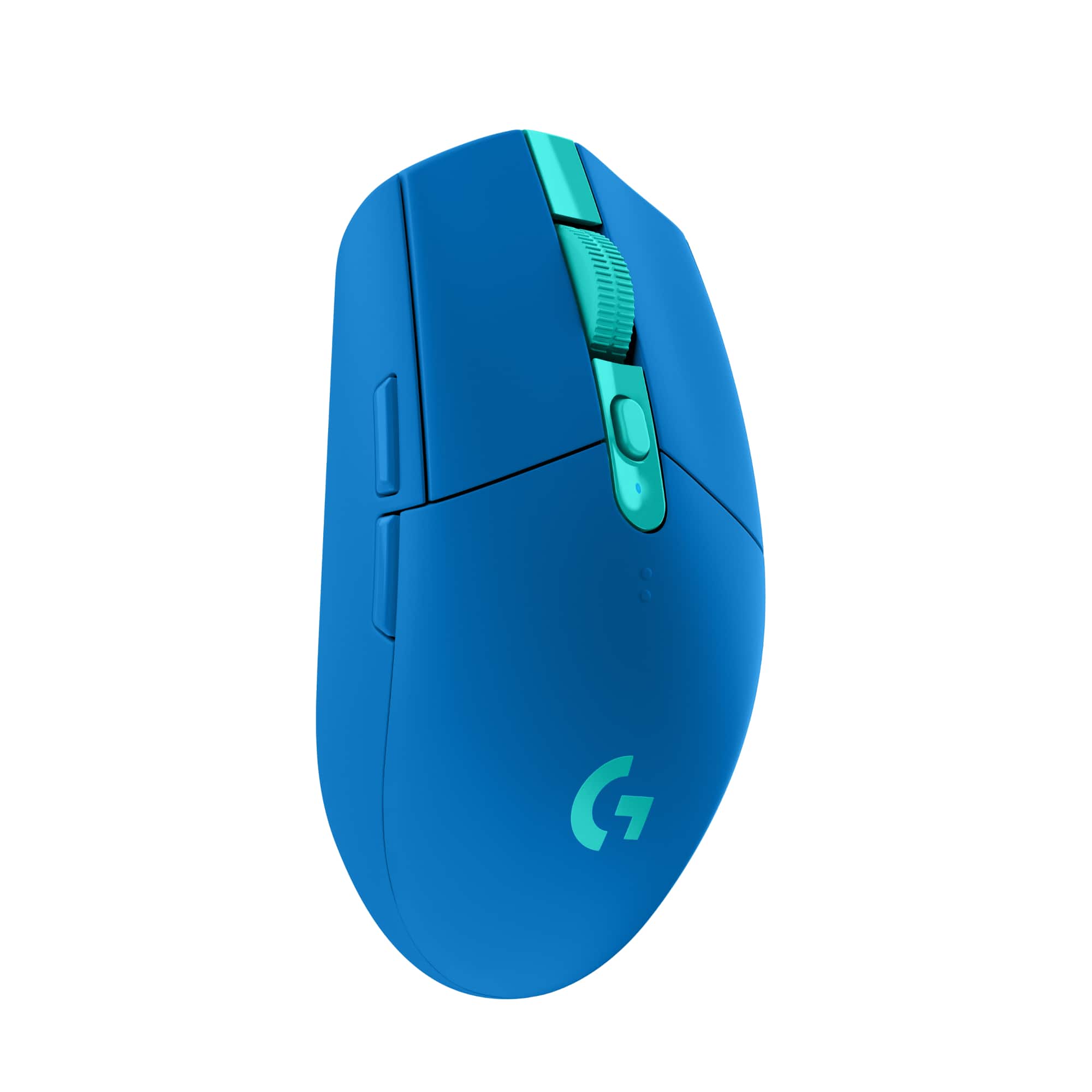
Yes, the Logitech G305 mouse will work on a Dell G7 Gaming Laptop. I recommend downloading the Logitech G-Hub software for customization. G-Hub, product guides and product support are available on the Logitech support website.
Best regards,
John at Logitech



![Logitech G Hub G305 Desktop: Default Sensitivity (DPI) DP . mha 1 af yeur C - The screen was o buttans - pt - Quickly change the 5 spand. DPI SPEEDS en SHIEY SIO sen SPEROS 400 800 1600 3200 44S - the am sp..d emaa .. chenge a menually Cnk anywhare - h4 stiar -.. .... + - c .p..d. - CARSINi 5 SPEID a undertned. ai dewn a Of Sree buntan de qvickly neggie se anuthar spond white geming ASSION.THELTOTOURMOUSL 10 POWER MODE 7 (PERFORMANCE] REPORT RAIE IPA CONDI 400 800 1400 1200 Chaose A antan The mouan wur formaion - yeur computer 1000 100 218 125 20 1... 2000 1000 ... s0 1000 RESTORE DETAULI SETTINGS la dailuta CP p.ed. ding a .. tha shidar. to chenge the cutran ... T. the on SEE .. C Tha! OPTIMIZE YOUR PLAYSTYLE](https://pisces.bbystatic.com/image2/BestBuy_US/images/products/52219d72-01cd-4ead-ad84-f80df7db8dbd.jpg)