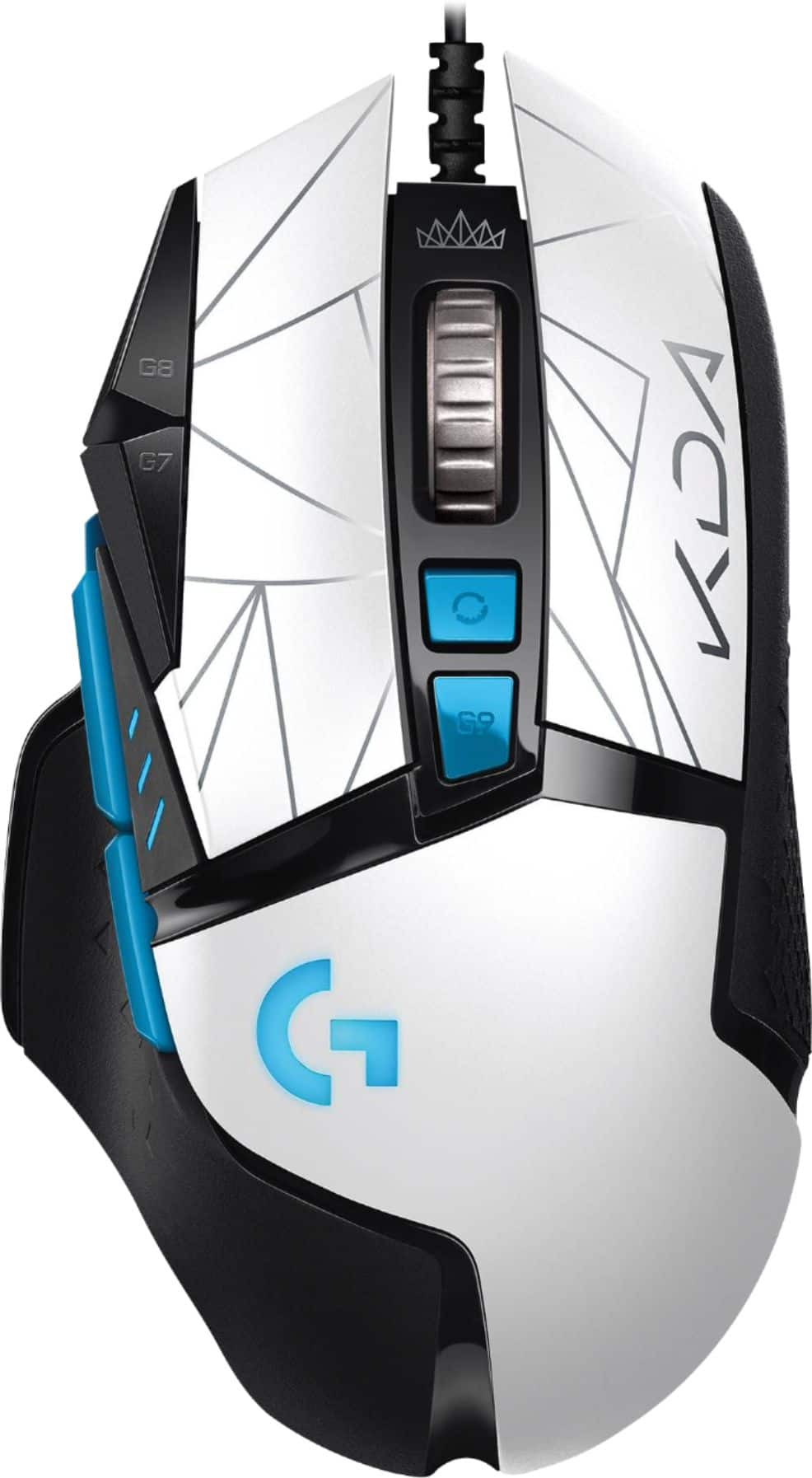
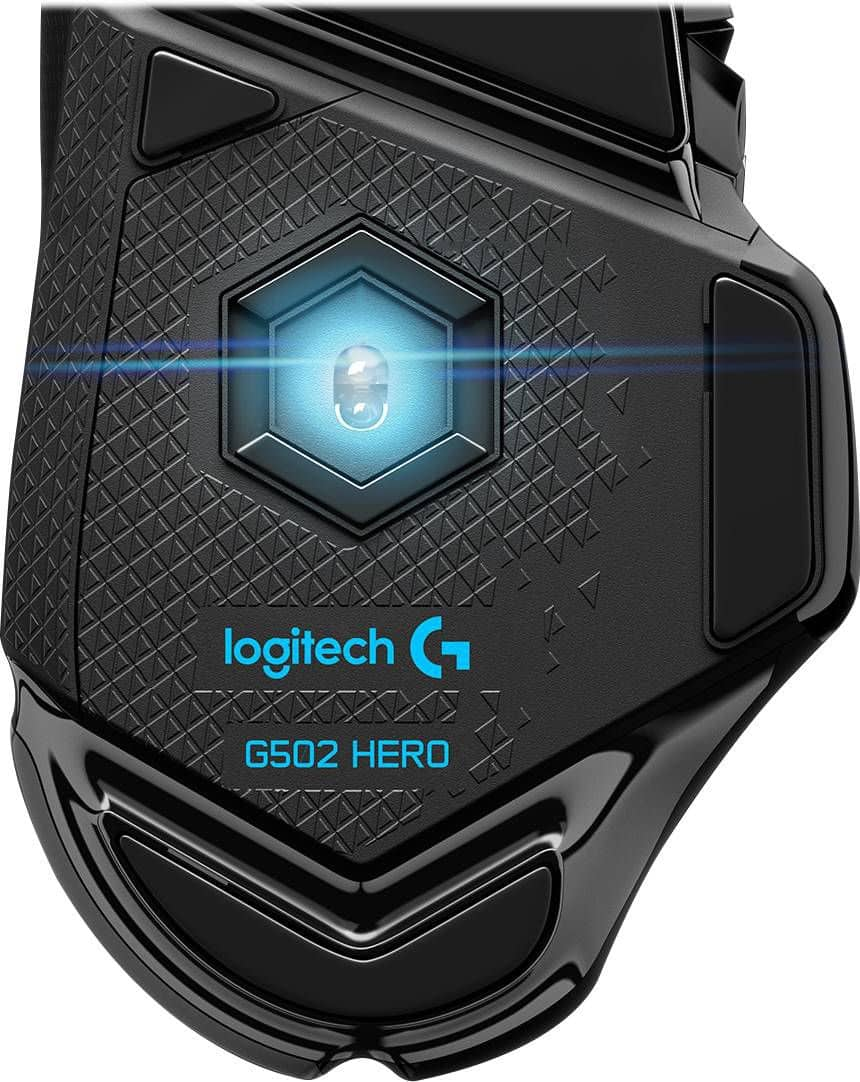
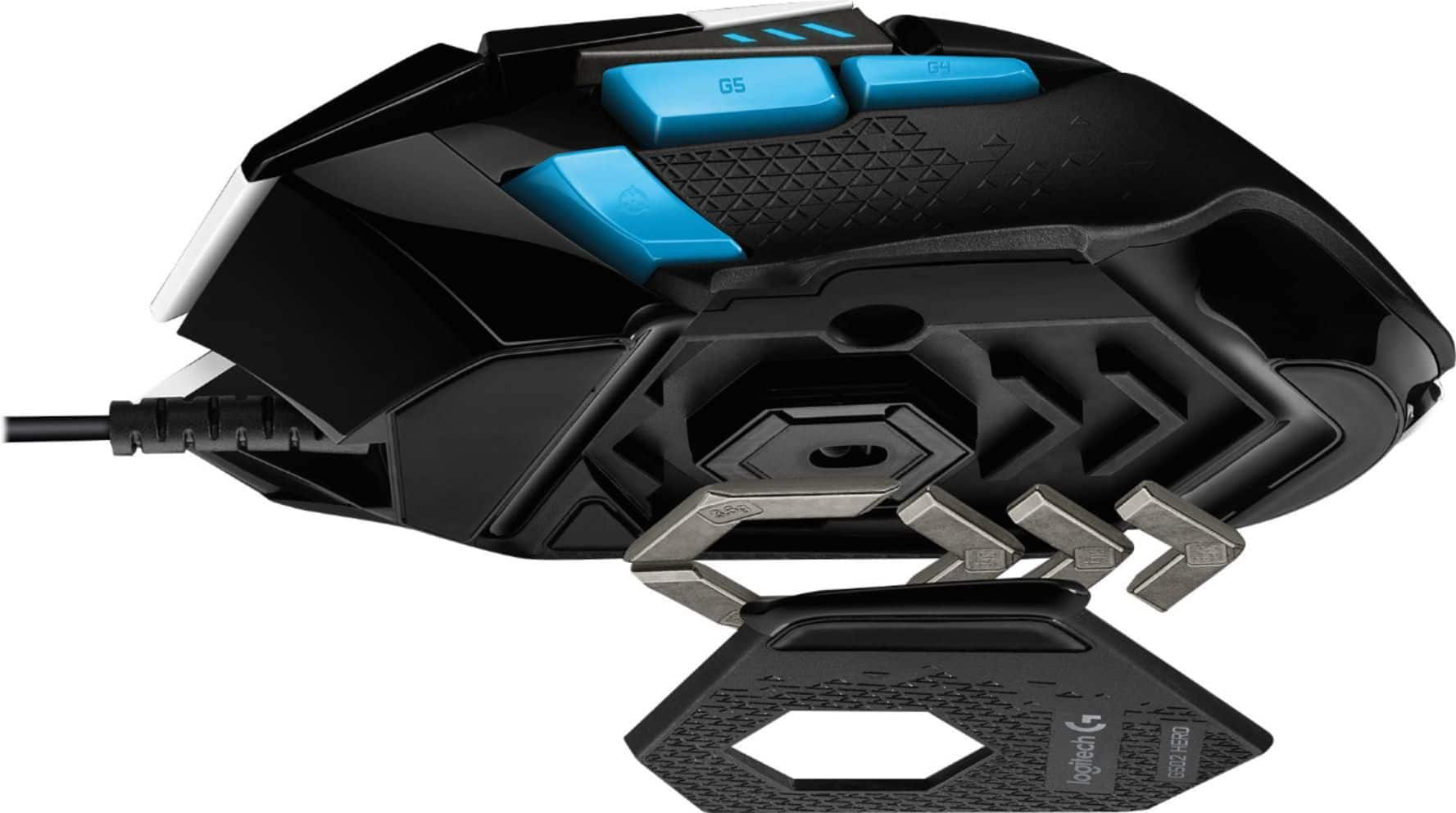
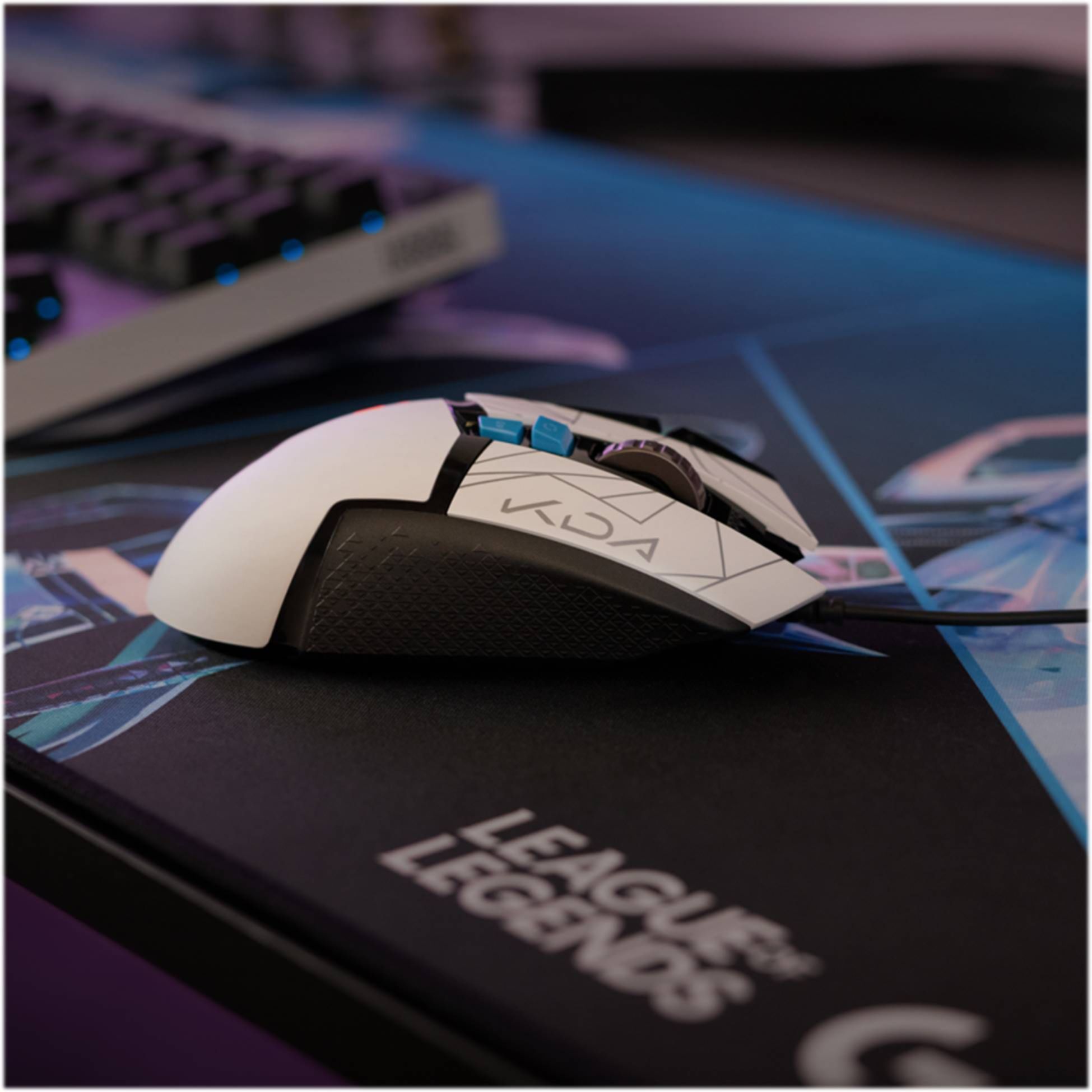
A:AnswerBoth, if you want. The mouse does have onboard memory. You have to install the drivers for it on at least one computer to set up your profile, but you can save it to the mouse and have it persist across multiple computers. Also, if you want to change anything on it, you'll have to hook it back up to the PC with the drivers installed.
A:AnswerFrom the logitech website: Cable length: ~7 ft (2.10 m)
https://www.logitechg.com/en-us/products/gaming-mice/g502-hero-gaming-mouse.html#product-tech-specs
A:Answerif you go to the Logitech website and look for the G Hub software, it will allow you to modify the buttons on the mouse as well as the lighting. I am not sure how I did it, but I came across the one for the 64bit windows 10 version as oppose to the 32bit.
A:AnswerToday is October 14, 2018 and I have had my Logitech G502 Hero since October 01, 2018. Were you talking perhaps about the Logitech G PRO Hero Gaming Mouse as that mouse was available on August 21, 2018 ? The G502 Hero was available on August 30, 2018.
A:AnswerThe mouse works plug-and-play with Mac OSX (at least with default controls), and the Logitech software allows you to customize all of the buttons, although it does not have some of the Mac-specific touchpad controls available by default (for example, show Launchpad). You could probably work around this by setting up a custom macro in the Logitech software, assuming you've also set up the keyboard shortcut for the command in OSX first.
A:AnswerMake sure you're using the Logitech GHub software. Unplug and plug the mouse. Right click on the application and Run as Administrator. Worked for me.
A:AnswerYes, The G502 HERO is compatible with
Windows® 7 or later,
macOS® 10.11 or later,
Chrome OS™.
USB port.
Internet access for Logitech G HUB (optional). - Will, Logitech G.
A:AnswerI’m not entirely sure what you mean by a programmable bottom. But the buttons on the mouse can be bound to any key you want on the keyboard. So if you wanted one of the side buttons to type “H” or “J” or pretty much any key you just click on the assignment and press the key you would like it to be bound to using the logitech software you have to download from the logitech website.
A:AnswerHello, This mouse is meant for PC gaming. It may work on PS4 but we cannot guarantee that. The mouse DPI is customization in the Logitech G-hub software.
-Danielle from Logitech
A:AnswerCompatibility isn't a thing between keyboards and mice. The only thing you might miss out by not having a mouse and keyboard from the same manufacturer is lighting sync