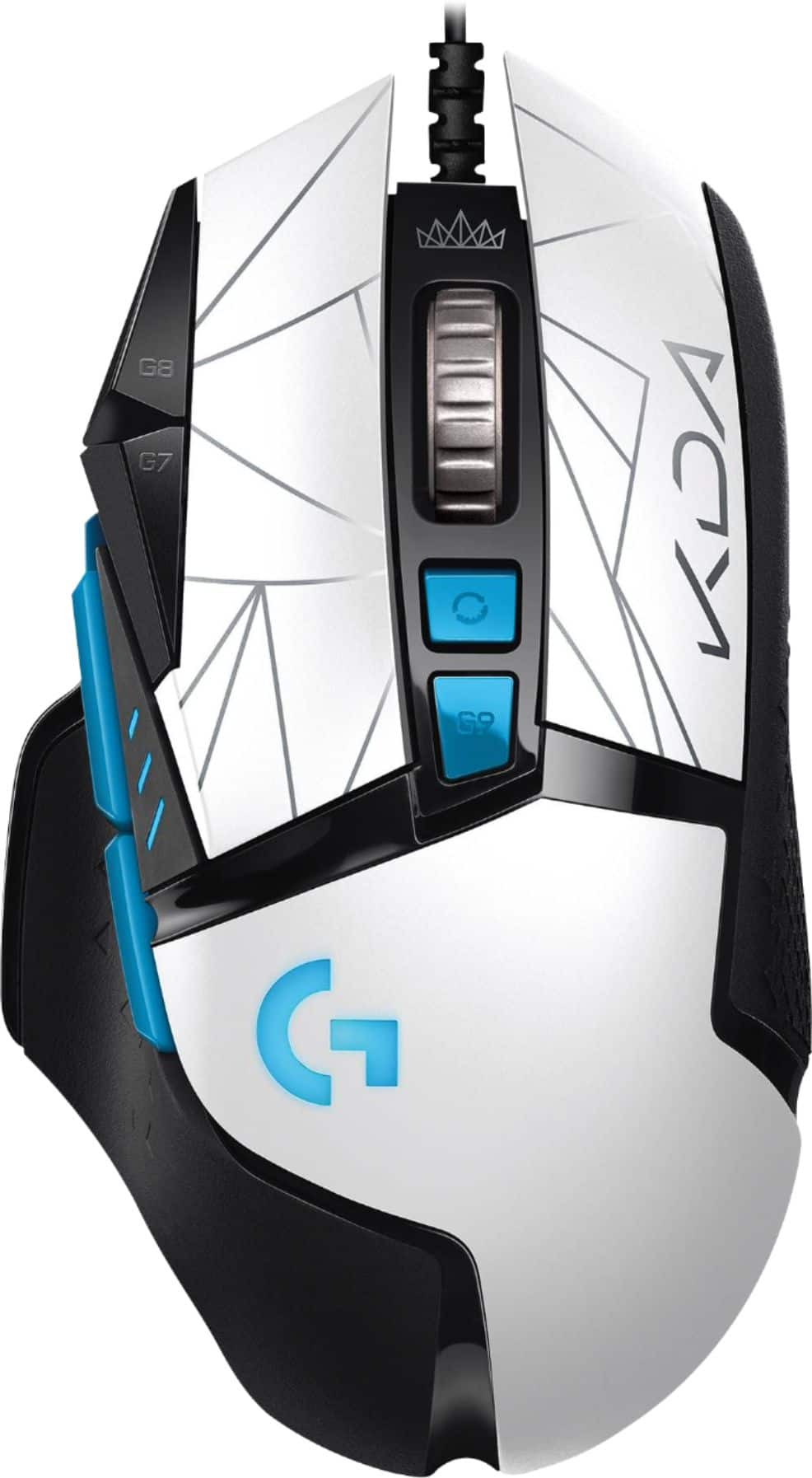
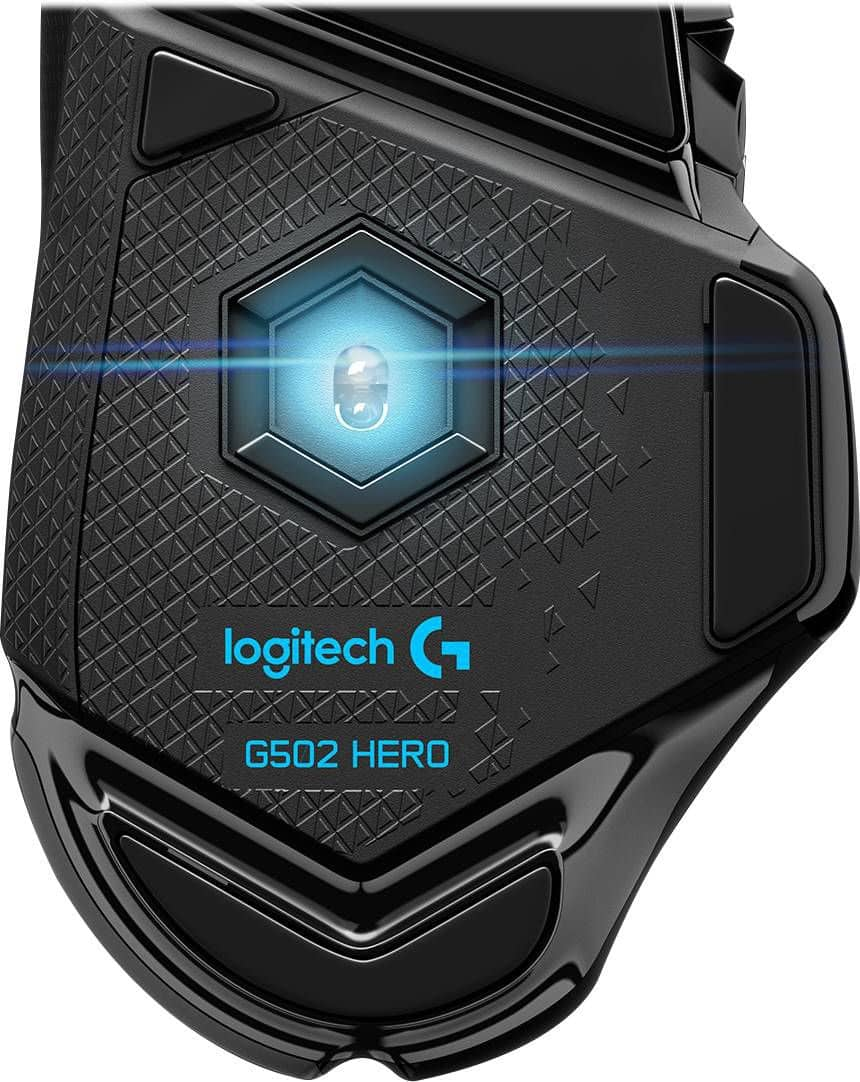
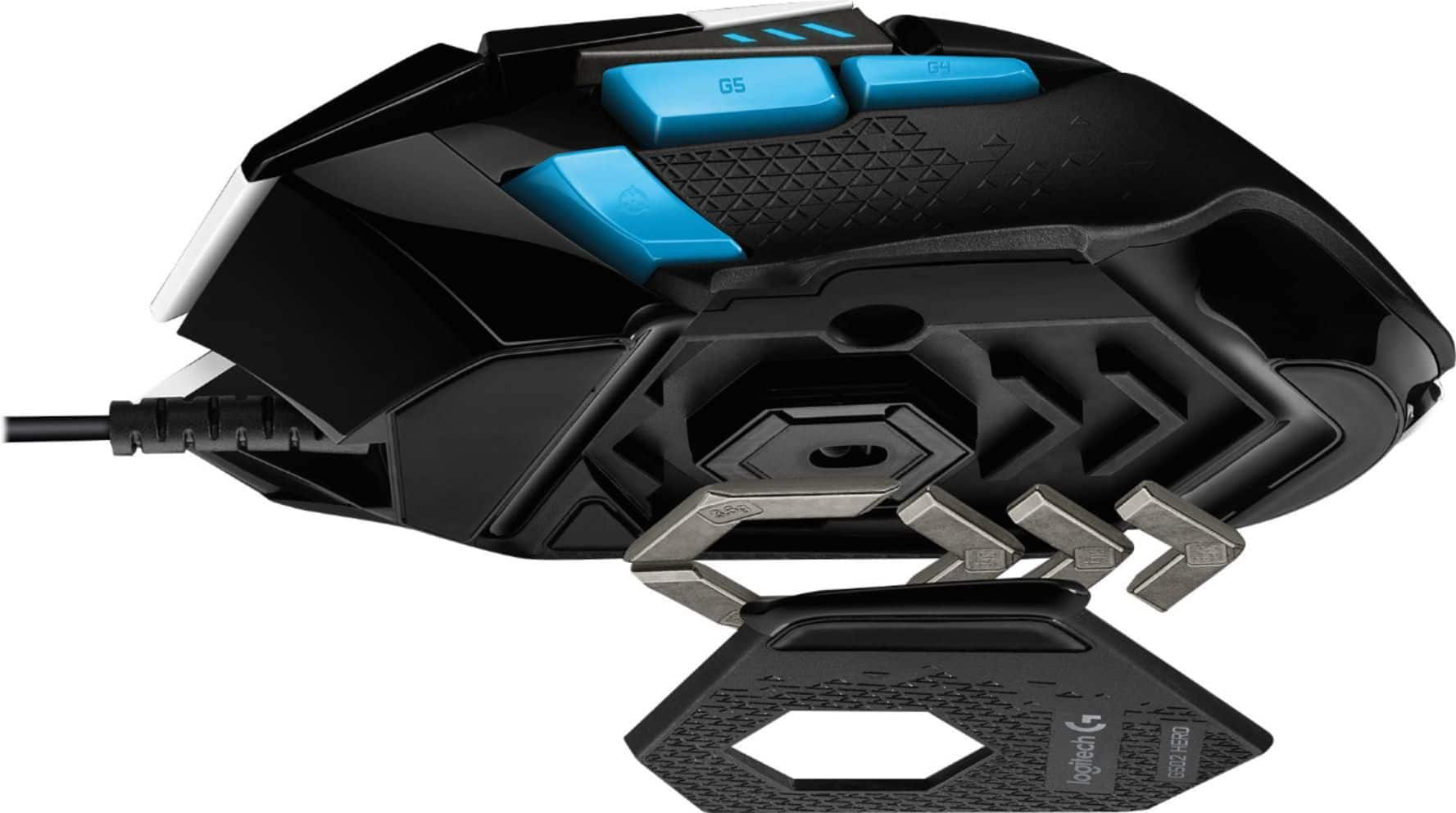
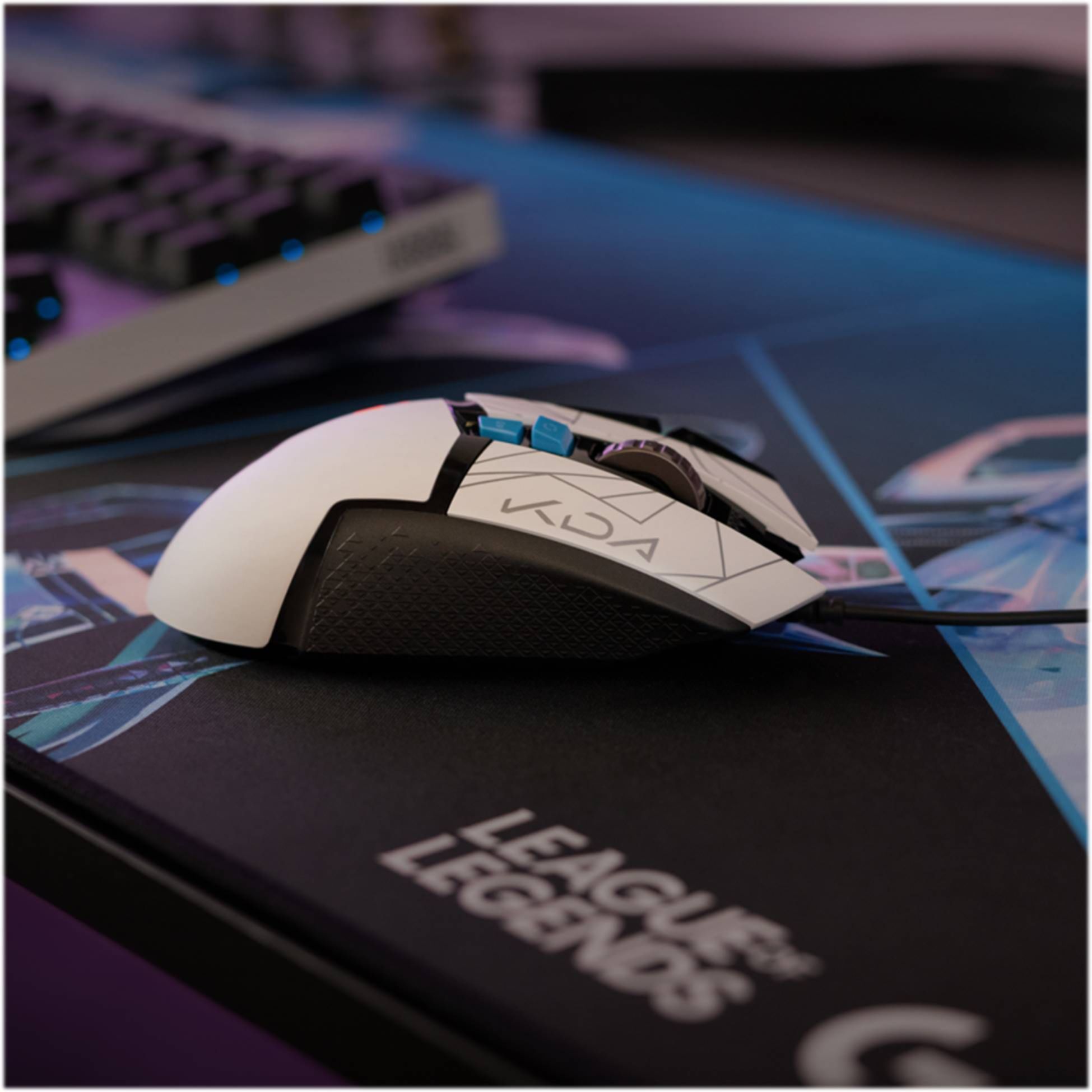
A:AnswerWith the right dongles and connectors, yes. You can use a USB to USB-Micro adapter to get this to work on your android device. However, without the adaptor, it cannot work.
A:AnswerI use Honey app and Google shop to watch for price alerts. The sale obvs ended that you were asking about, but if you have time, there will always be another sale.
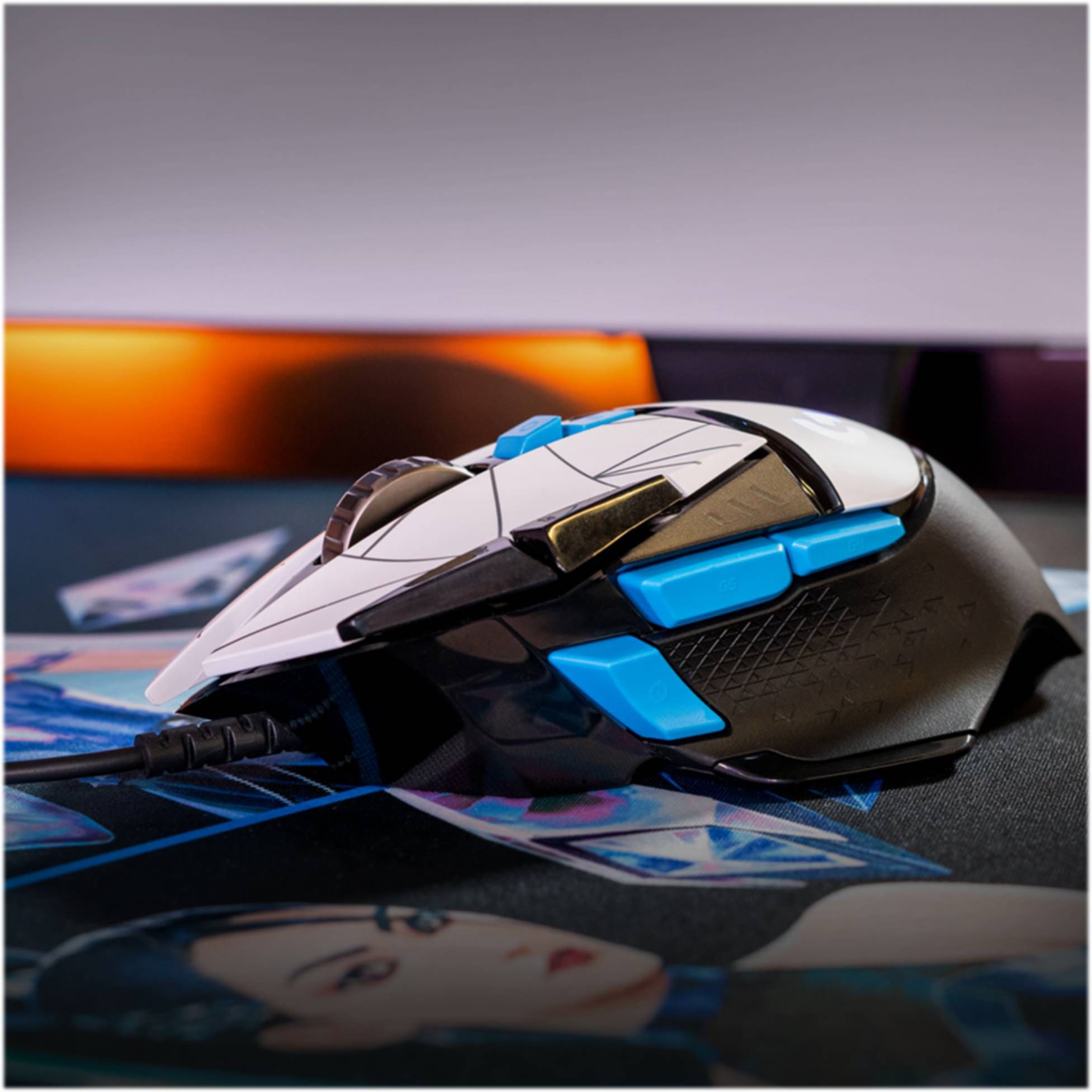
A:AnswerThe side grips are rubber and, as with any rubber grips, use over time will wear them down and they will smooth over and eventually pit, depending on how much you use the mouse.
A:AnswerG502x offers more customization features than the G502. But you pay more for those features. Also, it can be used wired or wireless where as the Hero is wired only. Most serious gamers only want to game with a wired mouse. But you can do that with both models. I own the G502x & I love it. But I have to use a wireless mouse in my current setup, so I was stuck with that choice.
A:AnswerThe measurements of this mouse are 5 inches long, 3 inches wide and about 1-3/4 inch tall. I have big hands and this mouse fits very nicely in mine. The palm of your hand typically grips the very back of the mouse so I think 6.5 inch hands would work very nice for this mouse. Hope this helps!