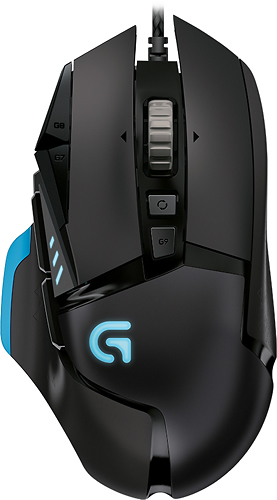
A:AnswerDoesn't have that exact functionality out of the box, but almost anything you can think of can be done through the Logitech software ...
Macro 1: Triggers on right mouse button down.
- Right mouse button down.
- DPI shift.
Macro 2: Triggers on right mouse button release.
- Right mouse button up.
- DPI shift revert.
Similarly you could change the way the DPI functionality works from the default (two buttons, one each for shift up and shift down) to what you described.
A:AnswerHi,
Yes you would need to return the gift card as well or they may deduct it from your return funds. Depends on the store policy. They won't let you have 'free money' though lol.
A:AnswerThe "Spectrum" has different LED lighting effects you can change. The "CORE" is the exact same mouse without the extra lighting effects. For me personally, the lighting effects are no big deal, and can actually be a distraction.