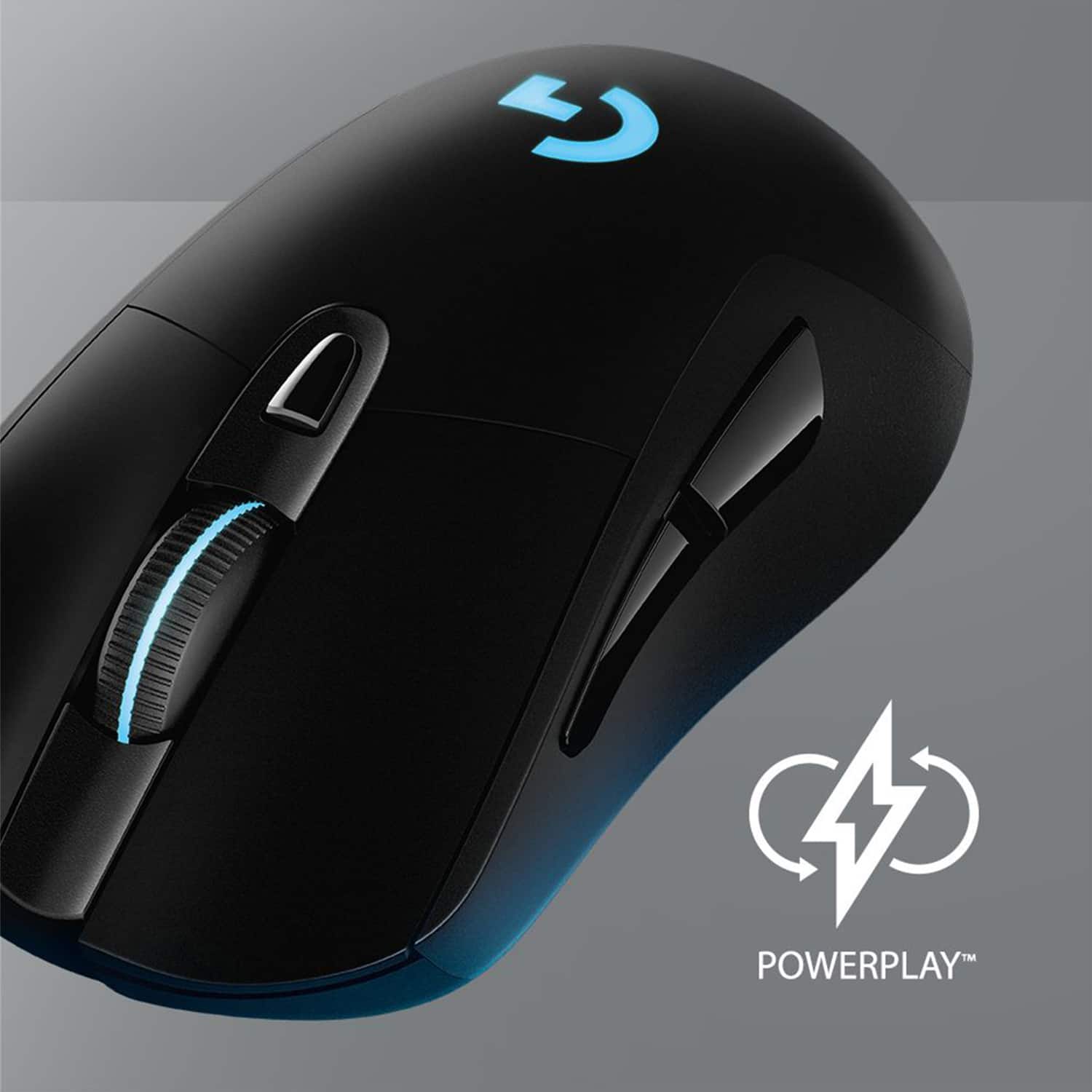
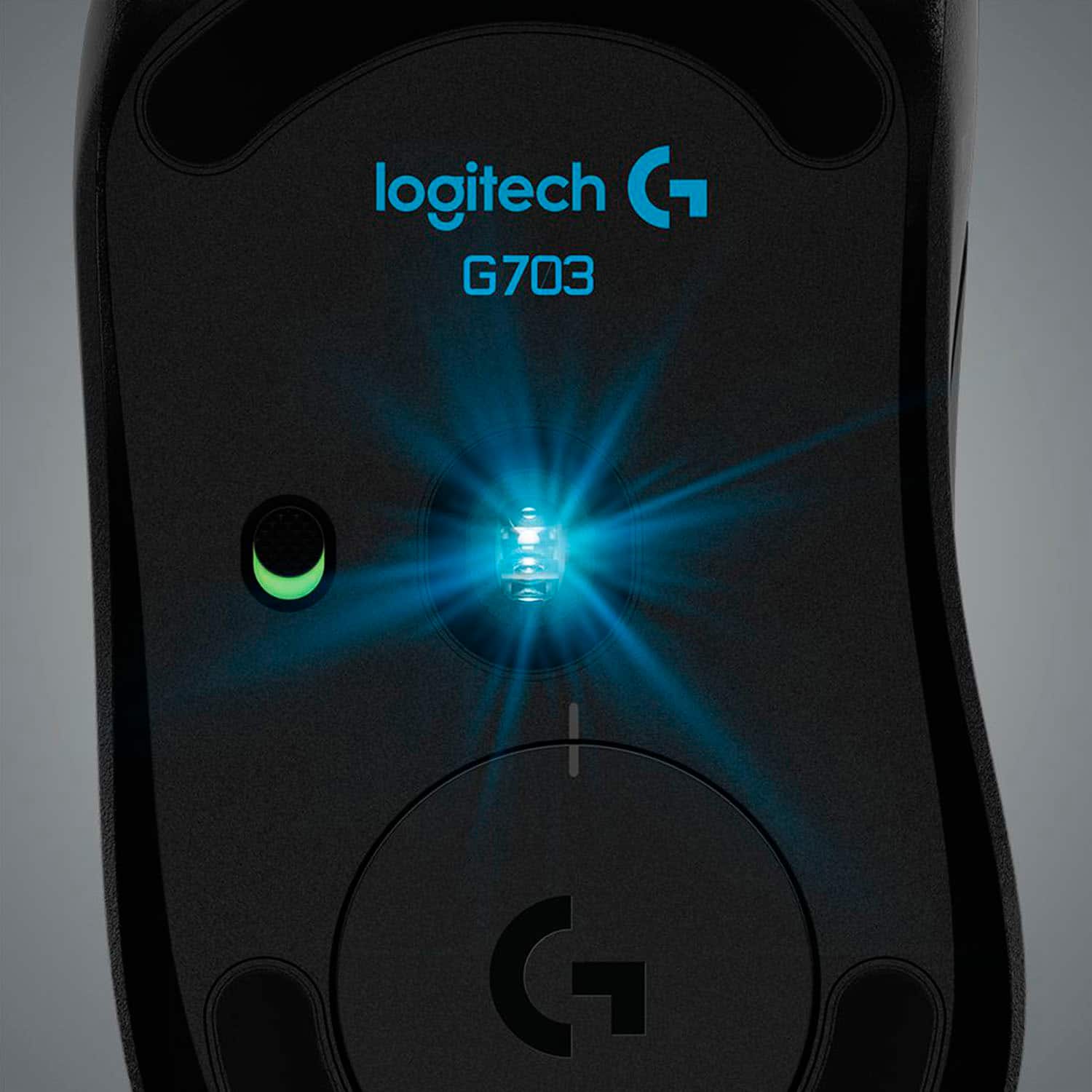
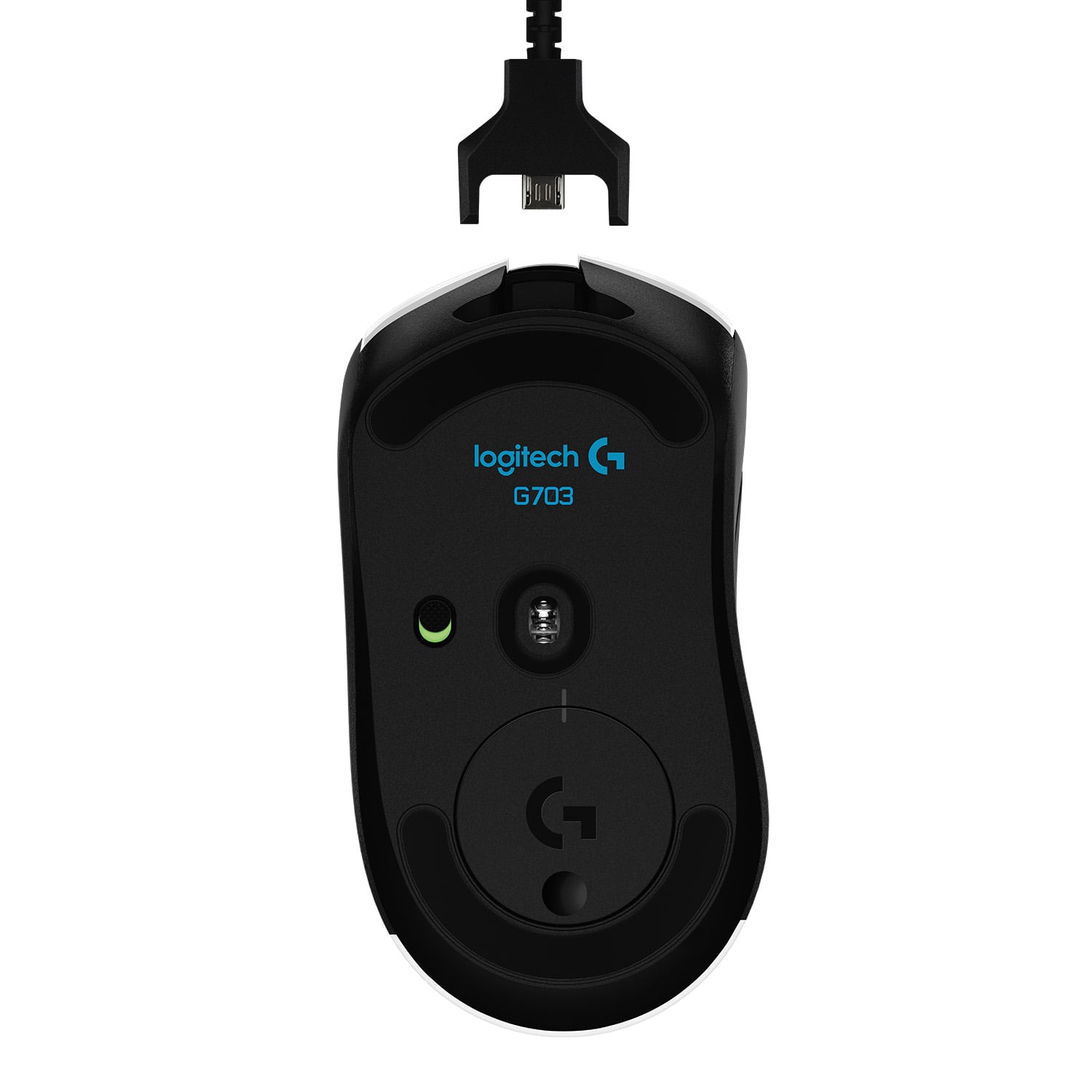
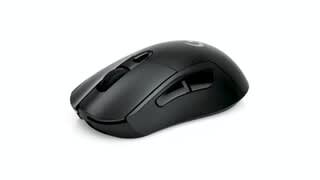
A:AnswerIt doesn't include the PowerPlay charging coin, but all you need to do is switch the coin in the G703 to the one that came with your PowerPlay. You can purchase an extra PowerPlay charging coin at Logitech.com for $25.
A:AnswerI think it was six feet.
I know, when i used it if i had to I could still use the mouse while it was charging with the cable attached.
Hope this helps!
A:AnswerHello! If you are referring to the PowerPlay Wireless Charging Pad, unfortunately not, it will only work with PowerPlay compatible mice from the Logitech G lineup, as it uses a Powercore Module (a small round puck) to transmit the energy from the Charging Pad to the mouse.
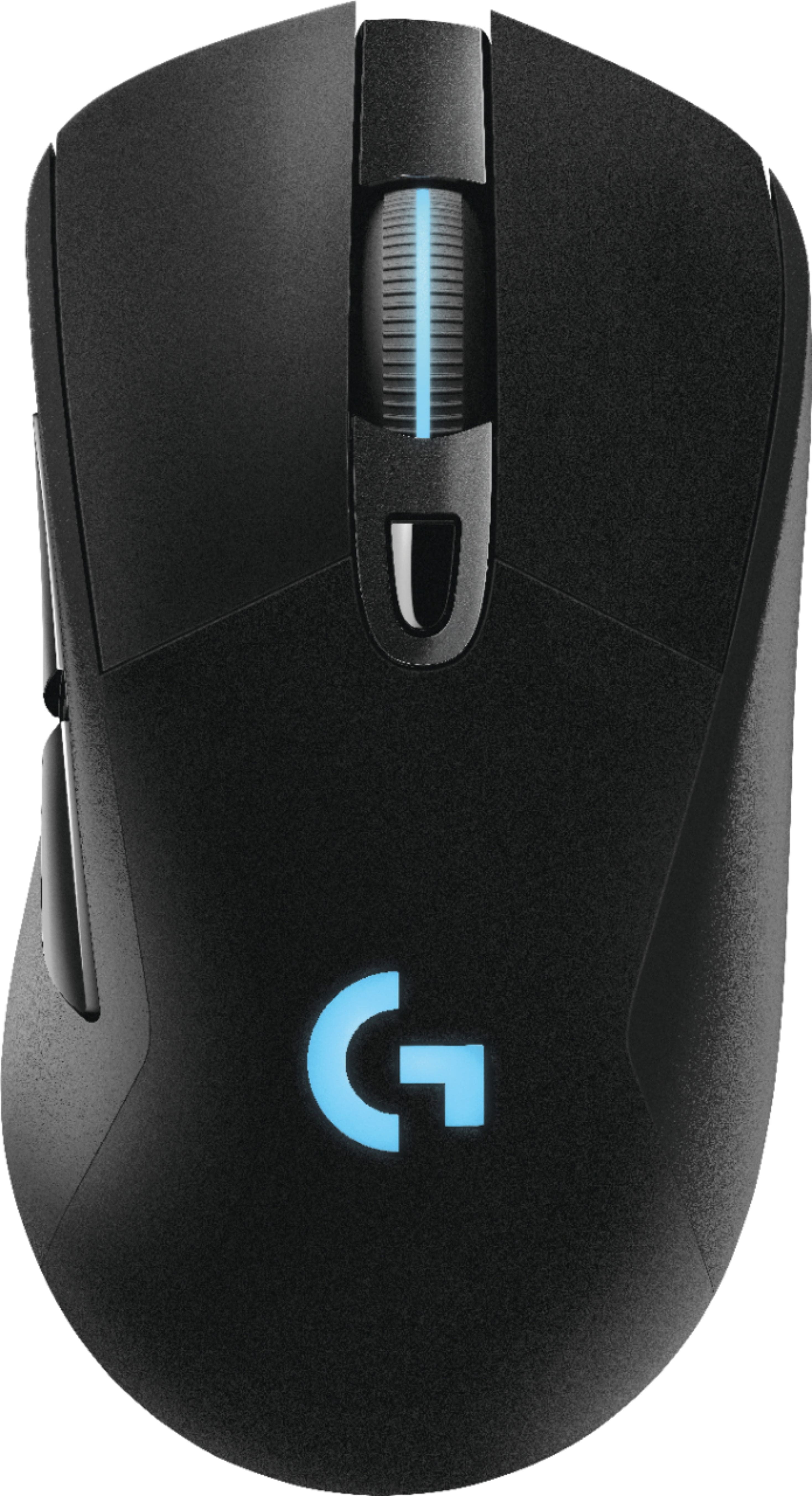
A:AnswerKind of. Within the Logitech G HUB software you have the ability to change the lighting when the mouse has been inactive for x amount of minutes. The mouse also goes into a sleep mode after 10 minutes, this does seem to do well with limiting battery use. But it is also super easy to just flip the switch on the bottom of the mouse to turn it off.