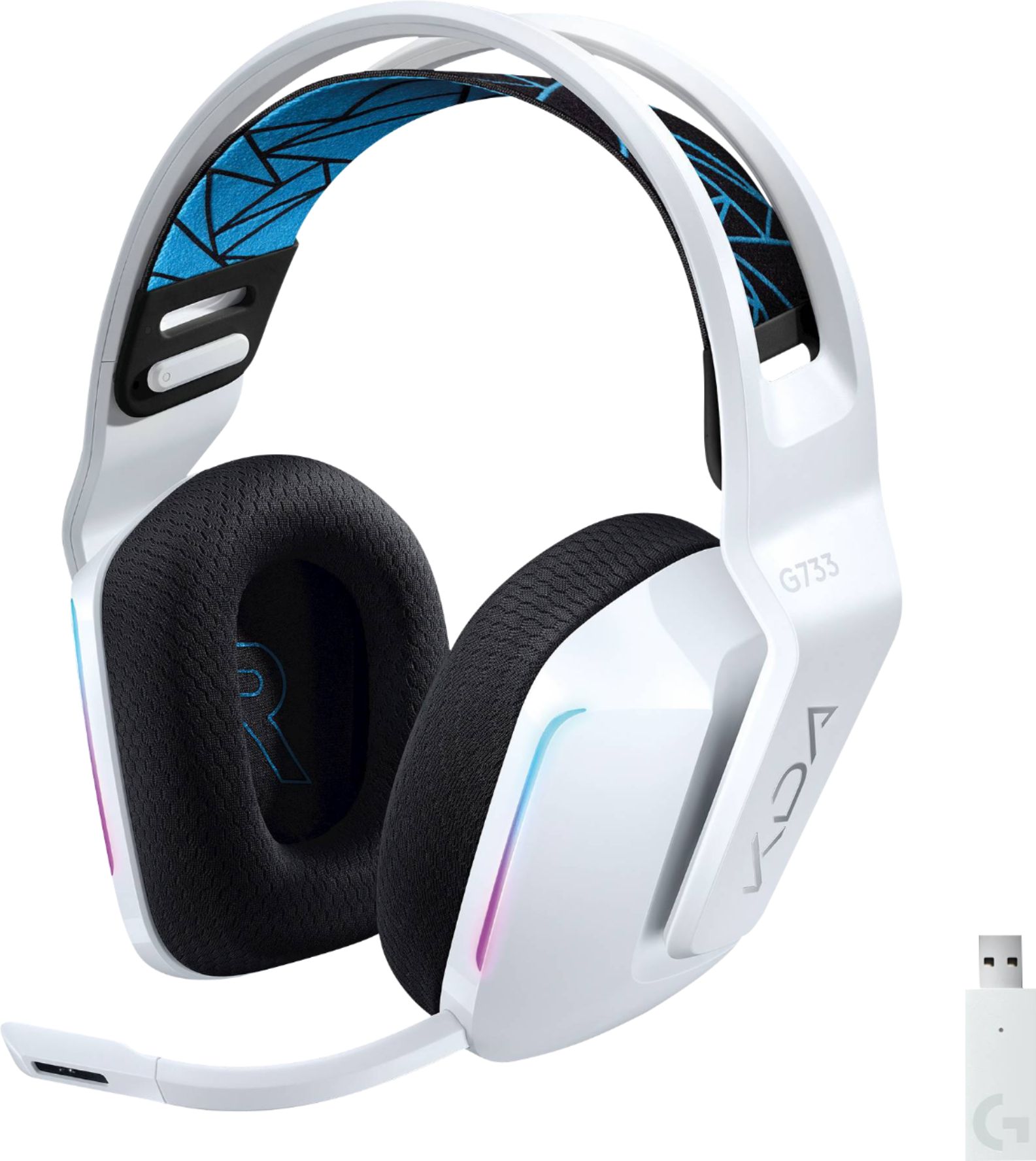
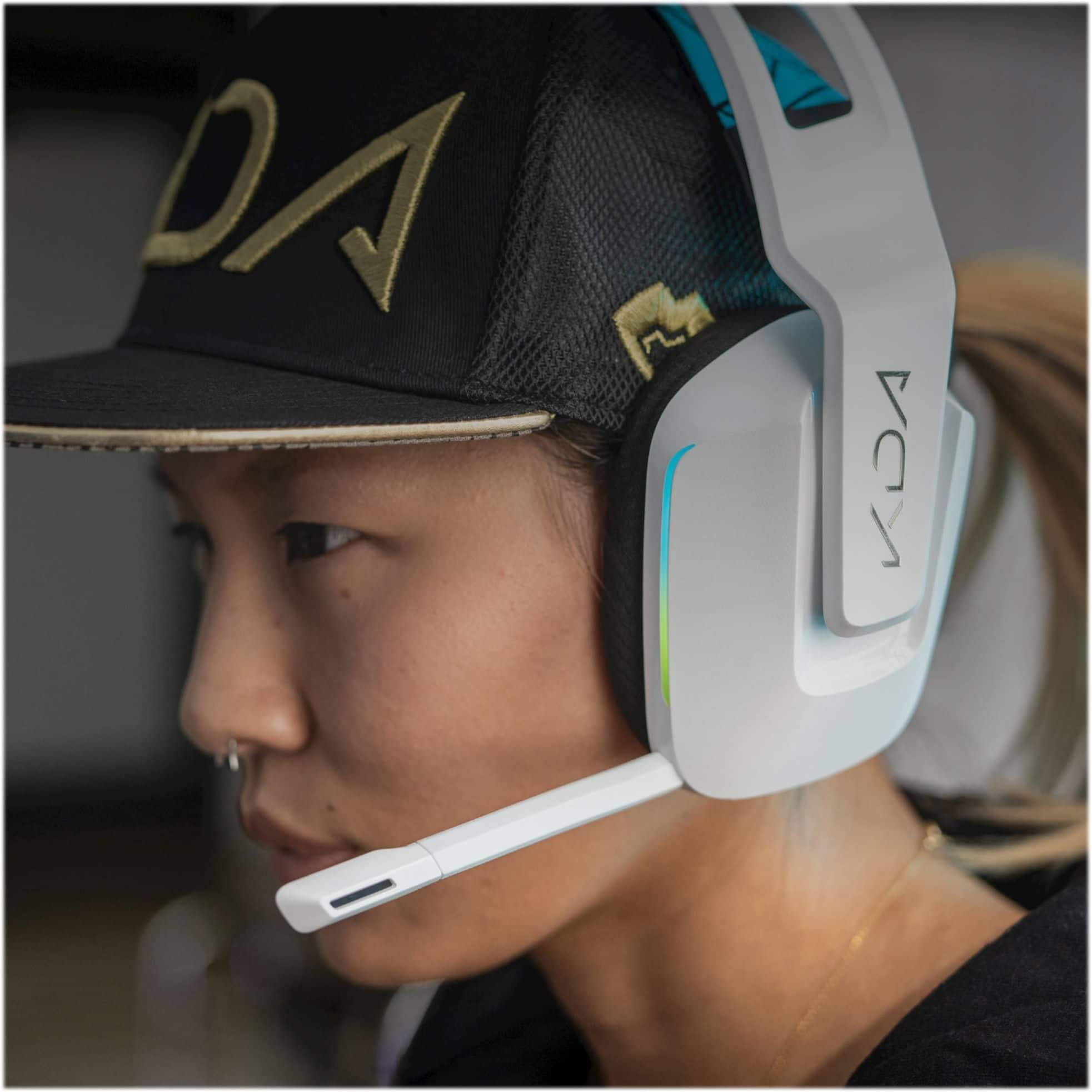
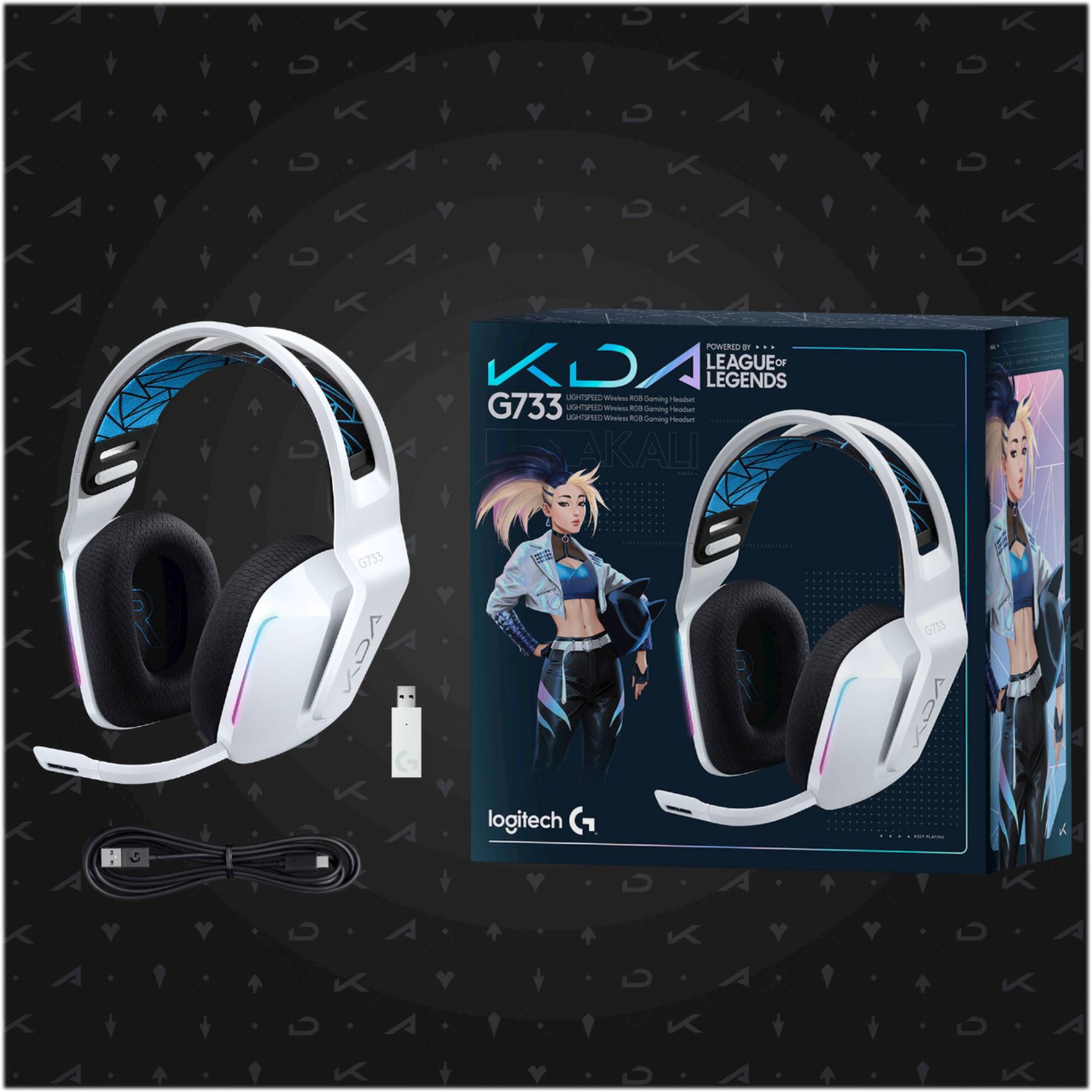
A:AnswerHi, the mic on the G733 has a bit of flexibility to it if you want to bend it closer or further away from your mouth. You can always remove the mic boom completely if you are using another form of voice capture. Just gently tug on the mic and it will dislocate from the headset. Hope that helps!
A:AnswerI have used this for the Switch when docked and have had very few problems. I also play Fortnite and it is amazing how clear I hear footsteps and cars from a distance. The only way to play using this headset is docked however and it will cut off all sound from the TV and go only to the headset but that's not a big issue for me. Just choose a USB port and bam connected and working.
A:AnswerHello, Egorkaa! Make sure when you're using your G733 headset you have your input device set to your G733's. If you are still experiencing issues make sure that the mute button on the back of the left ear cup is unmuted. - Maggie from Logitech G
A:AnswerHey there! While there isn't a button you can click to go back to the original settings per say, you should be able to manually adjust the colors in GHub and that will disable the sync. Simply set each section to color cycle and that should do it.