A:AnswerThe battery cannot be recharged. If you slide the front cover at the bottom, there is a small lithium battery to replace.
The battery does last a long time.
A:AnswerLook at the bottom of your remote on the front take your thumb , push down and out. It’s a little stiff but it will open. It’s a button battery. As to your model number, it should have been on your packaging. Might be in with the battery too but I’m not sure.
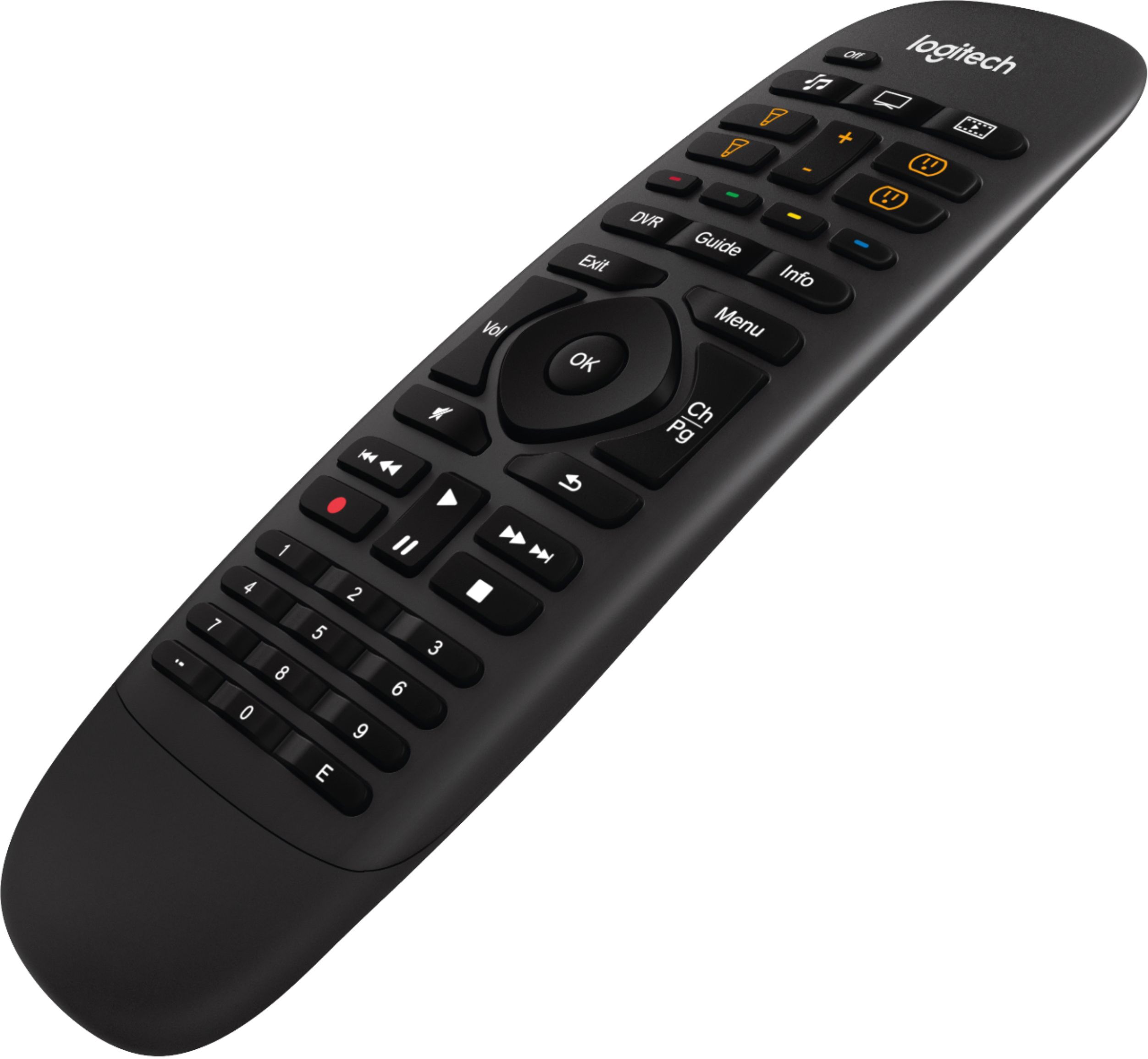
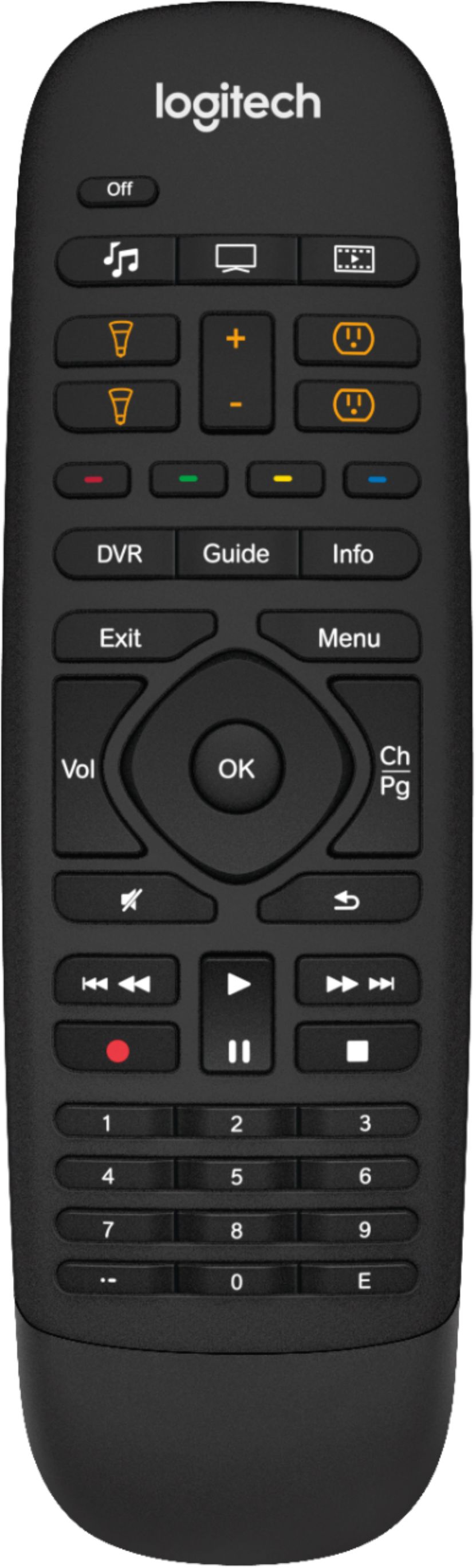
A:AnswerYou can program up to 50 functions through the app. There are 11 programmable buttons on the remote. In terms of compatible devices, there are thousands.
A:AnswerGeek squad should verify but I don’t think so. You might be able to have one hub and two remotes and it might work. But I can also use my phone to control my TVs and I have to switch hubs to do it so you might need 2 hubs to do that. I have 2 hubs and 2remotes for my 2 TVs.
A:AnswerWhile the HBO movie is playing on your TV, press the "Menu" button and from there your TV settings will allow you to navigate to the screen or picture settings.
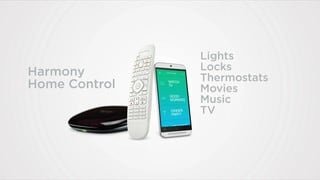
A:AnswerIt is possible to get it down to one remote. I have a Samsung tv, Onkyo receiver and Sony dvr. It is not easy, the walk thru software is very confusing. I have a Harmony Companion remote and it working pretty well.
A:AnswerBad doggy. You can use any Harmony remote to replace your old remote. The remote that came with the Harmony companion is extremely hard to fine. You might want to contact logitech to see if you can get that particular remote replaced. There is a similar remotes on Amazon for $30. However you can replace the entire system for $103 on Best Buy on sale this week.