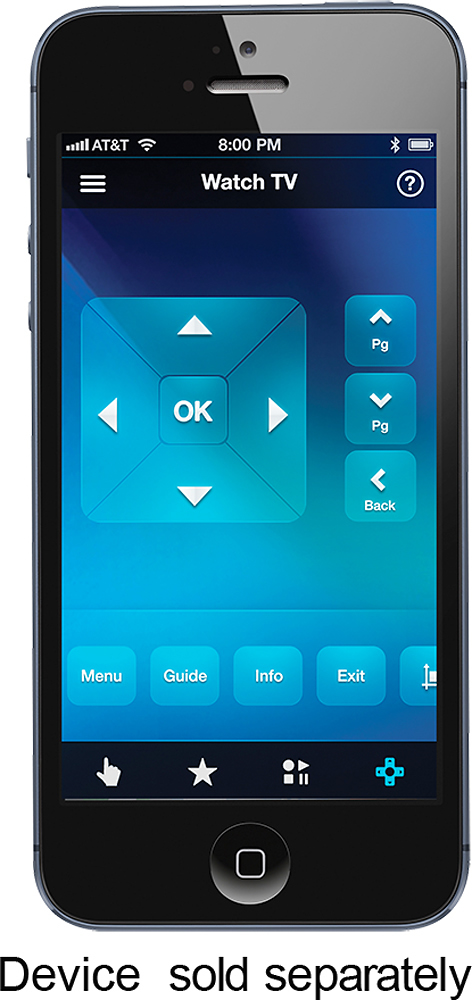
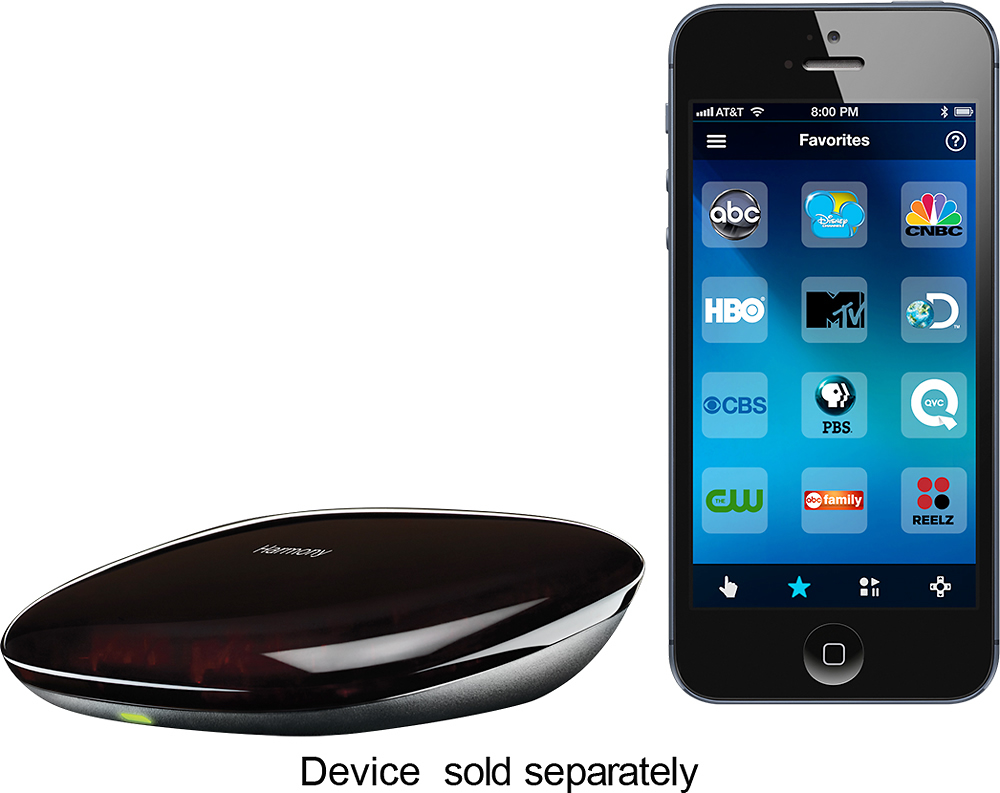
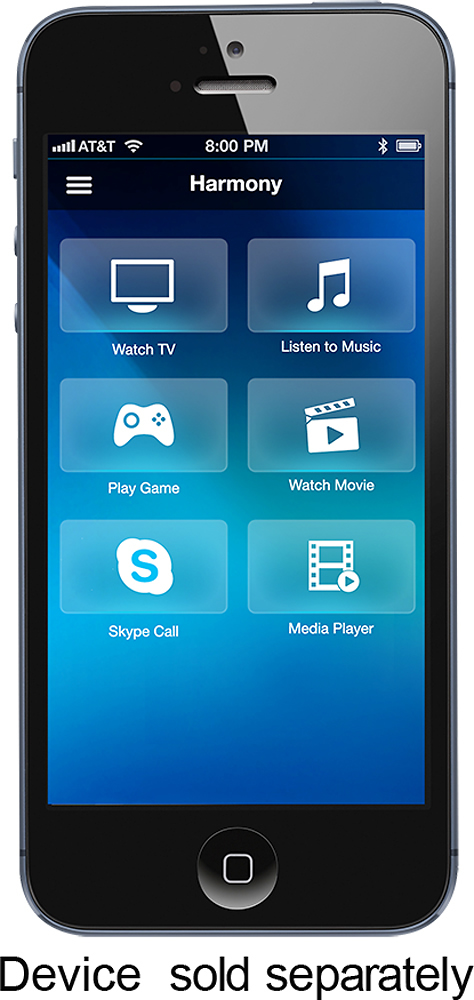
A:AnswerYes, this should work with the majority if not all cable boxes. While I can't say for 100% certainty, I would be very surprised if it did not work with yours. It picked up my Samsung TV, Klipsch soundbar, and Xbox One without any problem at all. As with any universal remote system, you may have to custom map some buttons but that is fairly easy using the phone app.
A:AnswerIt should provide coverage if all devices. I haven't found a device yet it can't control and this includes IR, bluetooth, others. Vast device database makes it hard to find incompatible devices.
A:AnswerYes, you can add many devices for it to control. The remote then knows which device(s) to control either by the activity in use. Using the app on a tablet or smartphone gives you individual device control as well.
A:AnswerI don't know about 25-30 feet but it bounces around in my TV console and controls 3 shelves in one compartment and one in another compartment. I think that says it is pretty strong.
A:AnswerLOL...I just answered this almost exactly regarding Samsung, soundbar and Xbox One....yes, works great with those. I did have to custom map many of the Xbox One buttons to the remote (it picked the TV as the default control for all of the main buttons by default), but the phone app makes that fairly easy though it can be a tedious process. Not sure on the Apple Home Kit or the Philips Hue as I don't have any other smarthome devices at the moment. If you have a Best Buy near you, I'd say buy it and try it out. Can always return it if it doesn't work for your needs. So far, I'm happy for what I'm using it for (the aforementioned setup and integrating with Amazon Echo).
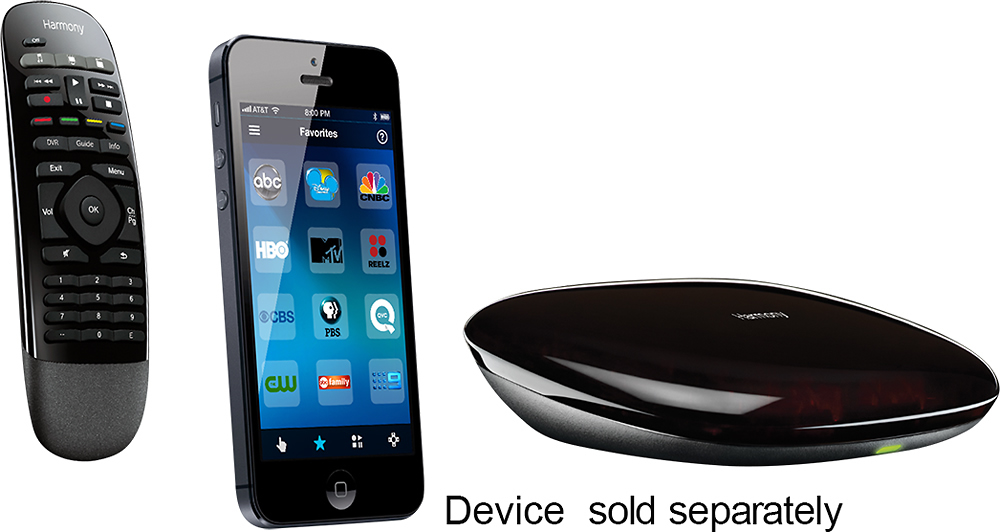
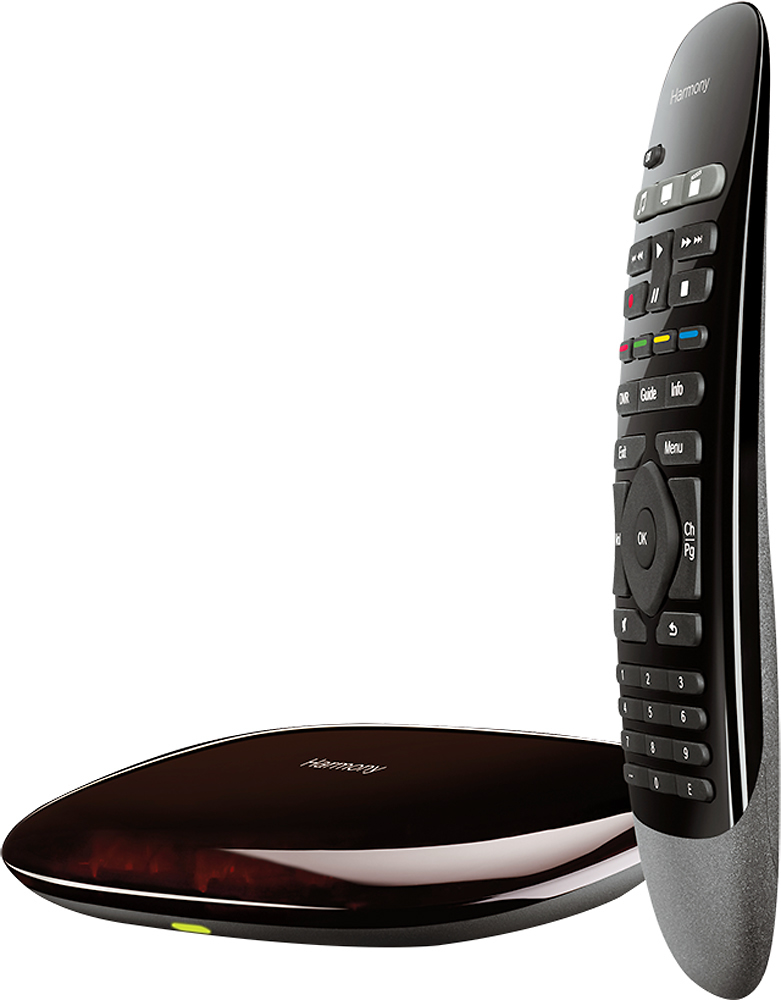
A:AnswerNo you must have a hub to use with any home control product. The hub is what the commandsare sent to from your alexa or google device then from there to tv or home enertainment device
A:AnswerI'm using it with Google home without even using ifttt. I understand that it's possible, just not necessarily needed. Look up how to on YouTube.
A:AnswerYes, sort of, depending on what your asking. The remote itself doesn't control anything but commands to the Logitech Home. But yes, the Logitech Home does turn on my Xbox One S. I've controlled a Blu-Ray before but must admit I haven't tried to navigate the console menu.