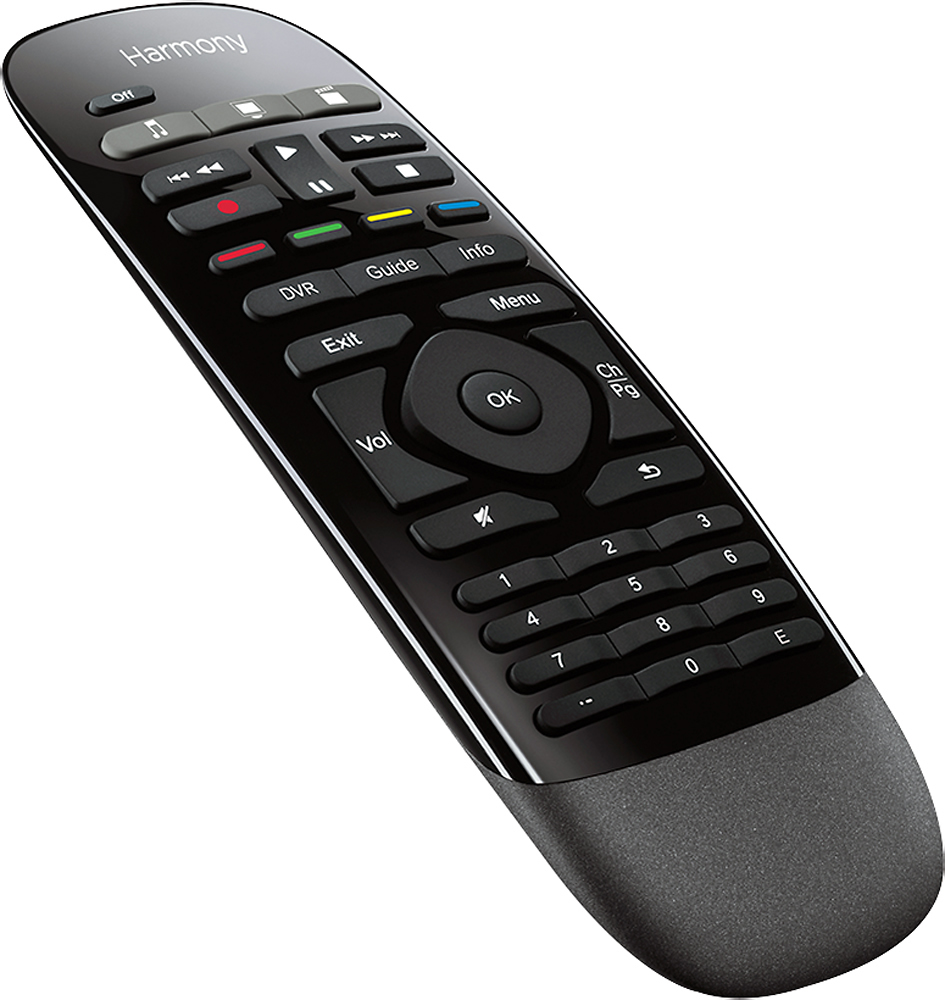
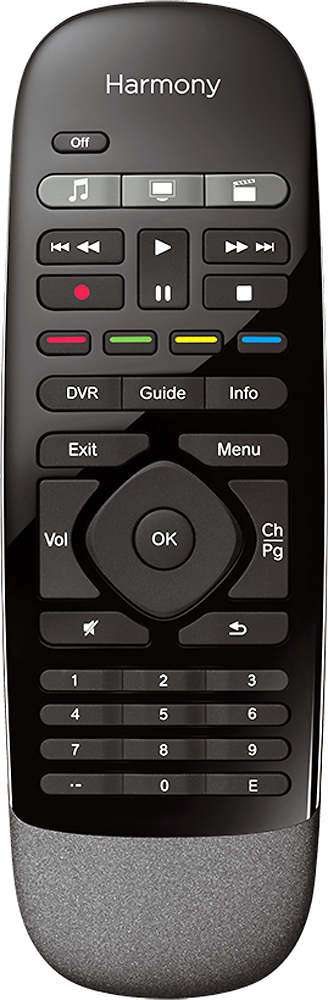
A:AnswerNo, the remote is not back-lit, but the tactile nature of the remote is easy to use in the for volume and change changing. I am extremely happy with the simple layout of the remote. For any advanced controls, expect to break out the ipad or android tablet.
A:AnswerIf you can connect your PC to your HDTV, it may be possible.
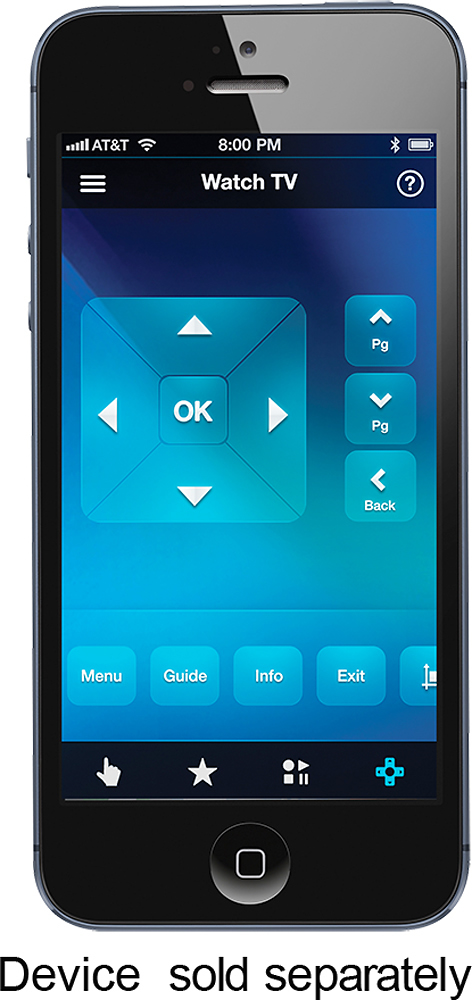
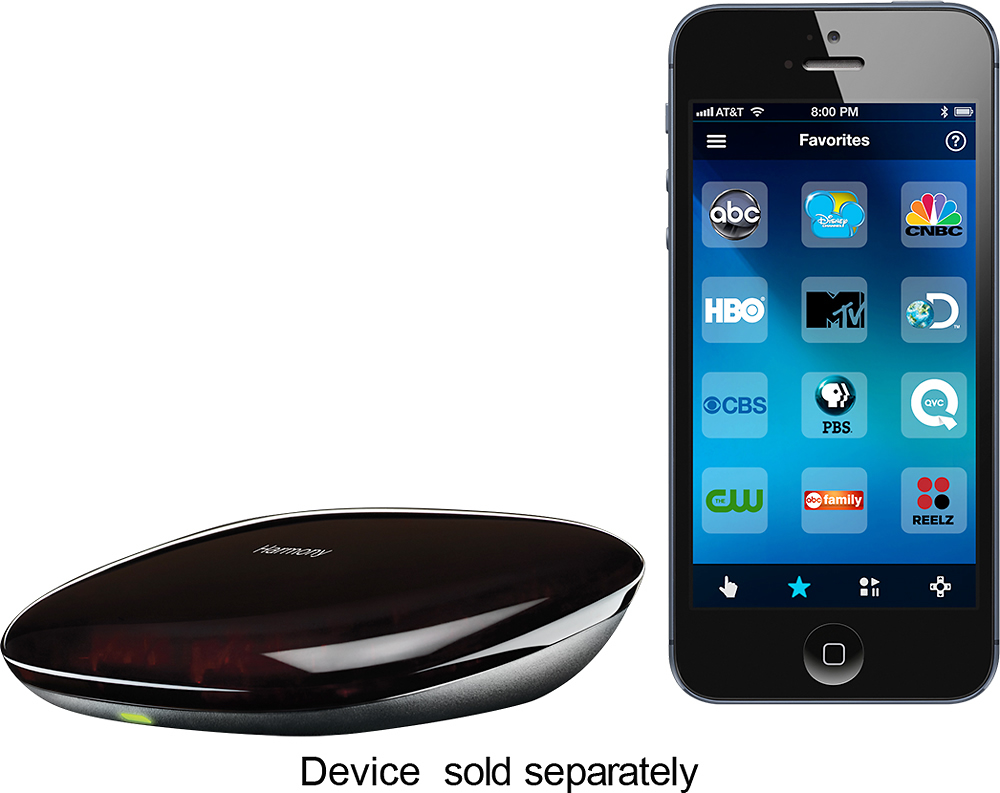
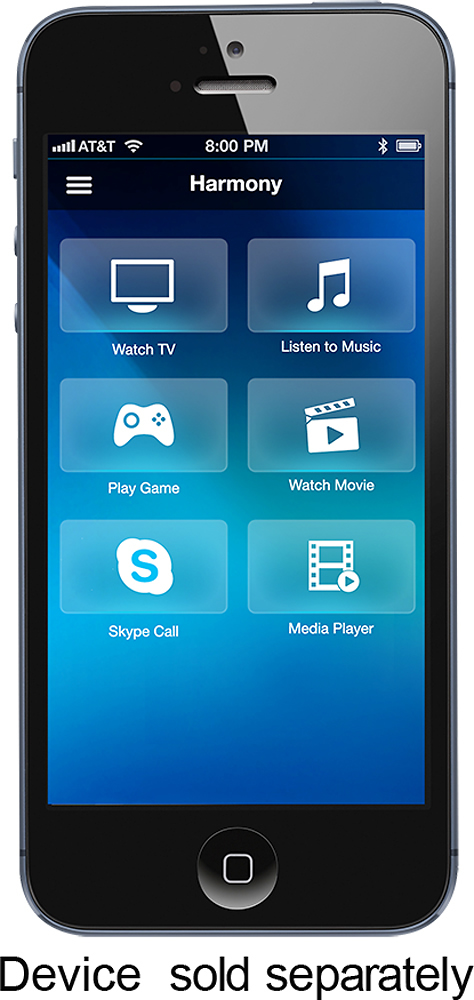
Another option would be to install the Smartphone app, and use it as your remote.
The Smartphone app has much more features and functions than the Smart remote only, and may give you more control over your PC than the Smart remote can.
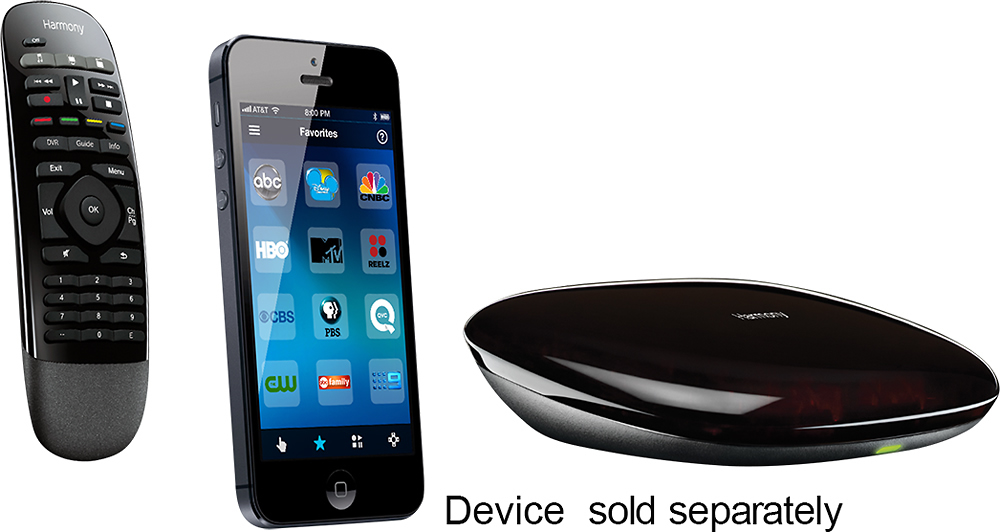
A:AnswerWireless is needed if using Smartphone. I believe remote uses IR signal to communicate with the hub. The Hub is actually the part that controls all the electronics with remotes controlling Hub.
A:AnswerUnfortunately, at the moment, no.
The instructions claim that it can, but when I tried it, it will only work with one remote at a time.
Logitech claims that they are fixing this issue.
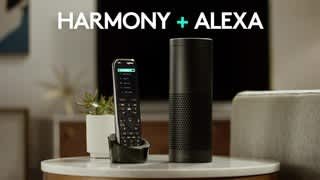
A:AnswerYes, it absolutely does, because of the hub. In fact, with a little thinking and some programming (with well thought out pauses) you can even program it to navigate the firestick menu to your chosen app. I just say "Alexa, turn on Netflix" and it'll turn on the tv, receiver, etc, pause to wait for firestick to "boot up" and then navigate down, down, over, and enter to open Netflix for me. Did this with a few apps on the Firestick (Hulu, Youtube, etc). There are a few good tutorials you can google to show you how to set it up (it uses the apps menu in which you can control where each app is in the menu so you can make sure NF is first, hulu second, etc, instead of the recent apps menu which always changes). And yes, you can do the same thing with the remote and app (you don't NEED to use Alexa, but it's so dang handy). I honestly don't even know where the harmony remote is anymore lol.
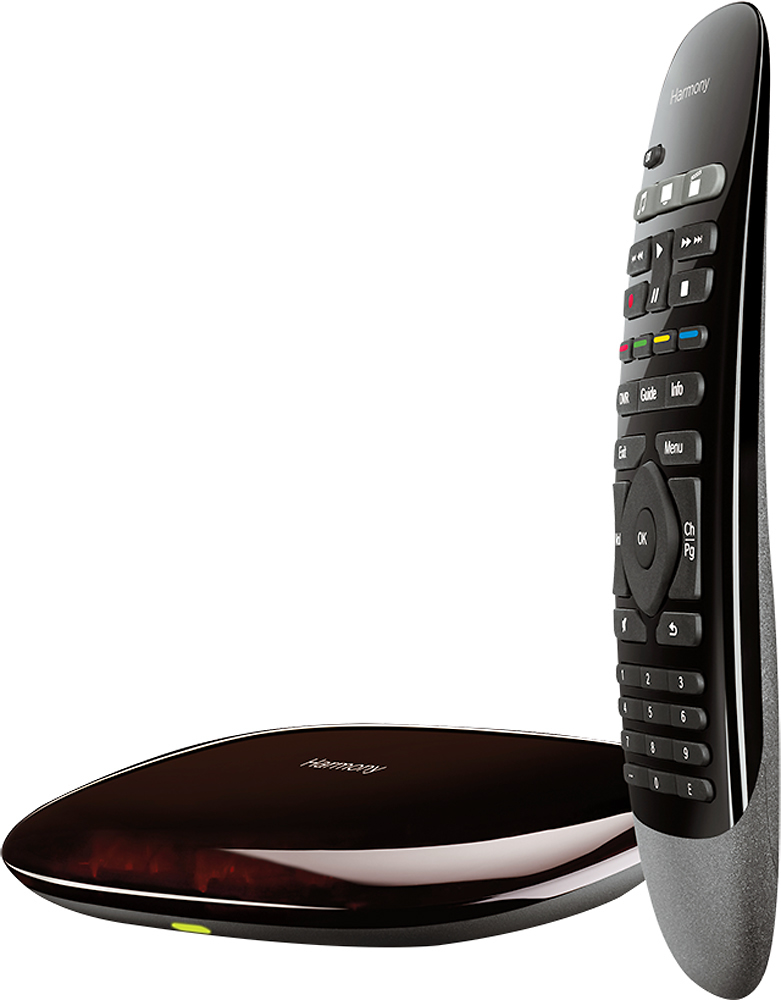
A:AnswerI have an HD Xfinity (Cisco) RNG150N box that I was able to add as a device. So I would have to guess it depends on the model of your set top box.
A:AnswerSorry, I don't have a Roku. Connected to spectrum cable box and Yamaha 4k tuner, all run by Alexa. Hardest part is keeping the optical line from falling out of plug on back of the 65" vizeo 4k. Poor plug design on TV.
A:AnswerYou can use two remotes but it has to be a specific type. Go onto Logitech website and it will give you a list of what it accepts. You cannot get another one like what came with the unit. I case you didn't know you can use your smartphone as a remote if you set it up that way. It's actually pretty nice and works well on my iPhone.