Questions & Answers
- Model:
- 920-011131
- |
- SKU:
- 6516296
Q: QuestionDo you have to turn the keyboard off when not in use? Or does it go in to sleep mode? Thank you.
Asked by William.
- A:Answer Hi William, You do not have to turn your keyboard off. The K380 goes in to sleep mode. LaShonda from Logitech
Answered by Logitech
Q: QuestionDoes this work with the second generation iPad Pro?
Asked by Onalee.
This question was asked about the related product: Logitech - K380 TKL Bluetooth Scissor Keyboard for Mac with Compact Slim Profile - Rose
- A:Answer Able to connect my 2020 iPad Pro 12.9 in no problems
Answered by Martinez5561
Q: QuestionCan I use this with my Windows laptop even though it says it's for Mac? (I have a Dell XPS 2-in-1). If so, can I switch between Windows and Apple devices when using? Thanks!
Asked by Hannah.
- A:Answer I tested this keyboard with my HP laptop running Windows X and it worked great. Even the Apple Command key worked as the Windows key. The media control keys worked fine as well.
Answered by TimothyTrimble
Q: QuestionIs "for Mac" keyboard much different from the regular 380 and is it important to get the Mac version?
Asked by MacbookPro.
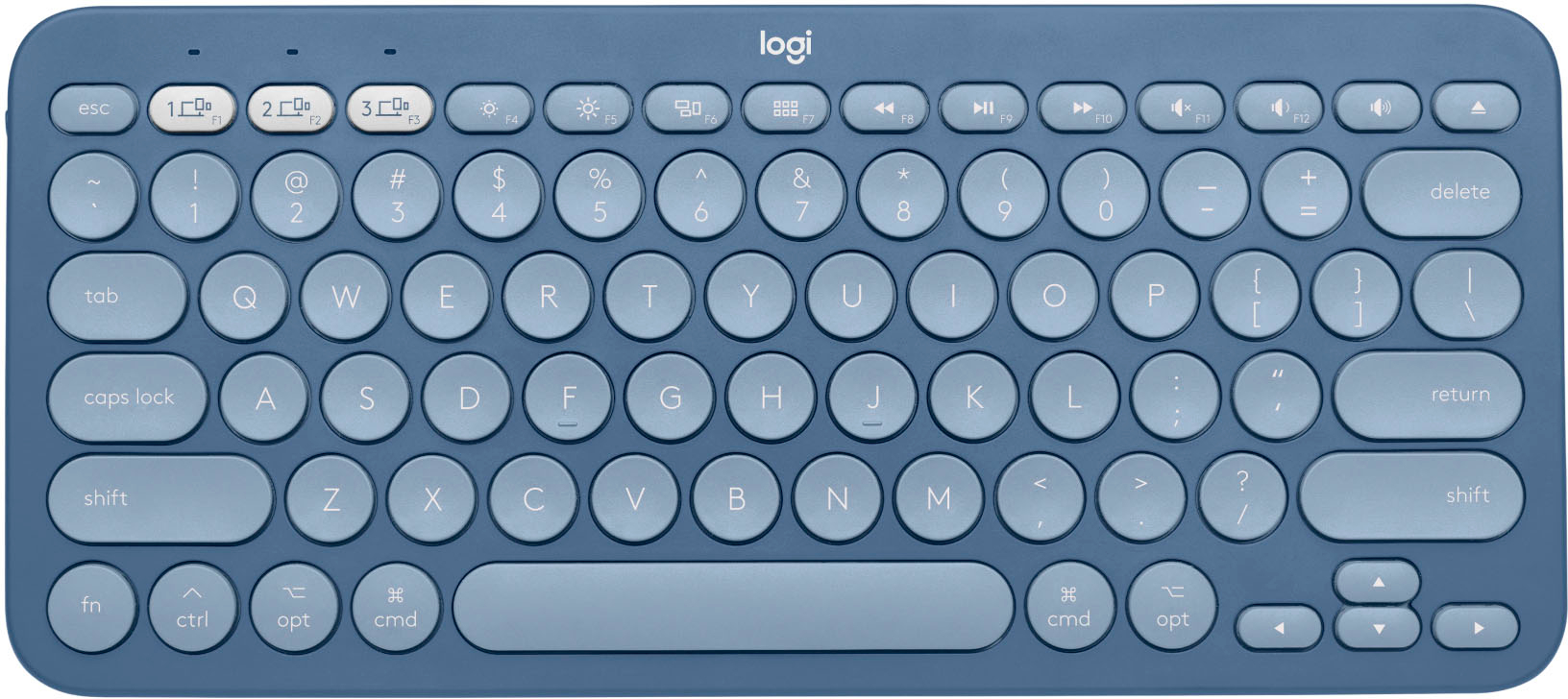
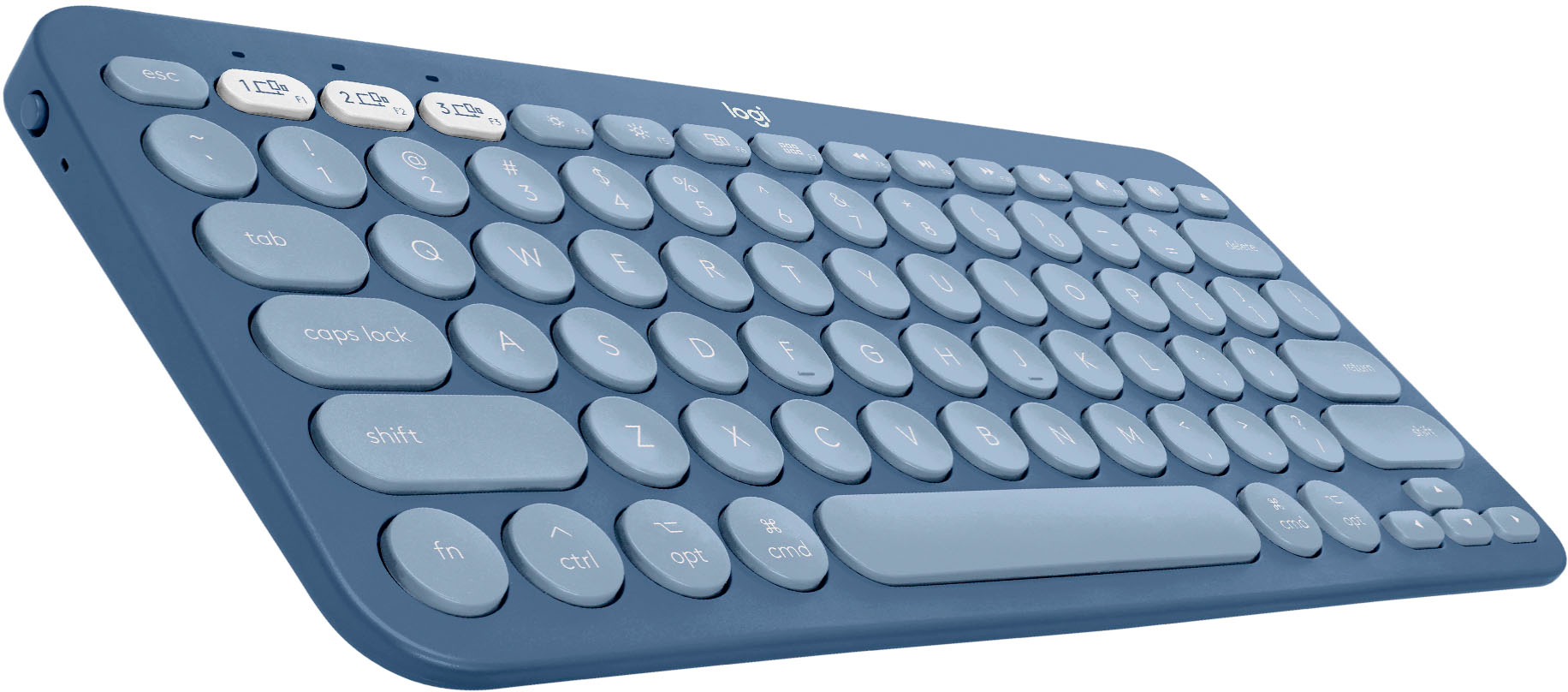
- A:Answer The 'for mac' doesn't allow you to forward delete (`fn` + `delete`) and doesn't have a forward delete button like the 'normal' one. The `normal` one does swap the `fn` and `control` keys on the lower left which can be annoying when you first start using the keyboard.
Answered by smed
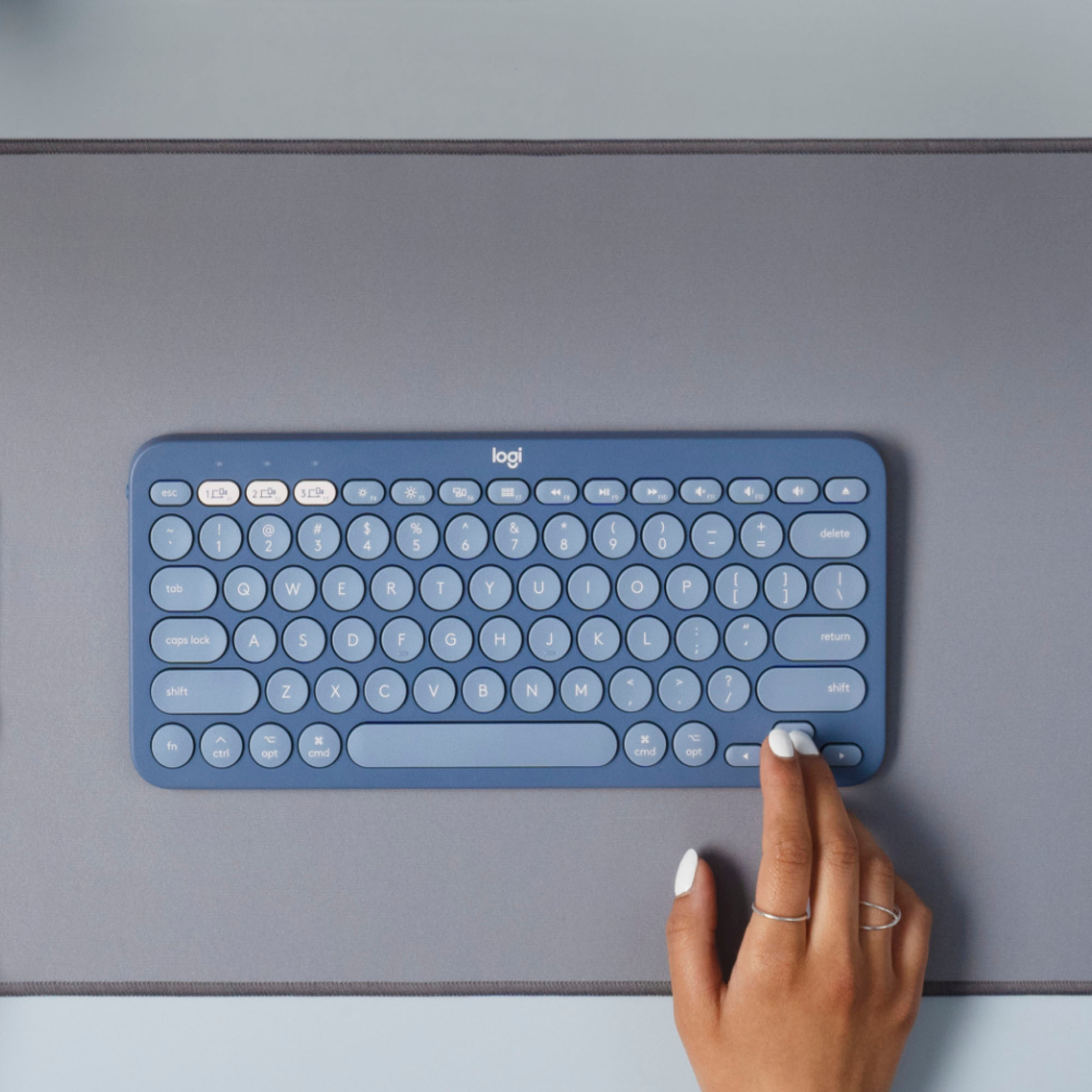
Q: QuestionDoes this model have a Capital letter indicator?i
Asked by 210630.
- A:Answer Hello, the K380 does not have an on-board CAPS lock indicator. However, you can download the free Logitech Options software which will give you access to some special features- one of which is an on-screen CAPS lock indicator.
Answered by Logitech
Q: QuestionWill it work for a iPad 7th gen?
Asked by Alina.
This question was asked about the related product: Logitech - K380 TKL Bluetooth Scissor Keyboard for Mac with Compact Slim Profile - Rose
- A:Answer It works perfectly with the 7th generation iPad. I myself got it for the same 7th gen iPad.
Answered by Ewanley101
Q: QuestionCan I connect with iPad Pro 1rst generation (2015)?
Asked by Tania.
This question was asked about the related product: Logitech - K380 TKL Bluetooth Scissor Keyboard for Mac with Compact Slim Profile - Rose
- A:Answer Yes, the K380 will connect via Bluetooth to the iPad Pro 1st generation.
Answered by Logitech
Q: QuestionWill this work with my Microsoft pro surface?
Asked by Priscilla.
This question was asked about the related product: Logitech - K380 TKL Bluetooth Scissor Keyboard for Mac with Compact Slim Profile - Rose
- A:Answer Hello, yes this will work with your Microsoft Pro Surface, it simply just connects via Bluetooth. -Danielle from Logitech
Answered by Logitech
Q: QuestionCan I use this with an ASUS Chromebook?
Asked by Koya.
This question was asked about the related product: Logitech - K380 TKL Bluetooth Scissor Keyboard for Mac with Compact Slim Profile - Rose
- A:Answer Hello Koya! The K380 Multi-Device Bluetooth Scissor Keyboard for Mac can also work with an ASUS Chromebook and Chrome OS yes, but note that it will only show the Mac specific keys on the keyboard.
Answered by Logitech
Q: QuestionDo the keys illuminate when being used in dark or dim lighting?
Asked by Rio.
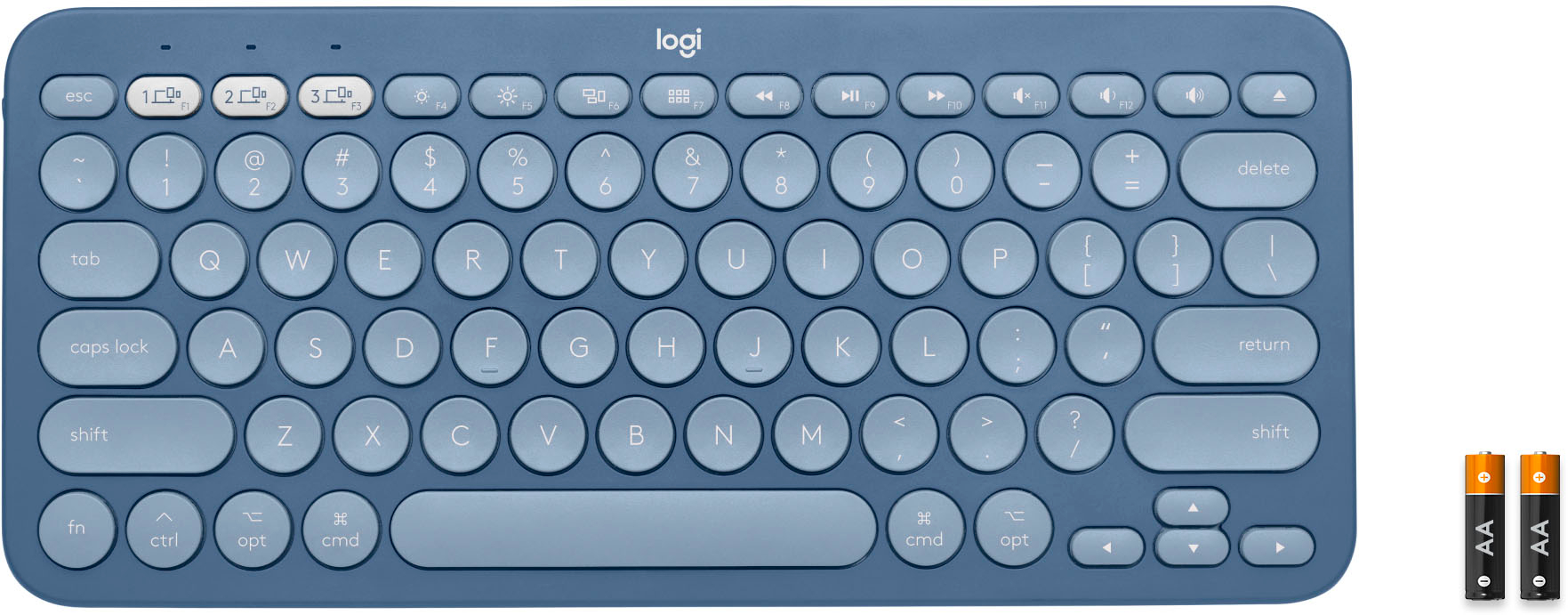
- A:Answer no backlight on this keyboard. i thought i would care about that but it really doesn't matter, even if you're used to that on your mac. only the pairing keys at the top left have associated lights.
Answered by WerkFH
Q: QuestionWill this keyboard in off white match the mx anywhere 3 mouse in pale gray? For my ipad and I am having hard time with getting answers about the mx anywhere color pale gray. Some say that it is white and gray for use with mac. others say it is dull gray?
Asked by bird.
- A:Answer Hello, the Anywhere 3 is designed to match the mac color scheme of white and grey. The K380 will match this setup, as it also fits the same color scheme.
Answered by Logitech
Q: Questiondoes this connect to iPad air ?
Asked by Sabrina1.
This question was asked about the related product: Logitech - K380 TKL Bluetooth Scissor Keyboard for Mac with Compact Slim Profile - Rose
- A:Answer Hi, the K380 will pair via Bluetooth to an iPad with iPad OS 13.1 or later.
Answered by Logitech
Q: QuestionCan this work with an iPad Mini 2?
Asked by Yuiko.
This question was asked about the related product: Logitech - K380 TKL Bluetooth Scissor Keyboard for Mac with Compact Slim Profile - Rose
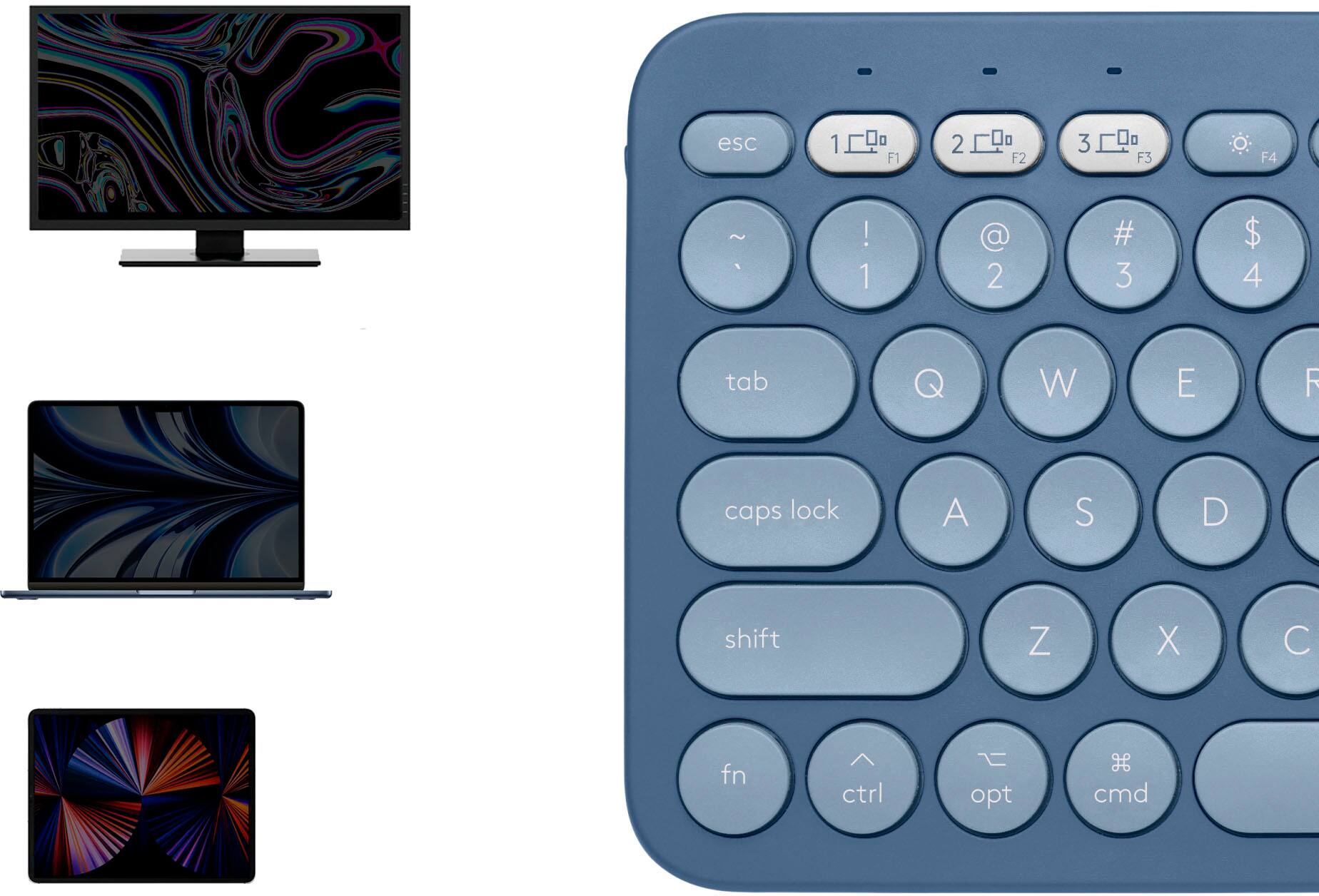
- A:Answer Hi Yuiko, the K380 will work with Bluetooth devices with any of the following operating systesm: Windows 10 or later macOS® 10.15 or later iPadOS® 13.1 or later iOS 11 or later Chrome OS Android 7 or later Works with Surface
Answered by Logitech
Q: QuestionIs this compatible with the old ipad 4?
Asked by Maria.
This question was asked about the related product: Logitech - K380 TKL Bluetooth Scissor Keyboard for Mac with Compact Slim Profile - Rose
- A:Answer Hello. The K380 will work with any device that can use a Bluetooth keyboard. It will work with your 4th Gen iPad.
Answered by Logitech
Q: Questionwould this work with the new iPad Air?
Asked by Anonymous.
This question was asked about the related product: Logitech - K380 TKL Bluetooth Scissor Keyboard for Mac with Compact Slim Profile - Rose
- A:Answer Yes I just bought the iPad and this keyboard and it works. Haven’t had any issues. It connects via Bluetooth and will remember up to 3 devices
Answered by Izzy
Q: QuestionDoes this work with Microsoft surface? (Not pro surface)
Asked by Dodo.
- A:Answer Hello. This K380 is designed for Mac/iPad users with the Apple keys. While it will work with a Surface, you will be better off with the regular K380- which comes in Black, Rose, or White. https://www.bestbuy.com/site/logitech-k380-bluetooth-scissor-keyboard-off-white/6423643.p?skuId=6423643
Answered by Logitech
Q: QuestionDoes this work with my 6th generation iPad and can I also Use a mouse with it?
Asked by Cathryn.
This question was asked about the related product: Logitech - K380 TKL Bluetooth Scissor Keyboard for Mac with Compact Slim Profile - Rose
- A:Answer Yes, the K380 will work with the iPad 6th gen as it is Bluetooth enabled. As long as you purchase a mouse that doesn't require the USB receiver you can use a mouse on your iPad.
Answered by Logitech
Q: QuestionHi. Is this keyboard compatible with a 7th gen iPad?
Asked by Monica.
This question was asked about the related product: Logitech - K380 TKL Bluetooth Scissor Keyboard for Mac with Compact Slim Profile - Rose
- A:Answer Hi Monica, Yes the K380 is compatible with your device. LaShonda from Logitech
Answered by Logitech
Q: QuestionDoes this work with the iPad Air?
Asked by charlie.
- A:Answer Yes. It works with all Apple devices that support a Bluetooth Keyboard. It even works with Windows and Android devices.
Answered by Pretorian
Q: QuestionDoes this keyboard come with a usb a adapter to plug into a device that doesn’t support Bluetooth?
Asked by Kaleb.
- A:Answer No, the K380 doesn't come with a USB adapter, it is only Bluetooth.
Answered by Logitech
Top Rated
- $329.99$329.99The price was $469.99
- $299.99$299.99The price was $349.99
- $139.99$139.99The price was $149.99
- $949.00$949.00The price was $1,099.00
- $449.99$449.99The price was $649.99
- $279.99$279.99The price was $329.99
- $1,499.00$1,499.00The price was $2,799.00