A:AnswerHello Jean, Unfortunately, the only other brand of Smart TV that may be compatible with the K600 is Philips. If your Smart TV is a Philips brand, here's a link to the check if it will be compatible: https://www.logitech.com/en-us/promo/k600-tv/smart-tv-compatibility-checker.html.
A:AnswerHello, your K600 TV Wireless Keyboard may have a connection issue which is occurring. In order to troubleshoot, you might need to re-pair your K600 TV keyboard to your Smart TV. NOTE: We strongly recommend you connect to your TV using the receiver provided with your K600 TV keyboard. As well, give your Home Key a clean, but using compressed air, if available. Oftentimes, dust and debris can cause disruptions in performance. If you have already done the above, rest assured you have a 1 year limited hardware warranty with Logitech and 15-day return with Best Buy. If you ever have additional feedback or questions regarding Logitech products, feel free to visit https://support.logi.com/hc/en-us Thanks, -Logitech
A:AnswerThe K600 TV connects to your Smart TV, PC, and mobile devices – and switches between them with the touch of a button. Here's a link to the "Getting Started" guide which will show you how to do that: https://support.logi.com/hc/en-us/articles/360023300214.
A:AnswerHello SOLSTICE10! The K600 TV Wireless Keyboard isn't compatible with just the monitor on its own, it's going to be compatible to the computer you attach the monitor to, or to a Smart TV with a supported OS among the following: Windows 7,8,10 or later, macOS® 10.11 or later, Android TV v6 or later, WebOS v3.0 or later, Tizen v2.4 or later, and Chrome OS™ .
A:AnswerHi Pete, The K600 works with a variety of Smart TV's. Here's a link to Logitech's Compatability Check to confirm if your LG OLED will work: https://www.logitech.com/en-us/promo/k600-tv/smart-tv-compatibility-checker.html. Hope that you found this helpful and that all is going well. Best Regards, Richard from Logitech
A:AnswerHello Jeff, this keyboard is compatible with most smart Tvs but it is best to check with the TV maker for compatibility.
-Danielle from Logitech
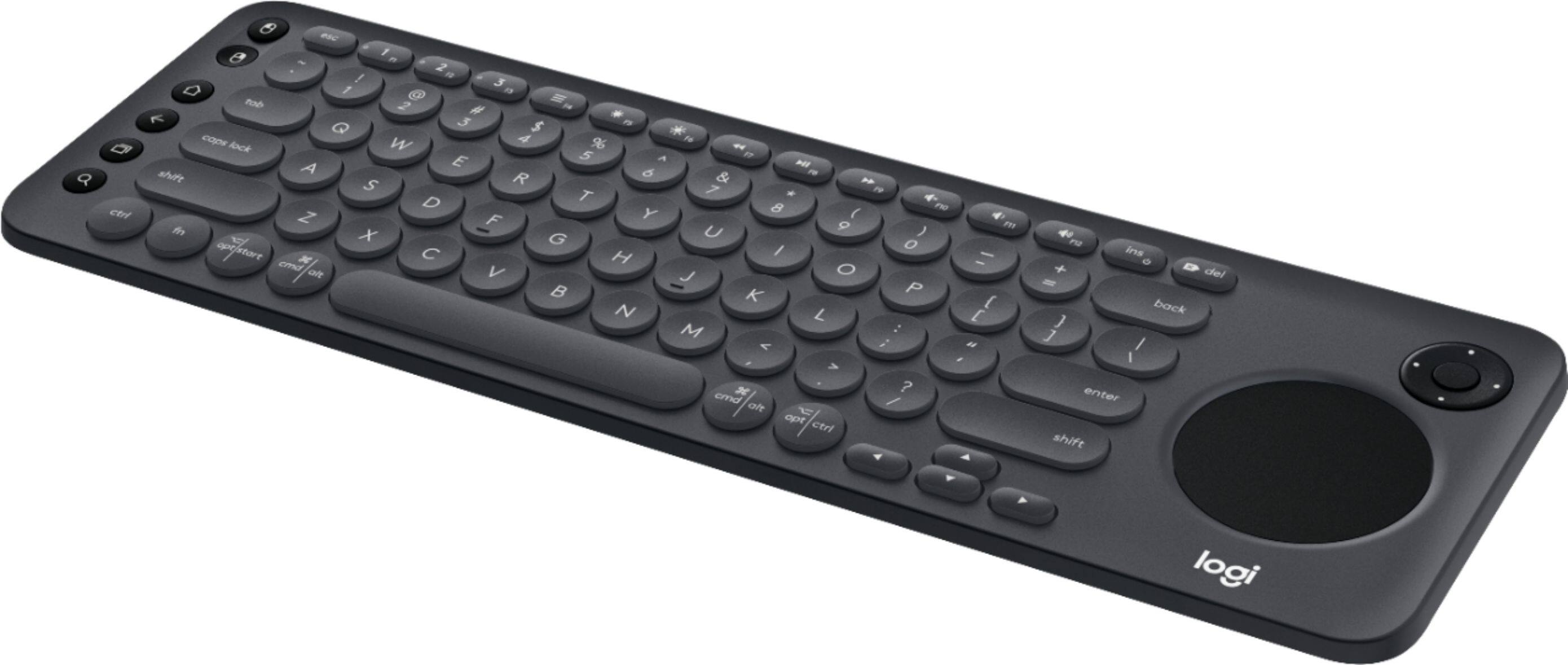
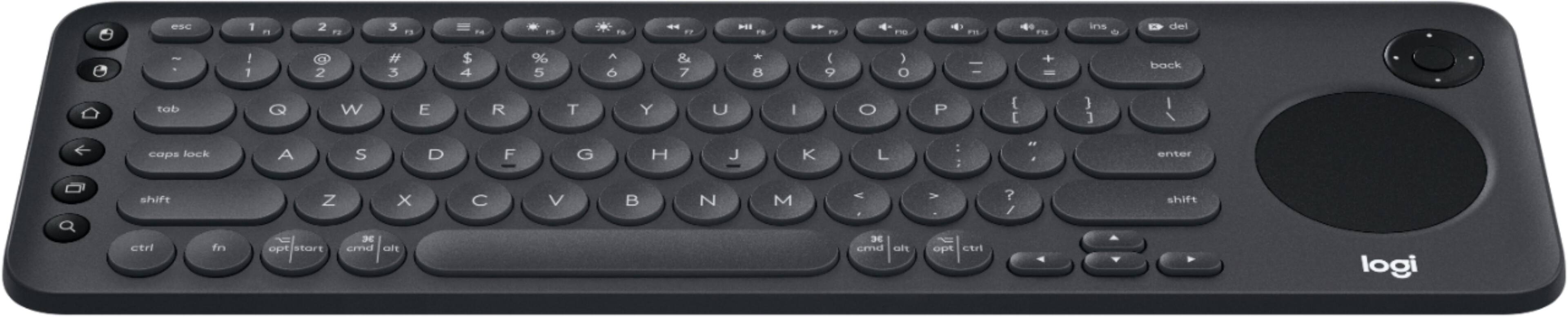
A:AnswerHello, the K600 will allow you to type in the TV web browser and use the trackpad as a mouse cursor. It does not have any on board OS or apps built in.
A:AnswerHello, your Samsung tv is compatible. If you ever need to verify any other devices you can check here: https://www.logitech.com/en-us/promo/k600-tv/smart-tv-compatibility-checker.html
A:AnswerHello, The K600 will work with your model TV. If you want to double check it to make sure, go to this link for the Compatablity Check https://www.logitech.com/en-us/promo/k600-tv/smart-tv-compatibility-checker.html. Hope that this helped and that all is going well. - Richard from Logitech
A:AnswerHello! Just like to know if you purchase the keyboard and if it really works, because I have a UN55T (2020) and it says is not compatible I also type your tv and also says is not.
Maybe the Logitech website is not updated, and it really works, but just want to make sure.
A:AnswerHello, the K600 will work well with your Macbook Air. The circle on the right side is a trackpad. The keyboard will work with both Bluetooth and a USB Unifying receiver. Keep in mind, the USB receiver is USB-A. If your Macbook Air only has USB-C ports you will need an adapter (or just use Bluetooth).