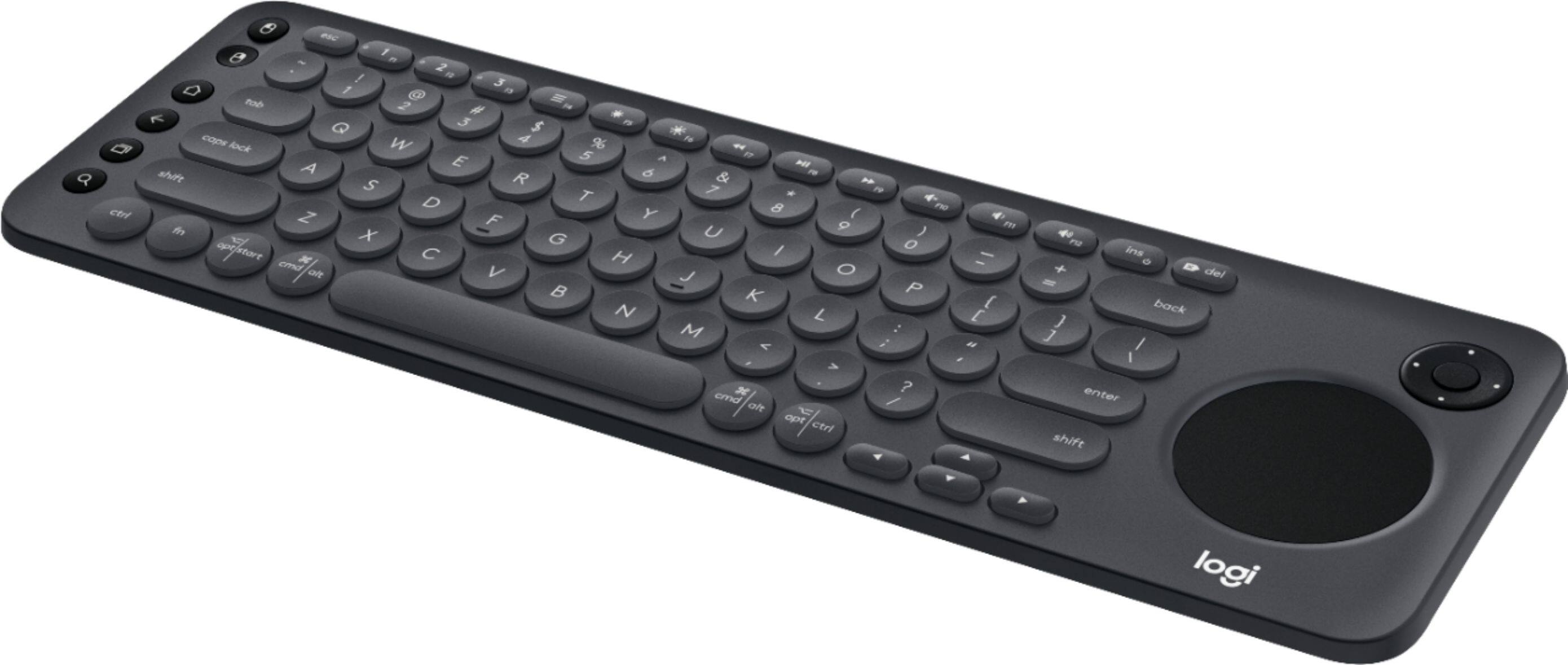
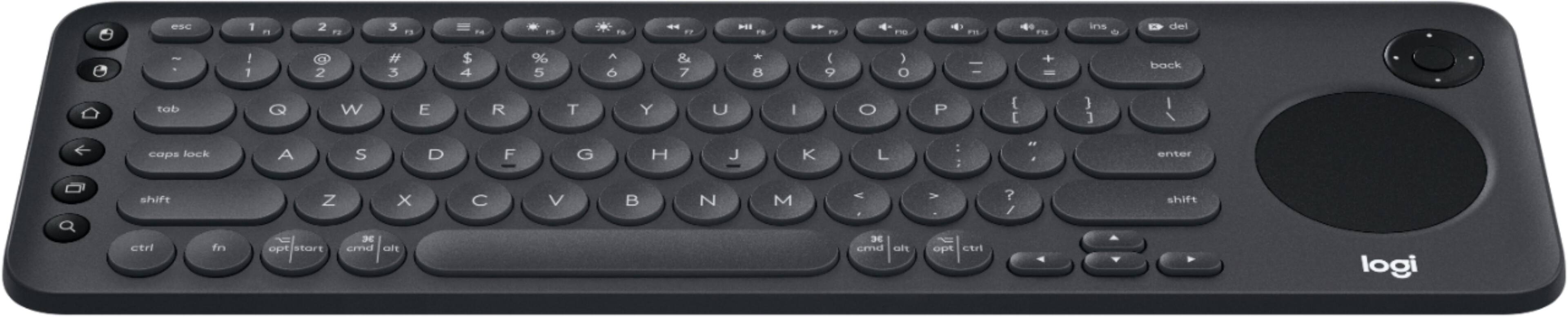
A:AnswerHello Jim, this keyboard isn't capable of transmitting picture to a TV from a computer. You can use this keyboard to control both your computer and compatible TV. You can connect your PC to your TV in multiple ways, but the most common is with an HDMI cable.
A:AnswerYou can't type on you tube at all with the K600, you can type on hulu, Netflix, and I think amazon, you can type on you tube if you can go on the internet on your tv. Even if you can't type on you tube it makes it quicker to search with, instead of using your remote.
A:AnswerUnfortunately, it appears the LG64UM73 is not compatible with the K600 Keyboard. Here's a link to our compatibility checker for the K600 Keyboard https://www.logitech.com/en-us/product/k600-smart-tv-keyboard
A:Answerconfirmed working with the Logitech Unified Receiver. Plugged the USB dongle that came with the keyboard into the Unified Received and it worked fine.
The product description mentioned you can also pair with Bluetooh, haven't tried that myself yet.
Infared wireless doesn't seem to be involved
A:AnswerIt does not. But, it works well. I bought it for my husband to replace a smaller handheld keyboard he used. He has a Nvidia Shield tv box. It was easy to hook up.
![The image shows a close-up of a keyboard with the text "esc 1 F 2 P2 3 F3 M4 P5 F6 4 F7 I F8 4 P9 F10 FI! F12 ins O * del ! 1 2 # 3 $ 4 % 5 A 6 & 7 * 8 ( 9 ) 0 - - + = back tob Q W E R T Y U I O P { [ ] ] I / caps lock A S D F G H J K L : ; < . > ? / shift ctrl fn opt start x cmd alt x cmd alt opt ctrl logi" written on it. This text is likely a description or instructions for using the keyboard.](https://pisces.bbystatic.com/image2/BestBuy_US/images/products/6282/6282604_sd.jpg)