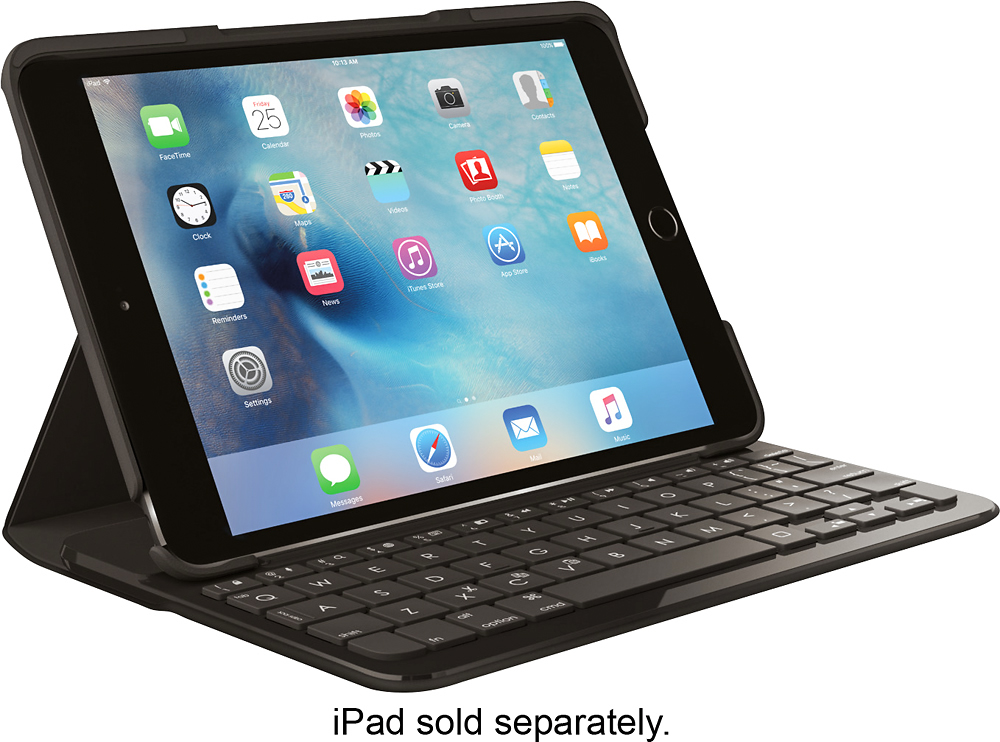
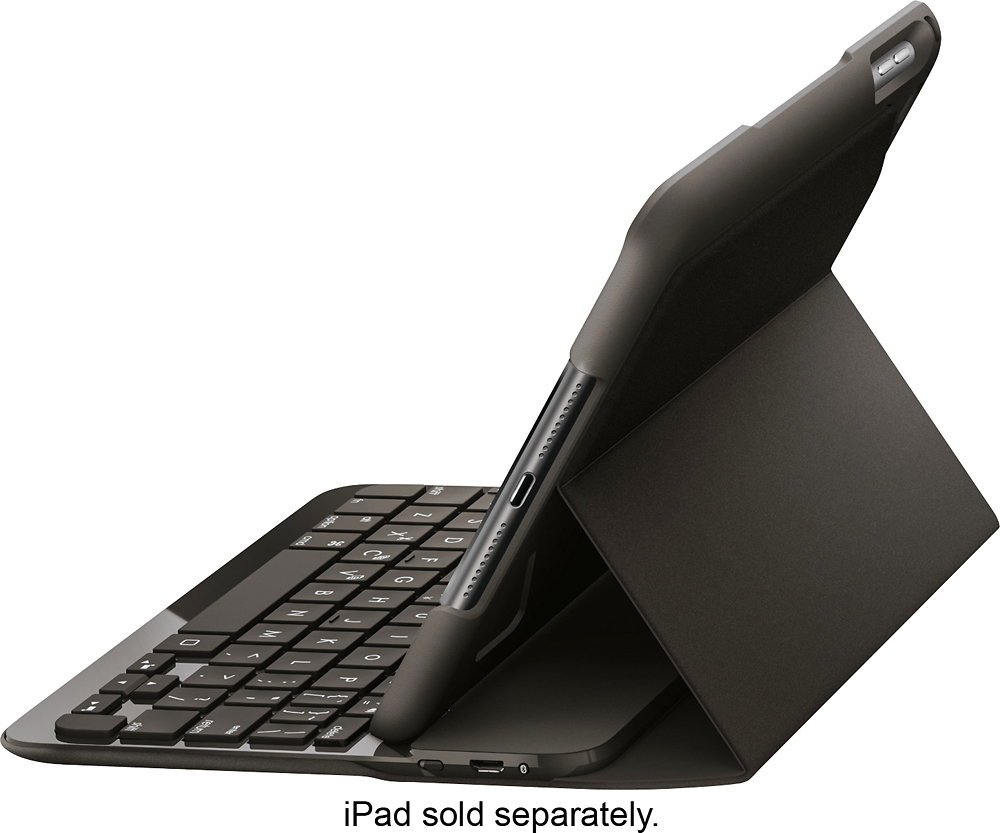
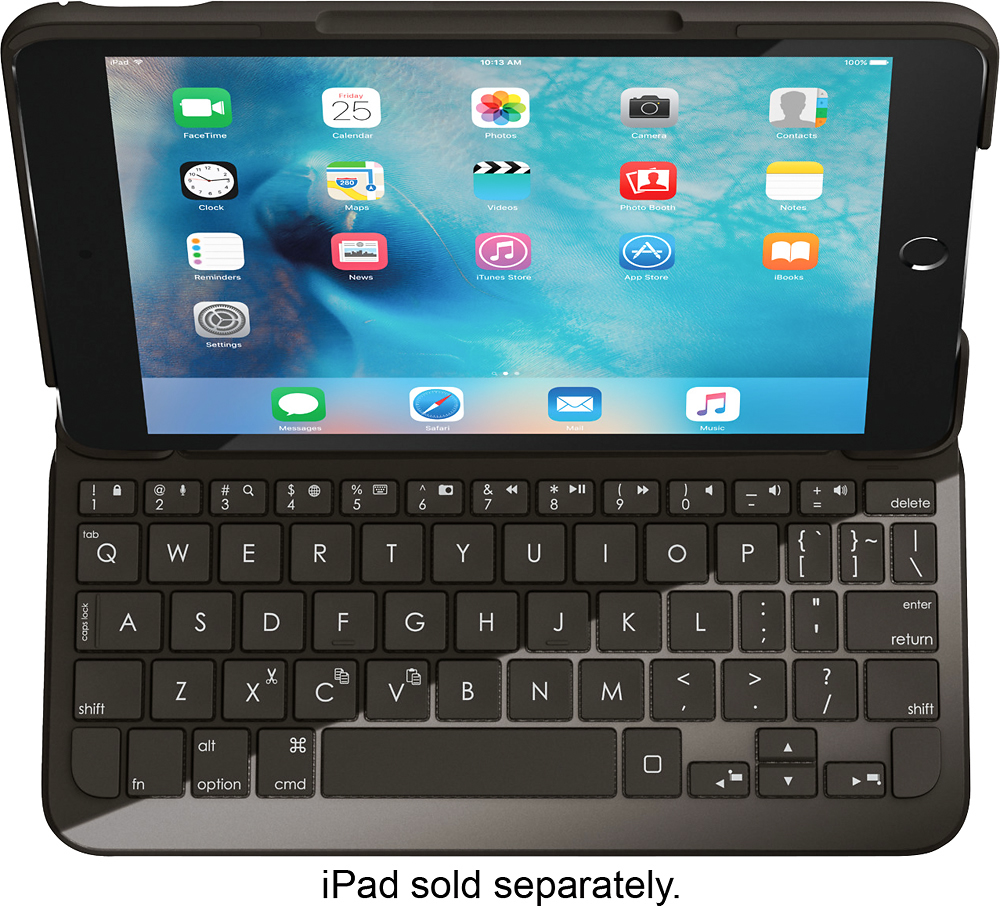
A:Answeryes, you can just turn off power to the keyboard (there's a switch on the side) that way it doesn't start typing when you hit the keys when its folded back. The keyboard folds all the way around so you can use one hand to hold.
A:AnswerYou don't need instructions. Charge it, turn it on, make sure your mini is enabled for blue tooth and voila! Go to blue tooth settings and you can watch it hook on to your mini!
A:AnswerNot perfectly. The case puts pressure on the volume key. I am using this case with a little rigging to fix the problem until a new case for 5 is ready. Functional, but not deisgned for it.
A:AnswerCorrection - the keyboard links to your ipad mini 4 via Bluetooth. I mistakenly said wifi in my first answer. In the setup, you will pair the keyboard with your ipad. If you go onto the Logitech Support site, you can access the user manual which will give you the pairing instructions. Sorry for my error.