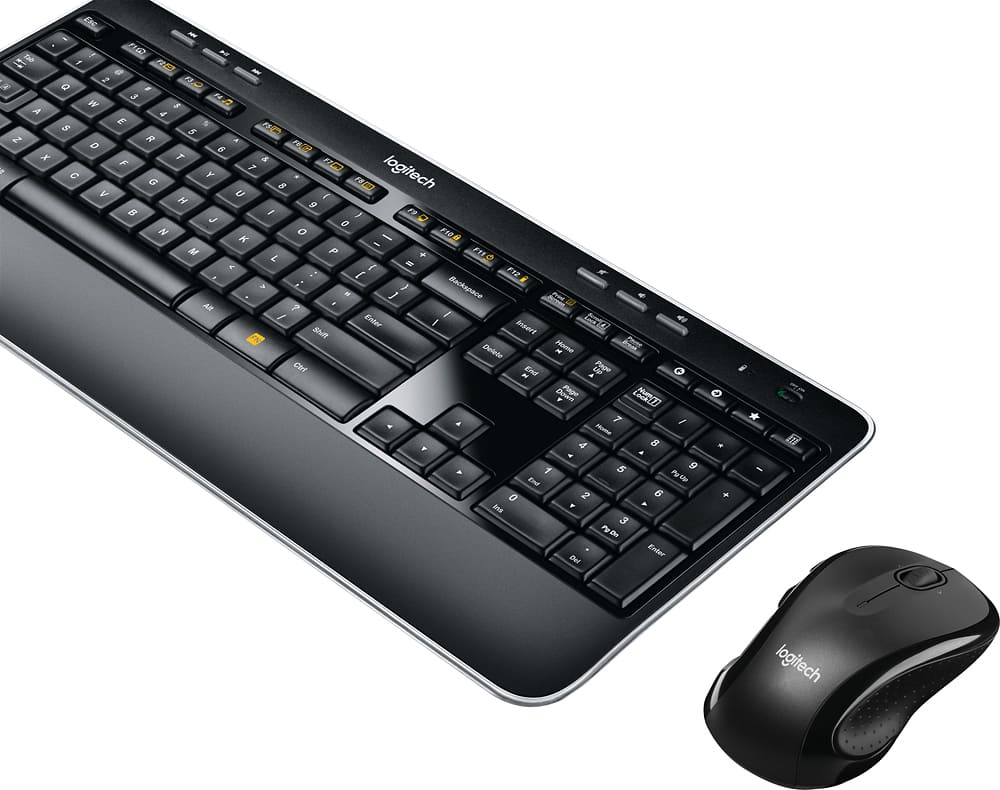
A:AnswerYou can but the USB dongle has to be connected to the common input on the KVM. So when you switch from one device to the other sometimes there's a few hundred milliseconds as the USB Device is enumerated and connected and the driver is loaded. Some systems do it faster than others. My Mac and PC workstation do it very quickly. My raspberry pi Linux installation takes almost a second .
A:AnswerHad an employee that had the same issue. When she pulled the paper from the batteries on the back a piece was left behind. Popped the batteries out and replaced them and she was good to go.
A:AnswerOne USB plug "chicklet" runs both pieces. A very old App "Unifying software", I think it was called, might let you pair either of these pieces to some other Chicklet, that has the "Unifying" spiral logo printed on it.
A:AnswerThe MK530 Keyboard combo uses the K520 keyboard, which is the same keyboard used in the MK520 combo. Visit Logitech's page for the MK520 here: https://www.logitech.com/en-us/product/wireless-combo-mk520?crid=1759 . What is different is that it uses a new mouse, the M510 instead of the M310. For information on the M510 mouse, visit Logitech's page here: https://www.logitech.com/en-us/product/wireless-mouse-m510?crid=7
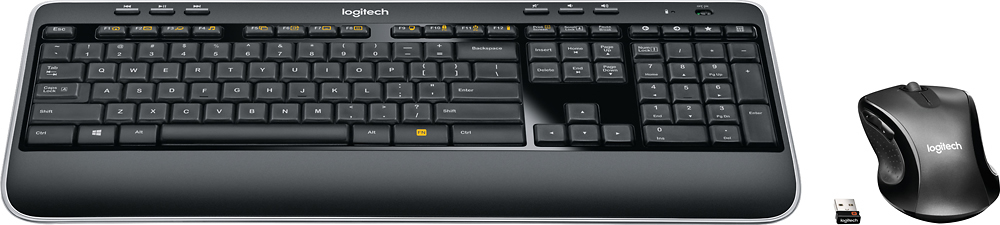
A:AnswerYou are correct. There is no visual indicator for NumLock. I'd prefer a light myself but am willing to accept this minor deficiency for the other functionality. If you're unsure, the safest way is to press the "5" key on the number pad since that has no other non-number functions. (Other keys will scroll you up or down or move your cursor if not in Number Lock.) If you get a 5, you're good to go. If not, press NumLock and retest.