A:AnswerNo. This MK570 uses a USB connection. I would recommend the MK850 Performance. It has Bluetooth connection and Apple commands on the split keys: https://www.bestbuy.com/site/logitech-mk850-performance-wireless-keyboard-and-optical-mouse-black/5761911.p?skuId=5761911
A:AnswerYes, you don't have to use the mouse if you don't want. I sometimes use the keyboard with just the trackpad on my laptop if I don't have the desk space to use both.
A:AnswerI don’t believe there is a difference. You can use the “compare” function in the Best Buy app or website. Also try googling your question for more info.
A:AnswerI'm not sure why there is a discrepancy in the product listing vs. specifications, but I can assure you it is the ergonomic keyboard.
The mouse is also more comfortable that my previous mouse.
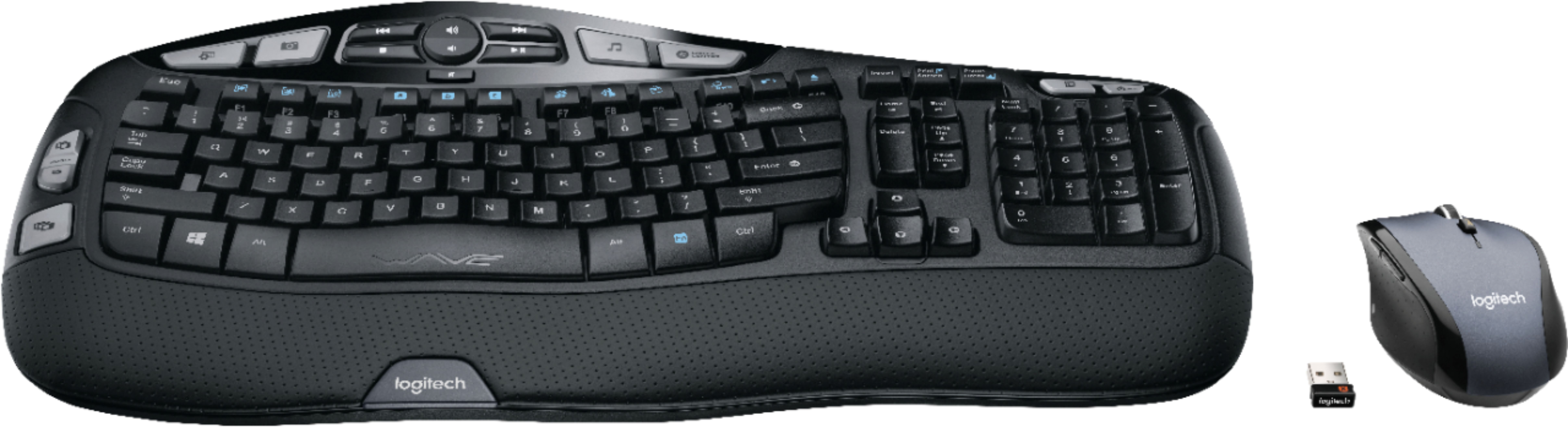
A:AnswerI too didn't find the USB dongle right away. It ended up being wrapped up in a tiny cardboard section on the top right of the package as I opened it up.
A:AnswerI run win 10 and is working fine out of the box without the software. But if you need to enable all the features on the keyboard. You need to install the recommend softwares for both the mouse and keyboard.
A:AnswerDownload the free Setpoint software here: http://support.logitech.com/en_us/software/setpoint If the download doesn't work, try a different browser. I couldn't download it with regular IE, it worked in Chrome. The software shows you what all the keys on the keyboard are and buttons on the mouse. I was shocked at all the capabilities!!! Be sure to choose your operating system and in the middle choose the 32 bit or 64 bit version. Download the manual here: https://www.logitech.com/assets/35721/users-guide.pdf
A:AnswerI haven’t tried it for more than a few feet (about 3 or 4). Bear in mind the connection is through the signal of the dongle in a USB, not Bluetooth directly to the device.
![H s - Insert Prid - Pause F12 - Tab - Caps Lock Shift Ctrl ! 1 s FS . . 2 3 Q W A S Z ARt $ 4 E D x R a PA % A 5 6 T F G V D FS & . 7 8 9 Y U I H J K N M FB ) 0 o L . ARt P > + - { E . ? I n Back } ] Enter Shift Ctrl F2 I I Homa - Detete o o End Page Up . Page Down Num Lock 7 Home 4 1 - 0 - / 8 1 5 2 I 9 Pe - 6 - 3 2 - -l - + Enter logitech WAVE logitech](https://pisces.bbystatic.com/image2/BestBuy_US/images/products/5106/5106406_sd.jpg)