A:AnswerPerhaps “show desktop” shows the desktop and then doesn’t seem to do anything while the desktop is displayed, since the desktop is already displayed?
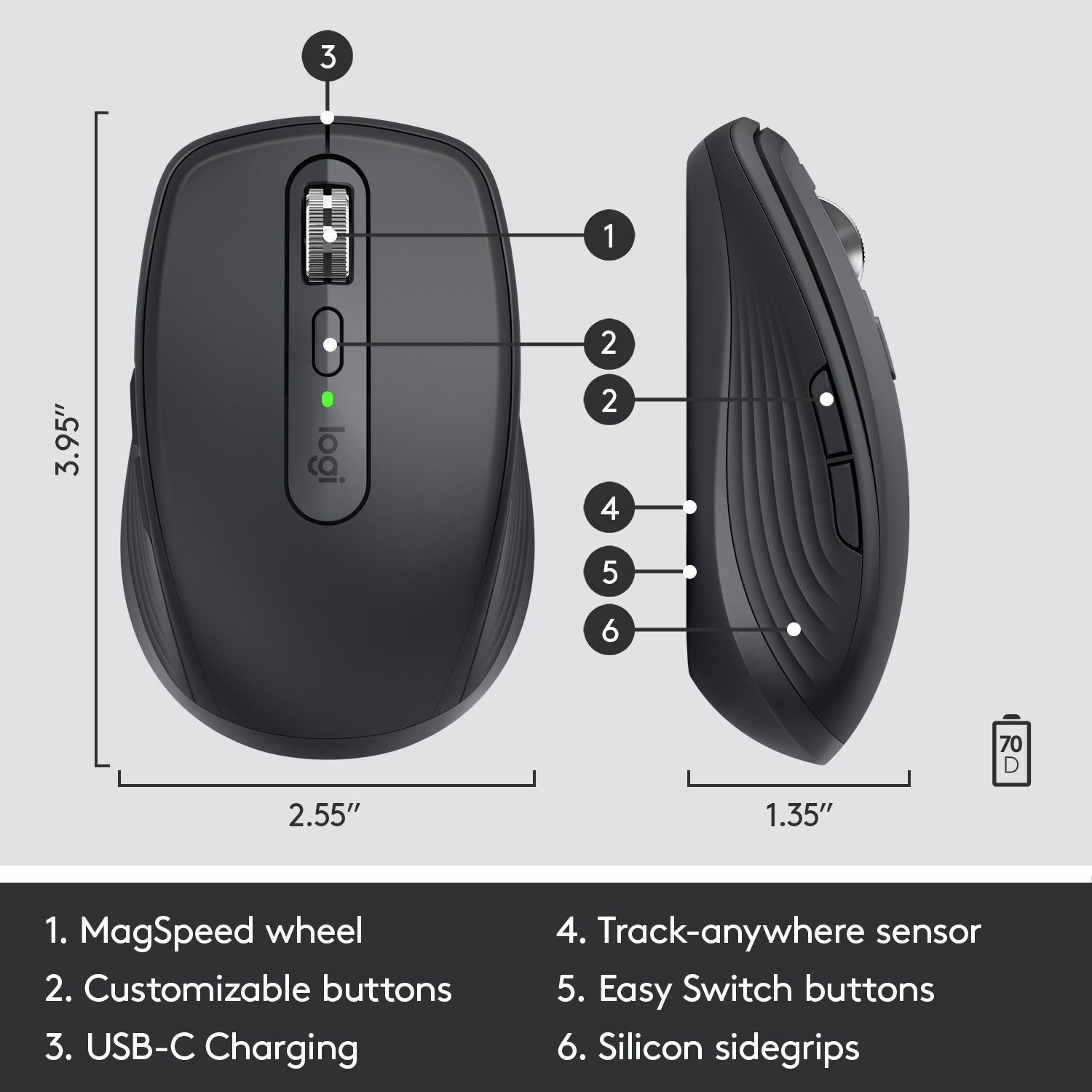
A:AnswerFor support with MX Anywhere 3, please refer to: https://support.logi.com/hc/en-us/articles/360053831734-Getting-Started-MX-Anywhere-3 - Thank you!
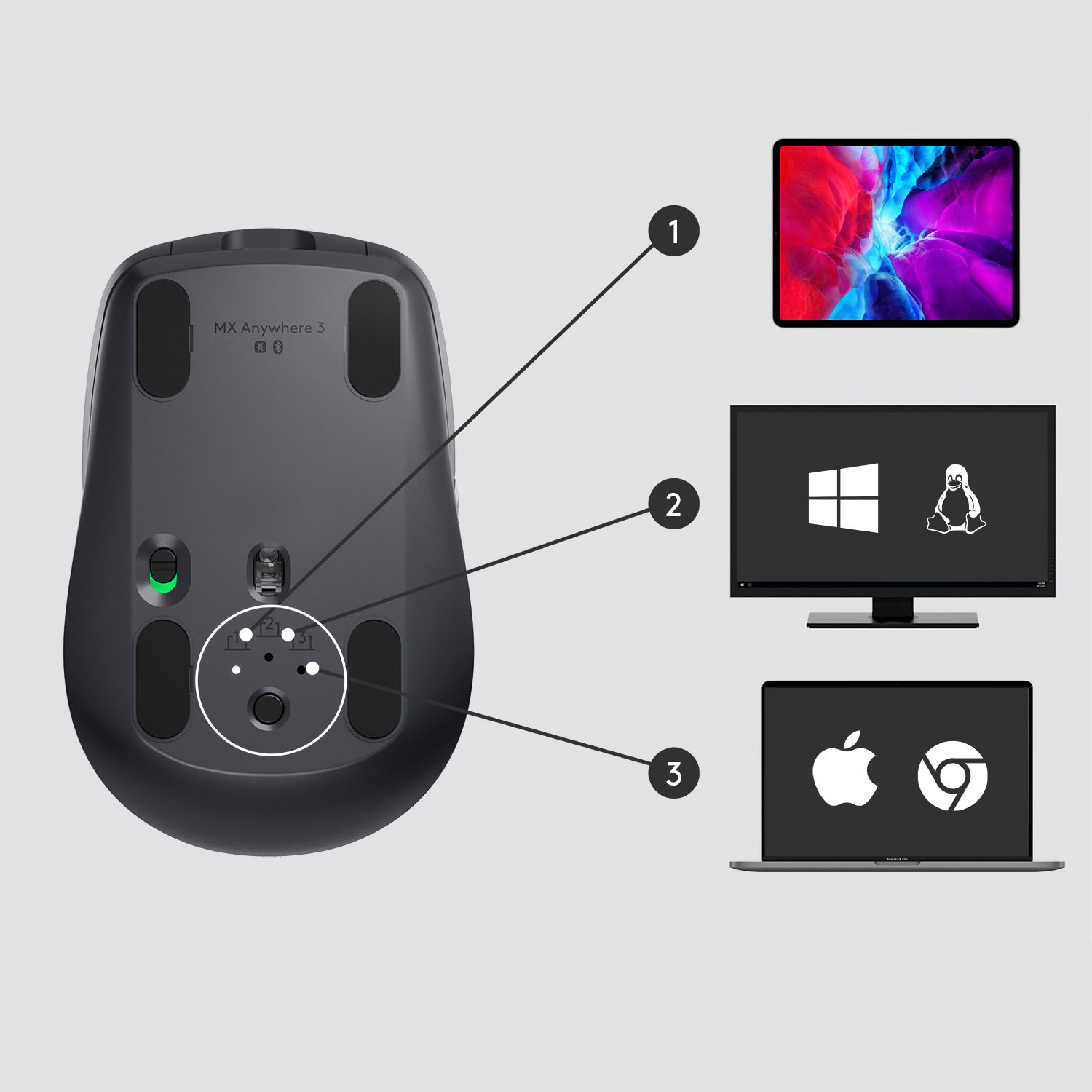
A:AnswerHi Jake, MX Anywhere 3 is compatible with Windows 10 or later, macOS 10.15 or later
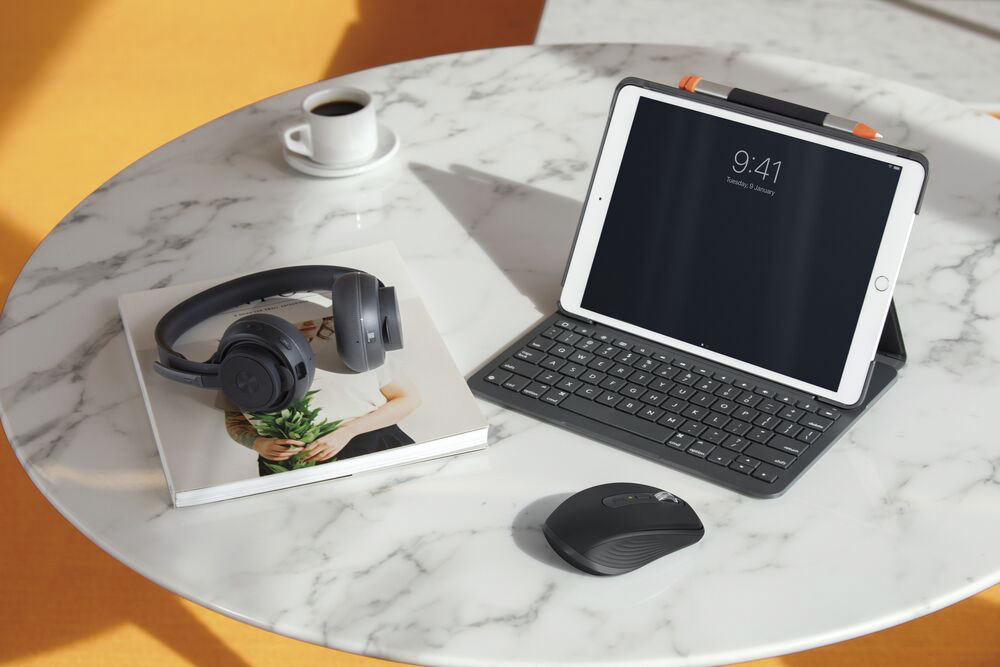
iPadOS® 13.4 or later, Chrome OS and Linux 9 VIA Bluetooth. If your device allows for an external mouse via bluetooth, then you can most definitely use the MX Anywhere 3. If you ever have additional feedback or questions regarding Logitech products, feel free to visit https://support.logi.com/hc/en-us Thanks, -Logitech
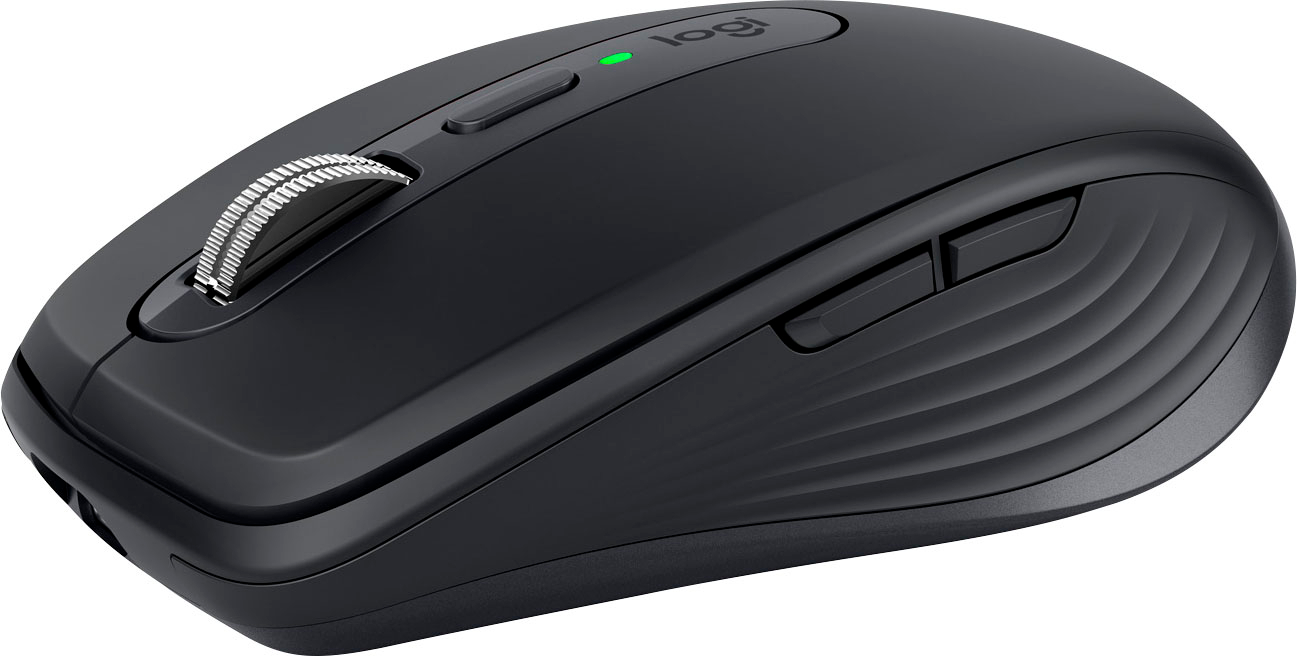
A:AnswerI'm not for sure on this answer but I believe you don't have to flip it to off because since your computer won't be using bluetooth or be using the receiver and in that time your mouse would not be used if you don't use the mouse then it should go to sleep and use very low power. But if you don't want any power in the device while your not using it then just switch it off at the bottom. So the answer is it would probably go to sleep if the laptop is powered off.
A:AnswerHello, the mouse will go into sleep mode if the computer is powered down, to wake you may have to move the mouse around or engage the power switch again.
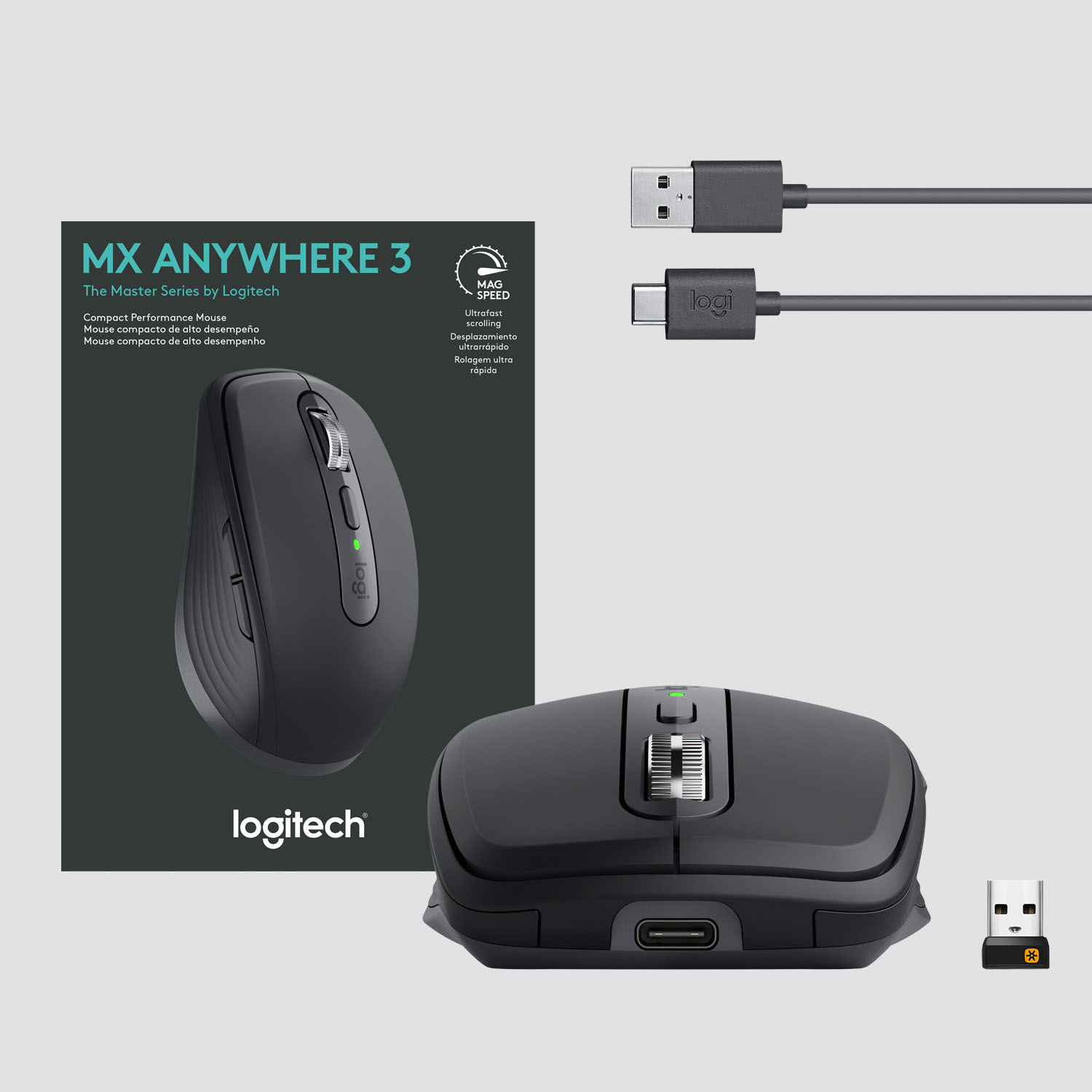
A:AnswerHi, the MX Anywhere 3 will work with Windows®, macOS®, iPadOS, Chrome OS™ & Linux®4Sensor. It comes with a Unifying receiver (USB dongle), or you can connect it via Bluetooth.