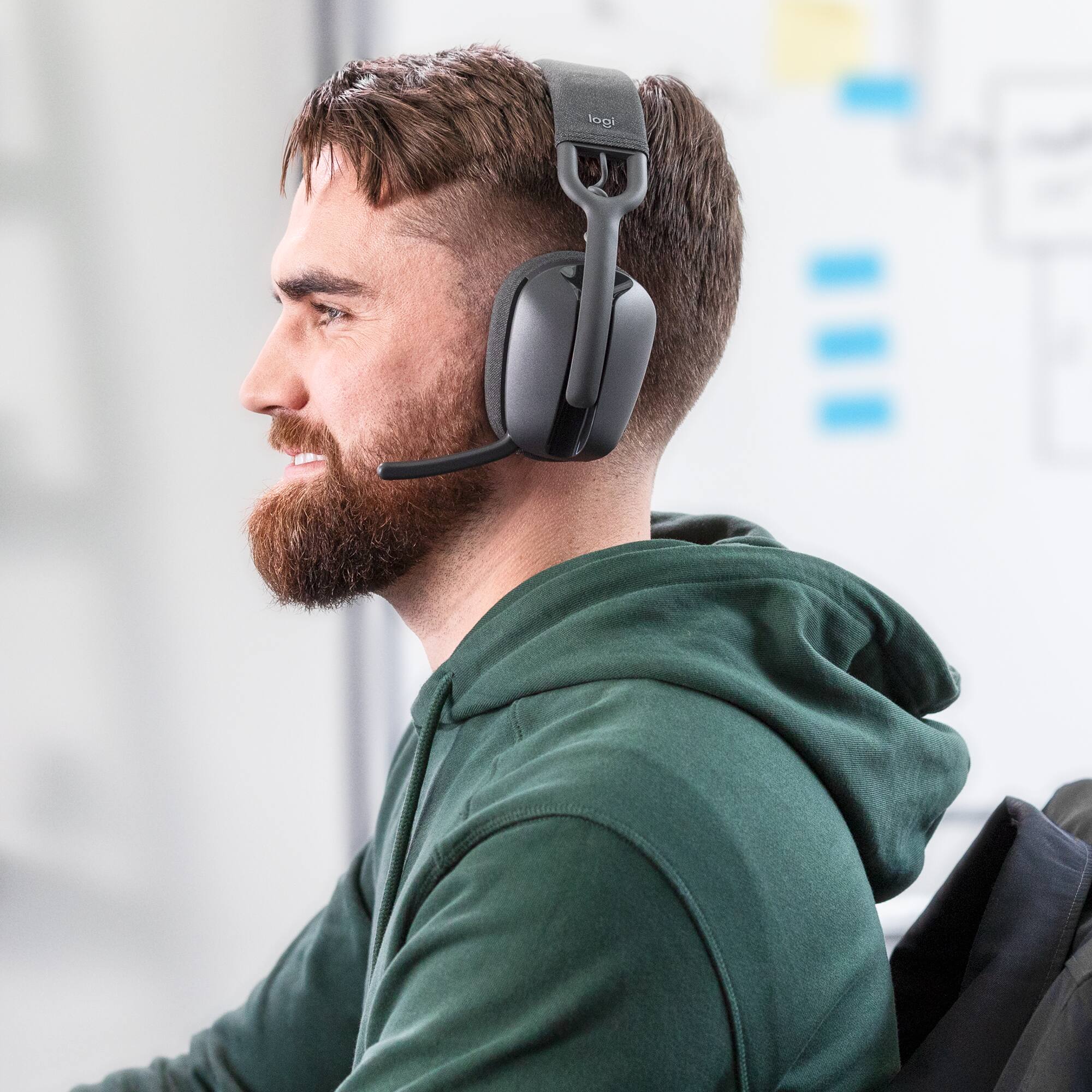
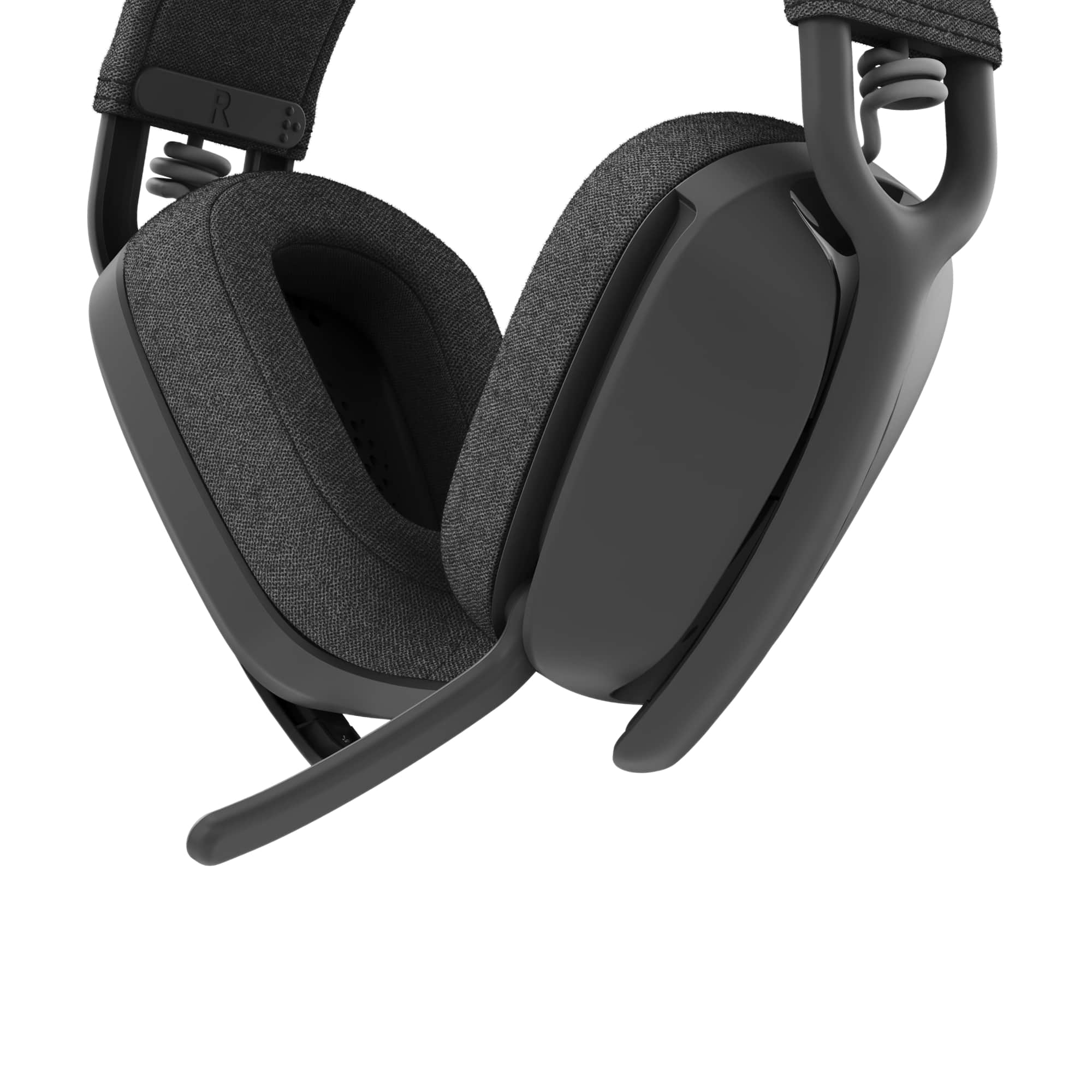
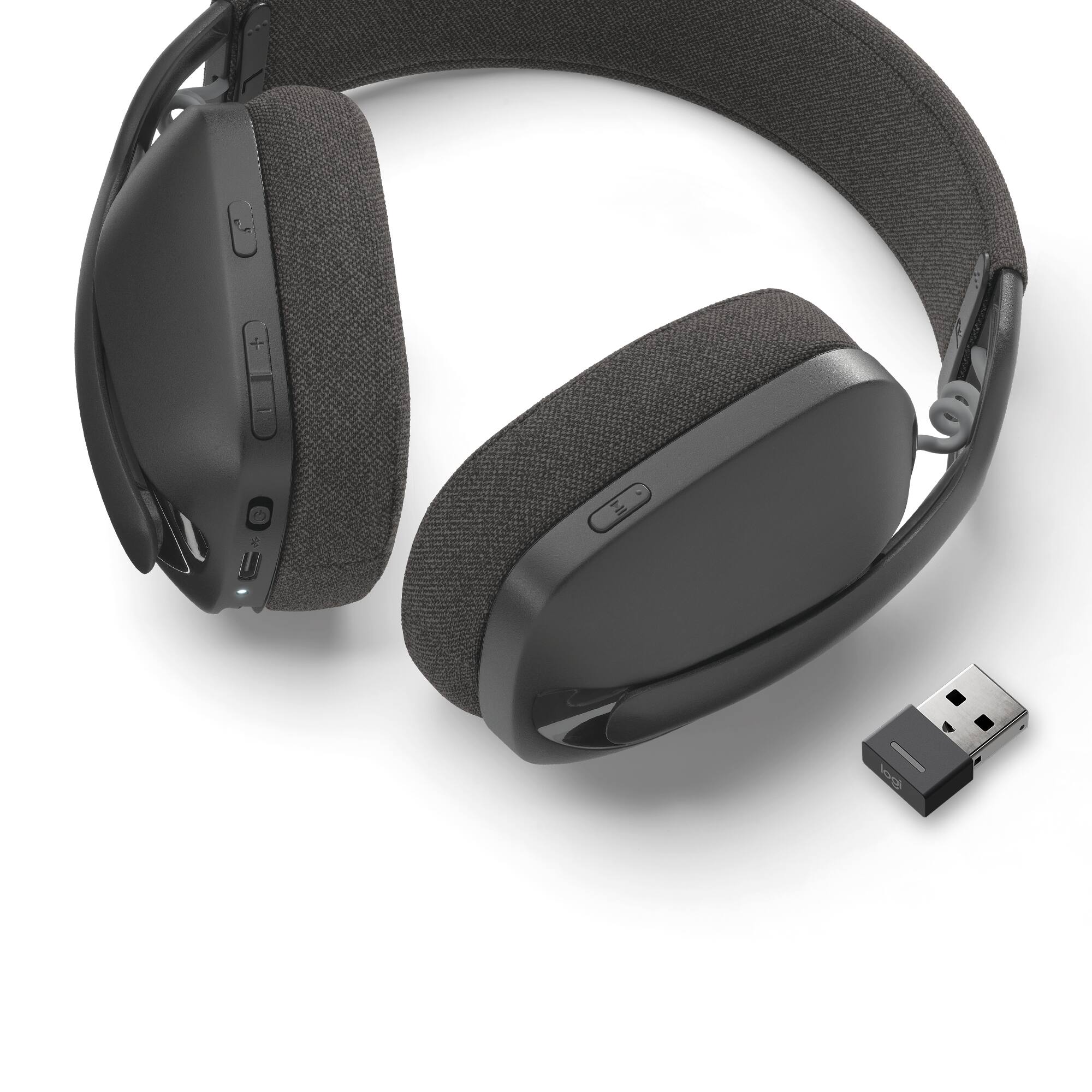
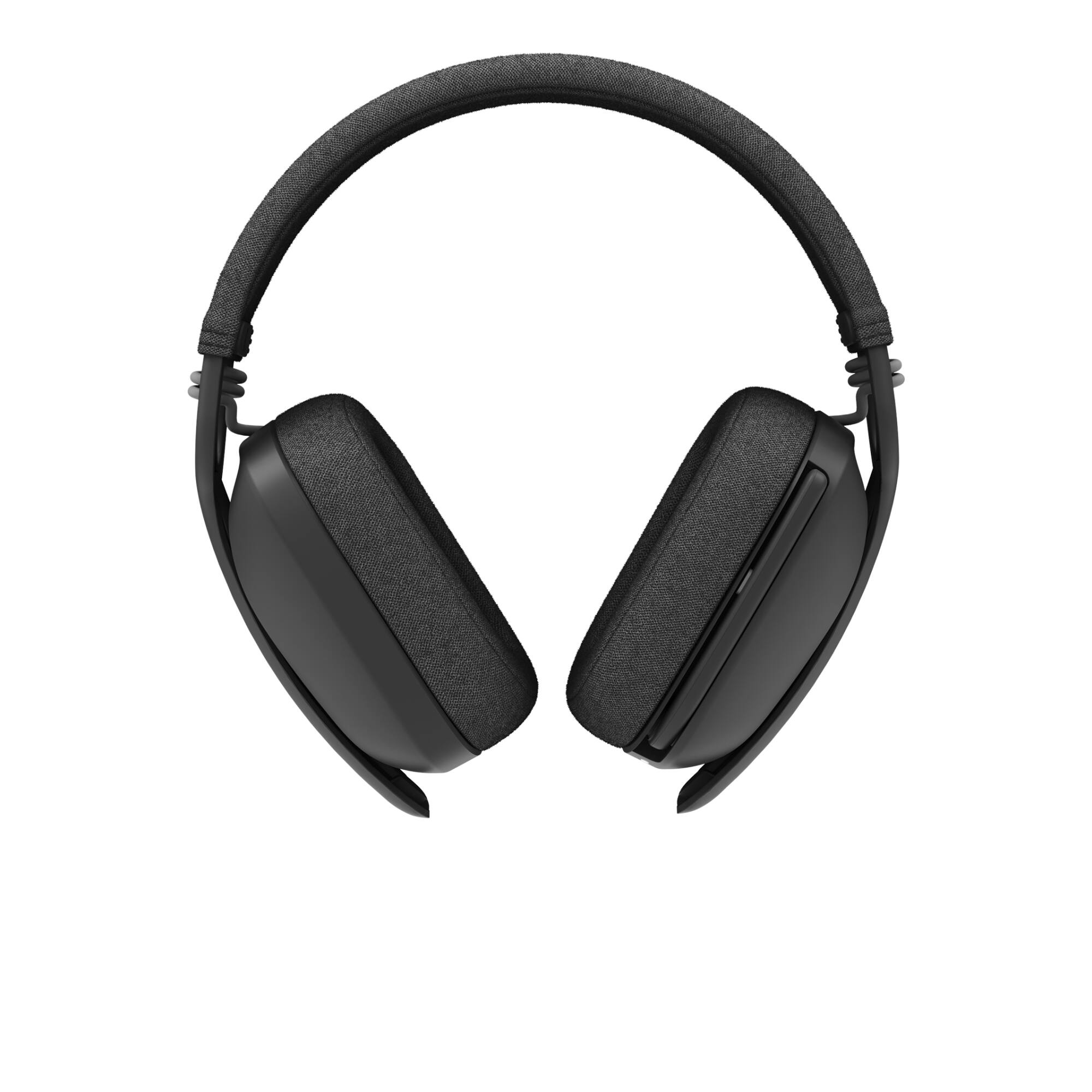
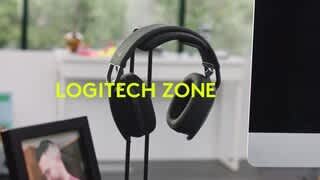
A:AnswerHello David. The Zone Vibe 125 will work with PlayStation and Switch via Bluetooth (but you'll get the typical BT lag issues). The USB receiver will connect to the PS, but it seems to only work in mono using the USB instead of stereo. Unfortunately, the headset will not work with XBox.
A:AnswerI don't know about connecting to 3 devices, but I have mine connected to my laptop (USB-A receiver) and my phone (Bluetooth). It will play music from my laptop up until I start using my phone. It doesn't even have to be anything with music or sound. As soon as I pick up my phone and click on the screen, the music from my laptop immediately stops playing and the headset switches to my phone. To switch back to the laptop I have to begin using it again in some capacity (either press play on the music or start typing/clicking and I then can press play on my headset for music).
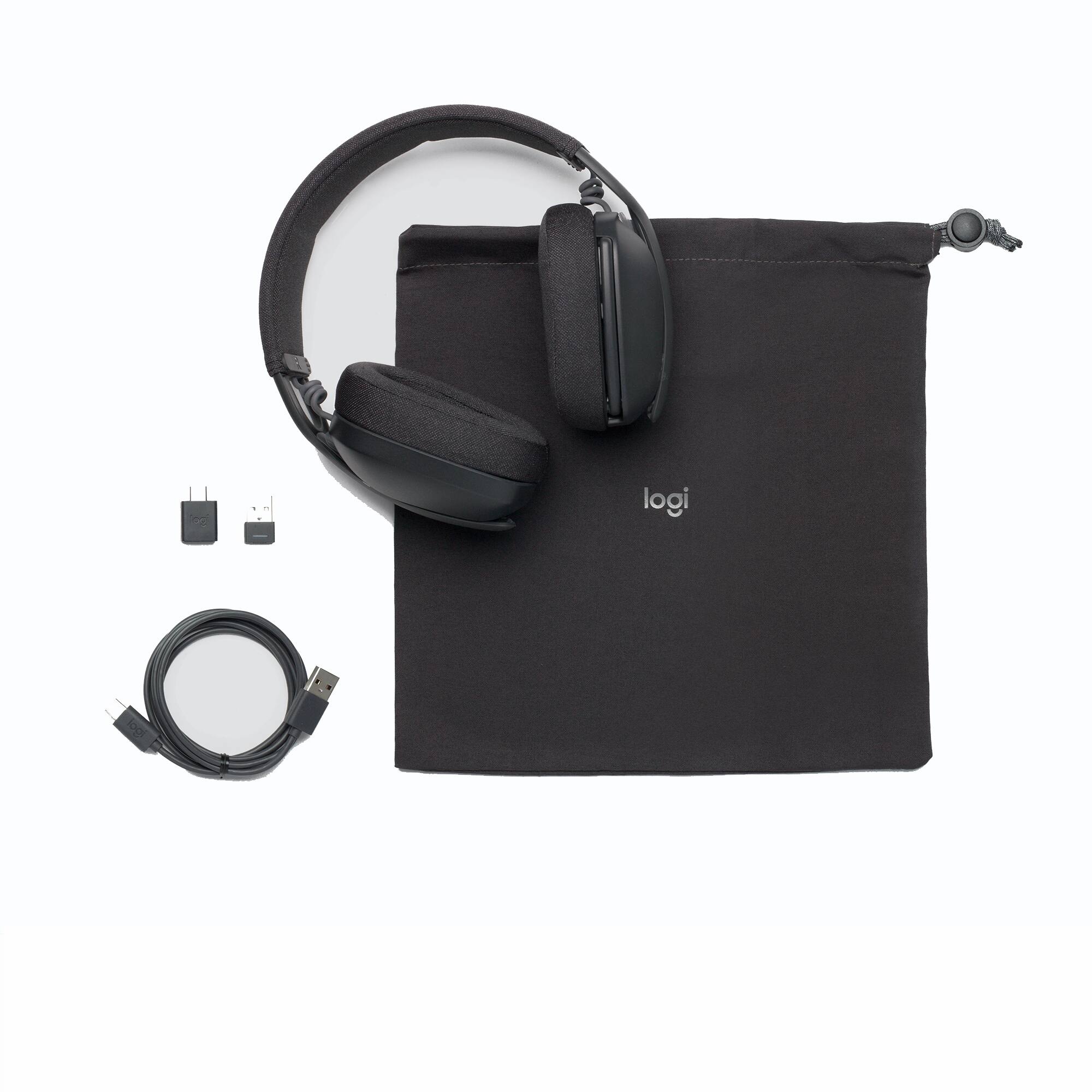
A:AnswerHey! No, you will not be able to connect the headset to an external microphone using a USB-C to audio jack cable as this is a wireless headphone that can be connected only via the USB-A receiver which is included in the packaging.
A:AnswerHello, Audiophile! Yes, the USB receiver is RF and the headset is Bluetooth. As long as your TV's USB ports can output audio to them or it has Bluetooth, you should be able to use the headset on your TV. - Maggie from Logitech
A:AnswerHey! The Zone Vibe 125 headset works with common calling applications across almost all platforms and operating systems.Works with Windows, Mac, or Chrome based computers via USB-C, USB-A, Bluetooth and Android Bluetooth-enabled devices. Supports Logi Tune Desktop only.
A:AnswerHey there! The Zone Vibe 125 works with common calling applications across almost all platforms and operating systems. works with Windows, Mac, or Chrome based computers via USB-C, USB-A, Bluetooth and Android Bluetooth-enabled devices. Supports Logi Tune on desktop only.
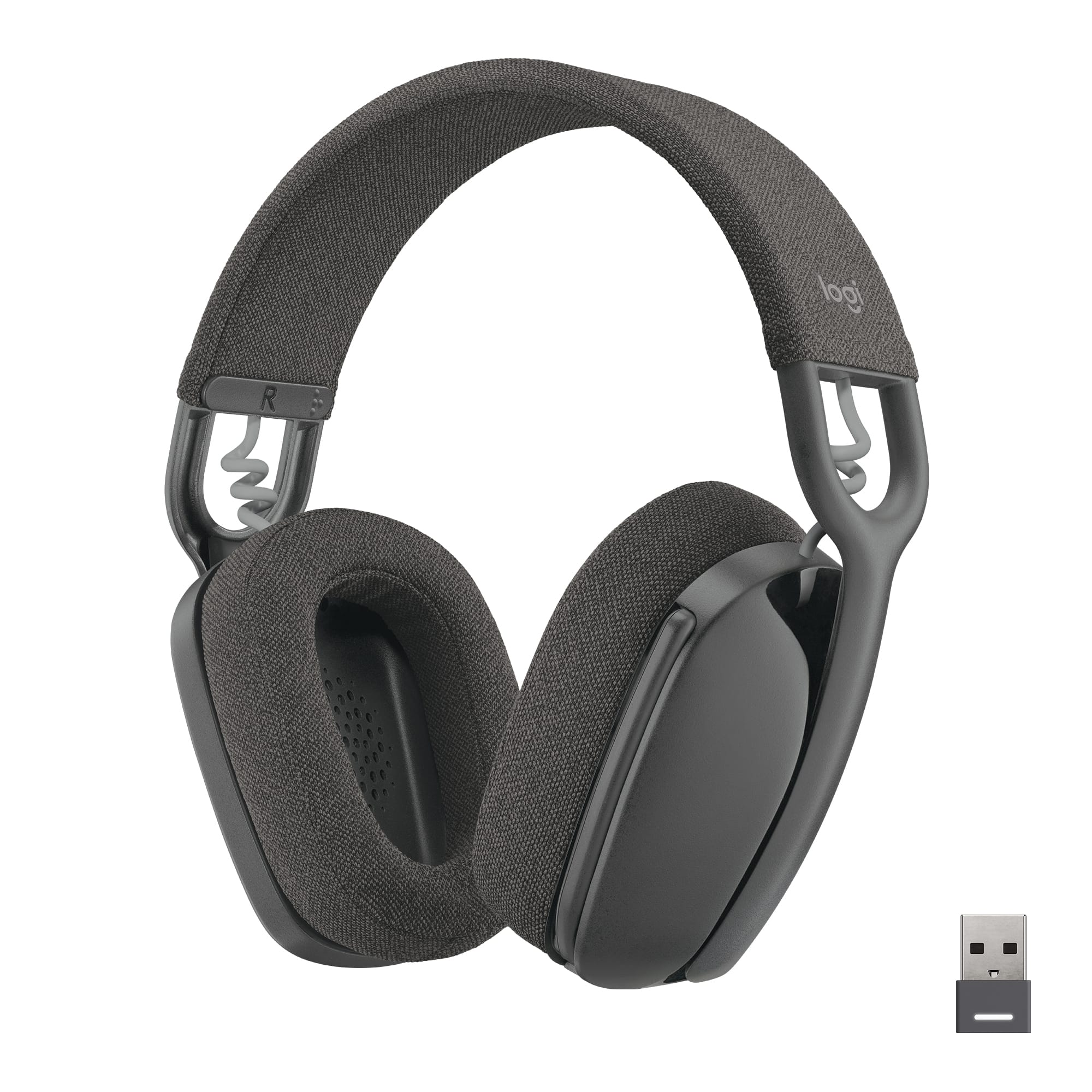
A:AnswerHey! Zone Vibe 125 Wireless is officially compatible with Windows, Mac, or Chrome based computers via USB-C, USB-A, Bluetooth and Android Bluetooth-enabled devices only.
A:AnswerSeems like you have the Logitech - Zone Vibe 100 instead of the 125, maybe. This happened to me, but I was able to return the 100s and get the 125s. Music and sound work with microphone in the up position.
A:AnswerHello, Hitesh! Unfortunately, there is no on/off button for noise cancelling as the noise-cancelling is only in the microphone and not in the earcups. The noise-cancelling is only to block out background sounds coming through your microphone. It uses USB-C to charge. It will mute in any software when you flip the microphone up. - Maggie from Logitech
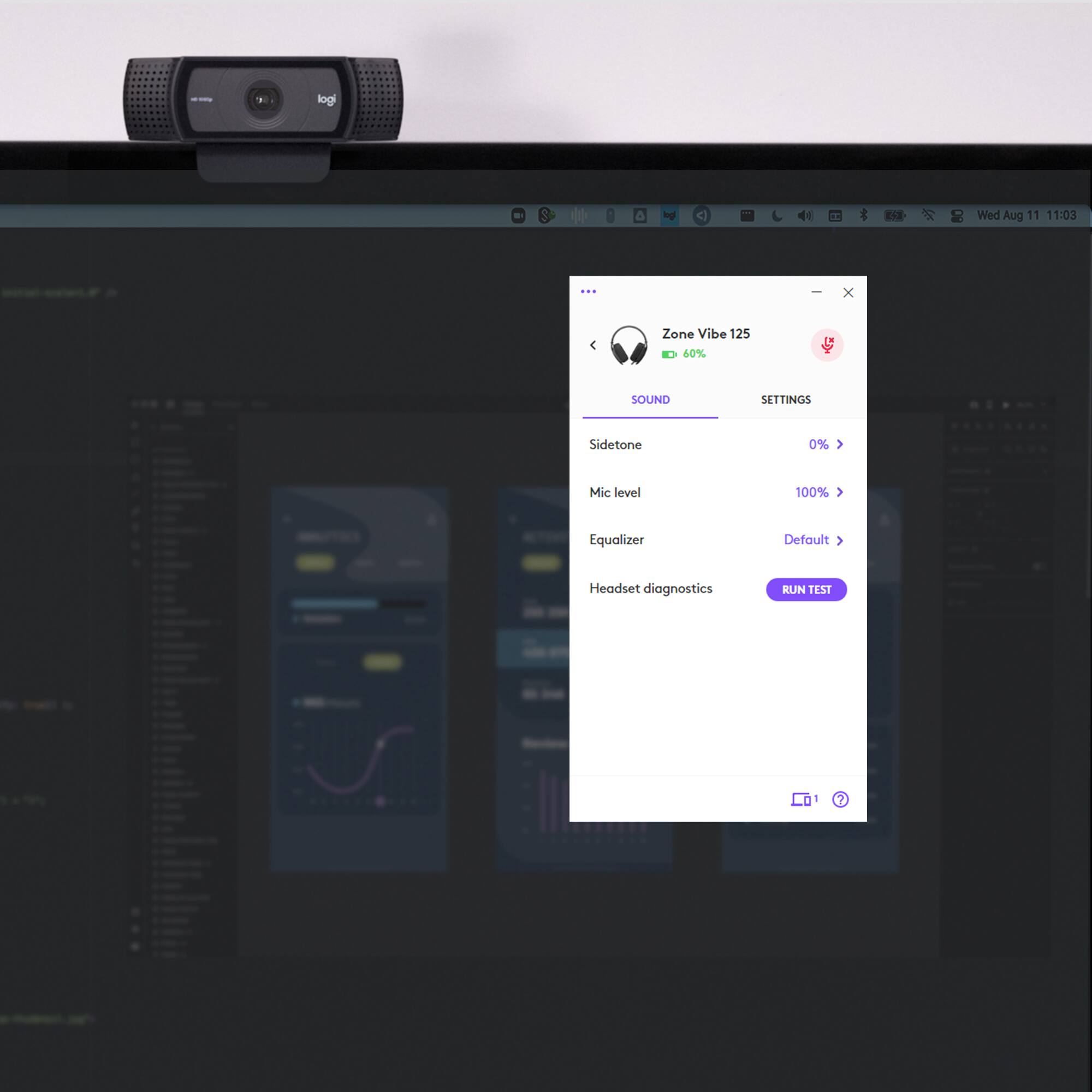
A:AnswerI believe you might need to update the firmware, which you can do when it’s connected to a pc unsung logi tune. Mine had a similar issue with battery life out of box but seems to have been corrected when I updated.