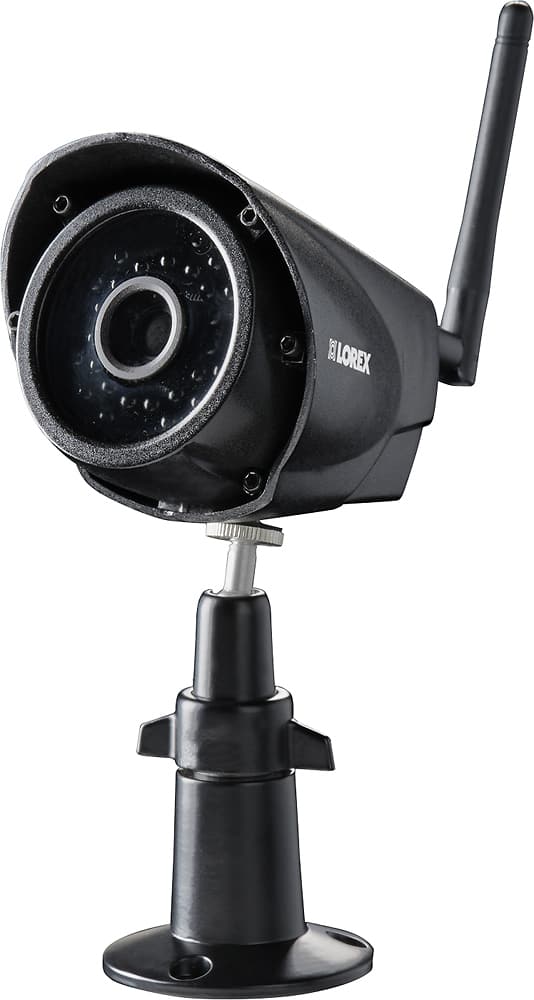
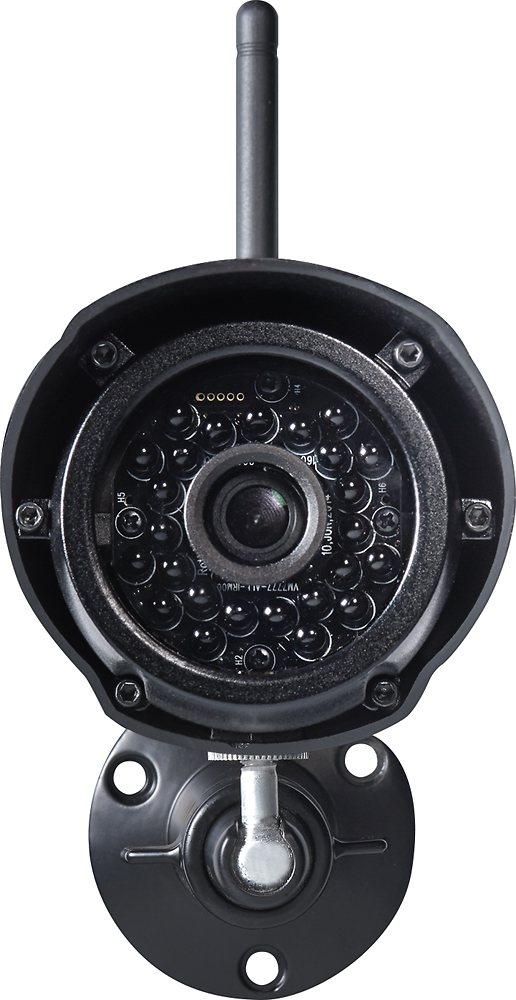
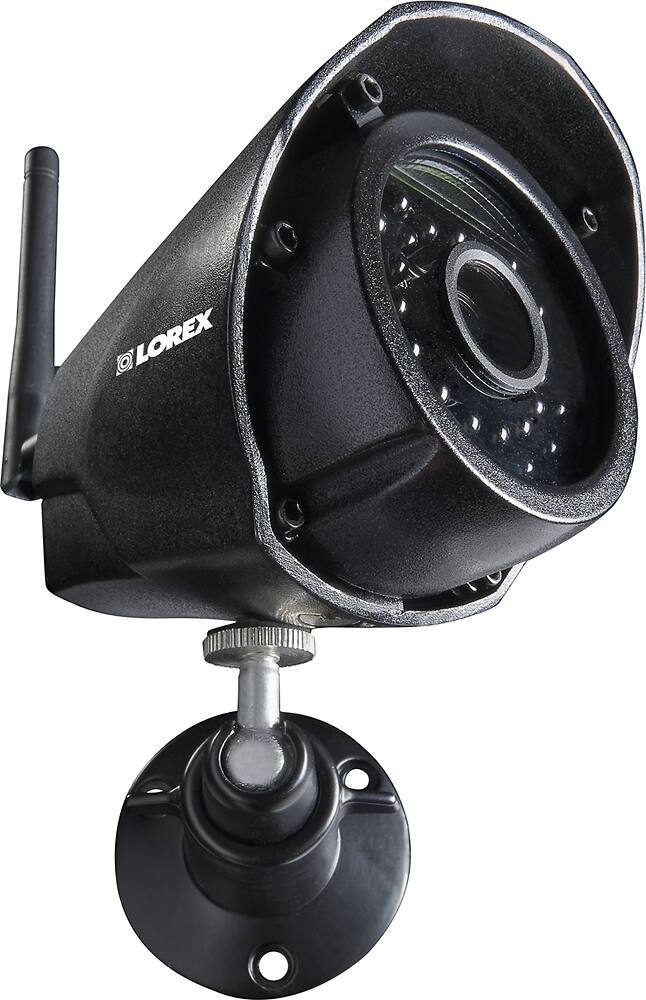
A:AnswerFor best results do not point the camera towards a light source. Do not have the camera in a shaded area looking out into a well lit area as this will display poor results. The light to the camera sensor in the front of the camera needs to be the same as the light at the focal target for best results. If you require further assistance, please contact our technical support team.
A:AnswerHello,
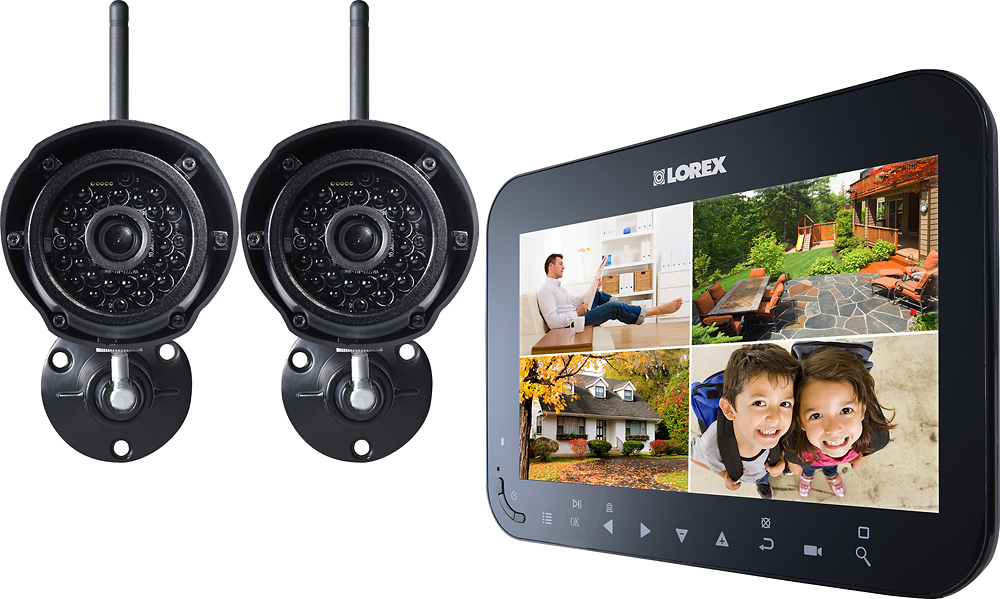
This system does not work over the the internet, and the cameras communicate directly with the monitor on a wireless FHSS connection. The cameras can be set to record only in motion mode.
Thanks, Lorex
A:AnswerHello,
The cameras come with power adapters for connection to a standard wall outlet. The cameras can be plugged into a 3rd party extension cords available from Best Buy, similar to ones you would use for other electronic devices.
Thanks, Lorex
A:AnswerContact the store you purchased from or go online to the Lorex website. Lorex has a customer service number and someone should be able to help you.
A:AnswerThe recordings must be stored on the SD card but if you want to view them on your PC you can connect an SD card reader to your computer then you can double-click RFSMediaPlayer on your desktop to launch the video player.