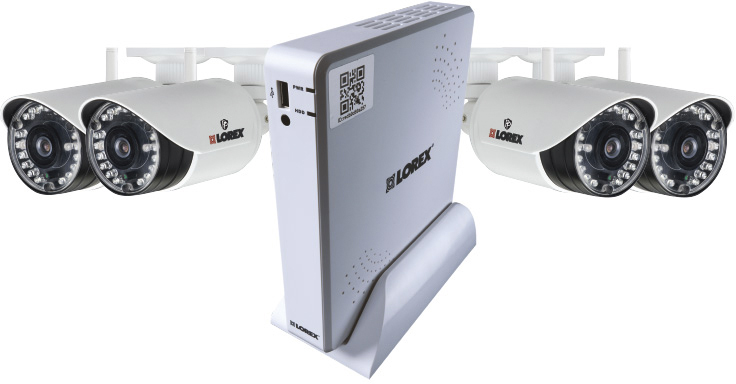
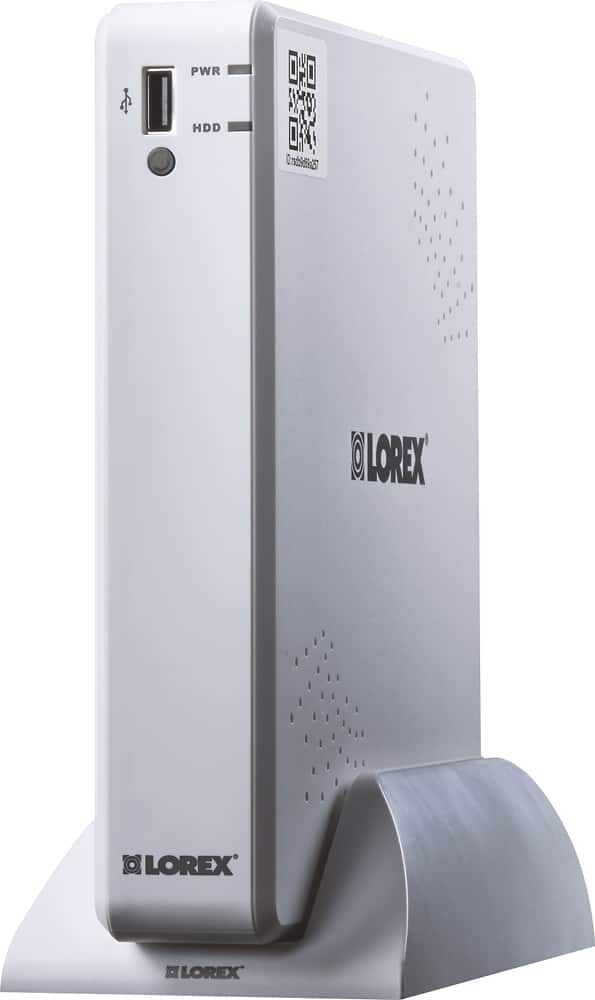
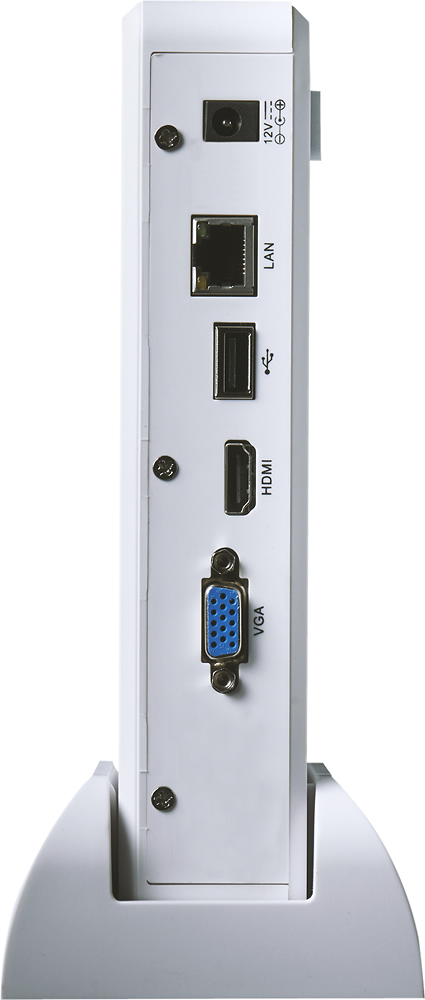
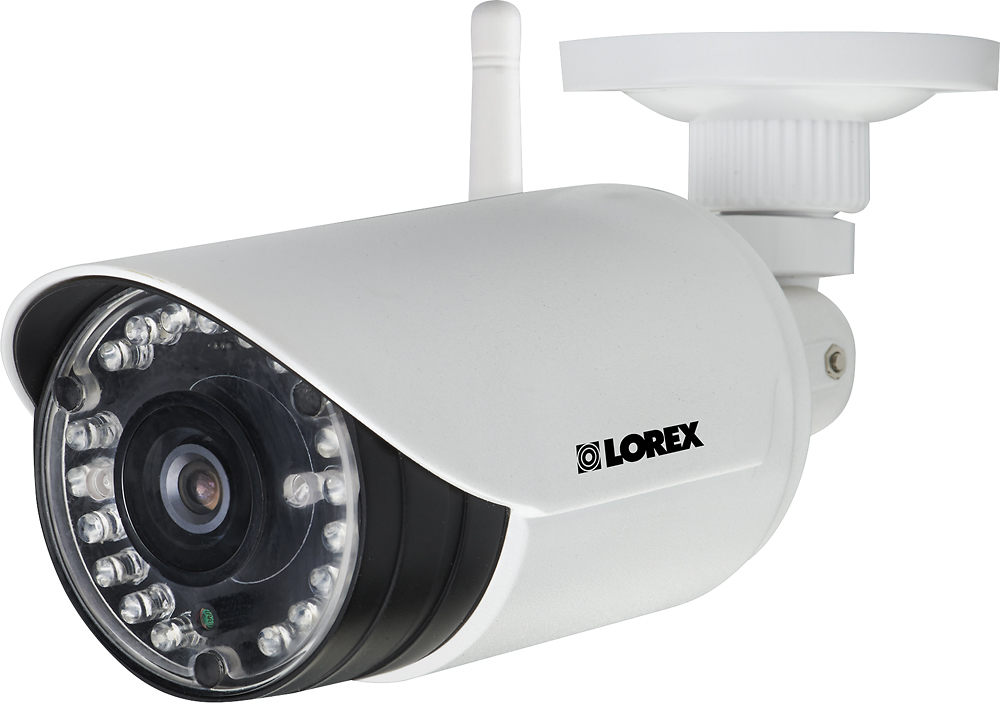
A:AnswerThis system records at a maximum of 52 frames per second when set to 720p resolution (13 frames per second if recording on all 4 channels). If you want to increase the frames per second you can lower the recording resolution.
A:AnswerPlease see list of materials with approximate signal reduction (%): Plaster & Wood 10 - 30%, Brick 30 - 50%, Concrete Cinder Blocks 50 - 70%, Metal & Metal Cladding 70 - 90%. We would recommend testing this system in the environment before mounting the cameras permanently to make sure it functions as needed.
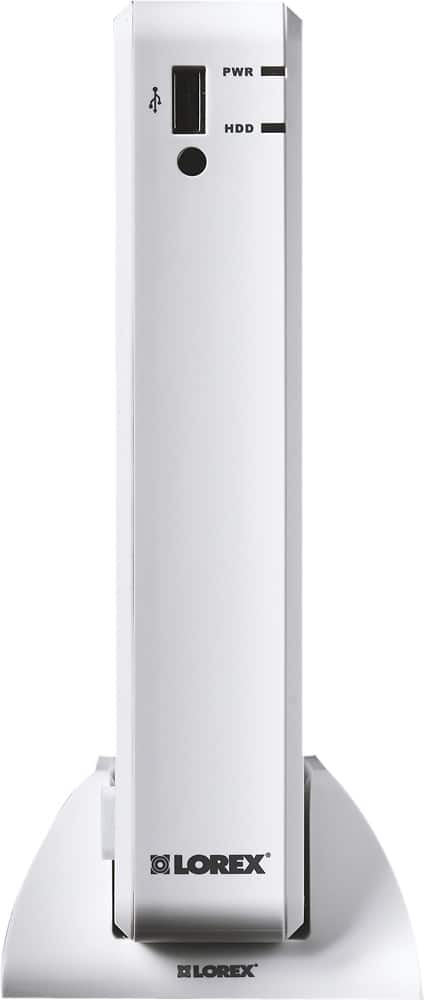
A:AnswerThe cameras are outdoor rated but we recommend installing them in a sheltered location to preserve image quality. We don't sell an additional housing for them. The operating temperature for the DVR is 32° ~ 104° F / 0° ~ 40° C
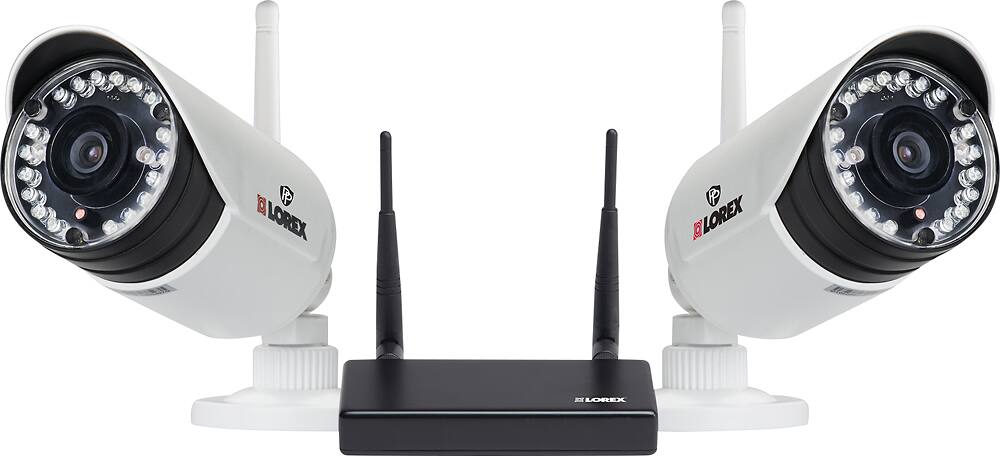
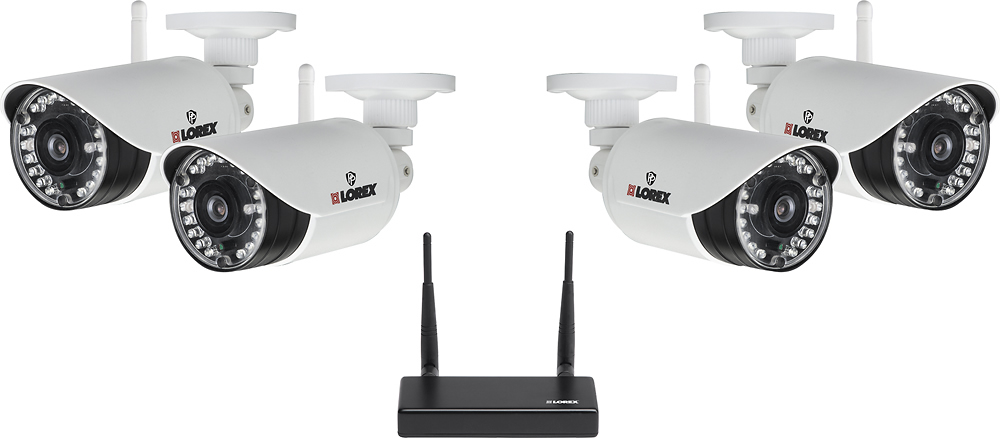
A:AnswerIt is not recommended to install more than 4 digital wireless security cameras in the same environment to maintain optimal video frame rate performance. However, The receiver for each camera is connected to the DVR so you wouldn't need to worry about the camera connecting to multiple DVRs
A:AnswerPlease make sure there isn't a light source pointing directly at the camera and that none of the cables are loose. If you require further assistance, please contact the Lorex technical support team.
A:AnswerIs this the Lorex Stratus app, "Client Software for PC - LH050 ECO Series Security DVR - v1_1_1192_0"? I could not find the "apps store" at www.lorextechnology.com. I found the site difficult to navigate and find things. I could not find an app called "Lorex Stratus" after trying numerous searches, which linked me to various articles about the subject, but no apps.
A:AnswerYes, this will need to be plugged. To connect to the DVR, it will be connect wirelessly. Yes, the DVR will need to be connected to your network.