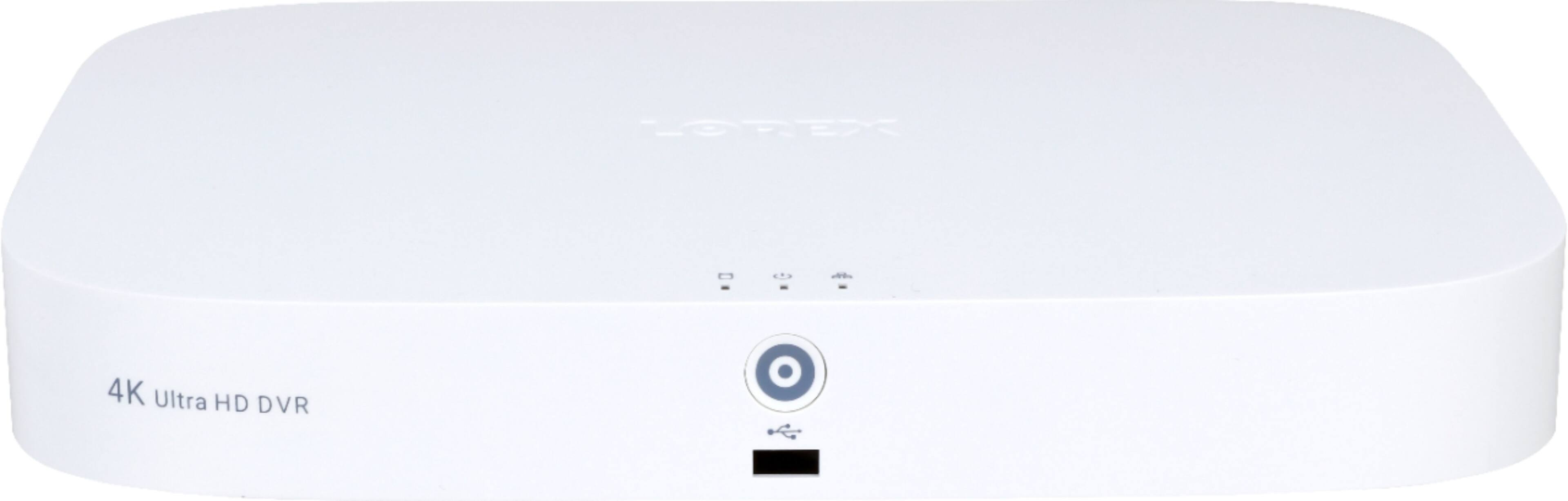
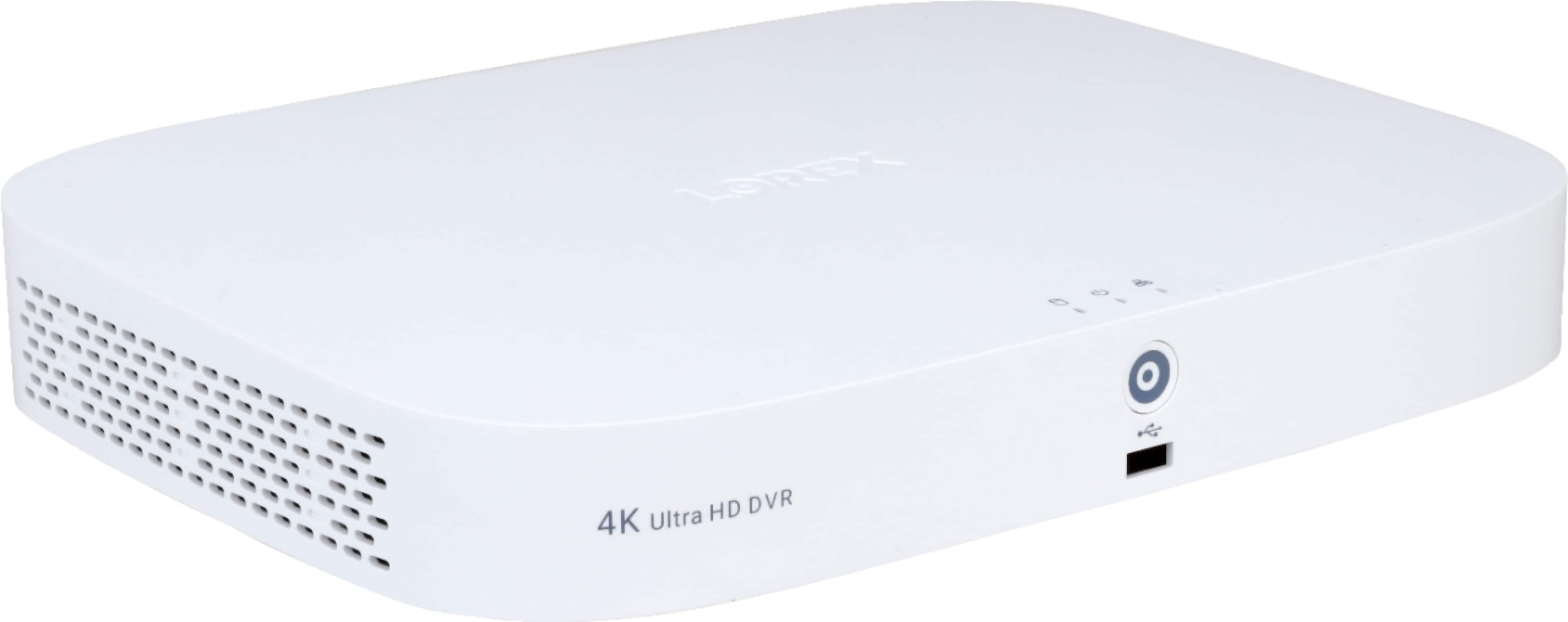
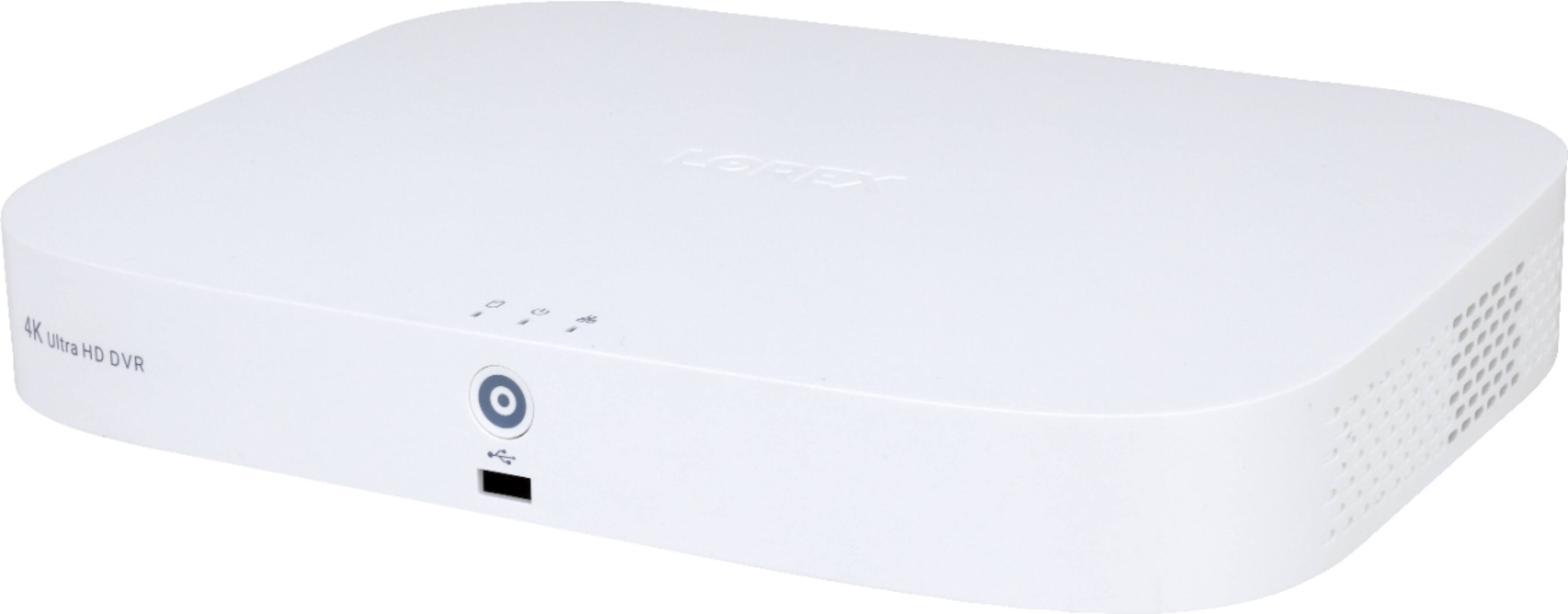
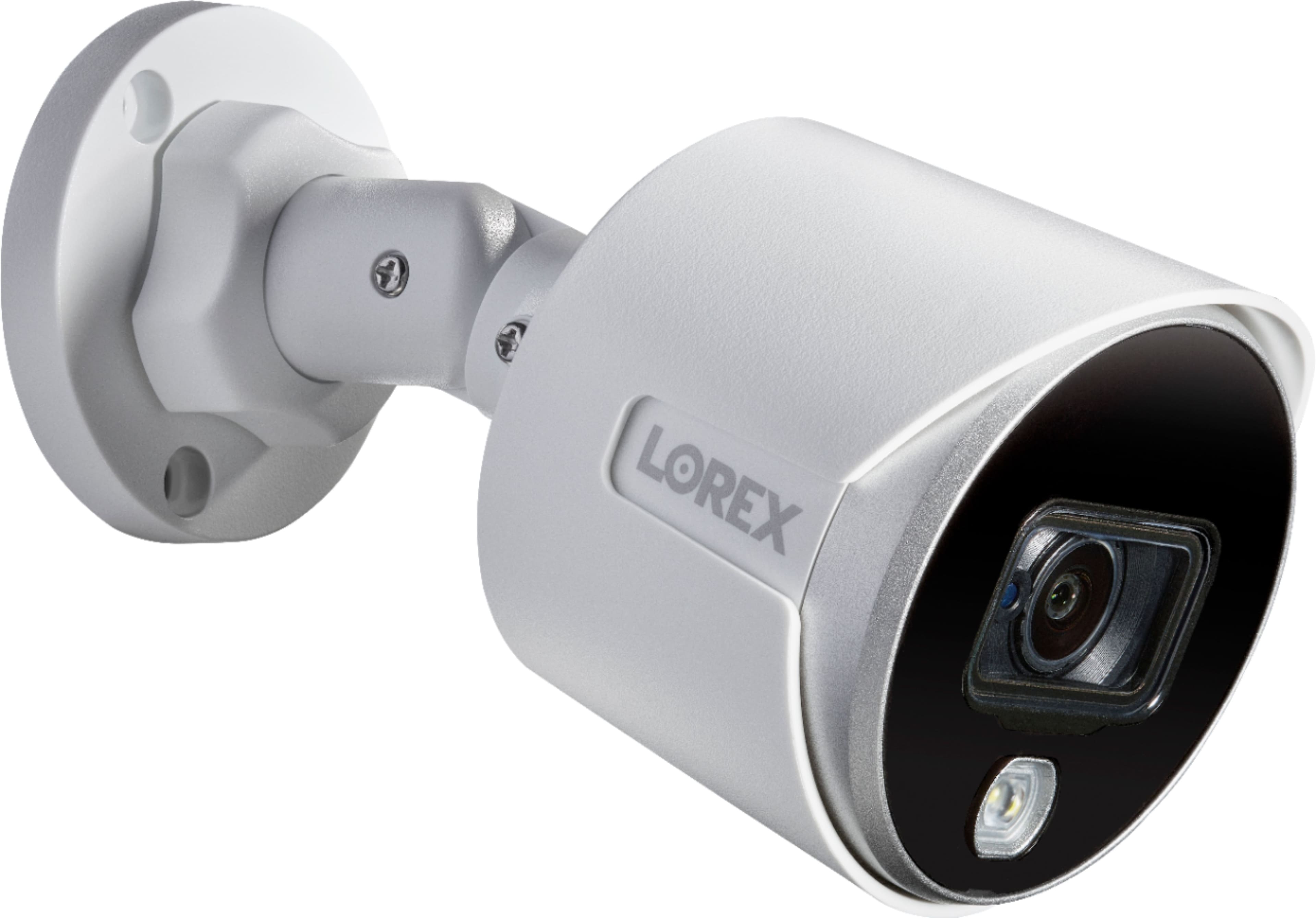
A:AnswerTo get 4K images/video, you need a 4K capable device. Phones are not 4K. For best results, watch the videos on a 4K TV or monitor. The capability to watch the videos on your phone is mostly for convenience/safety/emergencies. You will definitely get a better view by watching on a high resolution TV or monitor
A:AnswerIt has 8 cameras total, so theoretically you can, but the included cables are only 60ft long so they may not reach your detached garage. You can get extensions for them though.
A:AnswerYou can turn that feature off, but can also turn on the privacy shield to turn off video and audio by using an actual physical filter. Or you can simply turn off the mic function and nothing will be recorded. You can keep the speaker function, in case you want to say something, but turn off the mic function so your conversations won't be overheard.
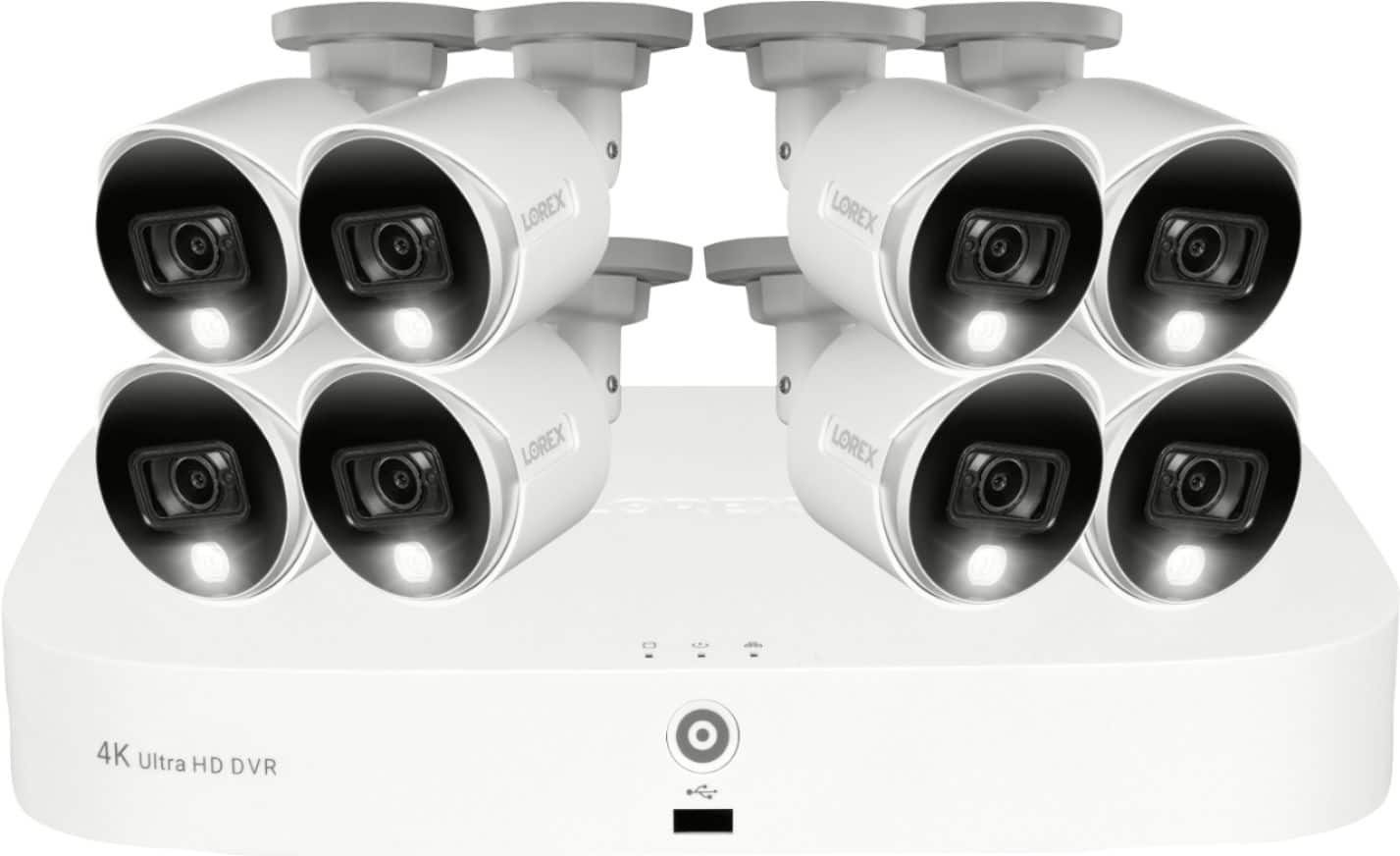
A:AnswerThis system is not expandable. This is an 8 channel DVR and there are 8 cameras that come with it. Each camera would connect to one of the 8 inputs in the back of the unit.
A:Answer8 cameras recording 24 hours continuous you will get about 6 days storage on a 2 TB HD. You can replace the existing HD with another HD up to the maximum allowed with your DVR. Rule of thumb is each camera will use about 40 Gb of storage per day. An 8 TB HD will give you about 25 days of storage with 8 cameras recording 24 hours.
A:AnswerI have no idea. My cameras have not been installed yet by the geek guys. Apparently there is some confusion going on with these geek people regarding installation . I am returning the cameras tomorrow and cancelling my total tech support membership
A:AnswerThis is a coax and Siamese 12 VDC system, I went with this system for an industrial style redundant power supply setup that I customized. On the other hand A Cat5e and similar is a popular way to go and uses standard network hardware.