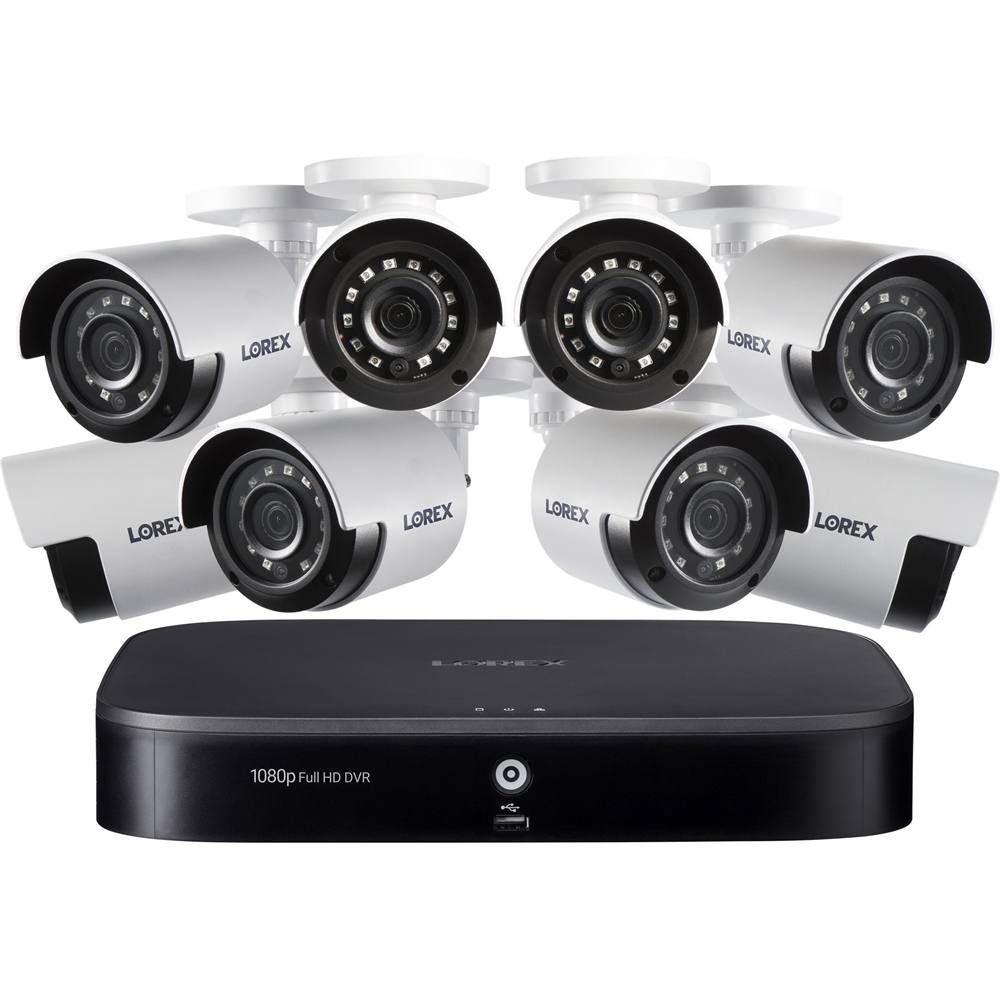
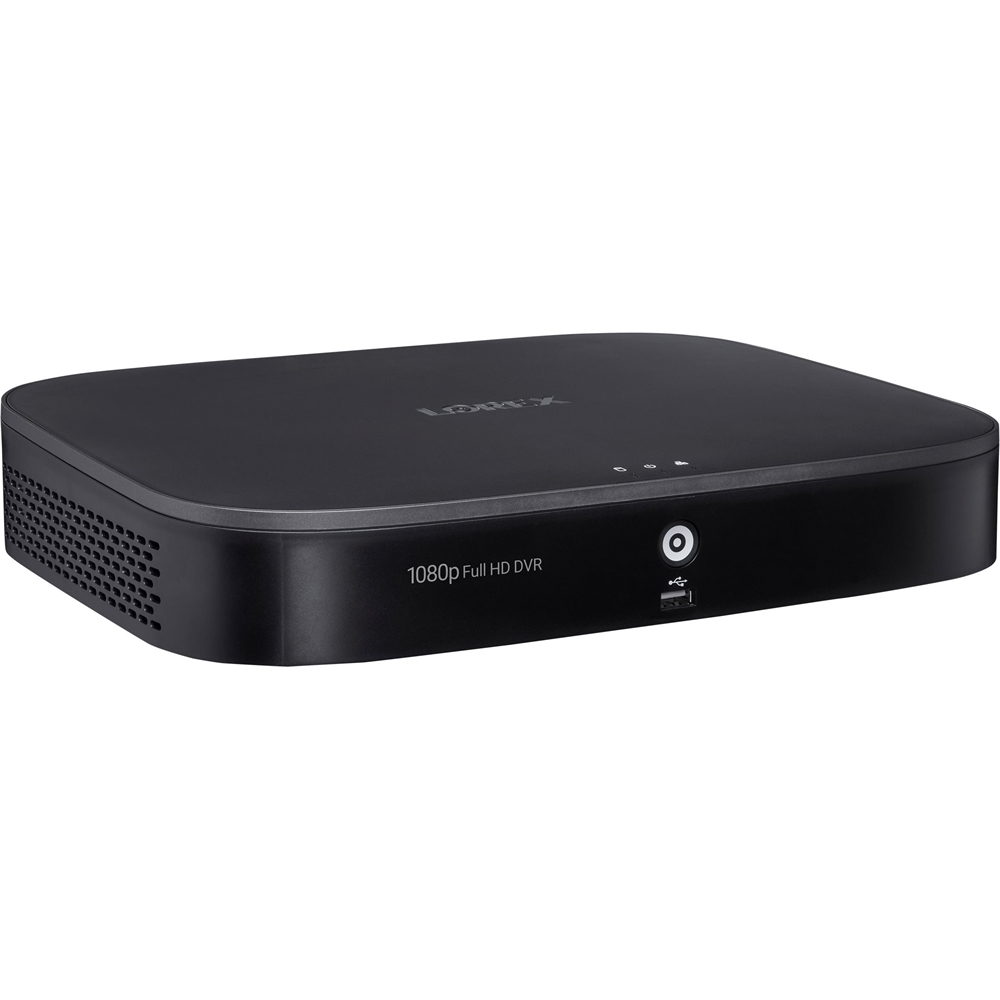
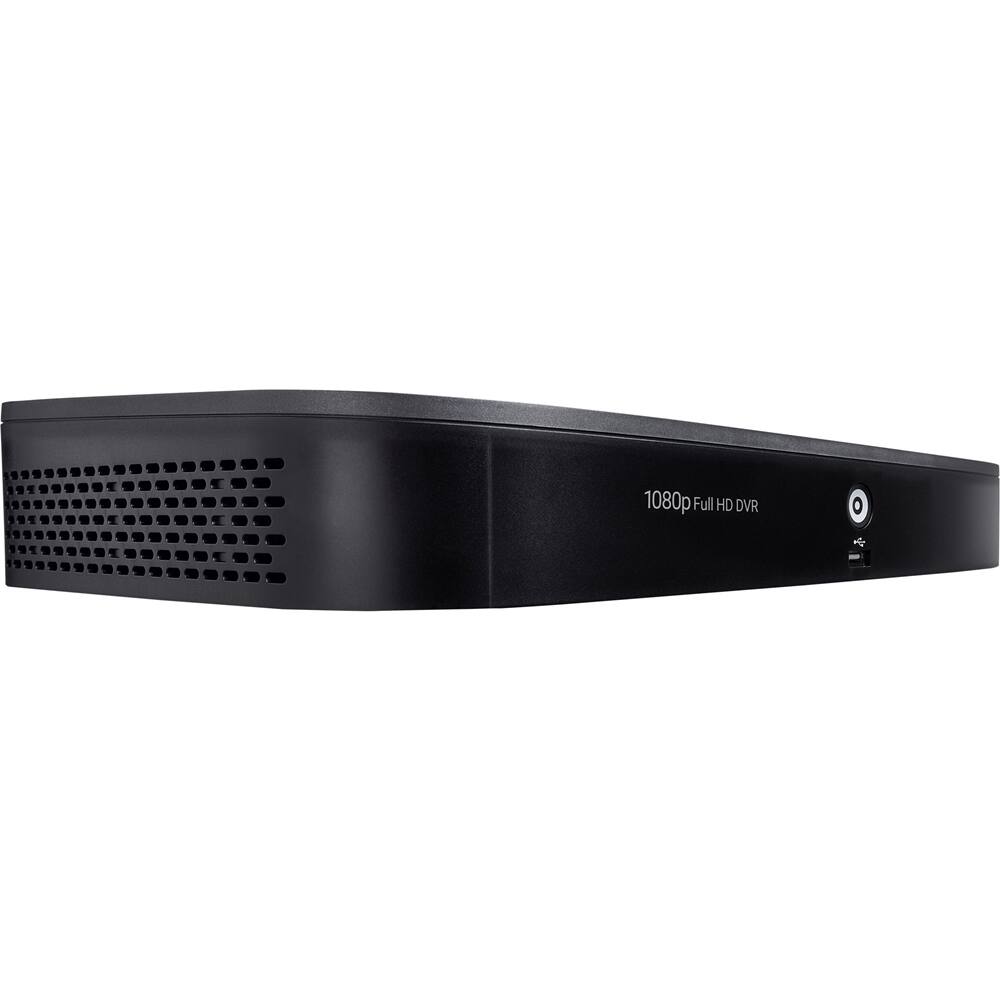
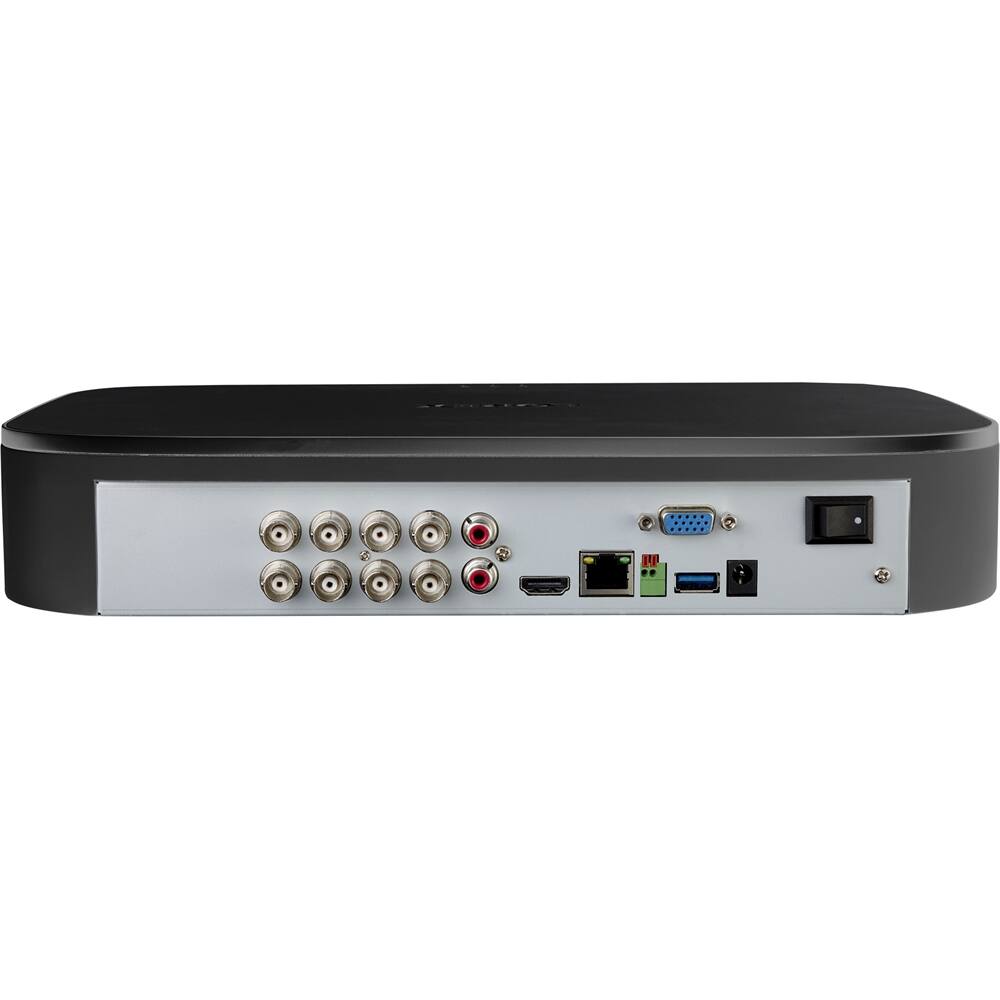
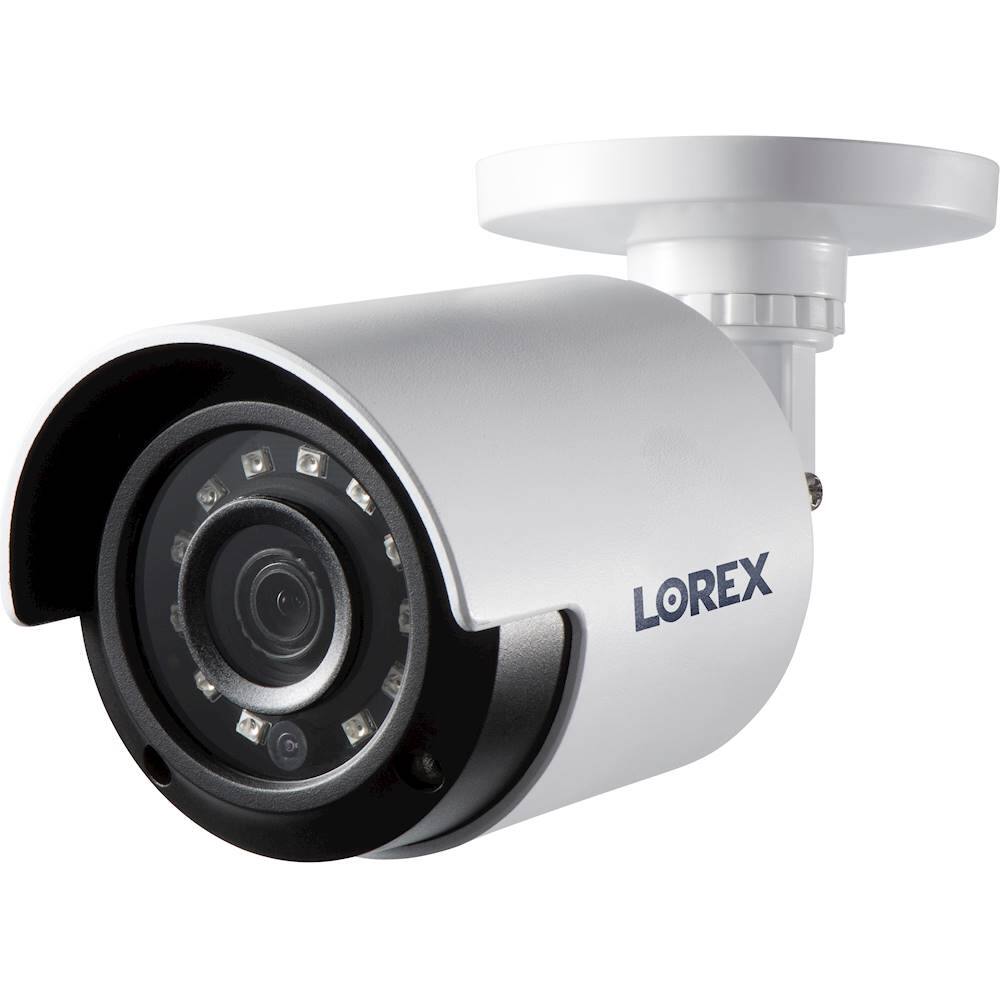
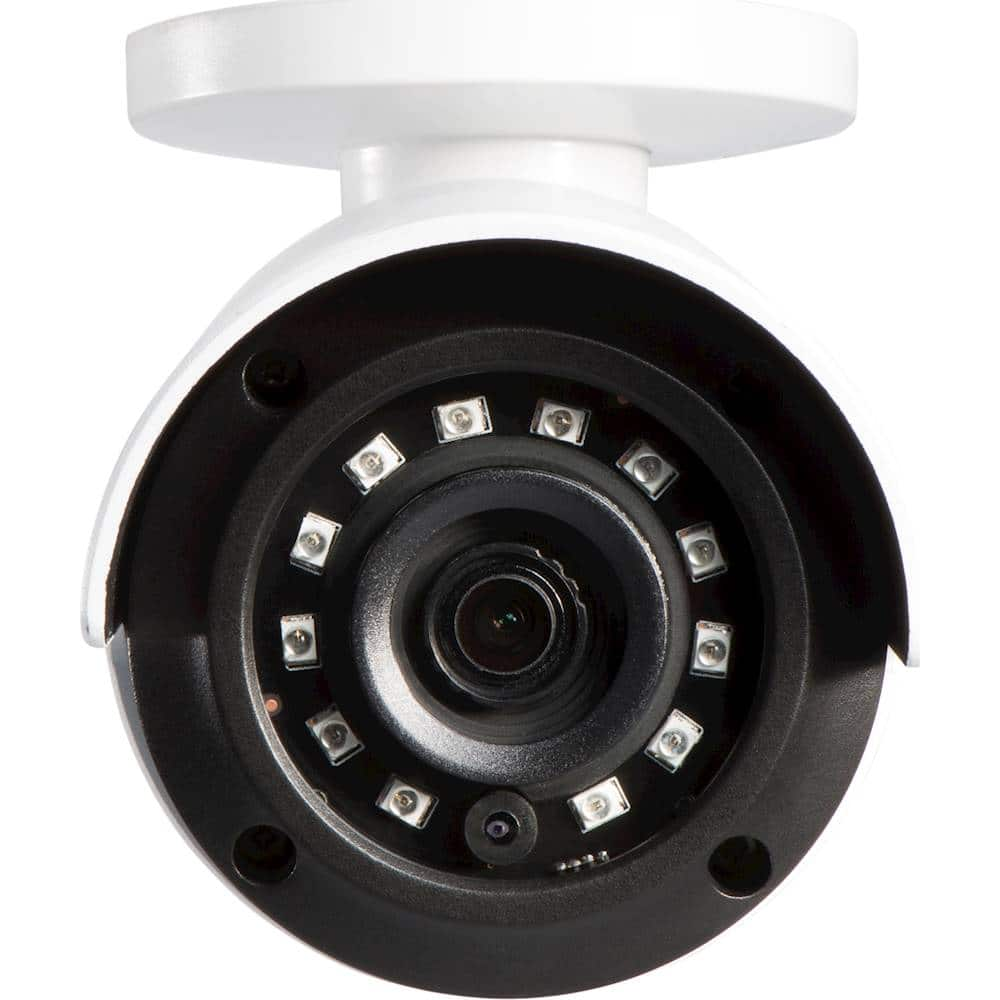
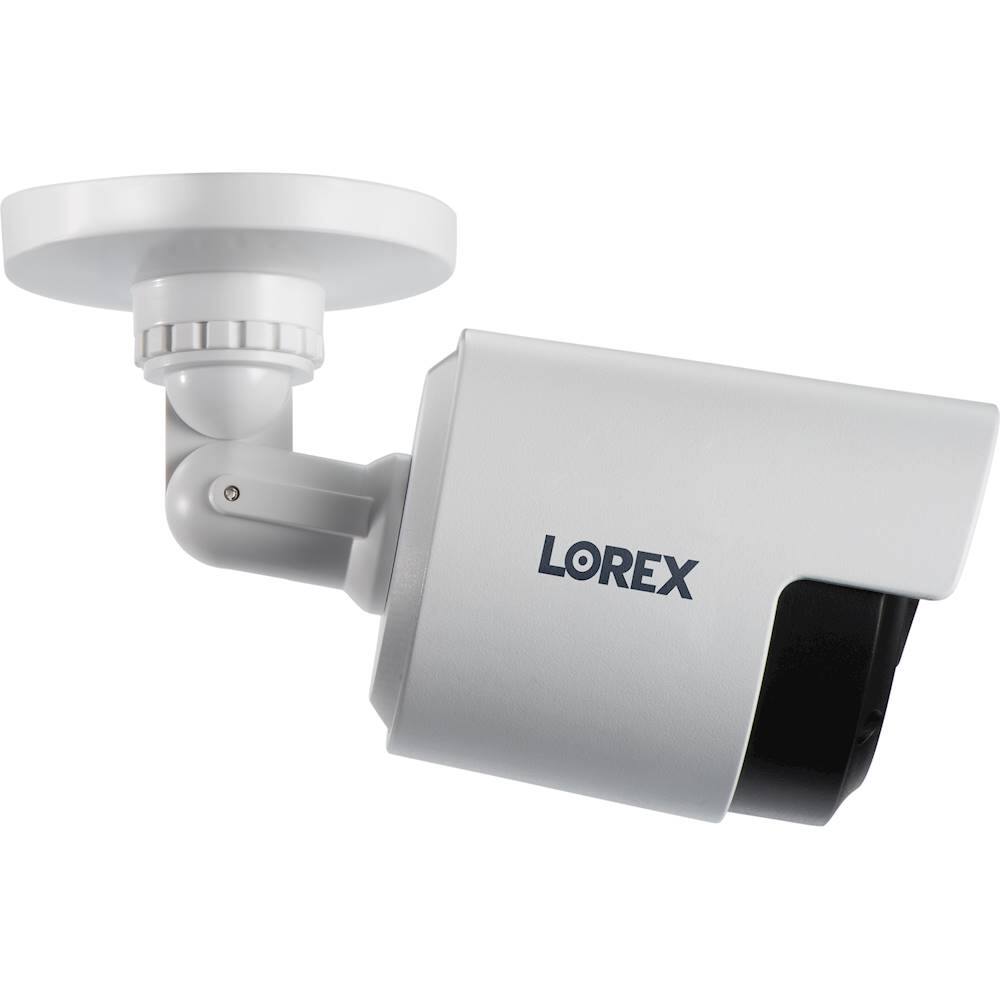
A:AnswerThis system comes with a 60ft cable (BNC) that plugs into the camera side to feed the video and power and, the other end goes to the DVR input and power for cameras.
A:AnswerThis 1080p system will record for about a week and a half before overwriting all the recordings, you can always verify it in our Lorex storage calculator: https://www.lorextechnology.com/articles/NVR-DVR-Hard-Drive-Storage-Calculator
A:AnswerTaking into account the specifications of the recorder and the cameras, you may expect within 4 to 5 days of recording.
For further reference you may use our Lorex calculator:
https://www.lorextechnology.com/articles/NVR-DVR-Hard-Drive-Storage-Calculator
A:AnswerThe 8 camera systems are sold with 2 4in-1 adapters or 8 single adapters for the cameras. If you are missing any or need assistance to install please contact our Tech Support at 1-877-755-6739.
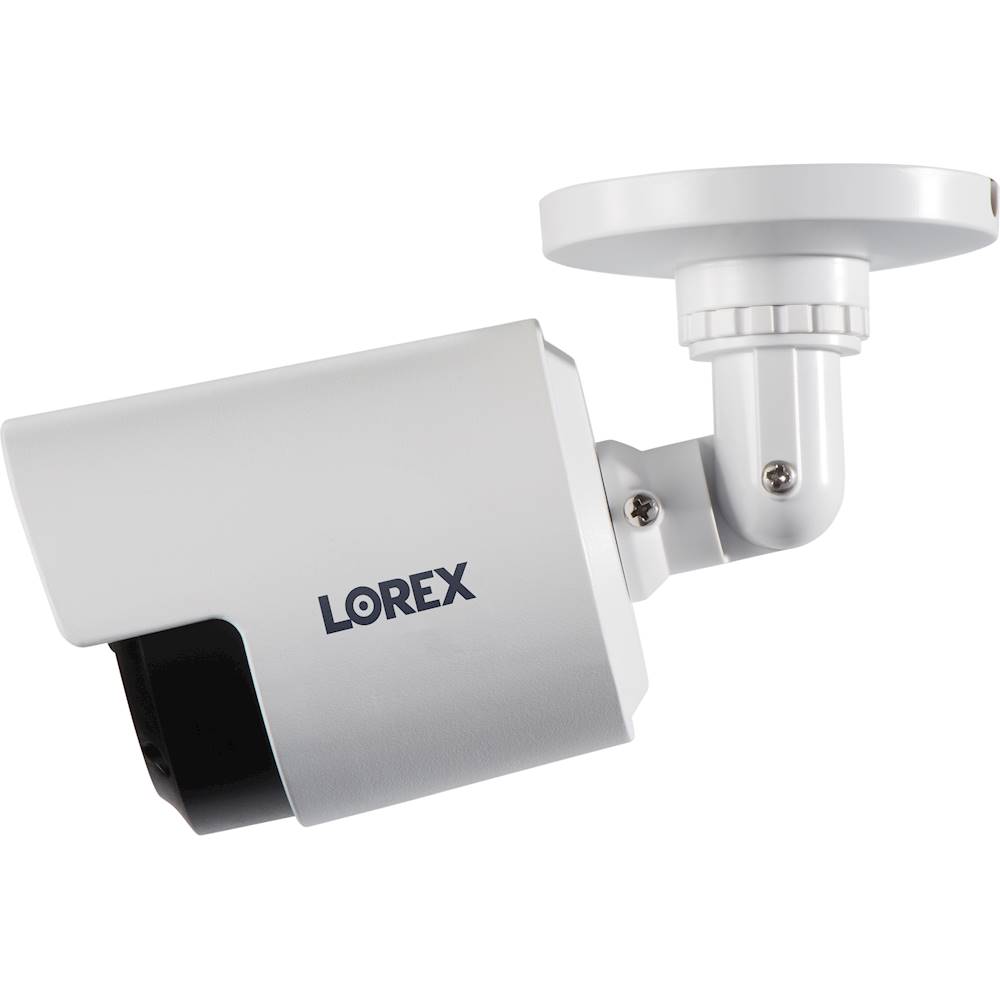
A:AnswerThere are two cables (power and video) about a foot long each that are attached to the camera head (just not shown in the image). These in turn connect to the 60 or 100 foot BNC cables supplied with the system. Please refer to the quick start guide for visuals. https://www.lorextechnology.com/downloads/security-cameras/LBV2531U/LBV2531U_QSG_EN_R1_web.pdf
A:AnswerYes, you are able to view the cameras from your phone so long as the DVR is connected to your router and you have an Internet connection. As well you would need to download the Lorex Home App.
A:AnswerYou would need to set the DVR for motion or continuous recording. Once you have the DVR set to record, then you go go into playback mode to view the recordings. Here is a link to the D241 Manual which will help explain.
https://www.lorextechnology.com/downloads/security-dvr/D241-Series/manual-PDF/D241_MANUAL_EN_R2.pdf