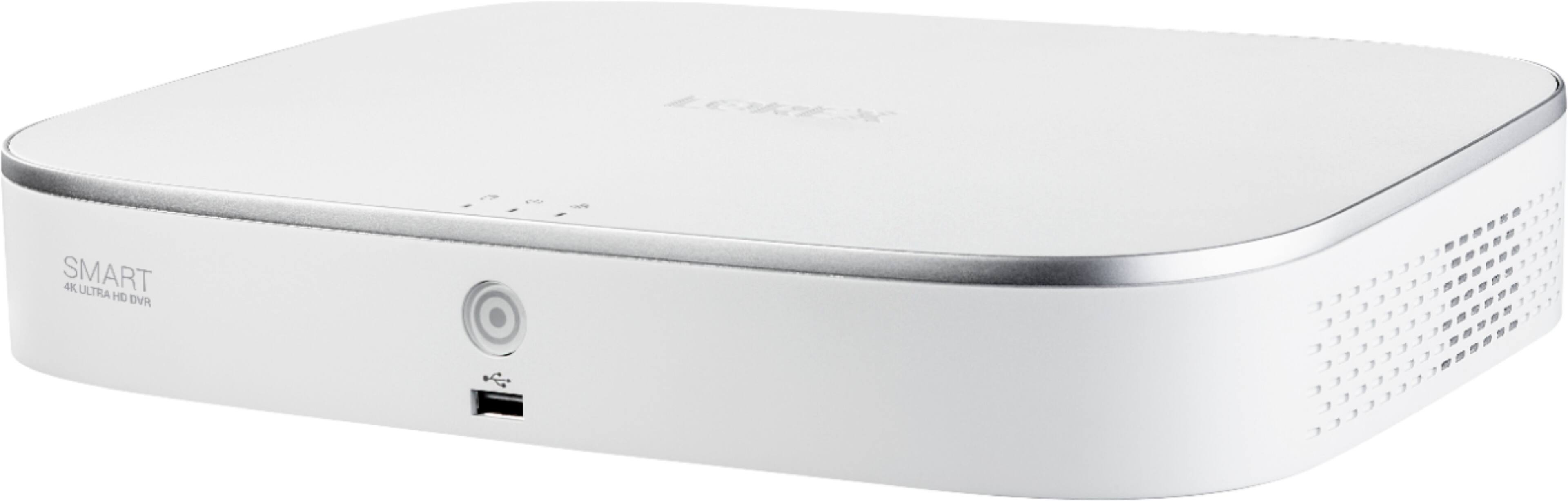
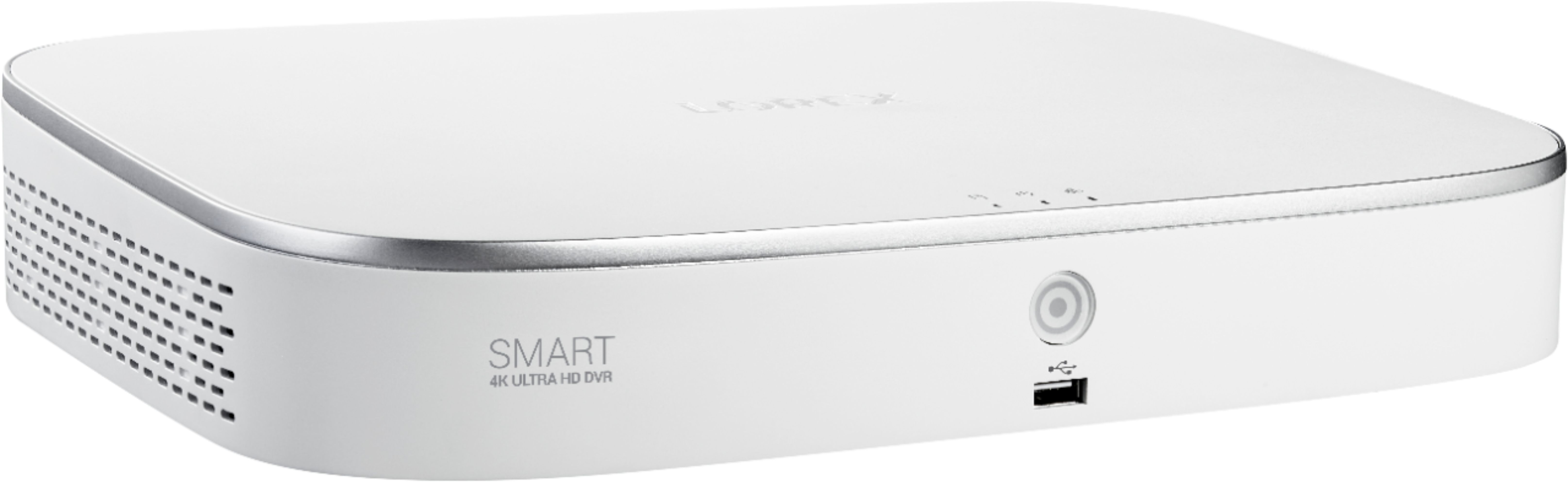
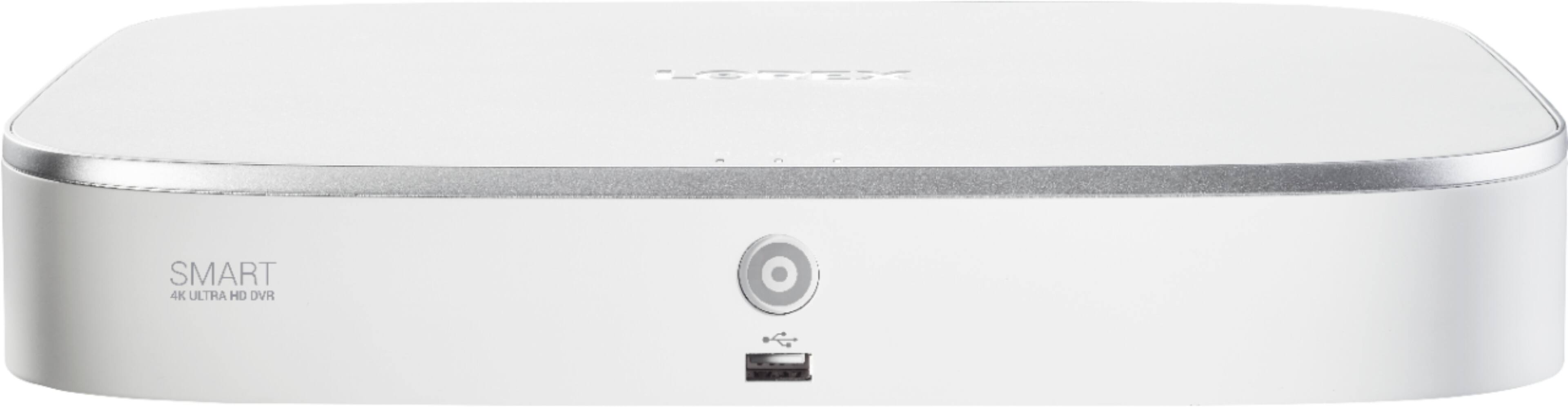
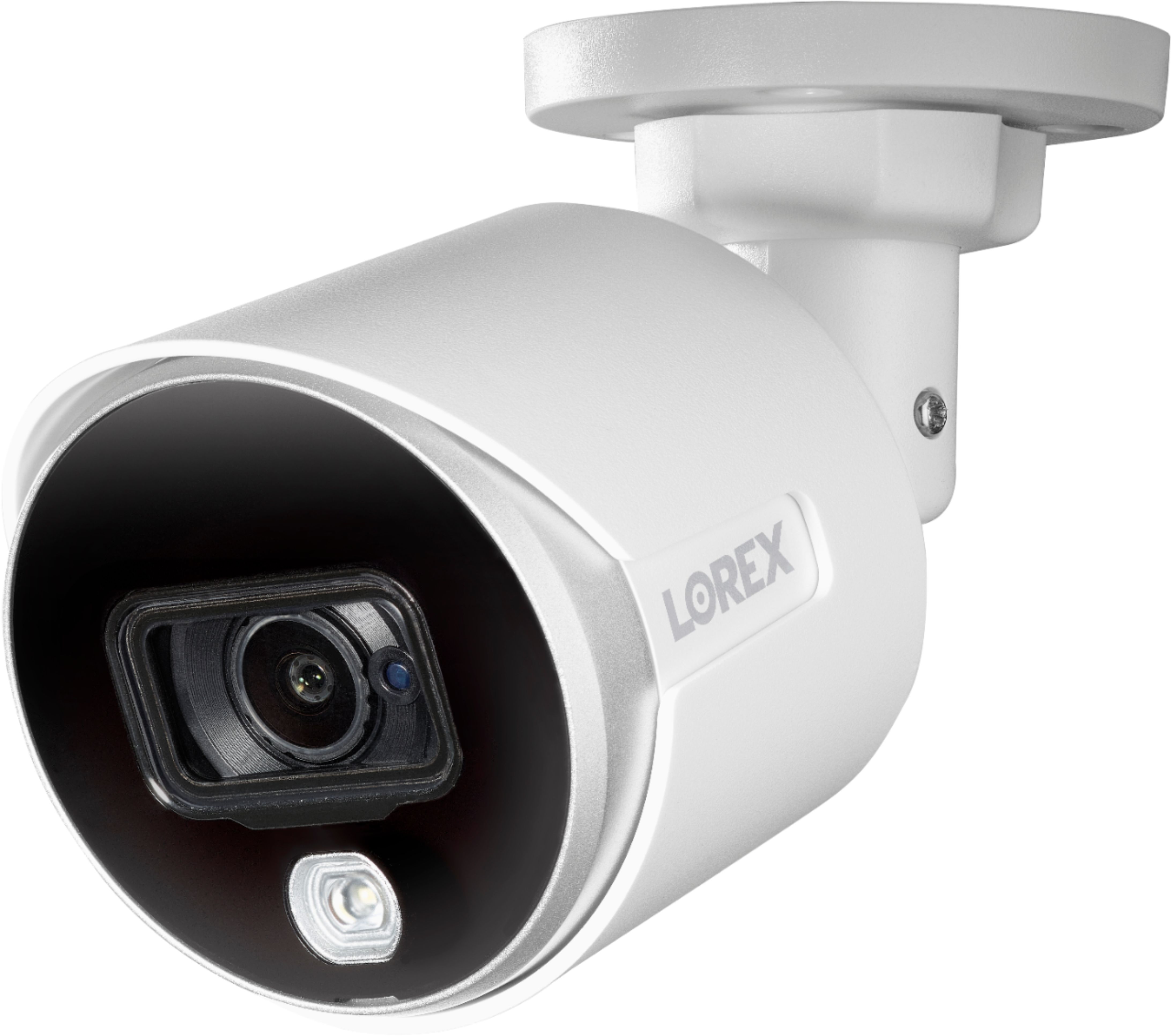
A:AnswerYou can log into the DVR via a Microsoft Edge browser. The video on the screen however is not 4k. The system records two video streams, the first is the main stream and it is 4k. This stream is only viewable if you have a 4k monitor attached directly to the DVR and you are watching it locally. The second stream is a sub-stream and it is what is sent to your mobile devices and pc. The sub-stream has 3 options 960x480 or the default which is 704x480 or 352x240. I have not had much luck using anything but the default value on my iphone. The cameras included in this package are defaulted to 4k at 7 frames per second and you cannot vary that - in other words you cannot lower the resolution to say 1080 and increase the frame rate to 60fps - the software just wont let you do it. Lastly the cameras per their specs say they can do 4k at 15 fps but that is not configurable in the software - its locked at 7 fps max. Having said all this the Home App on a phone or tablet does work well at the 704x480 resolution and the 7 fps is choppy but acceptable. Because these cameras are Analog cameras and use BNC cables I am not sure if you can log directly into the camera like you could with a NVR system that uses ethernet cables and digital cameras. Hope this helps.
A:AnswerSorry but I just double checked and these cameras do not have microphones built in so they do not record audio. The DVR has the capability to record audio and the camera settings have audio settings but it looks like the cameras do not have microphones.
A:AnswerI have two (2) q-see systems and have had nothing but trouble with them. Remote viewing with my older QT system is somehow still working, but not with my newer QC system. The problem is network connectivity. Q-See posted some info on their website so that you can manually update the router/q-see software so that they will keep working with remote access using your smartphone but at this point I'm just going to invest in a new system. I've heard Lorex is much better but have no experience at this point. I will probably buy the Lorex 8 channel 8 camera w/DVR since all my cameras are already wired. Yes, q-see closed shop and is not supporting their network software any more.
A:AnswerYes you can upgrade you lorex camer system. Not that difficult . You can upgrade the hard-drive to a 10 Tb unit in less than 30 minutes . For a step by.step video got to youtube and type in lorex 8 channel security system hard drive upgrade .
A:AnswerIf you use the Lorex Home App on your phone you can take snapshots and recordings of events. So if you get notified of an event you can open your phone and select the event and then there is a little camera icon and video icon on the screen under the event video. If you select the video icon it will record the video you are seeing on your phone, the camera icon will take a photo. To access these you need to open the app and go to the Settings and then to the Manual Recordings and Snapshots.
A:AnswerCameras run 24/7, even if you turn off monitors. Video auto records but there may be a setting to keep indefinitely...
You can buy extension cables from BB but refer to Lorex for the maximum distance. In some instances, wireless and a signal booster might be better. My longest cable is 100'.
A:AnswerThey updated their systems and messed everything up and customer service will not acknowledge it. It's atrocious and I suggest anyone that's looking into these, get the F away from this product.
A:AnswerWe recommend using the cables that come with the system as these cables are higher grade and made to use with the 4K cameras. If you were to use lesser grade cables it may reduce the picture quality of the cameras.