A:AnswerNo. Computers can connect to merge or consolidate powers. You can upgrade you 2013 iMac for less than buying this and make it better all under 500
https://youtu.be/Y3-n-iBCvqc
A:AnswerIf time machine is running on your Mac with the drive connected, all you need to do is open time machine and "enter time machine". That will bring up a finder window- select the date of the finder window that you want and then select the file you want to keep. With that file selected, hit restore and it should get returned to that location in present time.
A:AnswerHi,
I absolutely believe that you can use your IMac as a secondary monitor with the Mac mini. Search YouTUBE or Apple support pages for instructions.
A:AnswerAs long as they have usb connectors, or they work with bluetooth, they will work. You may need to get a usb expander or a thunderbolt dock if you end up using up the usb connectors on the mini- there are only 2.
A:AnswerRosetta will be installed if it is needed- like a driver. No, it will not run Windows applications- get the apple compatible version of Quicken.
A:AnswerNope! You can use just about any USB wired or Bluetooth enabled mouse or keyboards. I use a set by Logitech and they work perfectly fine! Though I have heard some “non-Apple” wireless keyboards have trouble connecting to it, so tread carefully and research if you go that route.
A:AnswerThat's not a simple answer. Apple likes to use pixel binning to make the screen look smoother while using lower resolutions to make sure everything is readable. However, they will only do this on the monitors made specifically for Apple. Every other 3rd party monitor will display at their native resolution, unless you change the setting manually.
It has been my experience that you do not want macOS to display at the native 4K resolution, or you will find the menubar very hard to read.
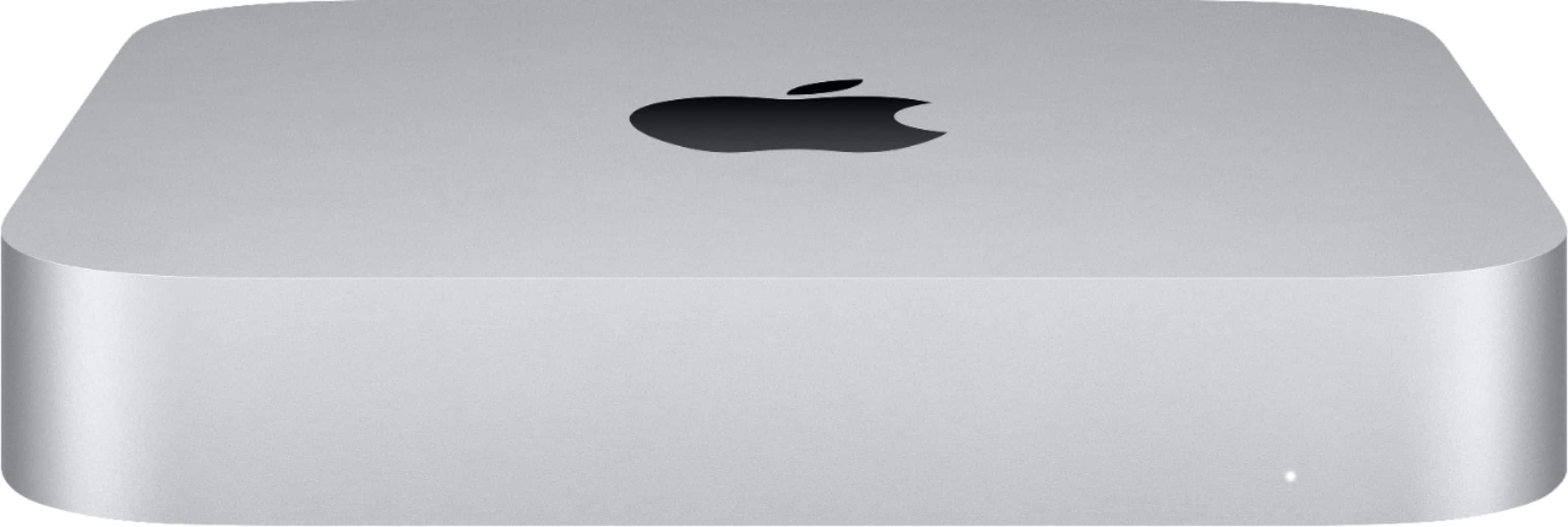
A:AnswerYes it has a speaker. But it's internal and it's a small computer so sound is so so. I don't know what your playing on it so needing speakers is a matter of opinion.