A:AnswerYeah, extremely well. I have the entire CC suite and routinely use LR Classic, Premier, AE, and Audition. If it’s not been M1 updated by Adobe, it will be soon
Most apps have been
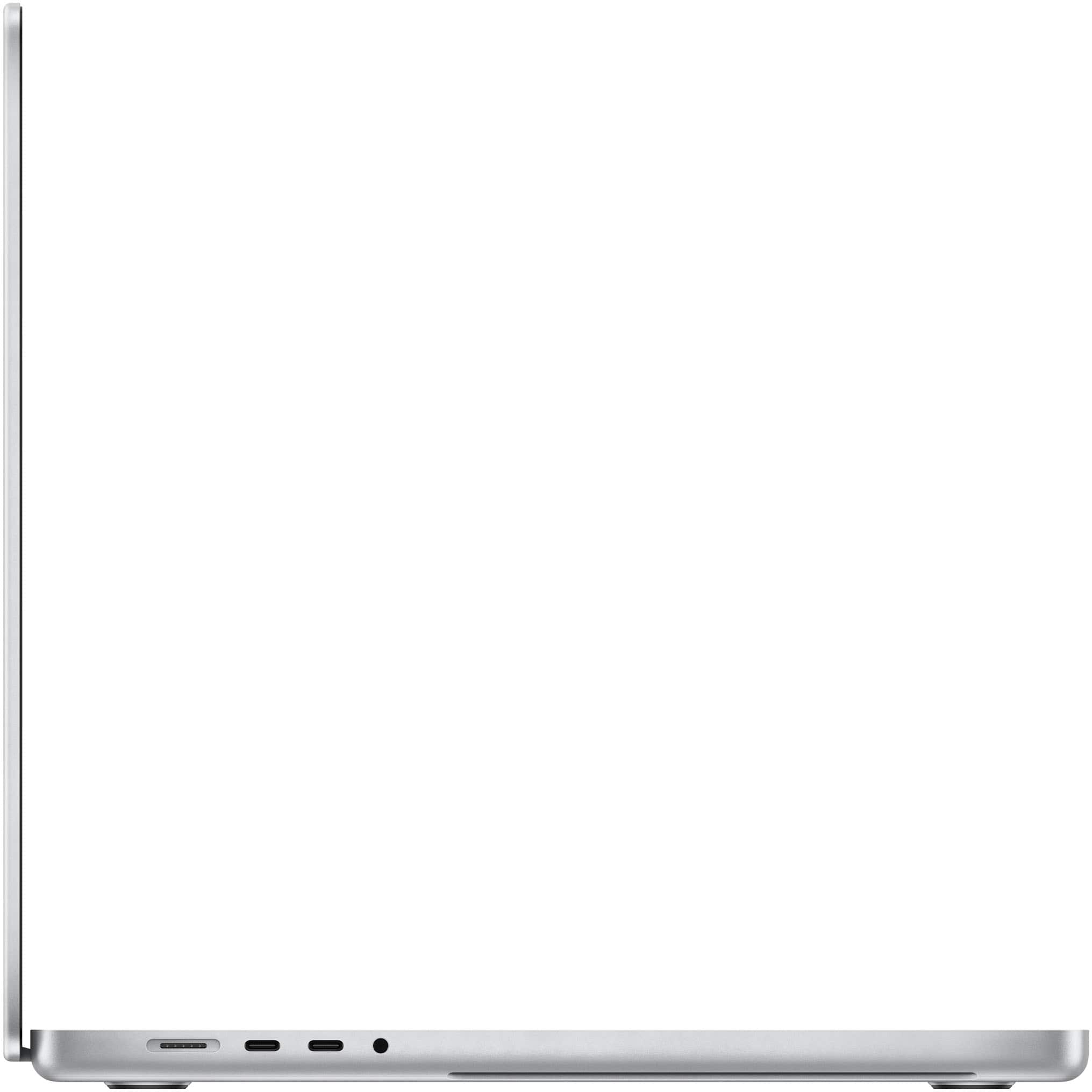
A:AnswerNo, apparently not. I've got a late 2013 and mid 2015, and the chargers - while both the magnetic type- are configured differently from the Apple M1. The 2015does not fit into the charging slot on the late 2021 MacBook M1 Max.
A:AnswerNo
10 core CPU in both the Pro and Max configurations
The Pro = 16 core GPU (32GB RAM is the most you can add in the Pro version)
The Max = 32 core GPU (64GB RAM is the most you can add in the Max, 32 is the entry level Max where 16 is the entry level Pro)
Both have the same CPU - 8 performance cores and 2 efficiency cores.
A:AnswerThe Max allows you to run 4 displays at up to 6K (thunderbolt I/O)
HDMI is 2.0, so limited to 4K @ 60Hz, so with the built in display you can run five external, and the internal for 6 splits
A:AnswerOne thing I love about best but is that they are very good with their price match. They want the customers and if it means matching to keep you coming for more I’m sure they will. Ask prior to placing order and give them the link with the educator discount
A:AnswerBest Buy offers the exact same AppleCare+ that the Apple Store provides, which covers hardware, accessories included in the box, and accidental damage protection for three years. After the three years are up, you have the option to renew the AppleCare+ protection.