Skip to contentGo to Product Search
Gift Ideas
45575 Dulles Eastern Plz
Ste 188
Sterling, VA 20166
Opens at 10 am
Find Another Store
Main Content

Questions & Answers

$119.99
Page Showing 61-80 of 134 questions
  • QuestionCan this transmitter work for 20 Bluetooth headset at once?

    Asked by MovieNight.

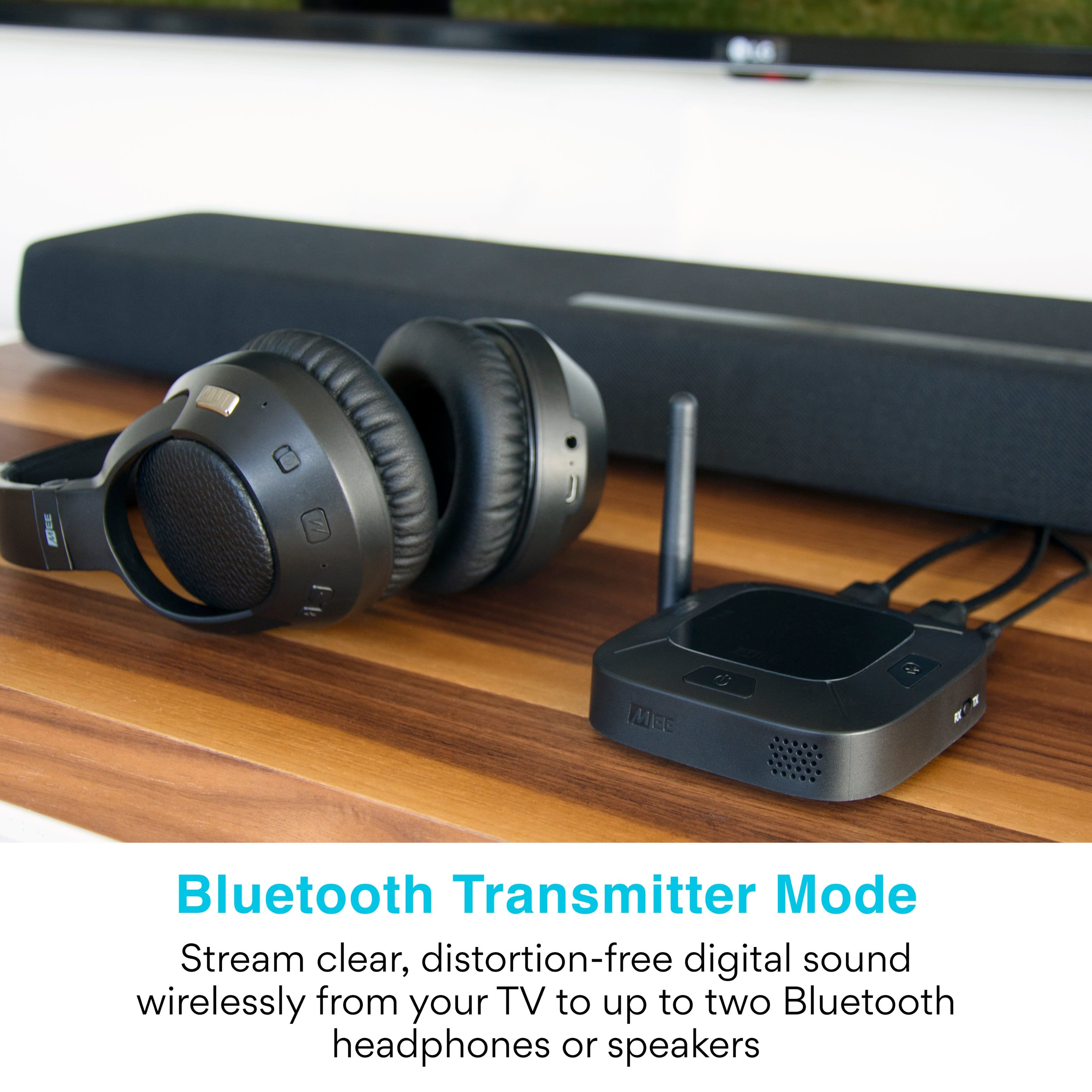
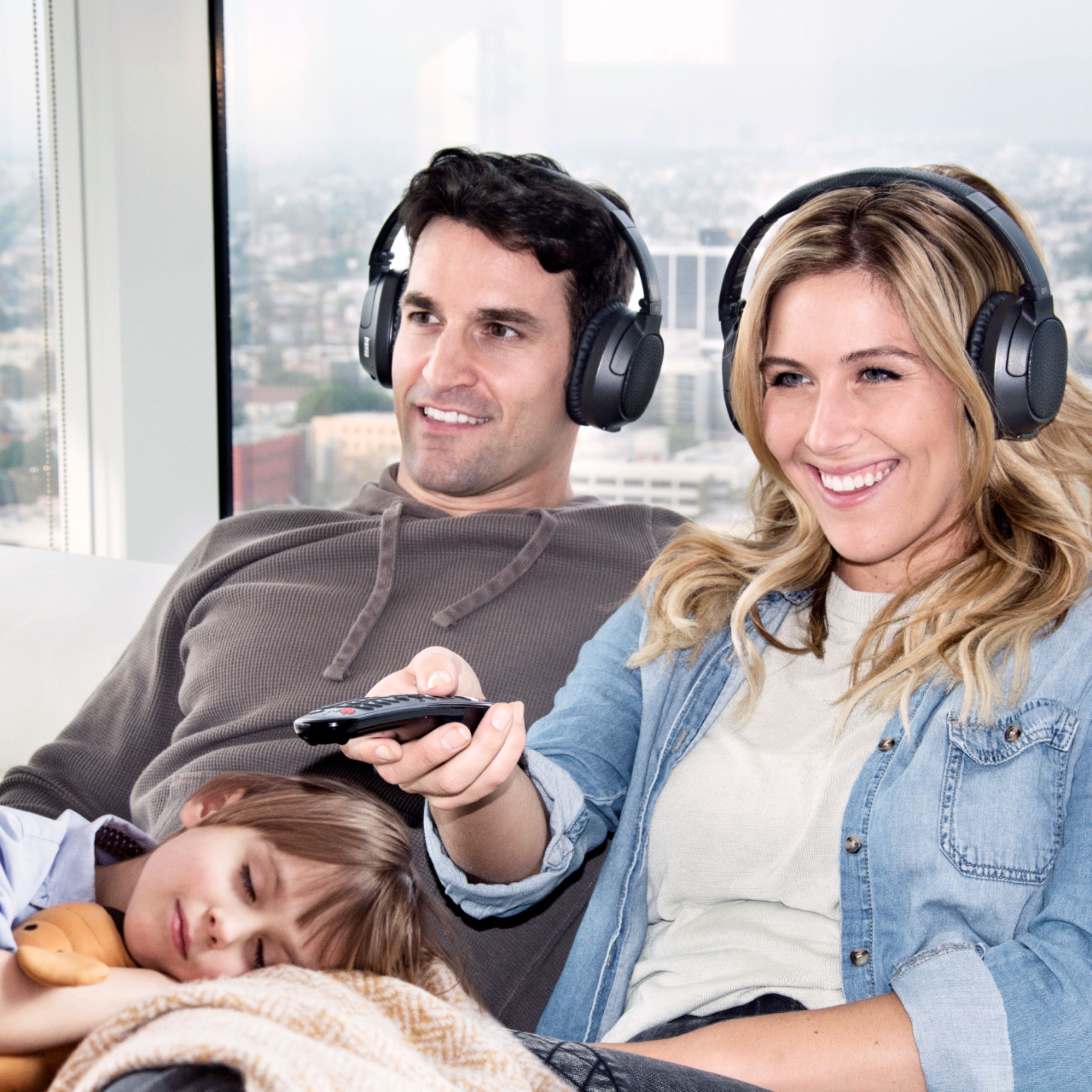
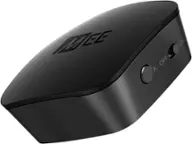
    • Answer No, at this time Bluetooth only supports two simultaneous connections for a transmitter. So you would be able to use either one or two headsets with this transmitter.

      Answered by MEE audio Support

  • QuestionDoes this allow you to enter a bluetooth pin?

    Asked by Dan.

    • Answer No, this device assumes the standard/default Bluetooth pin of 0000 when pairing

      Answered by MEE audio Support

  • QuestionThe indicator light is flashing red only and it won't go into pairing mode. I tried removing the power codes while holding down the power button then plugging it back int but it didn't do anything and I can't connect to my blue tooth speaker.

    Asked by LisaS.

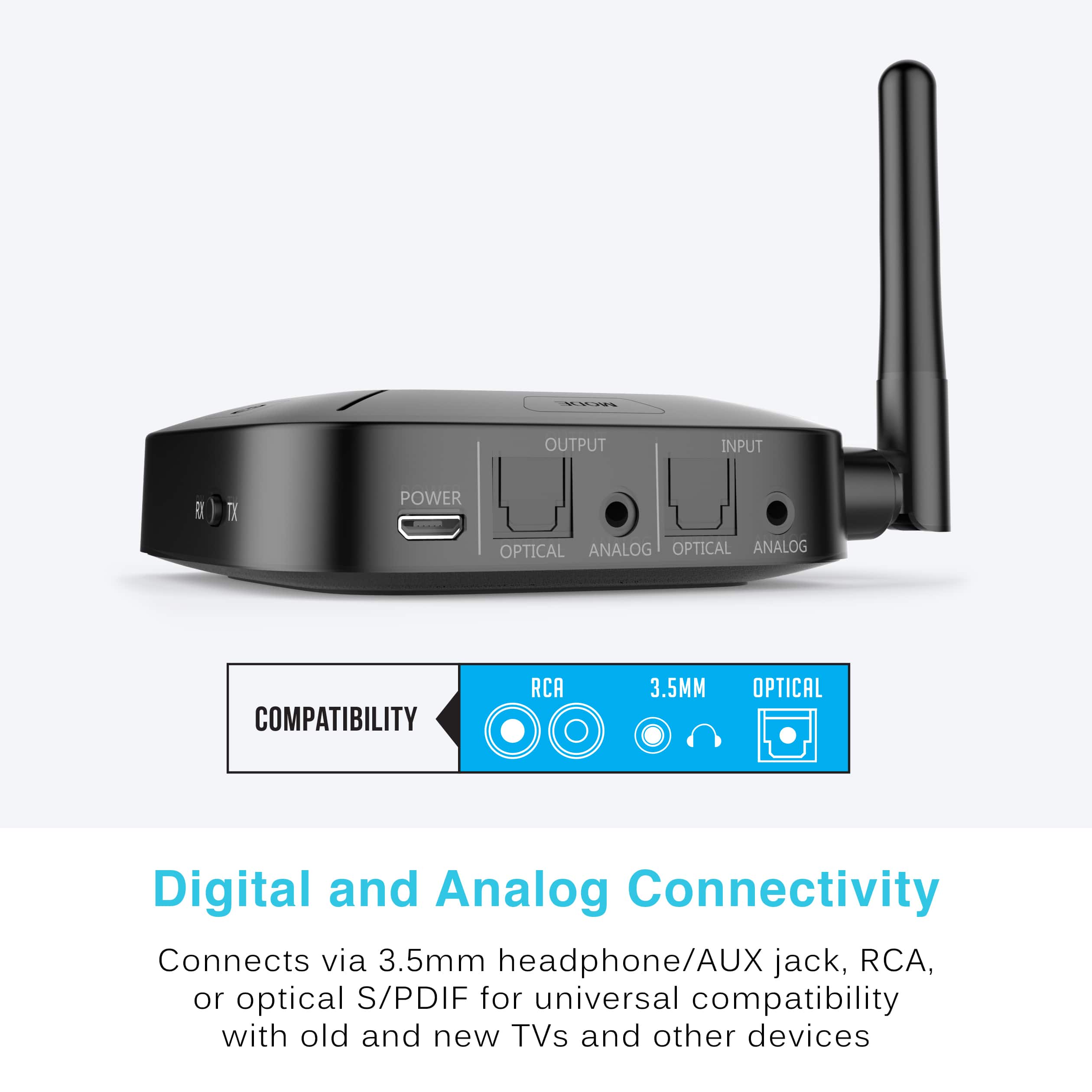
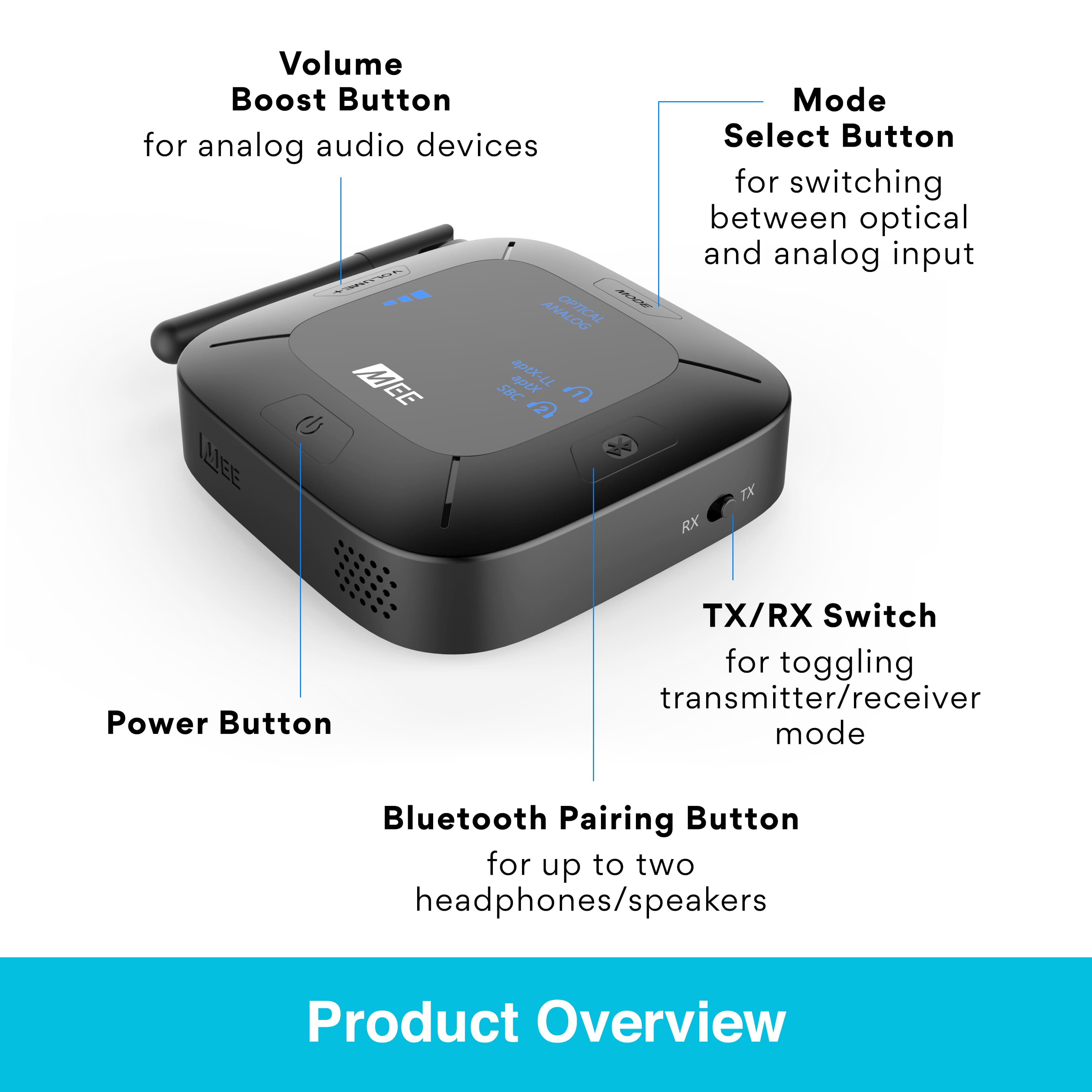
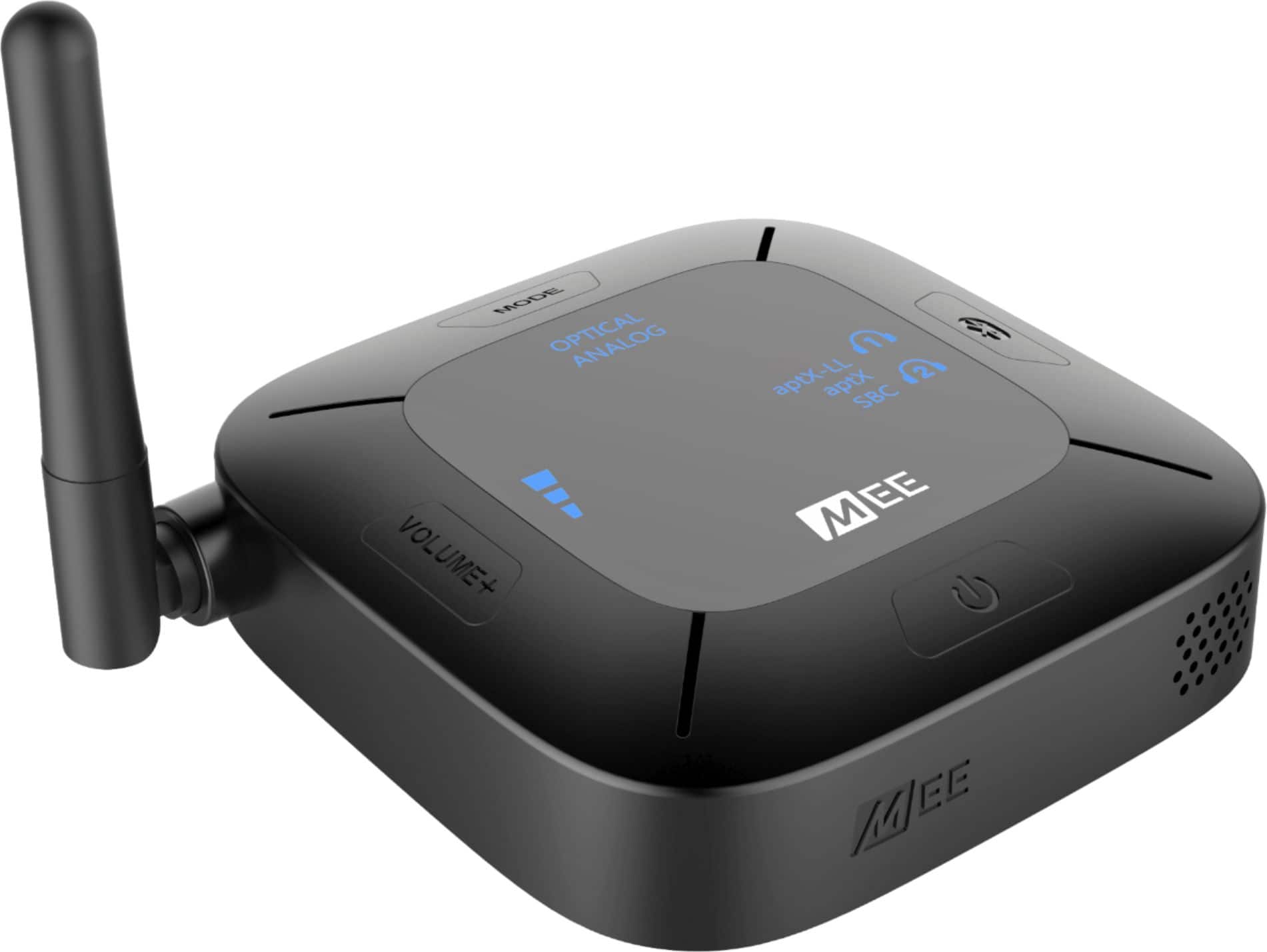
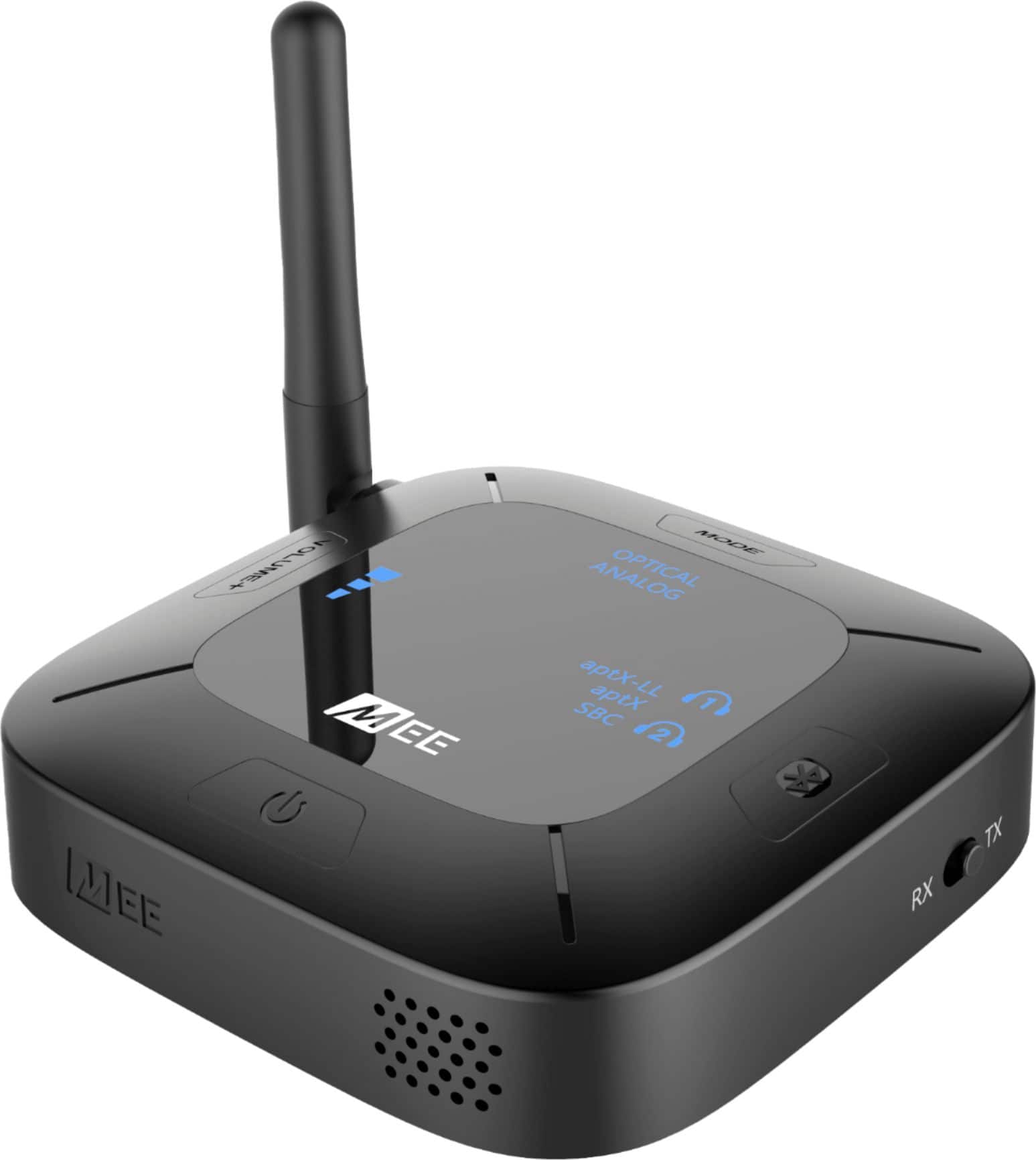
    • Answer Please also make sure that the switch on the side of the Connect Hub transmitter is set to "TX" if you are pairing this device with a Bluetooth speaker, then perform a factory reset by holding the MODE button for approximately 5 seconds until you hear a voice prompt say "memory cleared". You should then be able to pair your Bluetooth speaker (you will need to put the speaker in pairing mode at the same time as the Connect Hub transmitter - please consult the user manual of your Bluetooth speaker for the pairing process). If you continue to have issues with the pairing process or need any other assistance, please contact the MEE audio support department at 626-965-1008 M-F 9AM-5PM PST or at [email protected] so that we can assist you with additional troubleshooting.

      Answered by MEE audio Support

  • QuestionHow can you pair this device to IPod earbuds?

    Asked by Bob.

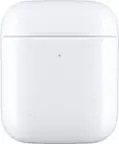
    • Answer For pairing Apple AirPods, the process would be as follows: 1) Put your AirPods into pairing mode by holding the power button on the back of the AirPods case with the lid open and the AirPods still inside the case until the white light starts to flash 2) Make sure the switch on the side of the Connect Hub transmitter is set to "TX" and power it on. 3) Press and hold the Bluetooth button on the transmitter until the headphone light blinks red and blue. 4) Wait for the headphones to connect. That's it in a nutshell! If you have any additional questions, please contact our support line at 626 965 1008 Monday-Friday 9:00AM ~ 5:00PM PST.

      Answered by MEE audio Support

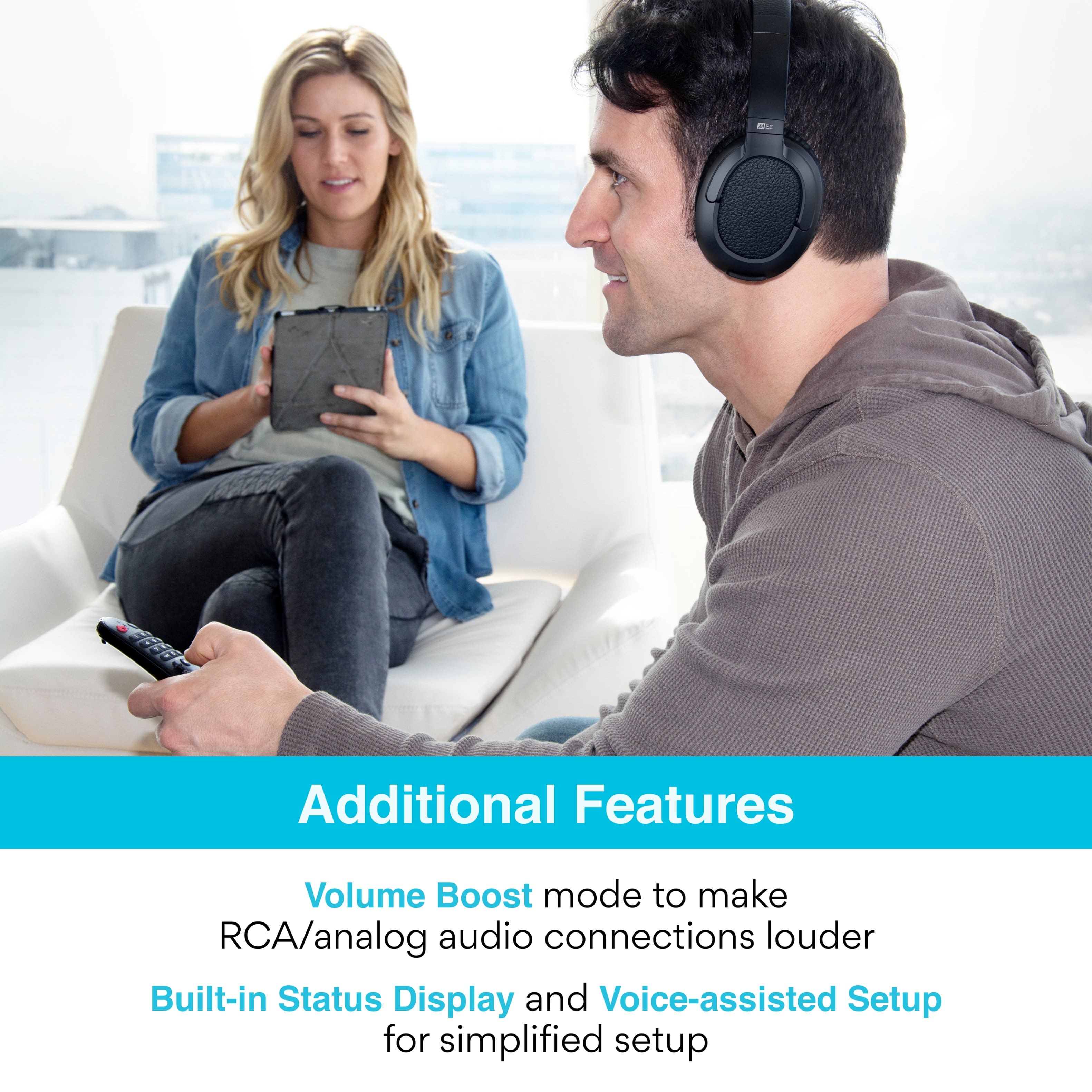
  • QuestionI want to be able to listen thru headphones while others can listen to the TV with my stereo surround sound. Mee Audio will connect to my new TV and I can hear thru headphones and TV speakers. When I use my surround sound the headphones stop working.

    Asked by Bjenrette.

    • Answer Currently, Bluetooth technology only supports 2 audio channels (left and right, i.e. stereo). If you are trying to send a multi-channel signal such as Dolby or DTS, Bluetooth headphones will not know how to interpret it, resulting in loss of sound. This is why we recommend leaving your TV in "Stereo" or "PCM" audio output mode while using Bluetooth headphones. One way to get around this limitation by using your TV's headphone jack or red/white RCA "audio output" jacks, if it has either of those, as those will always be in stereo regardless of TV settings. Thanks and if you have any additional questions, please contact our support line at 626 965 1008 Monday-Friday 9:00AM ~ 5:00PM PST so that we can provide feedback more specific to your particular setup.

      Answered by MEE audio Support

  • QuestionWill it work with Oticon hearing aids

    Asked by Earl.

    • Answer This depends on the specific Bluetooth functionality of your hearing aid. Because there are many different models of Oticon hearing aids, it is best to consult Oticon regarding the specific hearing aid model you are using to ask (1) if it supports regular stereo audio over Bluetooth (known as A2DP) and (2) what the procedure is for pairing it with Bluetooth-compatible devices that are not a phone. Generally speaking, hearing aids that utilize an app to connect to phones/tablets will not be compatible as there will be no way to connect them with a screen-less device. Only hearing aids that have an independent Bluetooth pairing mode (like a headphone has) will be able to be connected. There may even be variations between different software versions for the same hearing aids, so again it's better to get the operating information specific to your exact hearing aids to ensure accuracy.

      Answered by MEE audio Support

  • QuestionSo, how easy would this unit be to move around (without having to buy a 2nd one.) I wear hearing aids, my wife doesn't It would be hooked to the Living Room TV and Kitchen TV about 50% of the time each. Thanks so much.

    Asked by BobK.

    • Answer It would be easy to carry the device from one TV to another. One thing we would recommend would be to have two sets of cables - one set hooked up to each TV - so that you don't have to unplug from the back of the TV every time. If you have the necessary cables already connected to each TV and just sitting there, transferring the transmitter from one TV to the other becomes much faster and easier!

      Answered by MEE audio Support

  • QuestionHi I have the SAMSUNG QN65Q60RAFXZA Flat 65" QLED 4K Q60 Series (2019) Ultra HD Smart TV with HDR and im trying to connect multiple Bluetooth devices will this allow me to do so?

    Asked by Helpee.

    • Answer Yes, this product will allow you to connect 2 Bluetooth headphones (or similar Bluetooth devices) to your TV

      Answered by MEE audio Support

  • Questioncan this be connected to a sound bar

    Asked by dwayne.

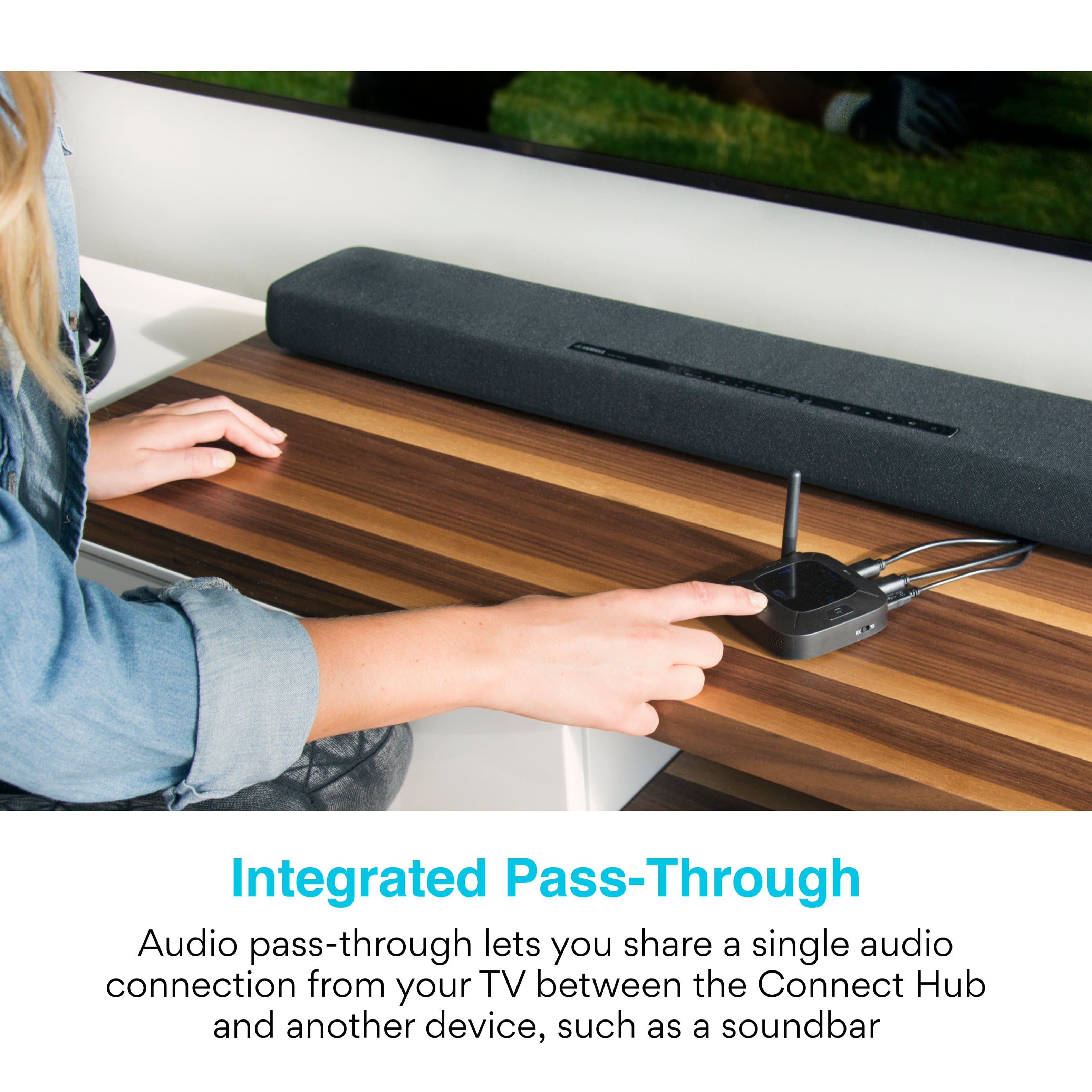
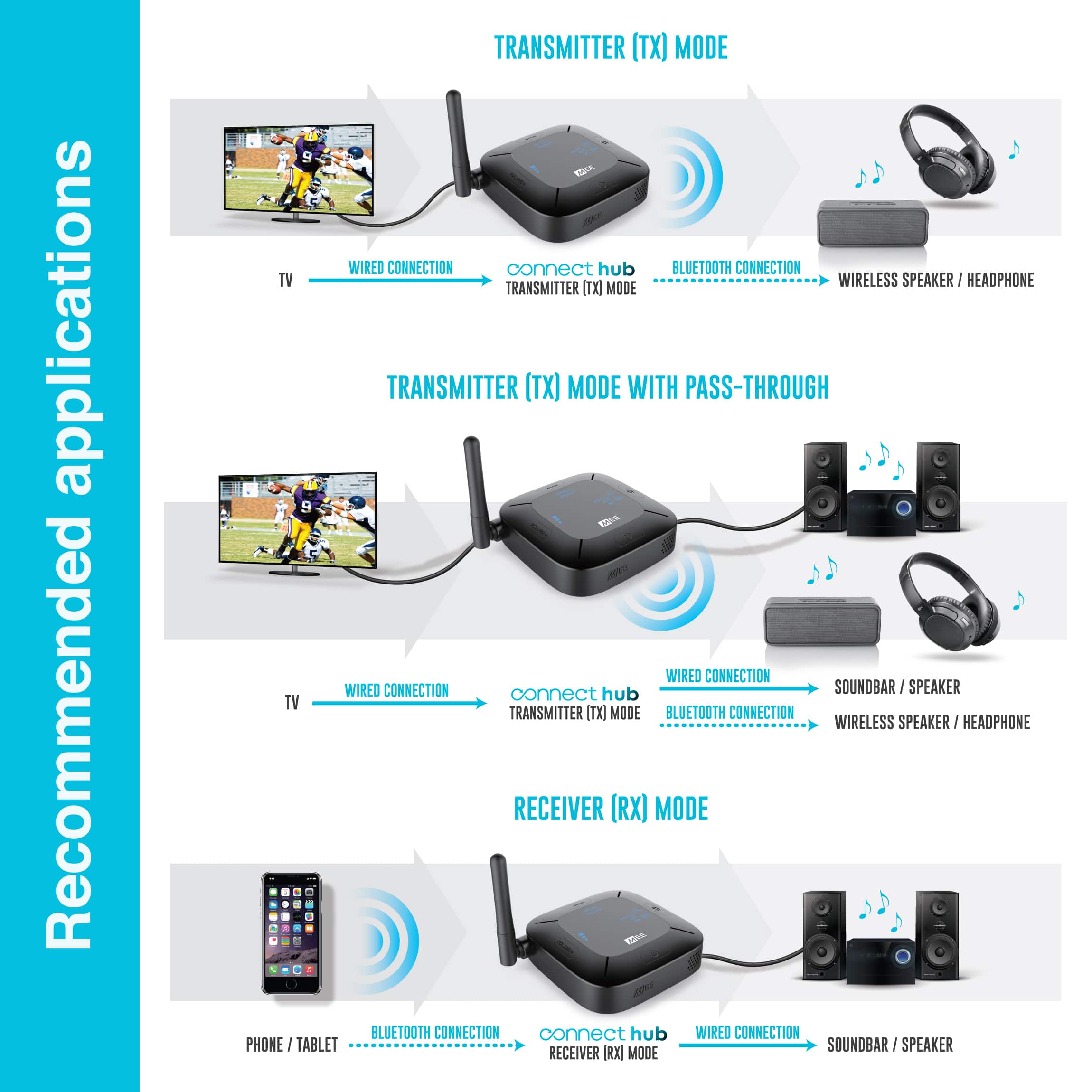
    • Answer The question is a bit incomplete. If you want to set up your sound bar away from the TV with a wireless (Bluetooth, in this instance), you would connect the hub to the output of the TV, which may be optical or audio. Check the back of your TV to see what output options are available. It the sound bar has Bluetooth receive capability, then pair the sound bar with the hub, using instructions supplied for both devices. If the desire is to connect the hub to the sound bar for communicating to another bluetooth capable device (such as headphones) there has to be an audio or optical sound output on the sound bar. If the output is available, then you could connect the hub to it. You would have to check the sound bar specifications to find this information. You could also communicate with the home theatre personnel at the Best Buy store. They are usually knowledgeable.

      Answered by DrJohn

  • QuestionWhat is the range?

    Asked by KCandjc00.

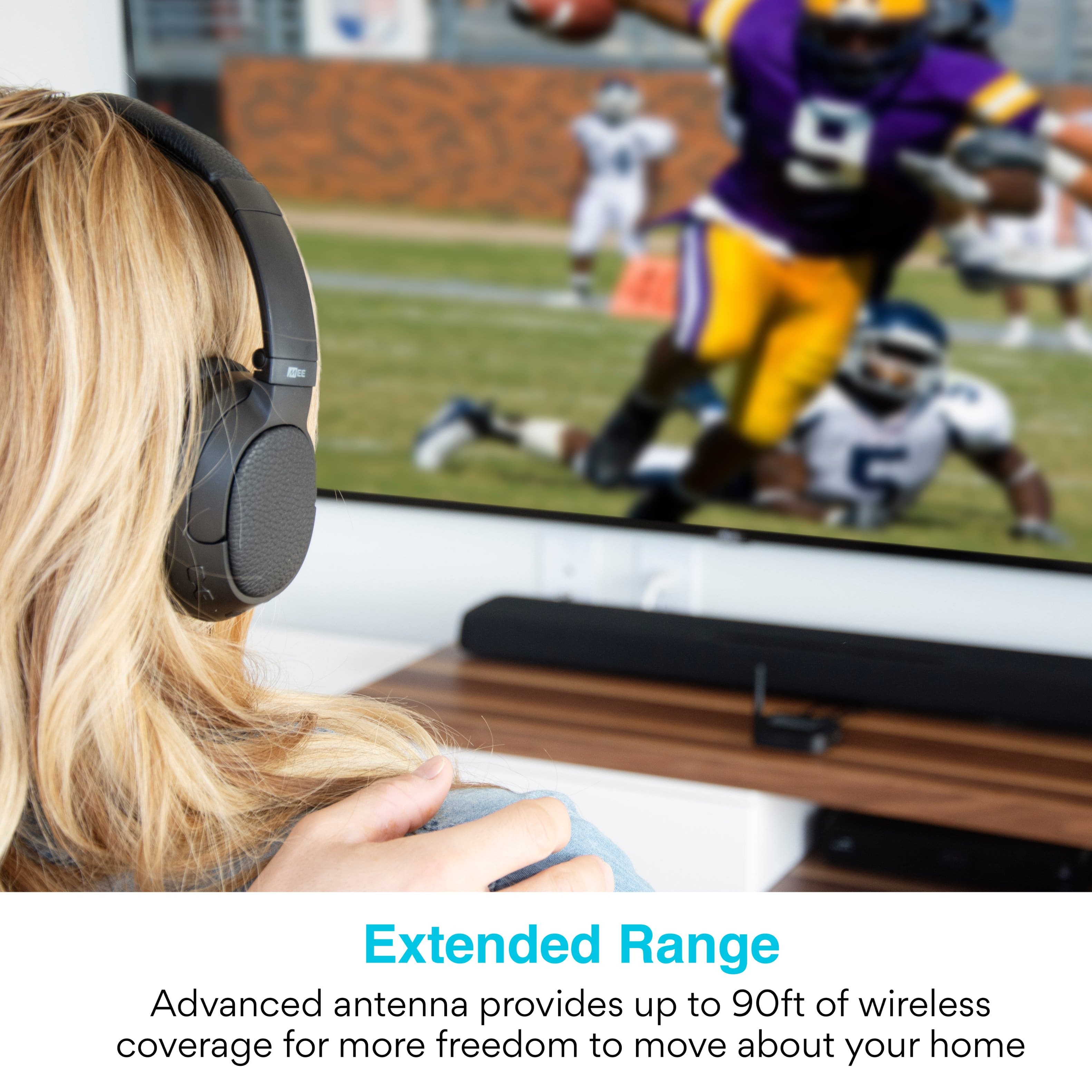
    • Answer The maximum range is approximately 98ft. In the real world the range will vary due to being reduced by objects in the way of the signal, such as furniture and walls, as well as by other wireless devices sharing the same space, but we find that in most household situations you will see between 30 and 60ft of range.

      Answered by MEE audio Support

  • QuestionIs this compatible with RX hearing aids and LG TV? Sonos surround sound?

    Asked by Oscfus.

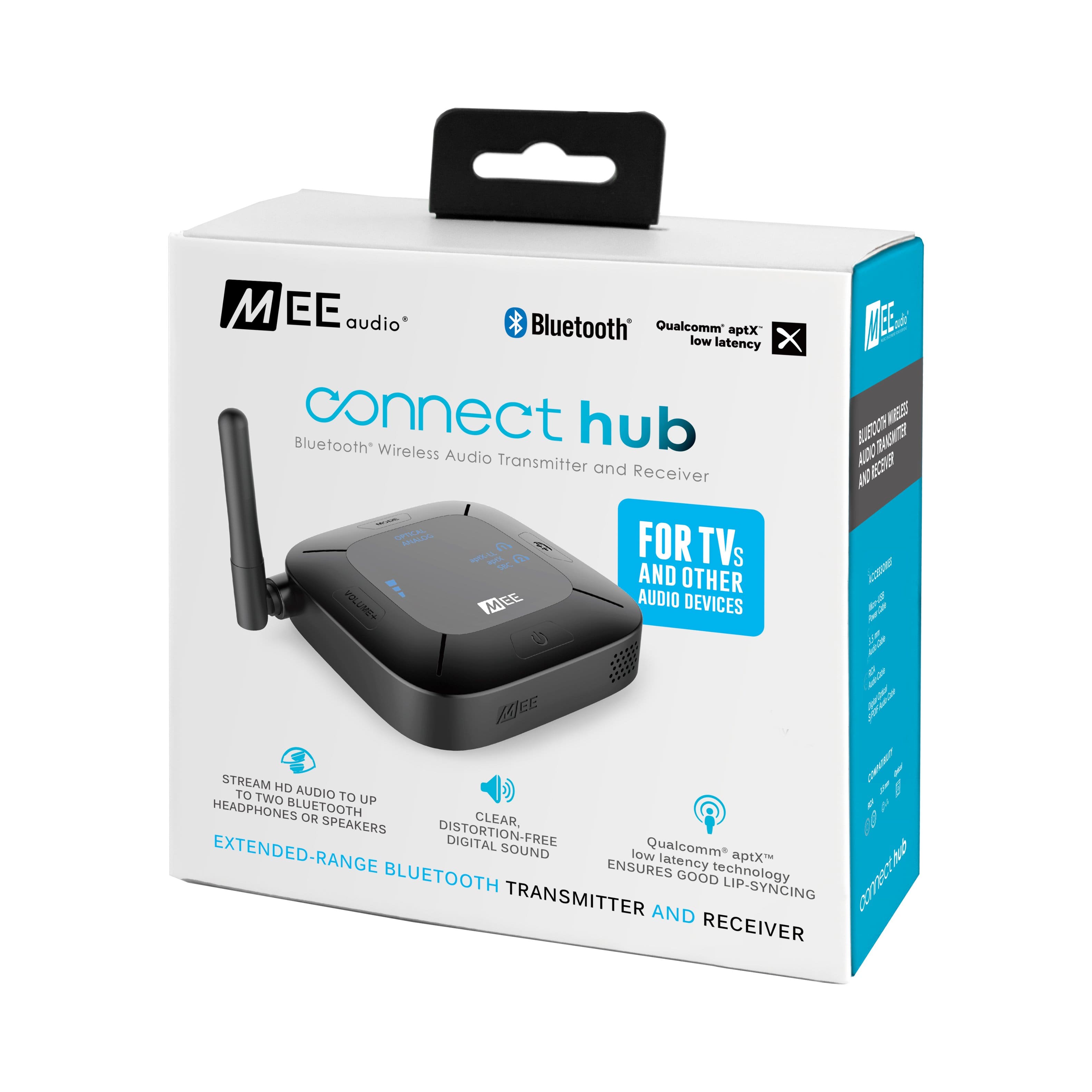
    • Answer This will depend on the specific model of TV and especially the specific model of hearing aids - it will work with any TV that has a standard audio output via digital optical audio out, RCA audio out, or headphone jack. This covers most modern TVs. More importantly, it will work only with hearing aids that support a standard Bluetooth stereo audio connection (known as the A2DP Bluetooth profile), which allows them to be paired with standard Bluetooth audio sources and not just smartphones and tablets. There is a lot of variation between different brands of hearing aids and even different models from the same brand, so we always recommend contacting the manufacturer of your hearing aids to see if they can clarify for you whether the specific model you are using can be manually put in Bluetooth pairing mode and connected with a standard A2DP Bluetooth device that does not have a screen. If the answer is yes, then the manufacturer should also provide instructions for putting your hearing aids into Bluetooth pairing mode. There are some hearing aids that require specialized software, commonly known as "made for iPhone" (MFI) technology. Even though they support Bluetooth, these hearing aids are not compatible with the Connect because they cannot be paired to standard Bluetooth audio devices. Some hearing aids require an additional Bluetooth accessory to pair with a standard Bluetooth audio device. These hearing aids will not work with the Connect without the Bluetooth accessory.
      Answered by MEE audio Support

  • QuestionWill this transmit to my phonak hearing aids, model Audeo M90

    Asked by Anonymous.

    • Answer The Connect Hub works those hearing aids that support a standard Bluetooth stereo audio connection (known as the A2DP Bluetooth profile), which allows them to be paired with standard Bluetooth stereo audio sources. It appears that this particular hearing aid does support A2DP, so you will be able to pair it with this transmitter if you can determine the process for putting your hearing aid into "Bluetooth pairing mode". This process will be in the hearing aid's user manual, and the manufacturer of the hearing aid should also be able to provide the instructions. Once you do that, you will be able to connect it with our device by putting both your hearing aid and our device into Bluetooth pairing mode at the same time.

      Answered by MEE audio Support

  • QuestionHi. Trying to stream from receiver to outside patio my music. Distance approx 30 feet. Would this item work/help in this situation? Ty

    Asked by RTR18.

    • Answer Depends on whether there will be a wall between this device and your Bluetooth speaker. 30 feet is well within the operating range of this device under ideal conditions, but solid objects like walls tend to significantly decrease the range of Bluetooth signals. So if the distance is 30 feet AND there is a wall or other solid objects in the way, using a wi-fi streaming setup over Bluetooth is probably a more reliable solution.

      Answered by MEE audio Support

  • QuestionCan I connect this between my LG Model55LK520 TV, which only has a digital optical audio out connection, to a Artiste APH100 wireless TV headphones? The Artiste headphones can only connect with either a 3.5mm cable or a RCA audio in cable.

    Asked by DJ2329.

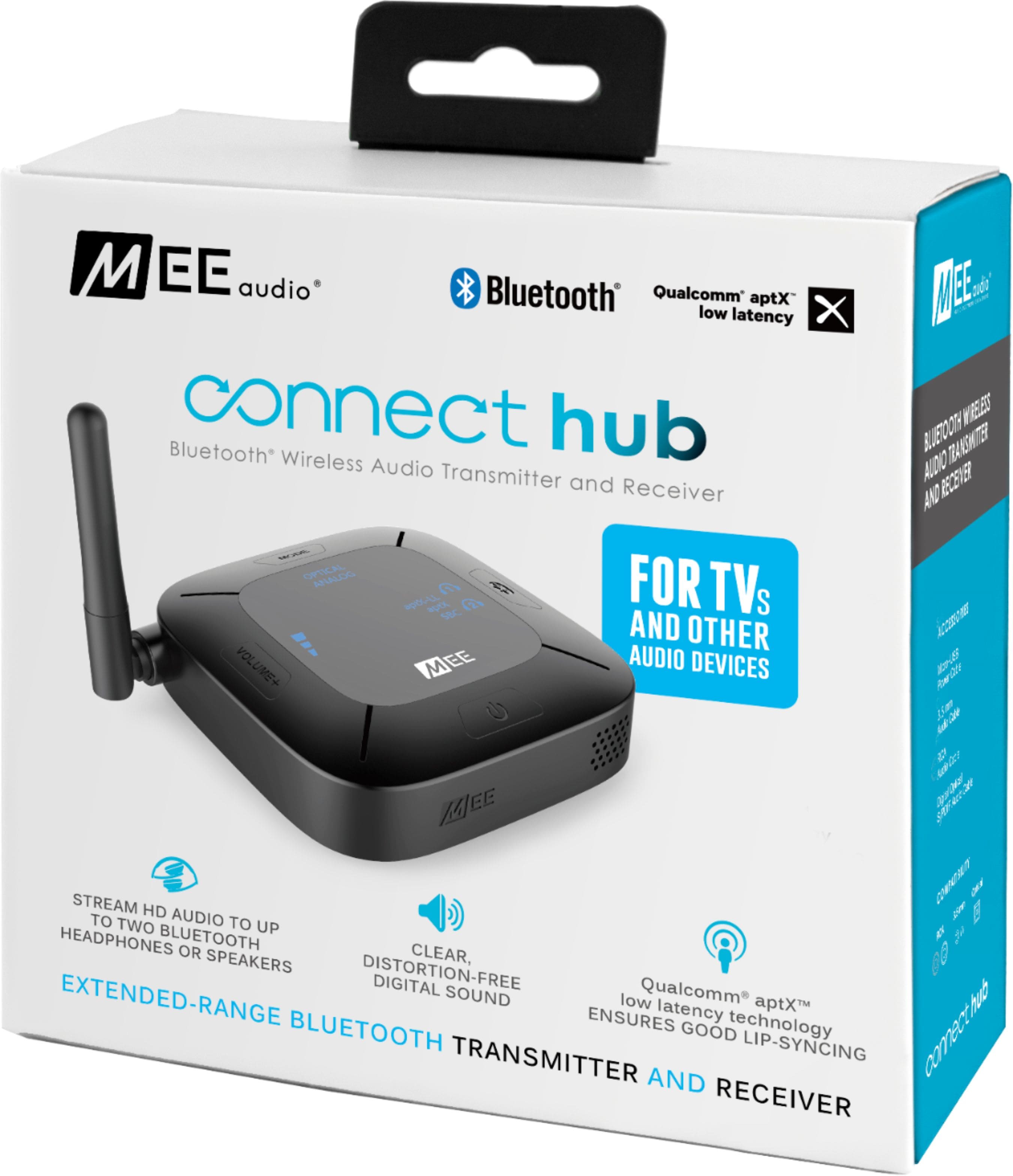
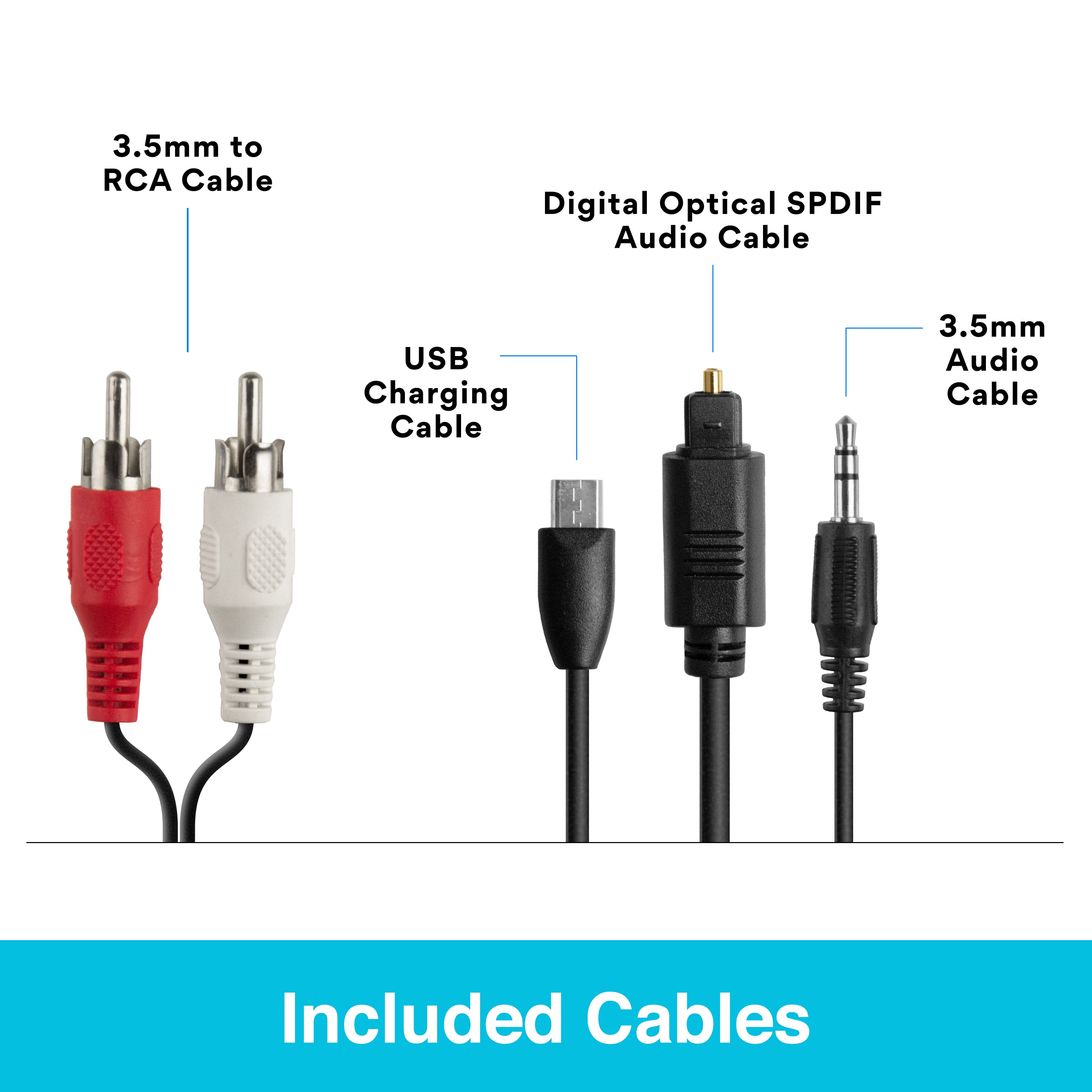
    • Answer Yes. The Audio Transmitter comes with an analog and a digital optical cord.

      Answered by Frank

  • QuestionTV has Bluetooth it is hardwired to my AV receiver. I have Bluetooth monitors that will be used outdoors, I want to stream music from the Amazon app on my tv through my hardwired and Bluetooth speakers at the same time, will this allow me to do it.

    Asked by Hardwired.

    • Answer Yes, you can use this device to bypass your TV's built-in Bluetooth so that your external audio does not mute when you connect your Bluetooth speakers.

      Answered by MEE audio Support

  • QuestionI'm looking for a solution to send the phones output from my electric guitar multi-effect device to my Sony bluetooth headphones. Because I'm playing guitar I need instant response. The latency needs to be close to 0ms for it to work. What's the latency?

    Asked by Edge.

    • Answer I use it to listen to my records through my earbuds, from my receiver speakers to the earbuds there is a delay

      Answered by Anonymous

  • QuestionHi Does this actually transmit LDAC signal?

    Asked by GADGETMAN.

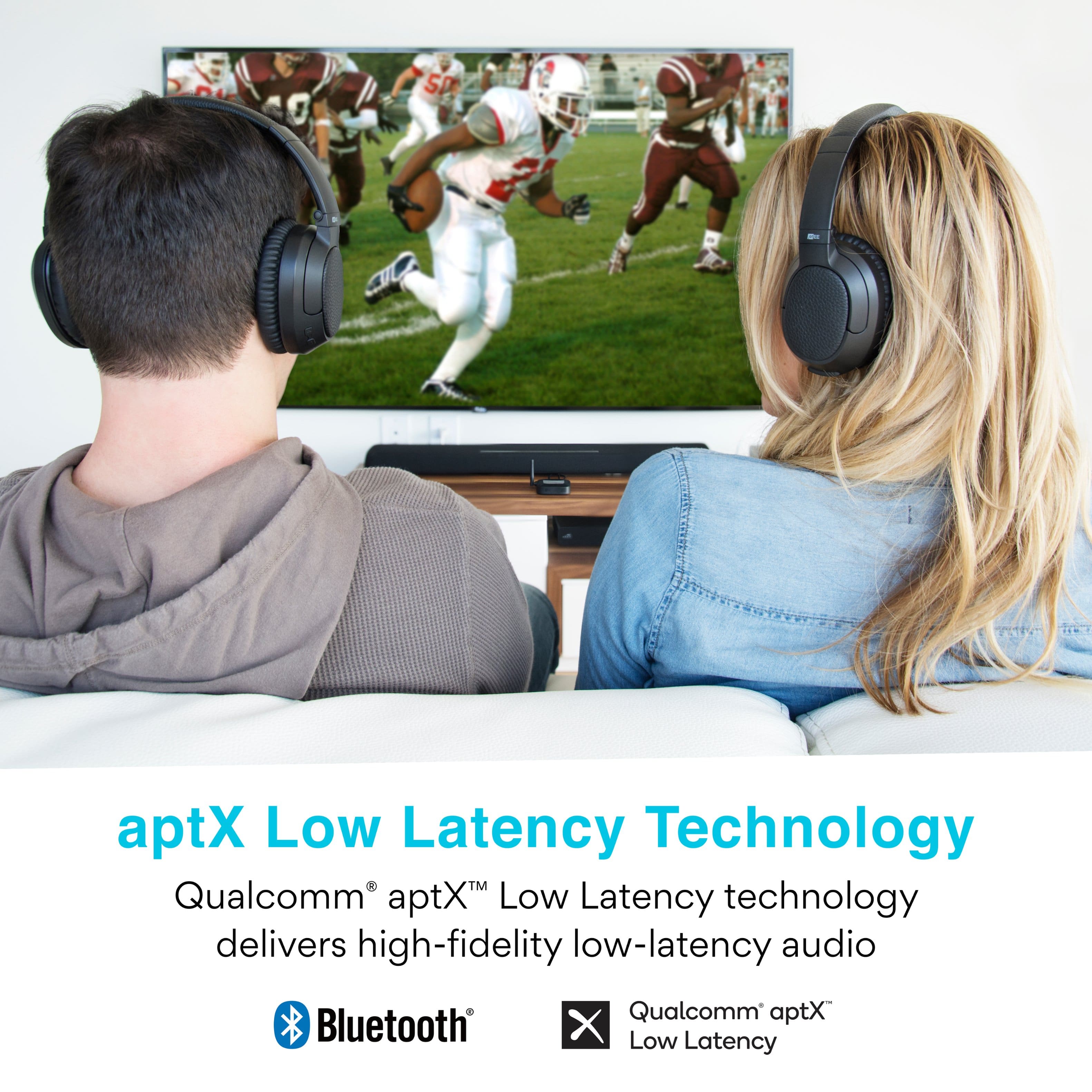
    • Answer This device supports regular Bluetooth, aptX, and aptX Low Latency codecs. It does not transmit in LDAC.

      Answered by MEE audio Support

  • QuestionWill this work to use my Bose mini 2 speaker for the tv?

    Asked by Dsfour10.

    • Answer Yes, SoundLink Mini 2 as well as other Bluetooth speakers are compatible. You just need to know how to put the speaker into Bluetooth pairing mode.

      Answered by MEE audio Support

  • Questionwill these connect with sennheiser pxc 550 headphones

    Asked by walkjk.

    • Answer Yes, the PXC550 and other Bluetooth headphones are compatible with this transmitter.

      Answered by MEE audio Support

  • QuestionI have a Samsung UN46C6500VF, bought MEE to set up with Sony WH-XB900N headphones to watch tv . How do I set this up??

    Asked by Anonymous.

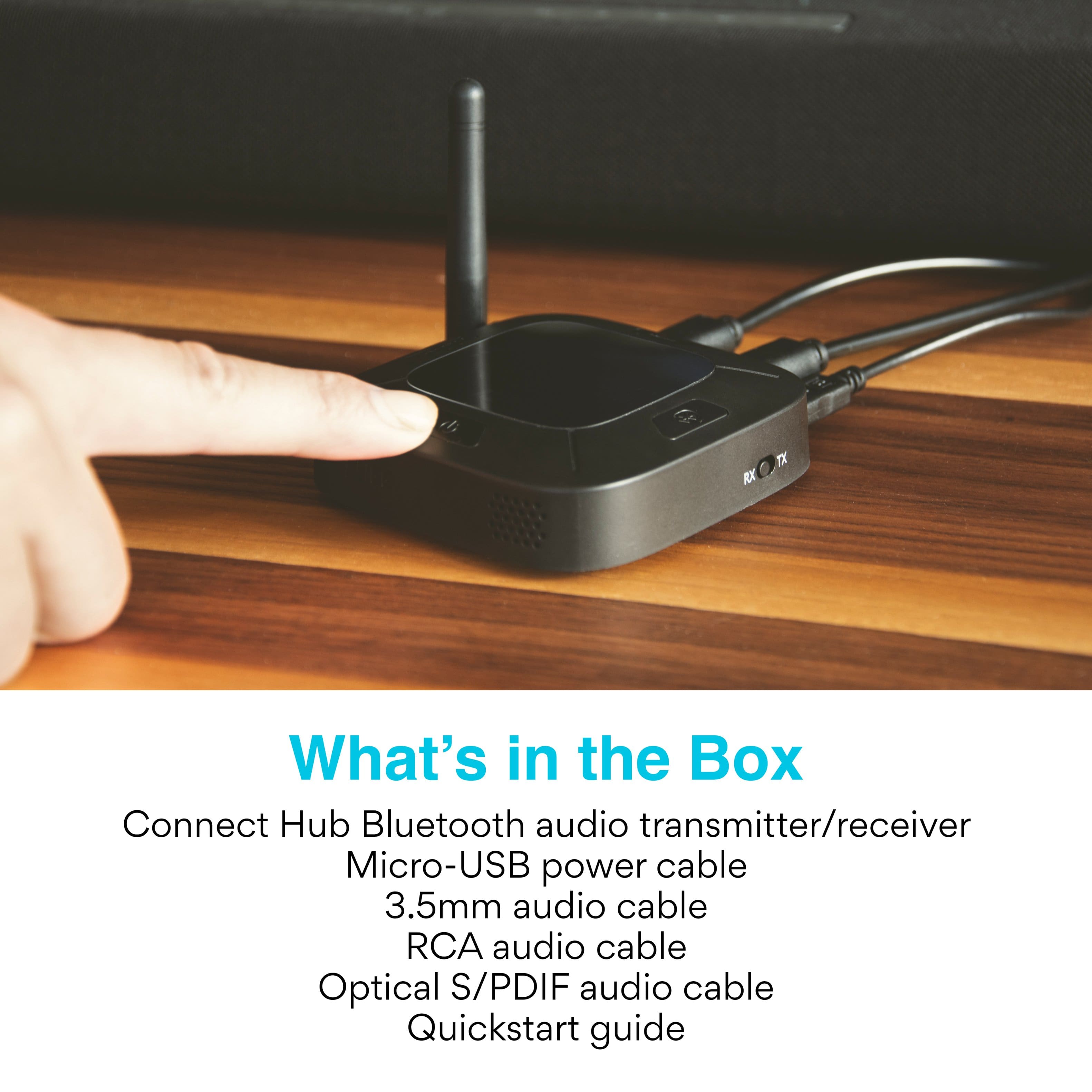
    • Answer The process would be 1) Plug the provided USB cable into both your TV and the "POWER" port on the back of this device. 2) Plug the provided optical cable into both your TV's digital audio out port and the "INPUT - OPTICAL" port on the back of this device. 3) Put your Sony headphones into pairing mode by holding the power button for ~7 seconds until it says “Bluetooth pairing”. 4) Make sure the switch on the side of the transmitter is set to "TX" and power it on. 5) Press and hold the Bluetooth button on the transmitter until the headphone light blinks red and blue. Wait for the headphones to connect. 6) Power on the TV and start watching. If you do not hear any audio, use your TV remote to open the TV menu and navigate to SOUND -> SPDIF Output -> Audio Format and change the audio format setting to "PCM". That's it in a nutshell! If you have any additional questions, please contact our support line at 626 965 1008 Monday-Friday 9:00AM ~ 5:00PM PST.

      Answered by MEE audio Support