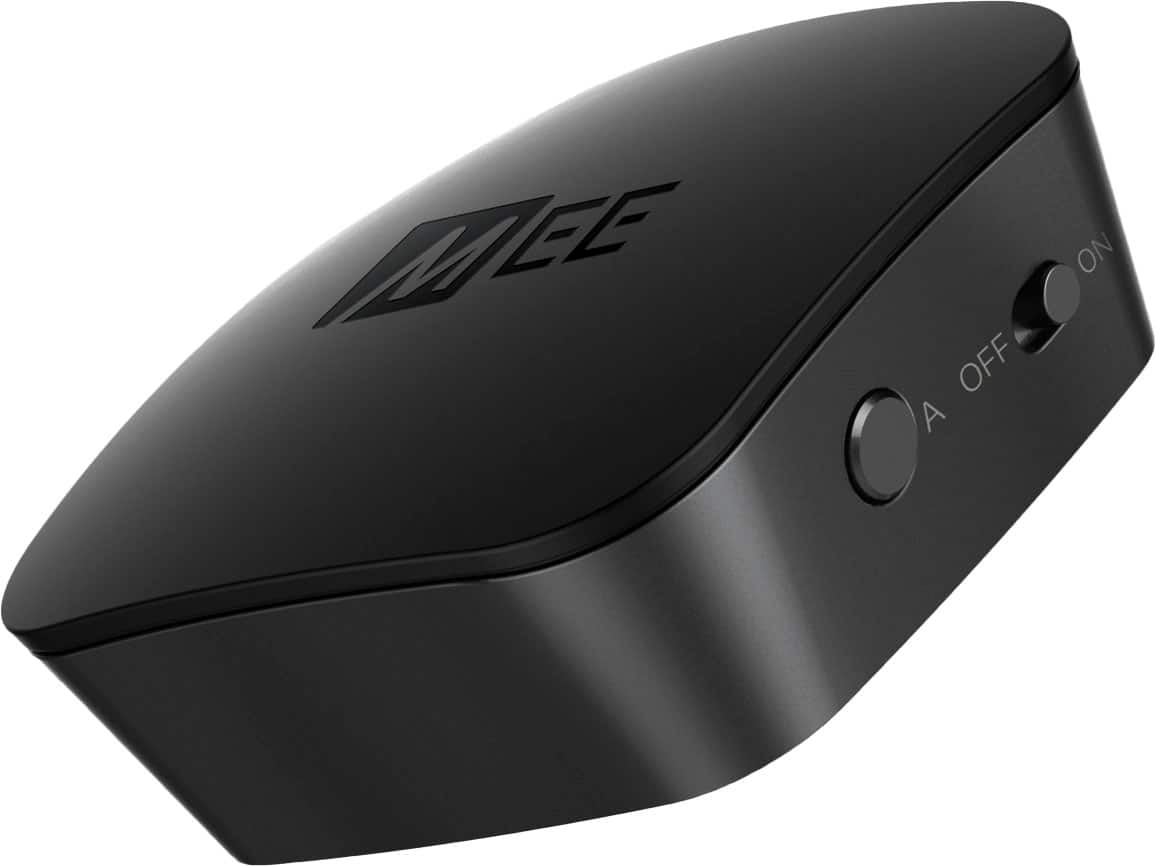
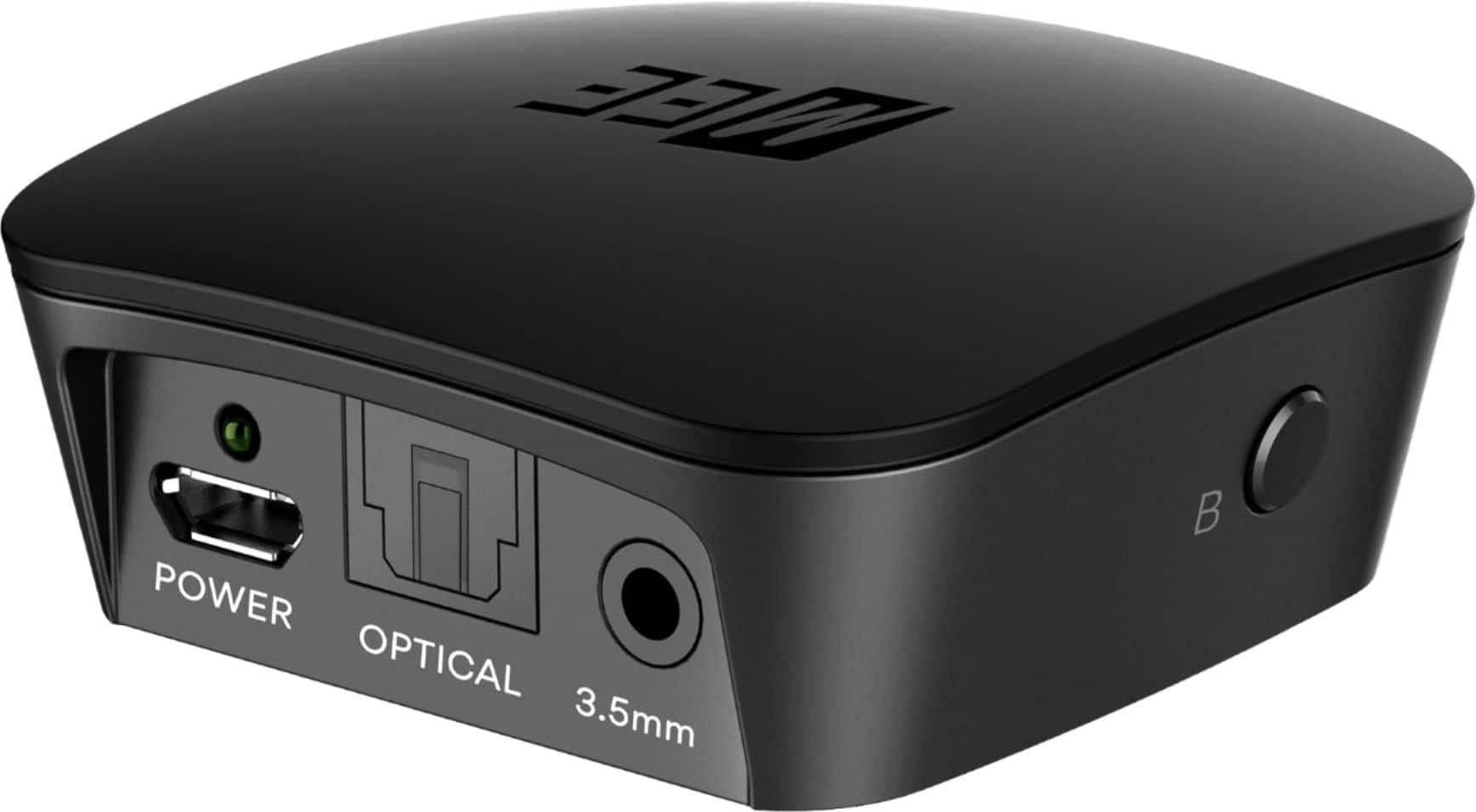
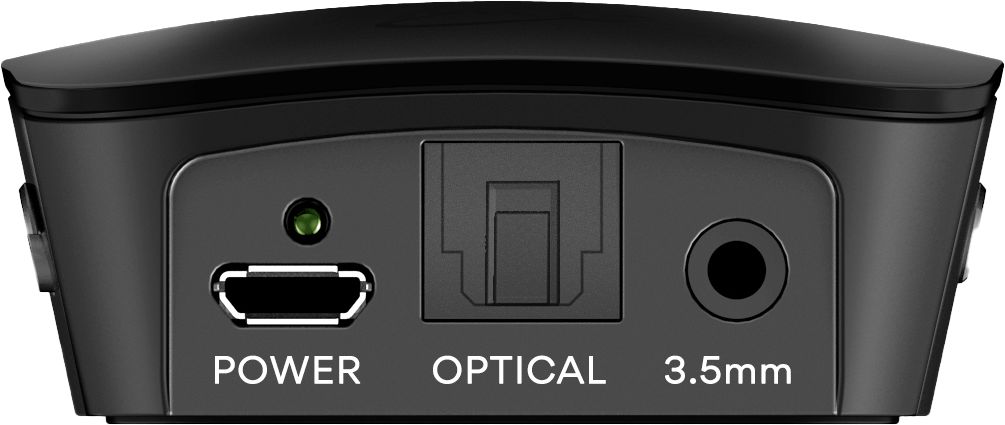
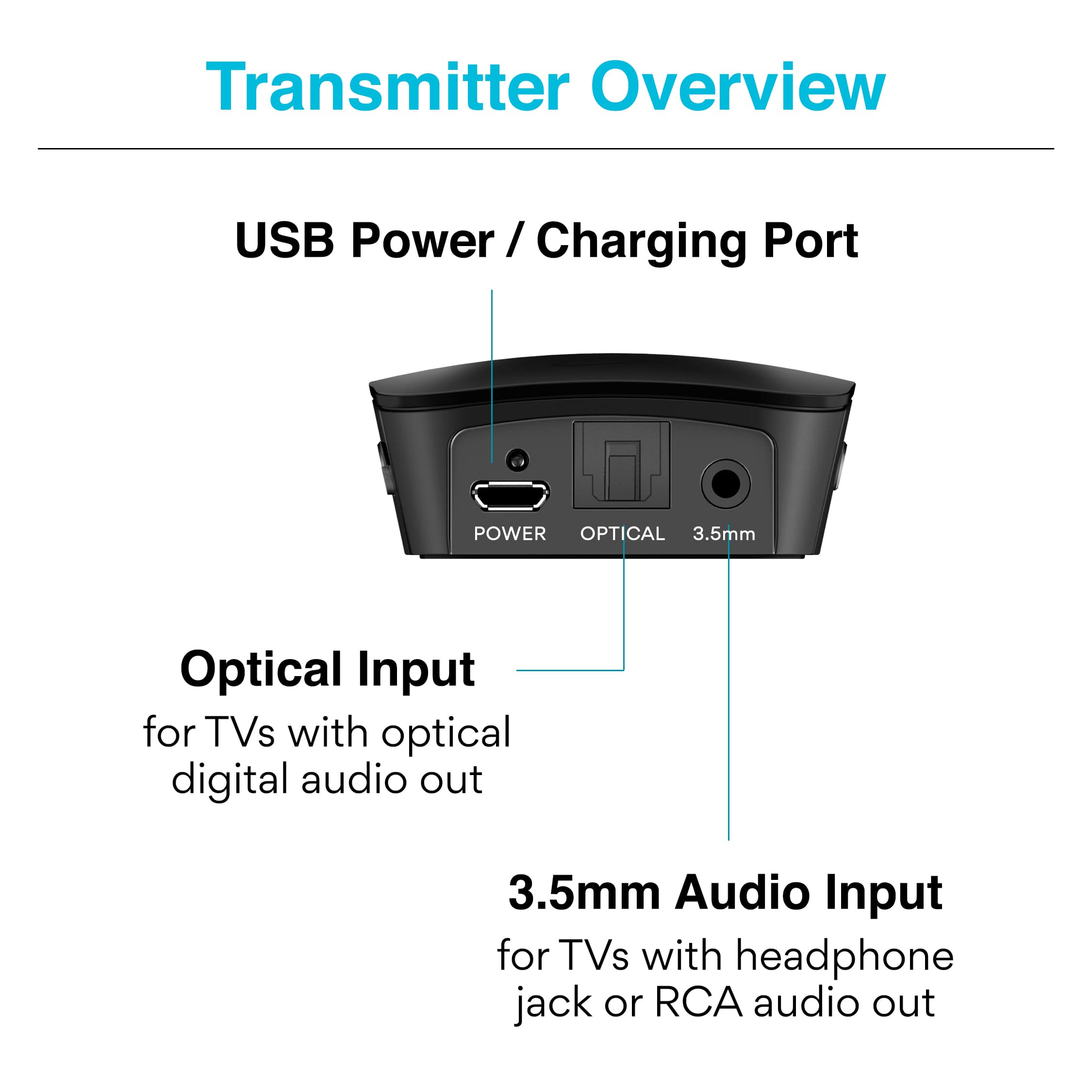
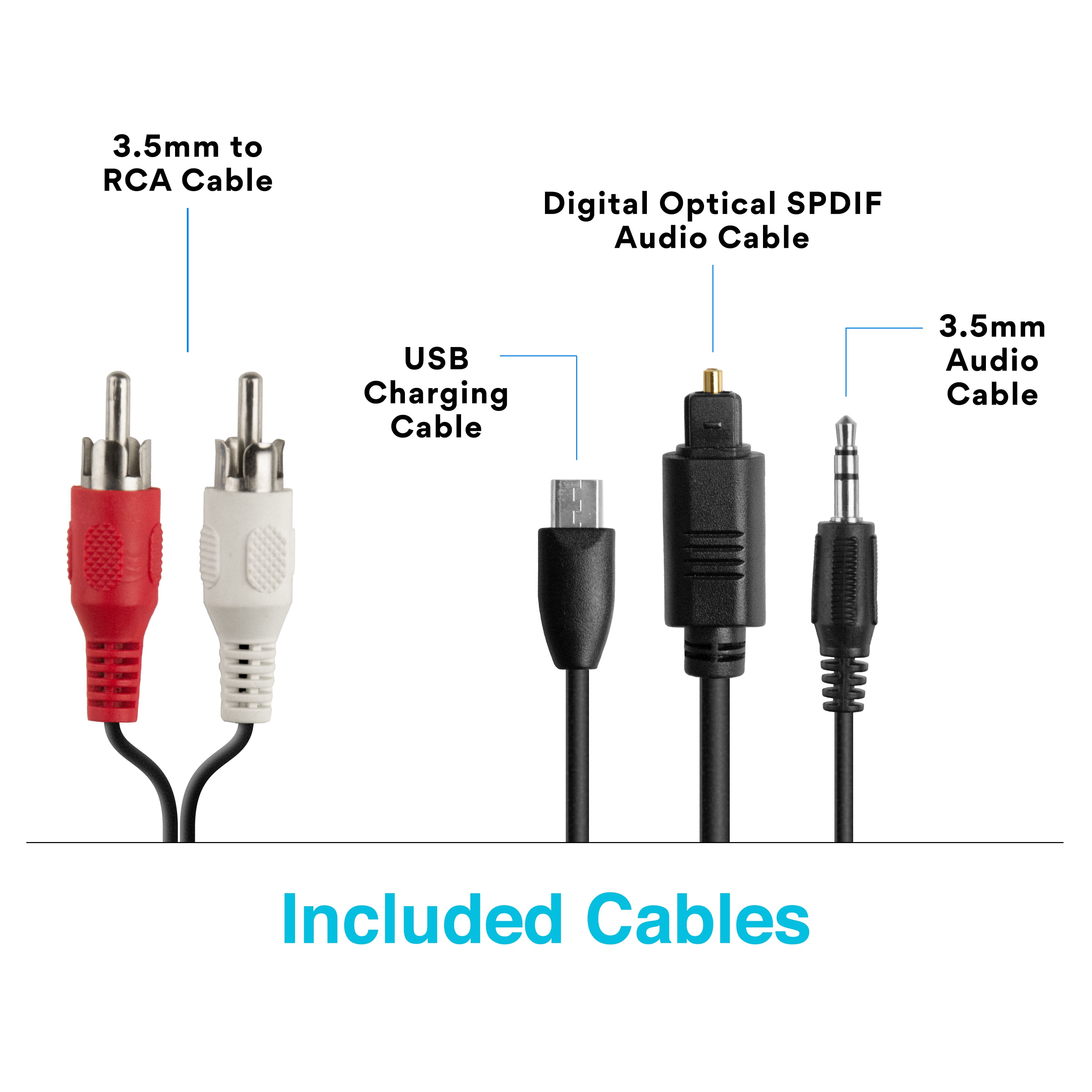
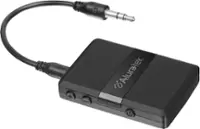
A:AnswerIt can - with receivers your best audio output is typically the headphone jack on the front. If you receiver only has a 1/4" jack, you would need a standard 1/4" male to 1/8" female adapter to plug in the included cable - these can be found in most electronics stores for a few dollars.
A:AnswerTwo wires must be attached to this unit in order for it to work, a UBS cord for power and a audio cord. Both cords find their home in the back of the TV.
A:AnswerI use it with a Roku TV and it's super easy to set up. You just plug the device in and HDMI port and the headphones or ear buds in the device and it's done.
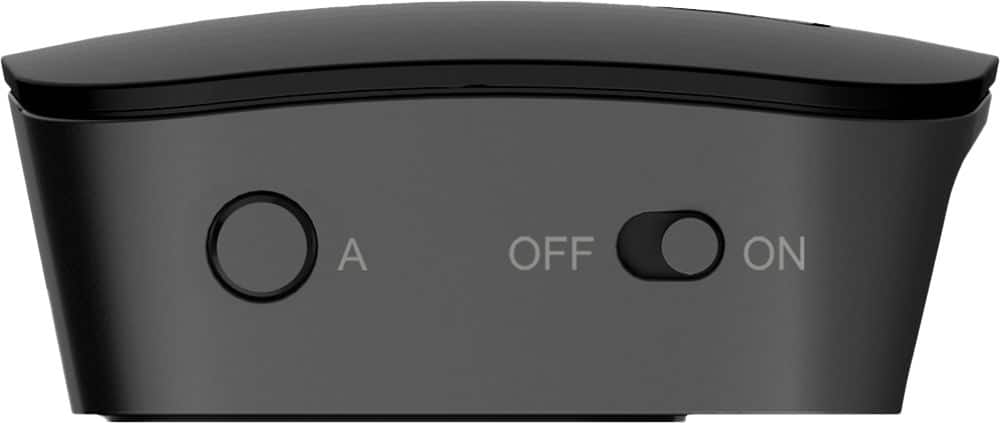
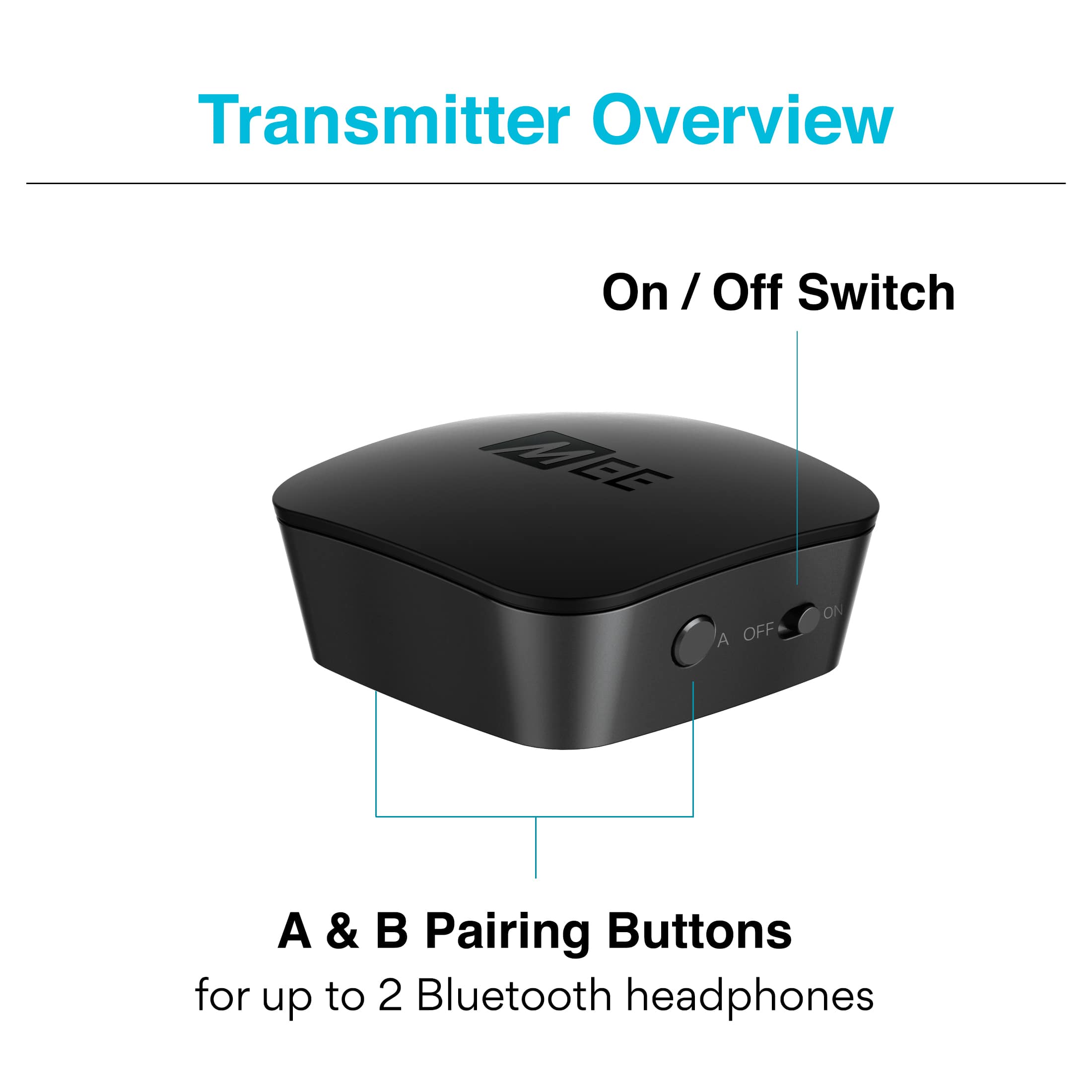
A:AnswerAll you have to do is hold the button on top down until it's flashing off/on. Then on the device you want to pair, do the same. That's really it. I have connected 3 devices already and have used the same instructions. But all you need to do is go online and the instructions are there. But if that's not working for you, here's some additional resources:
1) https://www.youtube.com/watch?v=fpAjm0ZVCPw&feature=emb_logo
2) https://www.meeaudio.com/content/usermanuals/QuickStartGuide_Connect.pdf
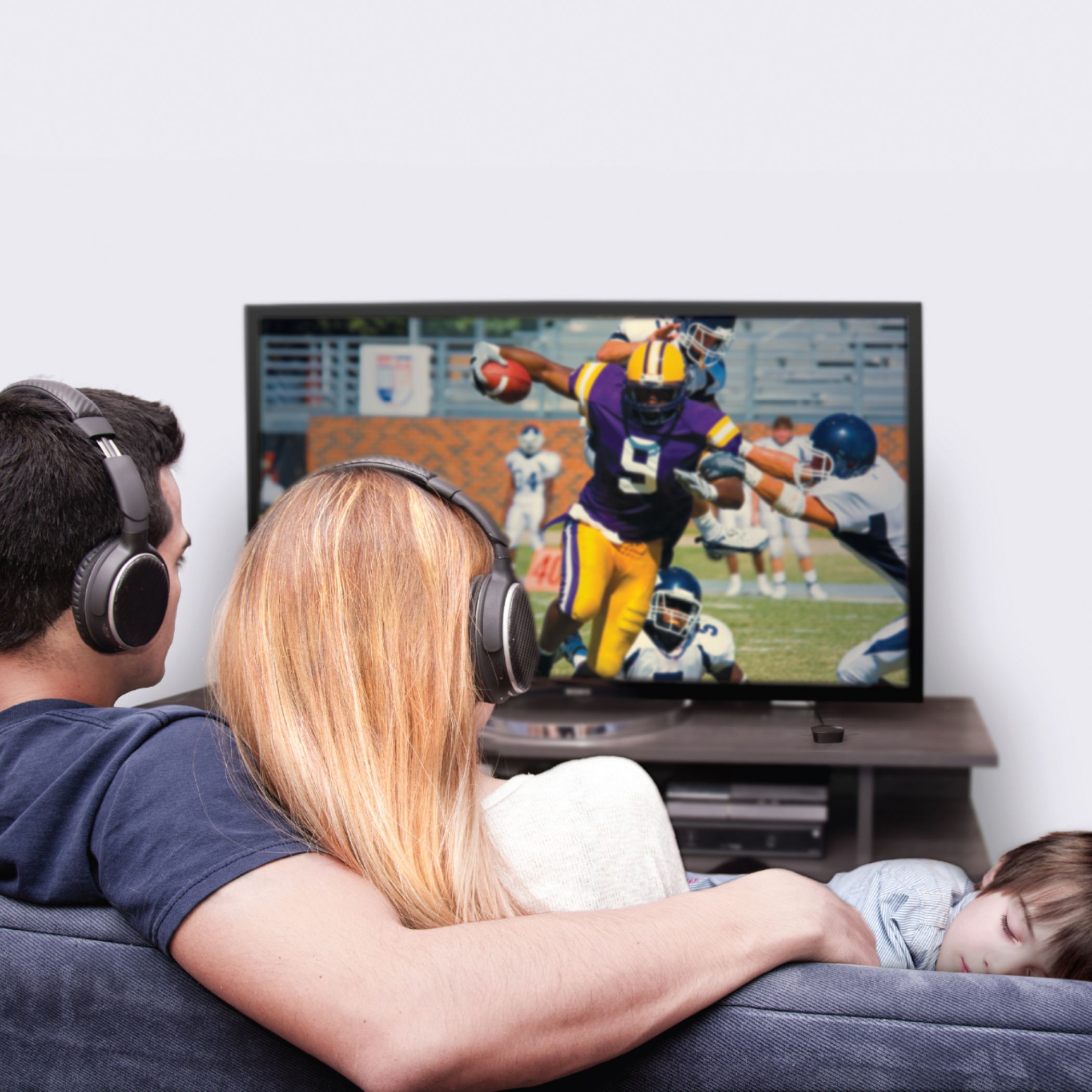
A:AnswerI have RayCon EarPods that I use with my iPhone to listen via Bluetooth to music & Audible. So with this item hooked up to our tv I listen via Bluetooth on my EarPods which are very comfortable & volume is adjustable right on the Esrpods.. My husband listens to the tv through the tv speaker.
I had headphones with a different tv adapter, but the headphones were uncomfortable & got caught in my hair.