A:Answer How do I reset my Facebook Portal?
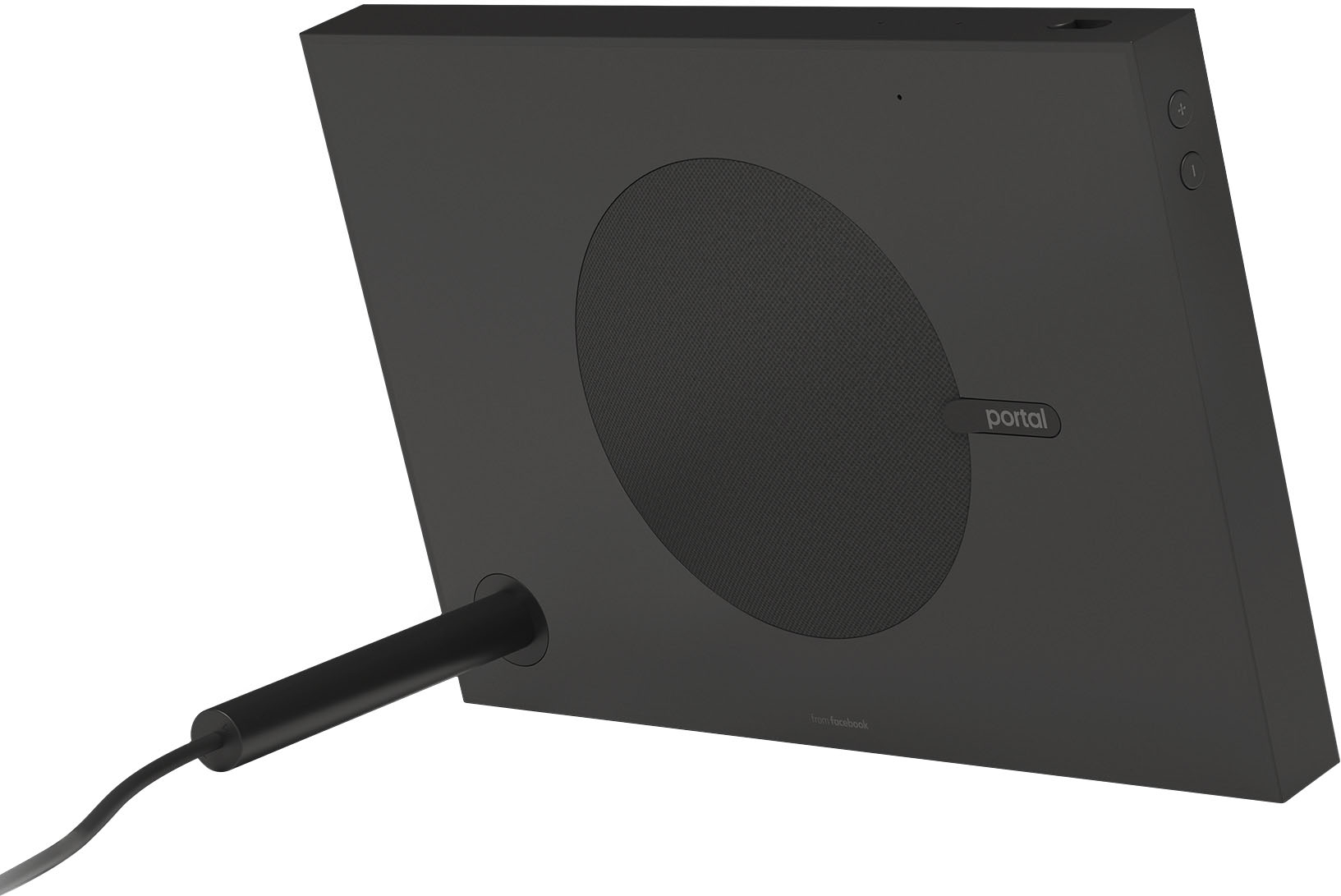
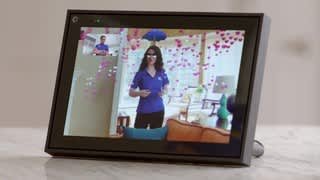
Unplug your Portal. Press and hold both the Volume Down and Volume Up buttons and plug your Portal back in at the same time. Keep holding for 10 seconds. You will get an on-screen notification that your Portal will factory reset in 10 seconds.
To reset the Portal password, use the 'Forgot your Password' link located in the log-in box of the Portal Home page. Enter the email account registered in the Portal, and the verification code. Click on . Provide the answer to the secret question provided during the creation of the Portal account and click on .
For customer service, call us toll-free at 1-800-397-3342
HOPE THIS INFORMATION HELPS YOU OUT