A:Answer Yes for the moment he would have to use your account but they announced they're working on removing the login requirement soon, if they haven't already.
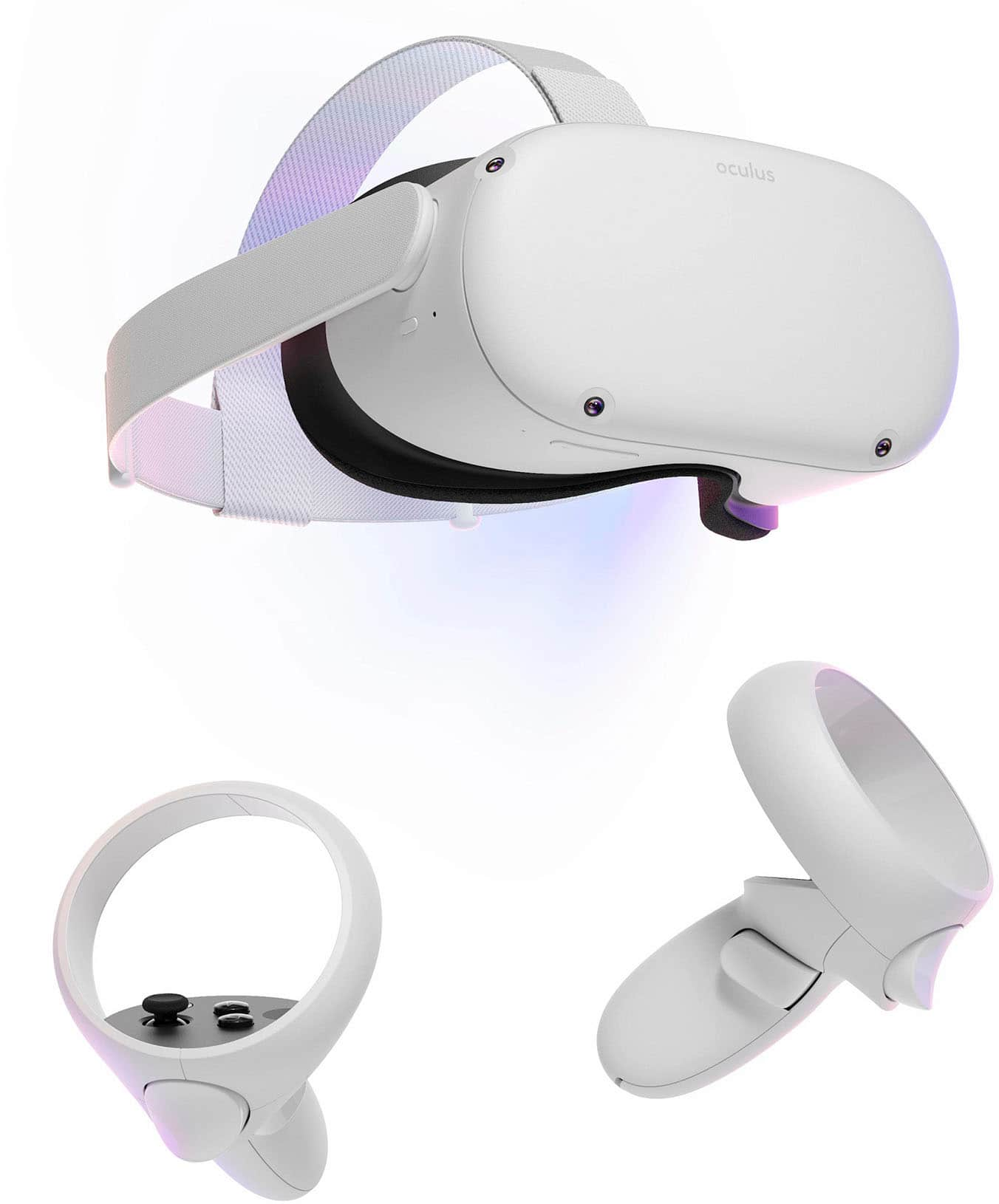
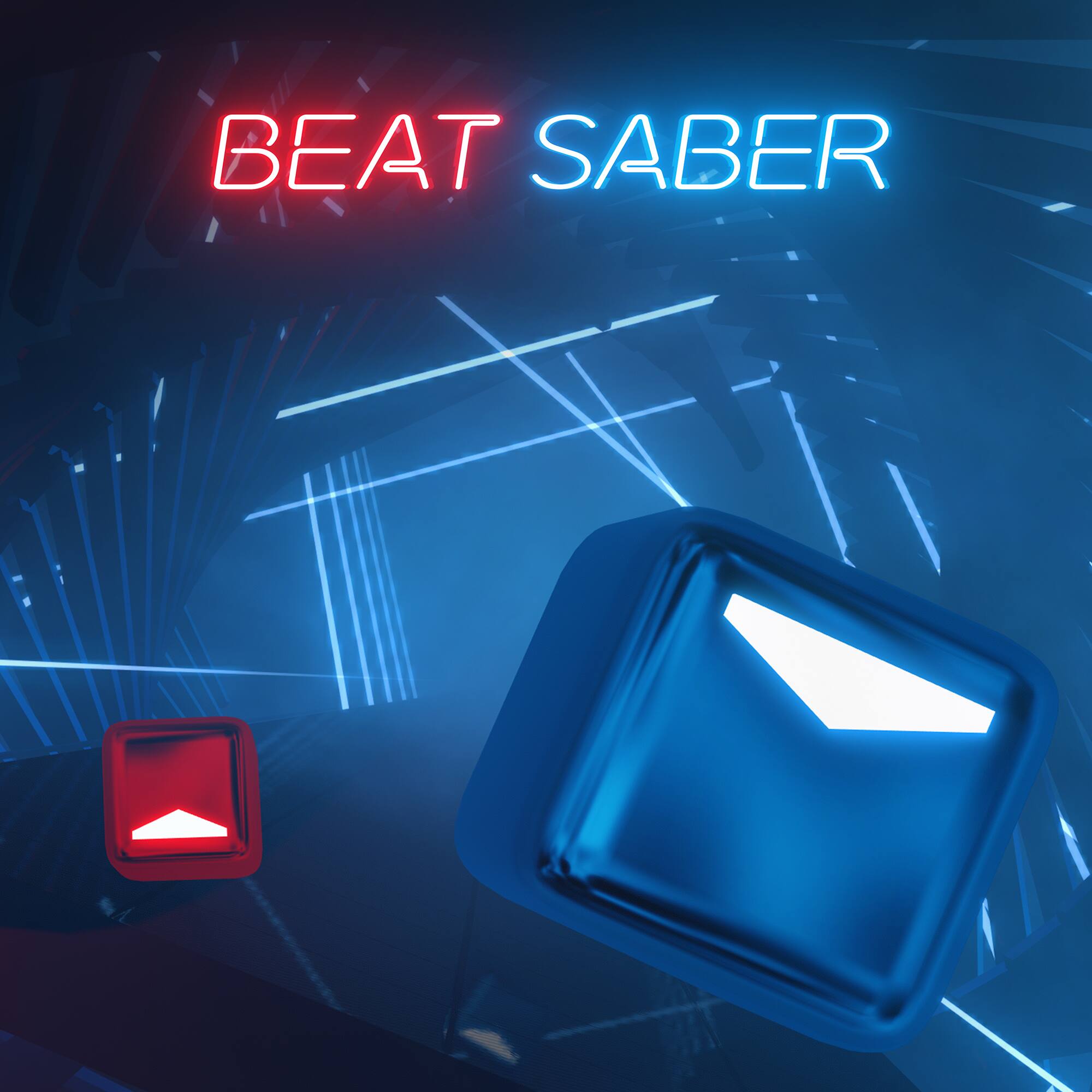
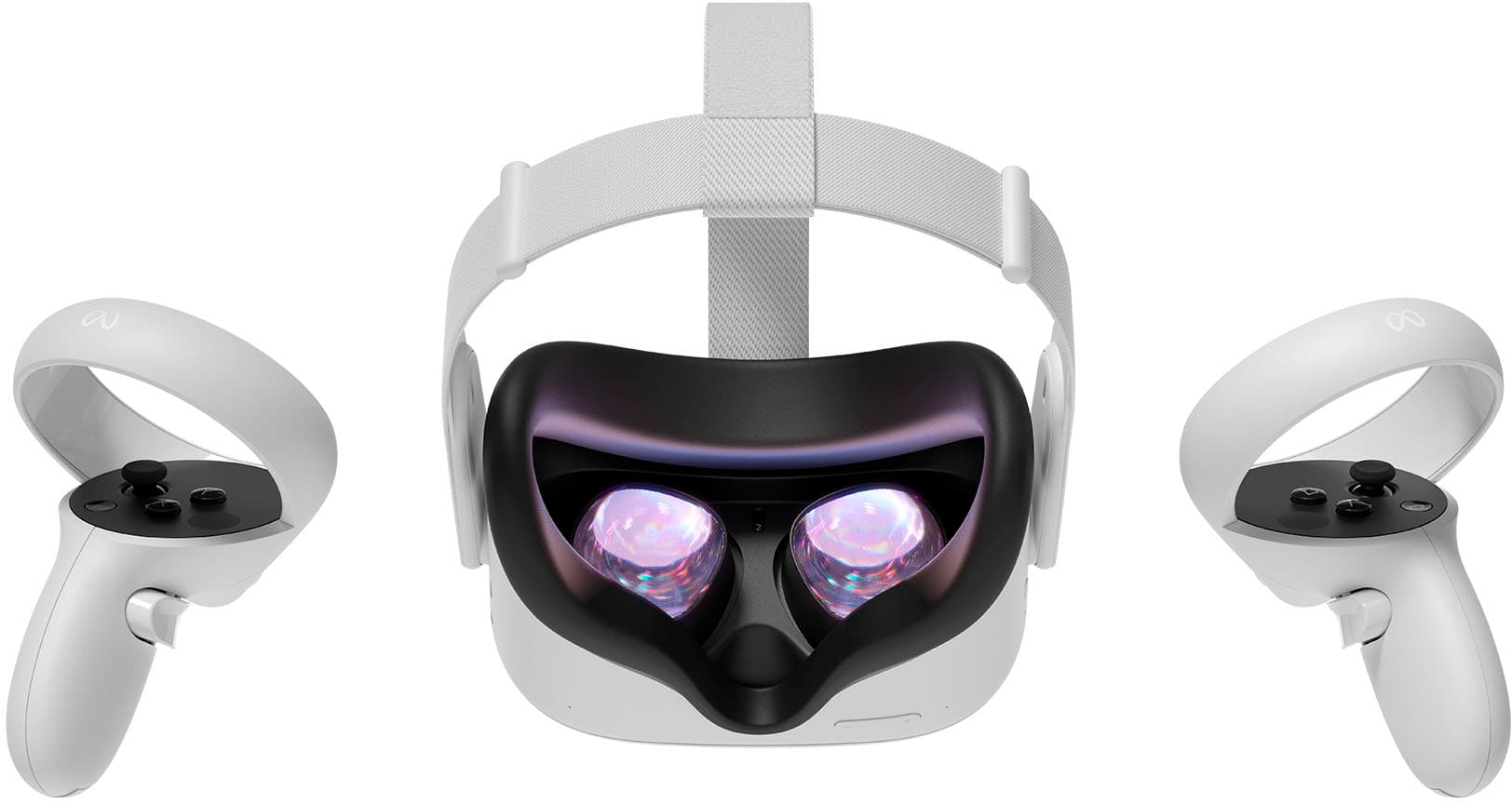
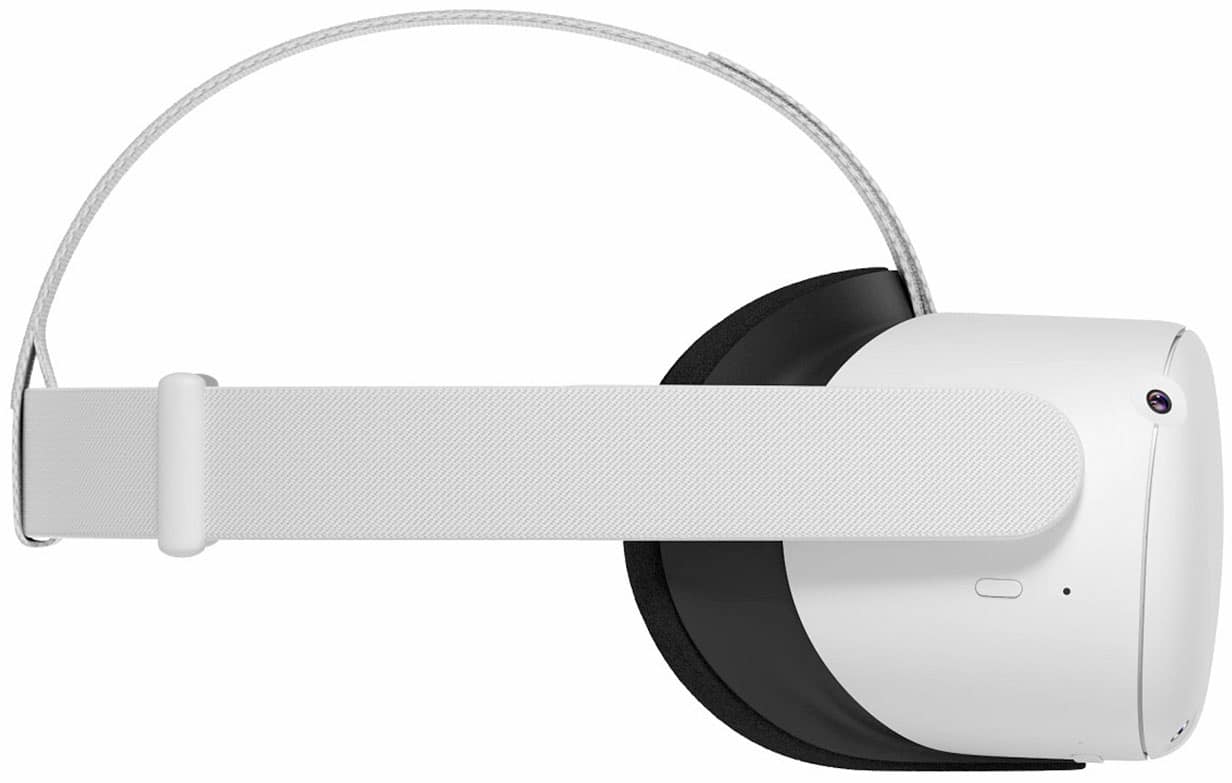
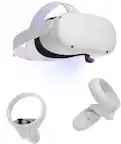
As for gaming systems, the Quest 2 has a built-in Android computer so you can download and play games on it from its built-in digital store without any additional systems. The Quest 2 is significantly more powerful than the Quest 1 so it has a wide array of games available to it. It is not compatible with the Playstation, Xbox, or Switch for VR (Playstation has its own VR headset and the Switch lets you put a cardboard box around it to make into a limited VR headset, albeit a very weak and low resolution one)
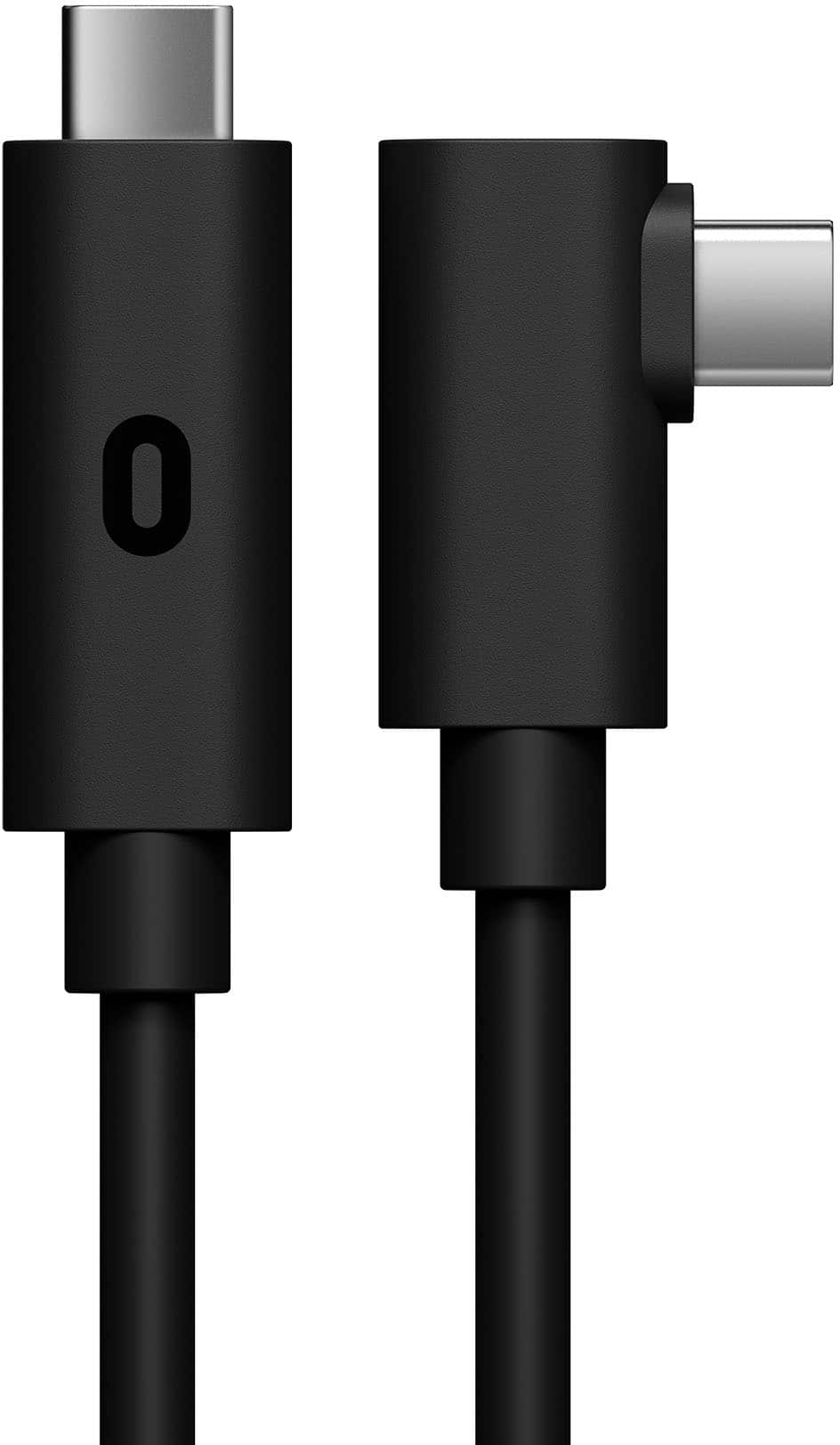
However if you have a gaming computer you can also buy a Oculus Link cable and run the Oculus app and it will treat the Oculus as if it were a PC VR headset, and they just added the ability to Air Link your Quest 2 via your wi-fi so if you have a good wi-fi router you can even play PC VR games wirelessly as well as it transmits the video to your headset and the control inputs from the headset back to your computer.
Keep in mind the games have to be VR compatible. There is a virtual desktop within the Oculus home app if you link it to your PC but it's like looking at a virtual computer screen while you control it with your mouse+keyboard or wireless game controller so it's not a true VR experience.