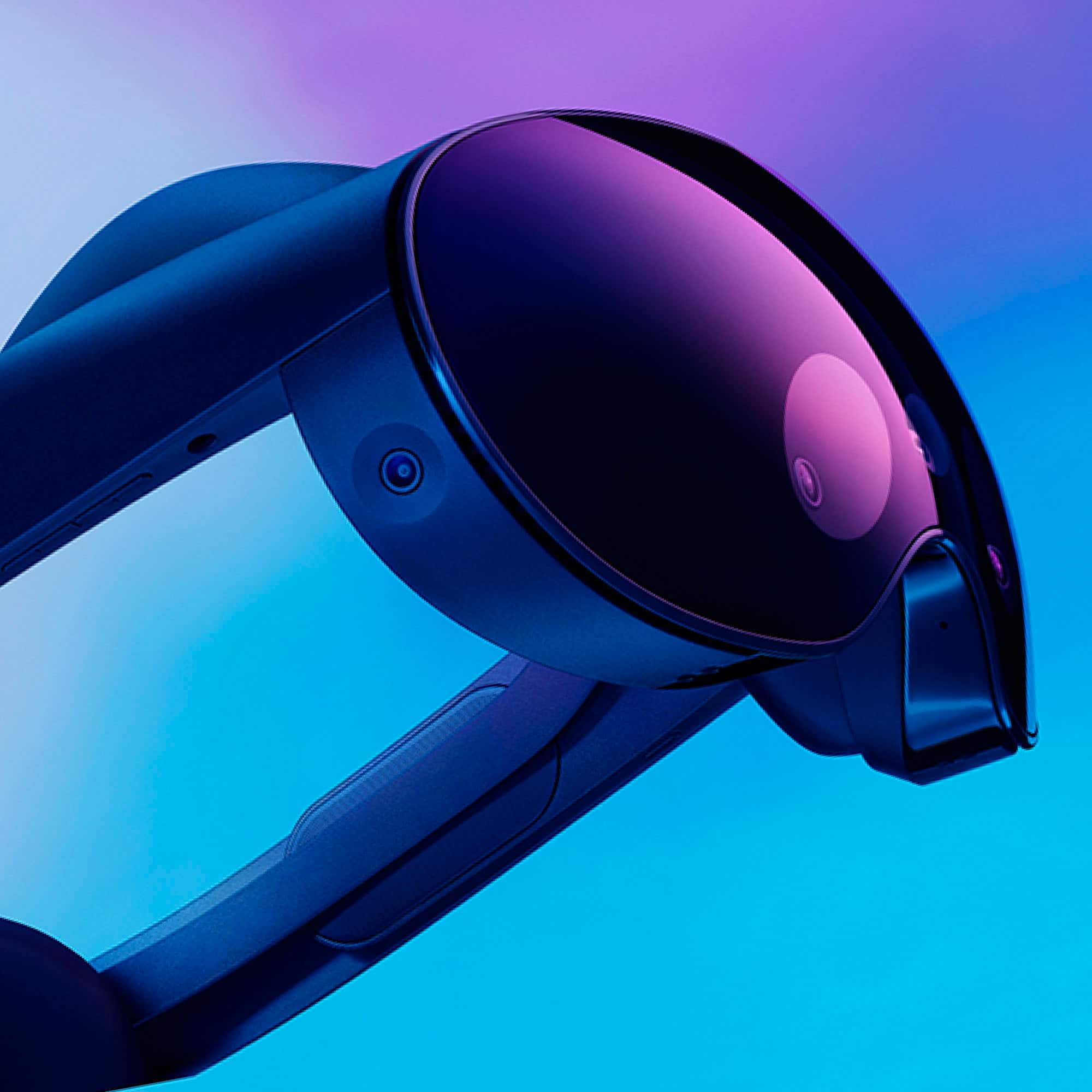
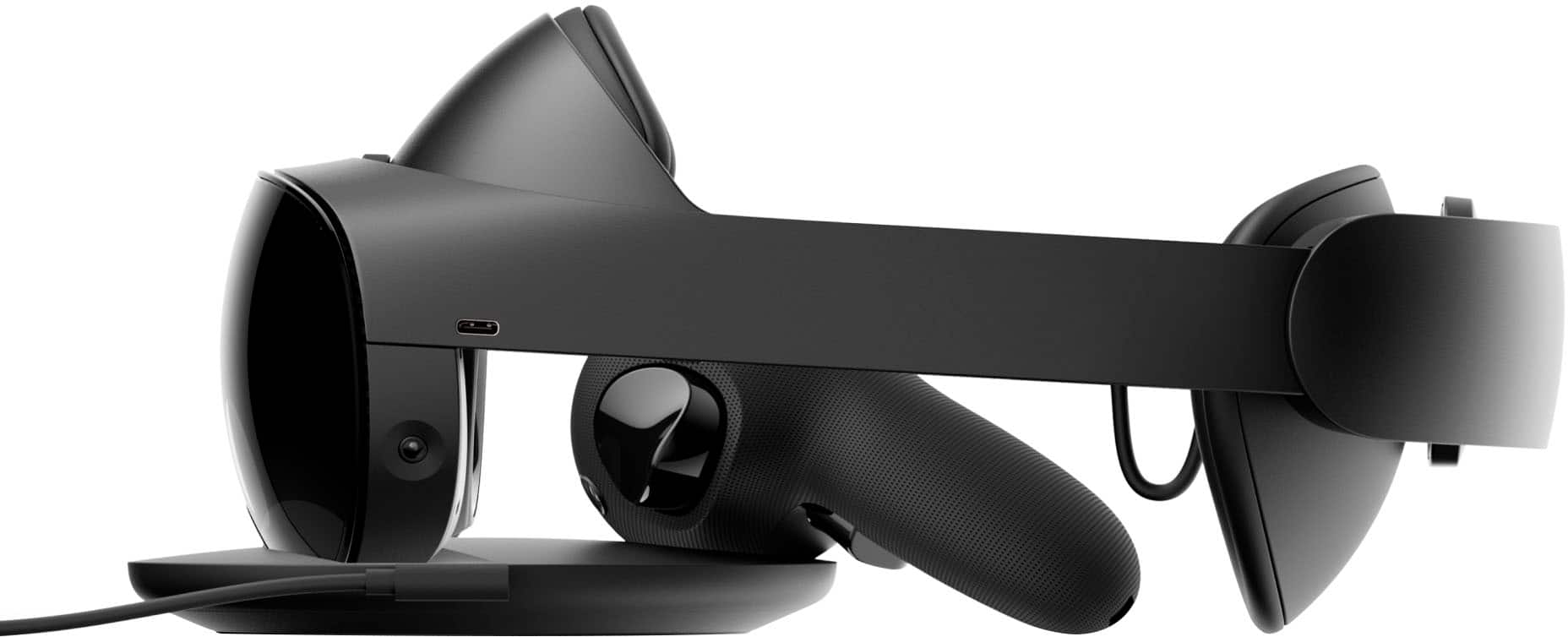
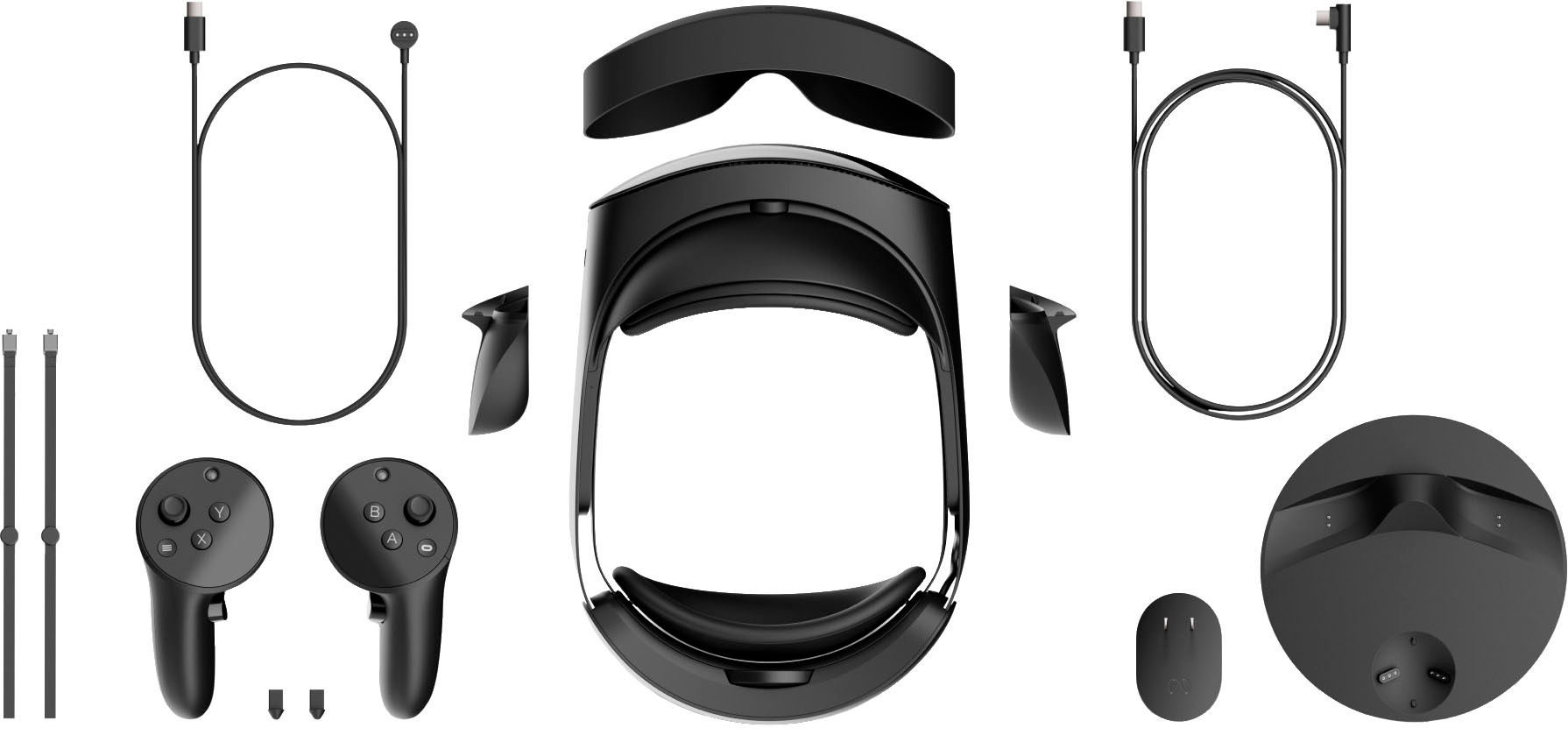
A:AnswerYes. However they are only side light blockers. Below and certain parts of the top still bleed light. If you want to go fully immersive for VR gaming you will want to buy a third party blocker.
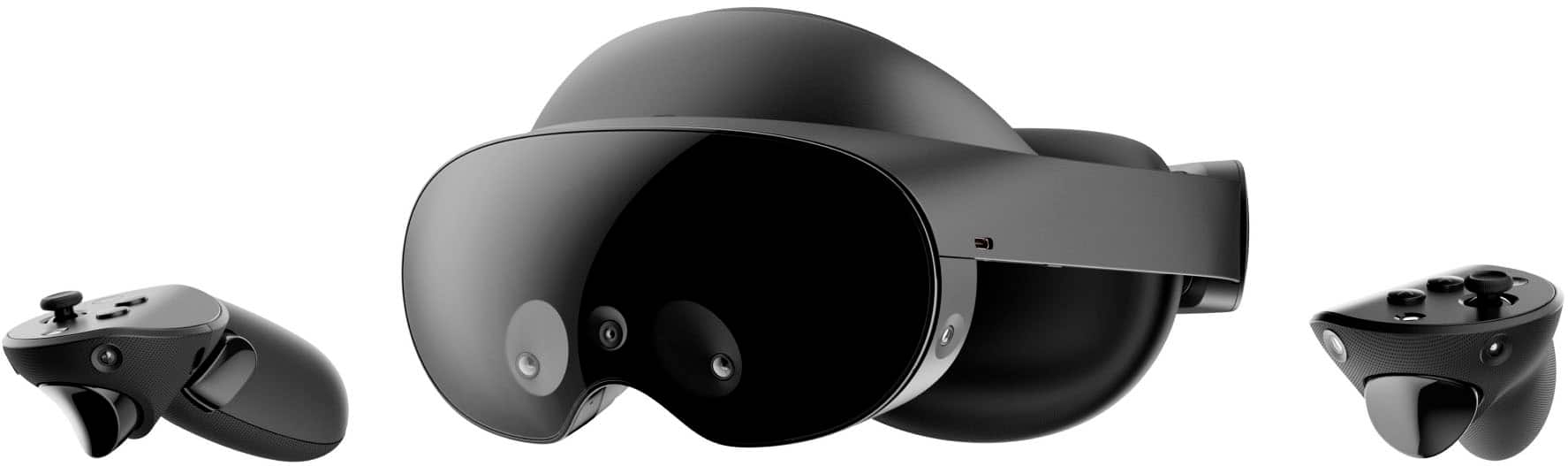
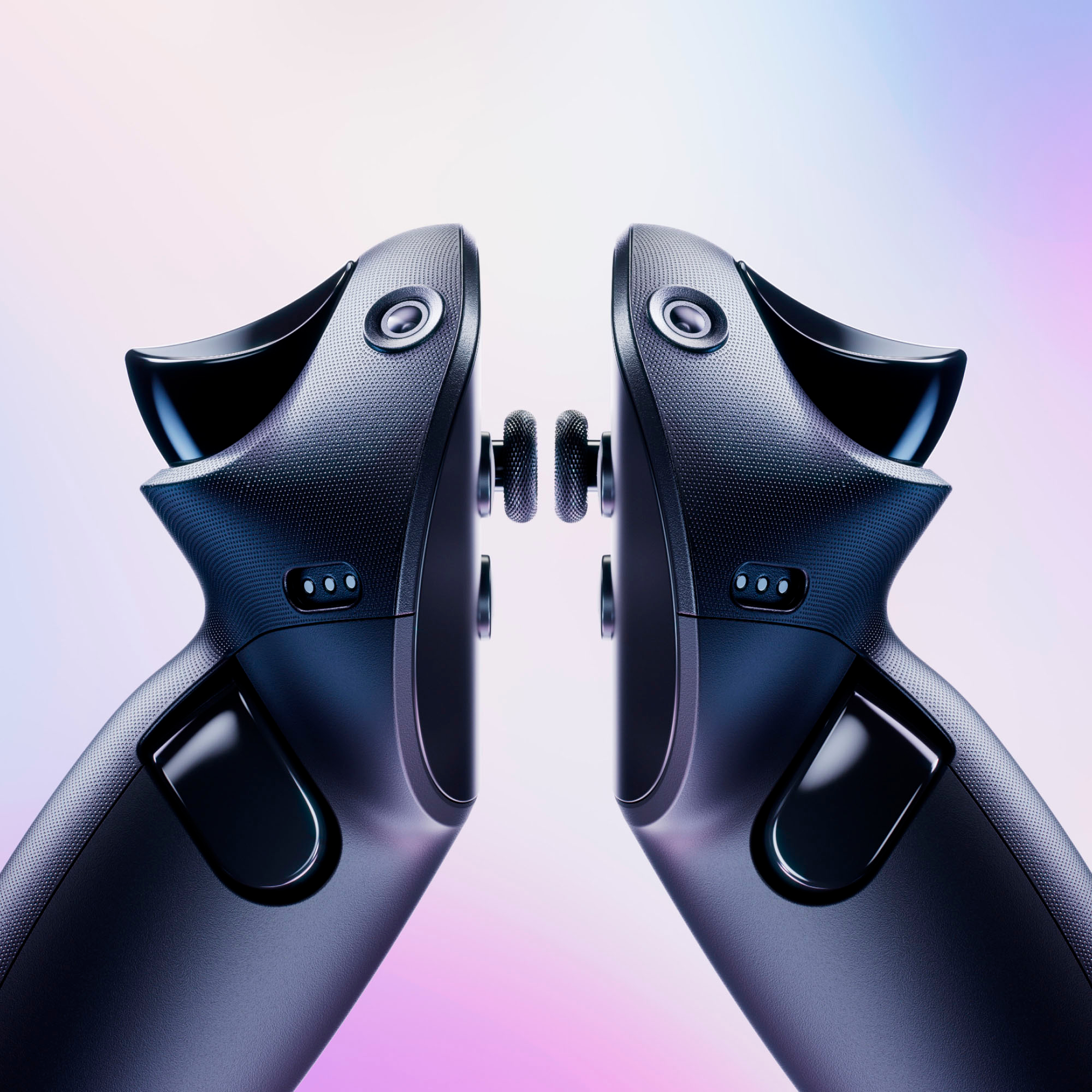
A:AnswerThe CPU in the 3 is better than the pro and the 3 has a depth sensor which they took out of the pro before it was manufactured. The pro has eye tracking and auto dimming micro displays which the 3 does not have so it will have better blacks then the 3. The 3 has better passthrough cameras for augmented reality games. The pro has better remotes which have built in cameras for tracking rather than IR lights. The 3 has 2 downward facing cameras that can track your body movements almost giving a full body tracking function. The 3 with its better cpu will have better graphics on stand alone games. If your using it more for PCVR that will not matter and the pro will be a bit better then the 3. The battery on the pro will be easier to replace than the 3 with it being located on the back of the head strap. The pro head strap is better than the 3 but the design might hurt your head unless you upgrade the front and rear head pads which is the equivalent but cost less then getting a elite head strap for the 3.
A:AnswerIt isn’t difficult it’s non techie friendly.I’m a non technical person an it was easy for me to set up.Is self explanatory it tells you everything to do an how.YouTube can help you further.
A:AnswerYou’ll need to buy Rx lenses if you need them. They are a different size on the Pro. No way Meta can provide lens kits for everyone with diff prescriptions.
A:AnswerHi Emelen,
Thanks for contacting Meta Support, with you Meta Quest device, you can watch live TV from your headset on YouTube and other applications while you are fully immersed in VR.
If you have any more questions about your device, reach out to us here: www.meta.com/help/support
A:AnswerHi there Vinnie! You can expect up to 2 hours based on the kind of content you're using on Meta Quest Pro. If you need any more help, you can contact our wonderful support team at meta.com/help/support/!
A:AnswerGraphics wise the Meta Quest 3 is better. But if you want to take advantage of the facial tracking and better comfort I would suggest the Quest Pro.
There are drawbacks to both products but the Quest Pro has more features if you like socializing and like to feel comfortable.
If you play games and use the device for that then go with the Quest 3.
Only thing is you will probably spend more on accessories for Quest 3 vs the Pro because the Pro brings the elite headset and extra battery all in one bundle.
A:AnswerHey there!
Yes, you can use AirLink to connect your headset and your PC wirelessly! Here's a helpful link: https://www.meta.com/help/quest/articles/headsets-and-accessories/oculus-link/connect-link-with-quest-2/
A:AnswerYes, there are group experiences and you can cast it on a TV. It’s extraordinary to step away from ‘reality’ and share a fun time like with Golf, etc.
A:AnswerHey, that's a great question! We don't offer shipping to hotels. It's best to stop by a store and pick it up if you're not currently at your residence.