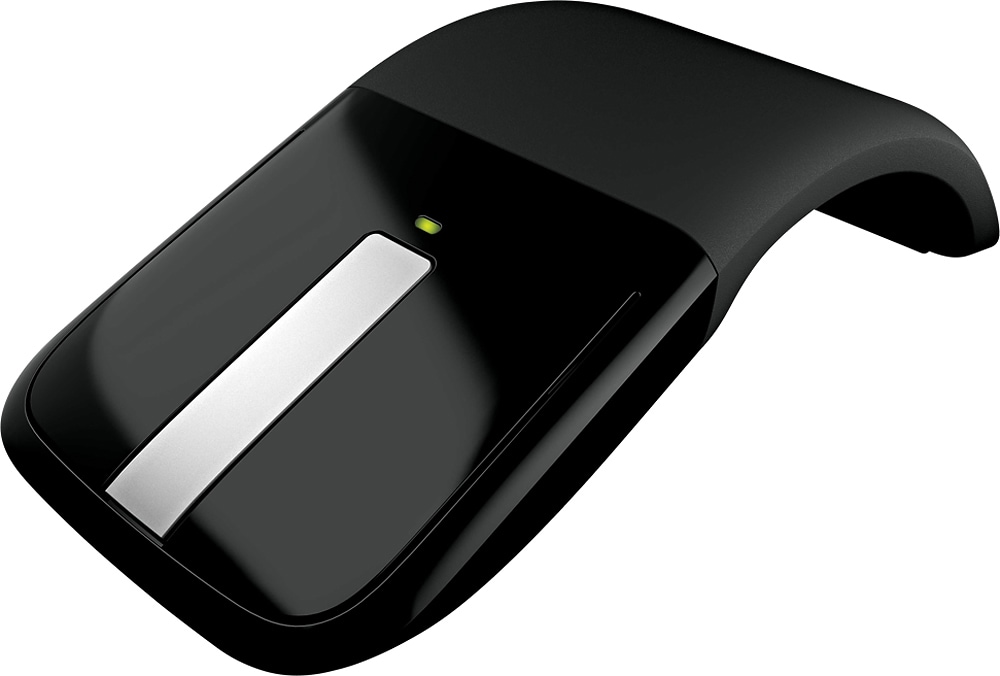
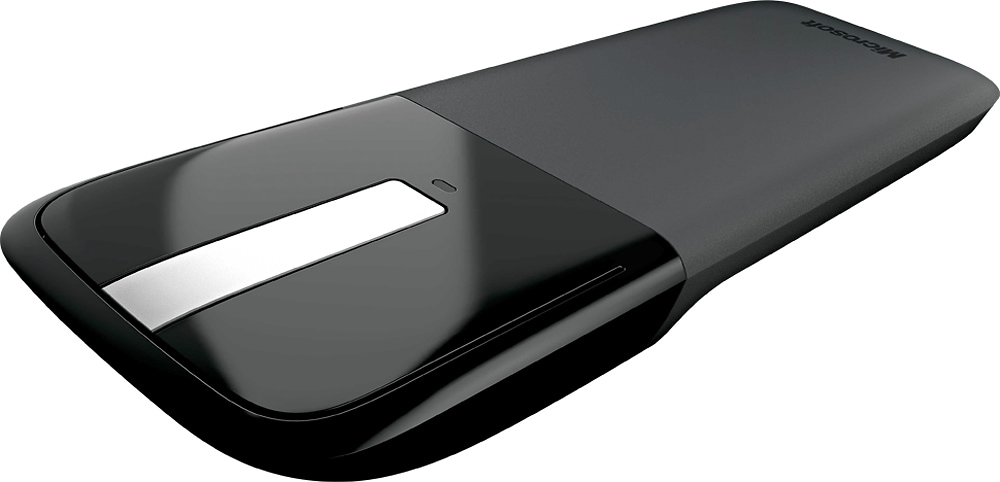
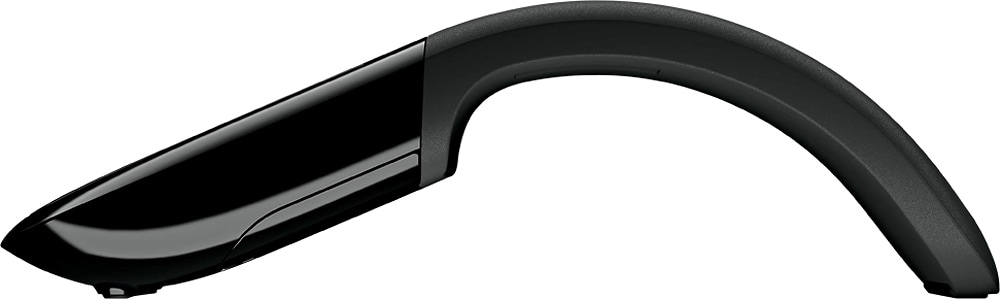
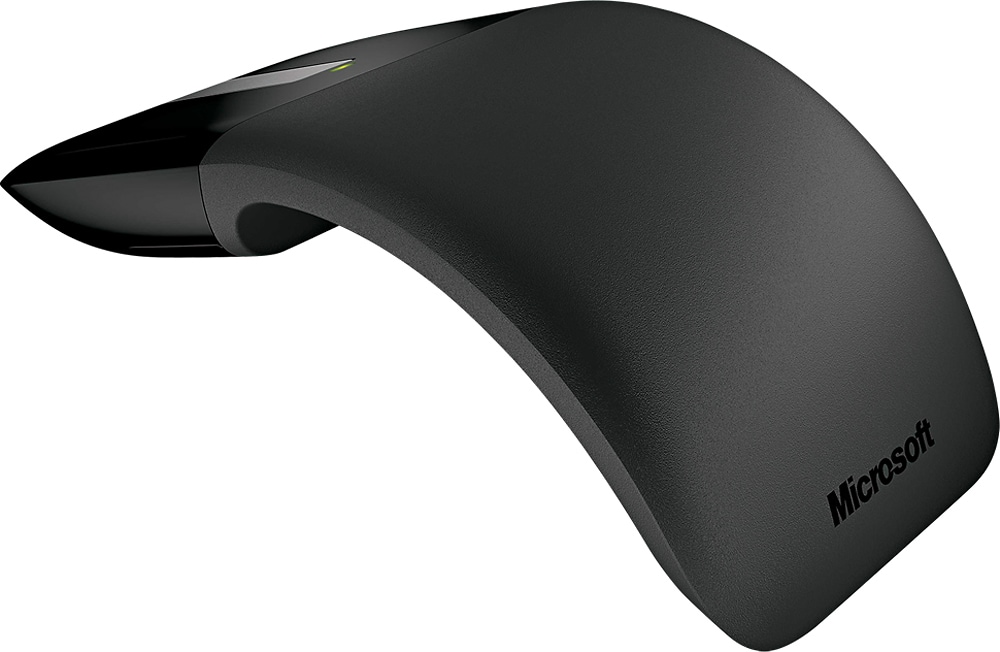
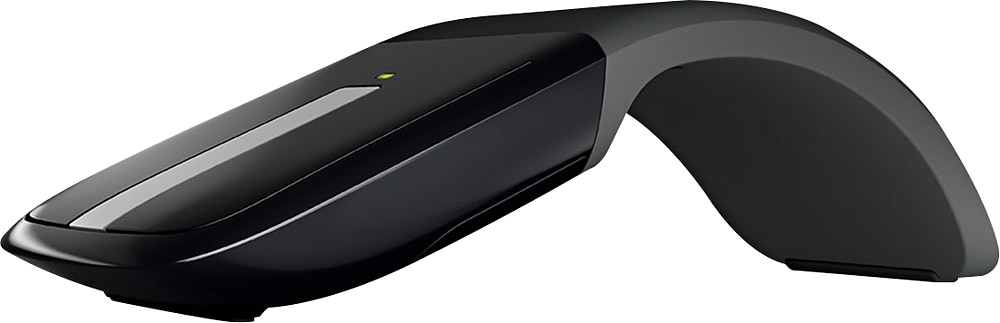
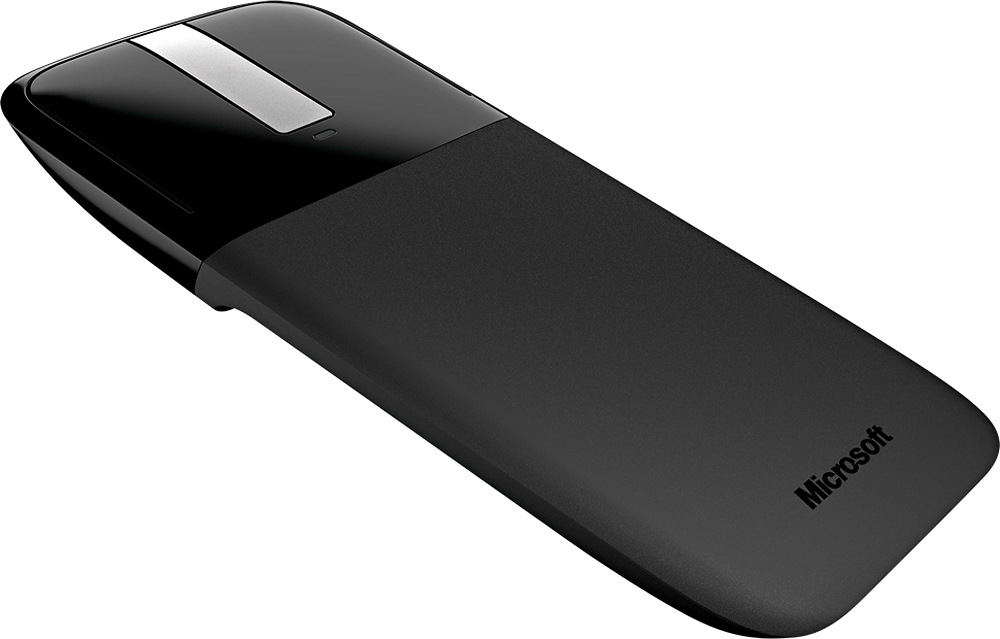
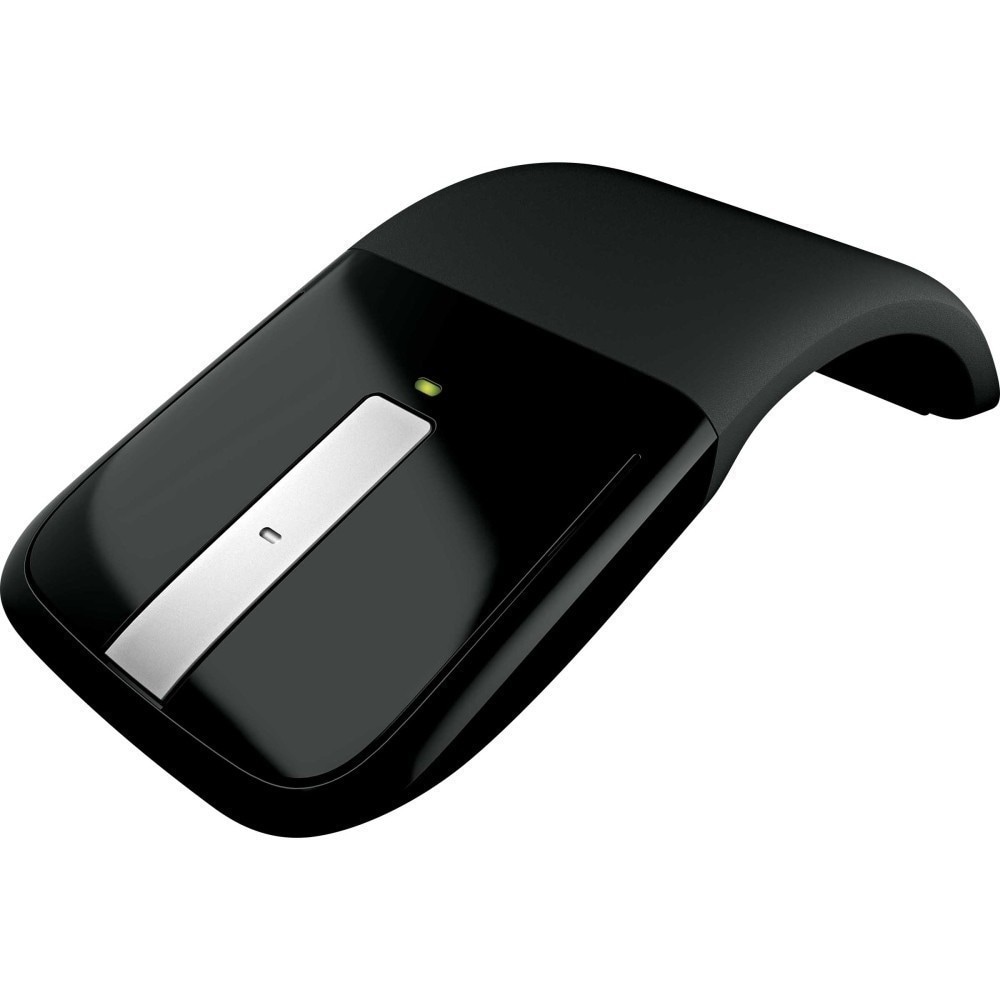
A:AnswerThere are several types of computer mice, with optical and laser being among the most common. Optical mice detect less detail and provide more precise and accurate movement. Laser mice detect more detail and can be used on a wider variety of surfaces, but are more sensitive to small movements. Microsoft Arc Touch Mouse hosts BlueTrack technology, a laser-based system, featuring a blue beam that is 4x larger than a standard laser, and captures a high-contrast image of whatever surface it's on for precise accuracy.
A:AnswerYes, this would work with the Chromebook, but it is not BT. You need the proprietary dongle plugged into a USB port. It will look to the Chromebook as if you plugged in a wired mouse.
A:AnswerNope no Bluetooth, works exclusively with the donge.
It also makes an annoying click noise when you use the TouchPad to scroll up or down and there's no way to turn it off. I would personally skip this purchase. Buy the Logitech g502 lights peed mouse instead. It's worth the extra 50 bucks and works over Bluetooth or with the included dongle.
A:AnswerThank you for your question. Two AAA batteries offer more than six months of battery life. For more information about the Arc Touch Mouse, please go here: https://news.microsoft.com/2010/09/01/think-the-mouse-is-dead-think-again-with-microsofts-arc-touch-mouse/
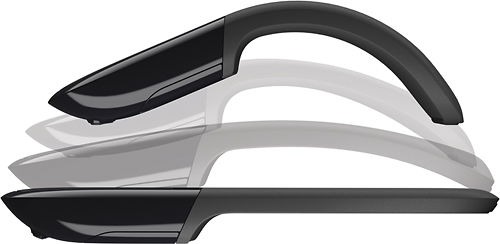
A:AnswerThank you for your question. The Arc Touch Mouse flattens for portability and is off when collapsed. For more information on this mouse, go here: https://news.microsoft.com/2010/09/01/think-the-mouse-is-dead-think-again-with-microsofts-arc-touch-mouse/
A:AnswerYes, you can. You just need to download the Mouse and Keyboard Center here: https://support.microsoft.com/en-us/surface/mouse-and-keyboard-center-download-f5b10905-7887-eedb-2f1c-d0737a36a3b2.
A:AnswerIt did not do well with my surface, yet it works fine with my Asus laptop. I think there is something lacking in the surface bluetooth. I put a conventional USB Mouse on my surface and it works perfectly. Hope this helps.
A:AnswerIt will not work on glass. Very few mice work on glass - those that do will advertise that they do. I have had a Logitech mouse that did called the Logitech Anywhere Mouse MX with “Darkfield” laser. Great mouse - but not cheap.