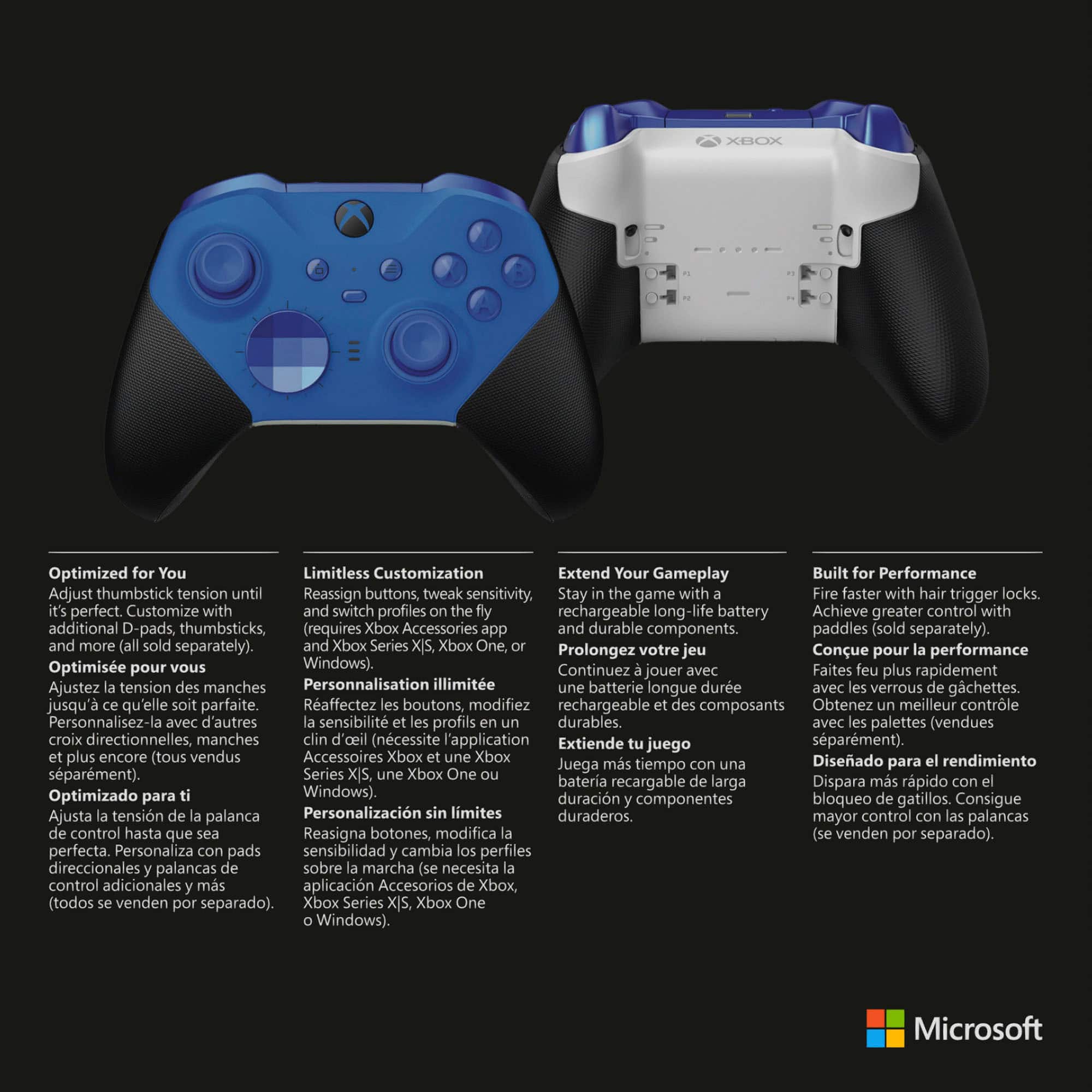
A:AnswerThank you for your question! Xbox Elite Series 2 controller can connect to most standard headsets with a 3.5mm connector. The connection does not interfere with the operation of its back paddles.
A:AnswerThanks for asking! Xbox Elite Series 2 includes a tool that allows you to adjust the tension of both thumbsticks. For more information, go here: https://support.xbox.com/en-US/help/hardware-network/controller/adjust-sticks-elite-series-2
A:AnswerThank you for your question! Xbox Elite Series 2 controller may be used with Windows 10/11 PC via Bluetooth, a wired USB-C connection, or via the Xbox Wireless Adapter.
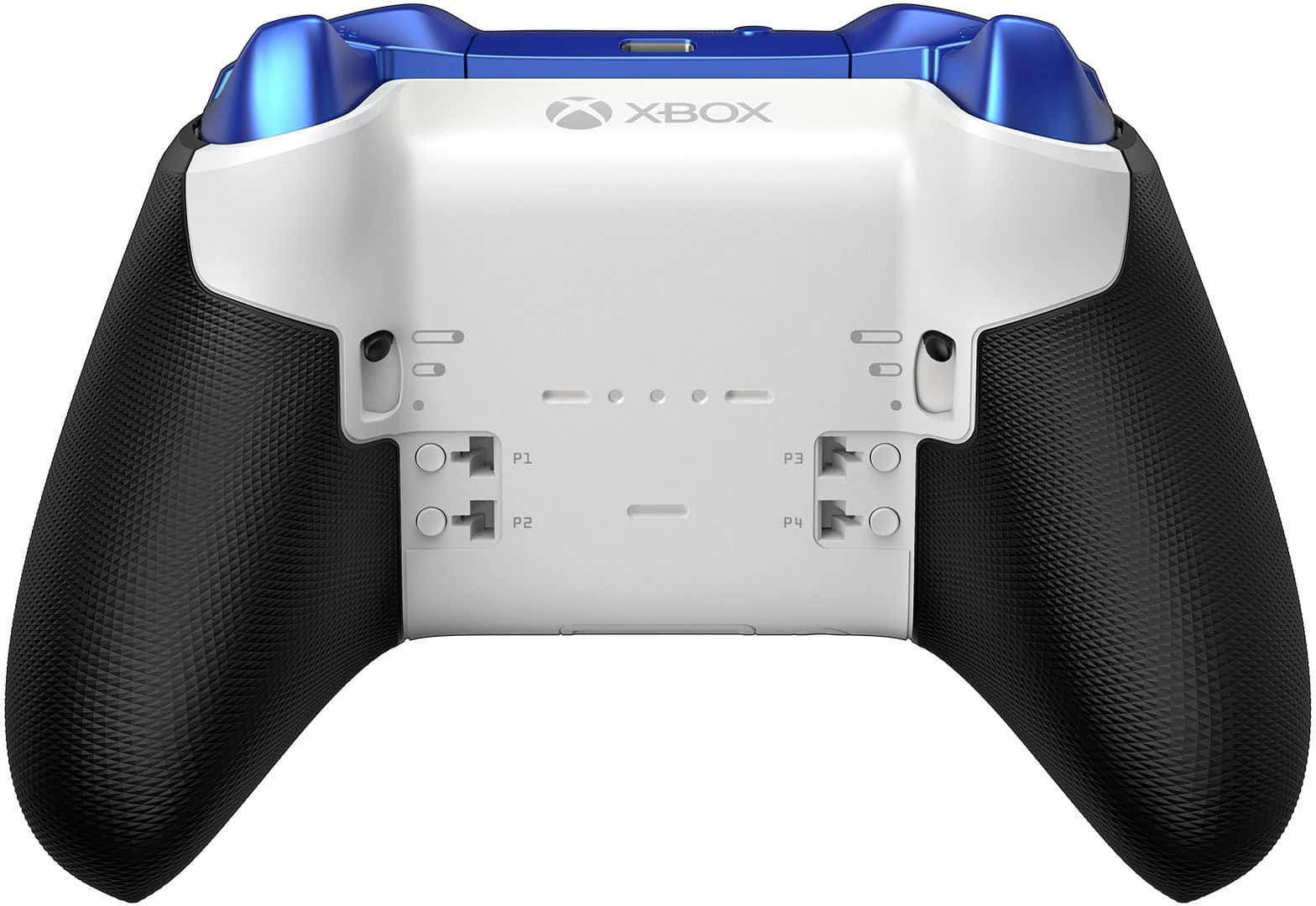
A:AnswerDepending on what you're playing on you can do multiple things with those buttons for instance on xbox you can have one set to Record videos and another to open your Settings menus and stuff if you set it that way PC you could pretty much map out the buttons to whatever you want on a keyboard
A:AnswerDue to high demand, the Elite 2 controller may currently be sold out. But don't worry, we're working hard to make more available. Please check back with Best Buy for updates.
A:AnswerDue to high demand, stock of Xbox Elite Wireless Controller Series 2 is running low. But don't worry, we're working hard to make more available. We recommend checking back with Best Buy for updates.
A:AnswerThe elite controllers, much like the serie S/X consoles are only released when there are enough to ship, so what it really boils down to is a supply & demand issue with COVID-19 making production difficult. Just wait, and keep checking Best Buy; they seem to become available every few days down to every other day. There is no set pattern, just check, and be quick about it, as with the consoles I believe there to be a lot of bots auto buying for scalpers sadly.
Good luck!
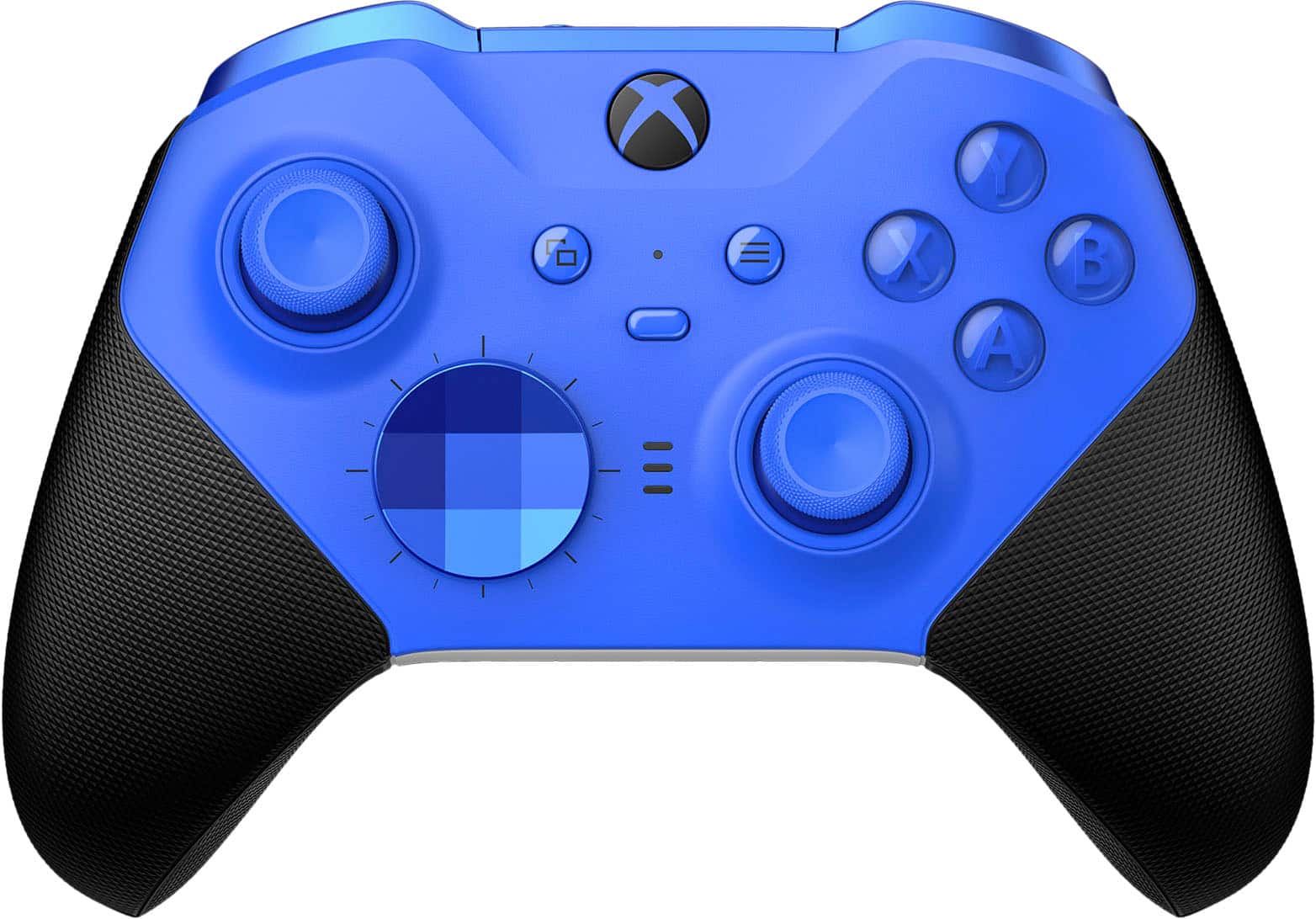
A:AnswerYes. Install the Xbox accessories app and modify any setting. Works Bluetooth or usb however I would always say use the cable provided it’s plenty long and will not have any lag.
A:AnswerThank you for your question! Using the Xbox Accessories App, you should be able to use the same button configurations across your Xbox One X and Windows 10 PC. One caveat is that you'll need to use a Xbox Wireless Adapter to use the Xbox Accessories App with your Elite 2 on Windows 10 PC. For more information, go here: https://support.xbox.com/en-US/help/hardware-network/controller/xbox-accessories-elite-series-2
A:AnswerThank you for asking! Yes, Xbox Elite Wireless Controller Series 2 works with Windows 10 PCs via Bluetooth or a wired connection. For the best wireless experience, we recommend investing in a Xbox Wireless Adapter.
A:AnswerThanks for your question! Yes, Xbox Elite Wireless Controller Series 2 has built-in Bluetooth support and can be connected wirelessly to Windows 10 PCs that also support Bluetooth.
A:AnswerThanks for your question! If you have an extended warranty through Best Buy, please contact Best Buy customer service directly for assistance. Otherwise, please reach out to Xbox Support for assistance here: https://beta.support.xbox.com/help/hardware-network/controller/wireless-controller-solution
A:AnswerI asked this question - I went ahead and bought one anyway. The older FST-00001 is what was shipped to me. I bought the Geek Protection plan and left it in the box. I'll open it when my current one completely breaks down. I ordered it because my left bumper stopped working altogether. After ordering this replacement I had the bright idea of re-training my brain to use one of the extra buttons on the back as my new "left bumper", so I'll get some more use out of it before opening the new one. The right bumper is starting to be less responsive so it won't be long before I'll need to open the new one.
A:AnswerThanks for your question! Xbox Elite Wireless Controller Series 2 has proven to be very popular so we appreciate your patience. New shipments are arriving regularly at Best Buy, but supplies go quickly. We recommend checking back on a regular basis to see when it is back in stock.